EnglishDeutsch
 logo
Brands
  1. Home
  2. •
  3. Brands
  4. •
  5. Harbor Freight Tools
  6. •
  7. Power Pack
  8. •
  9. Harbor Freight Tools 62306 User manual

Harbor Freight Tools 62306 User manual

Other Harbor Freight Tools Power Pack manuals

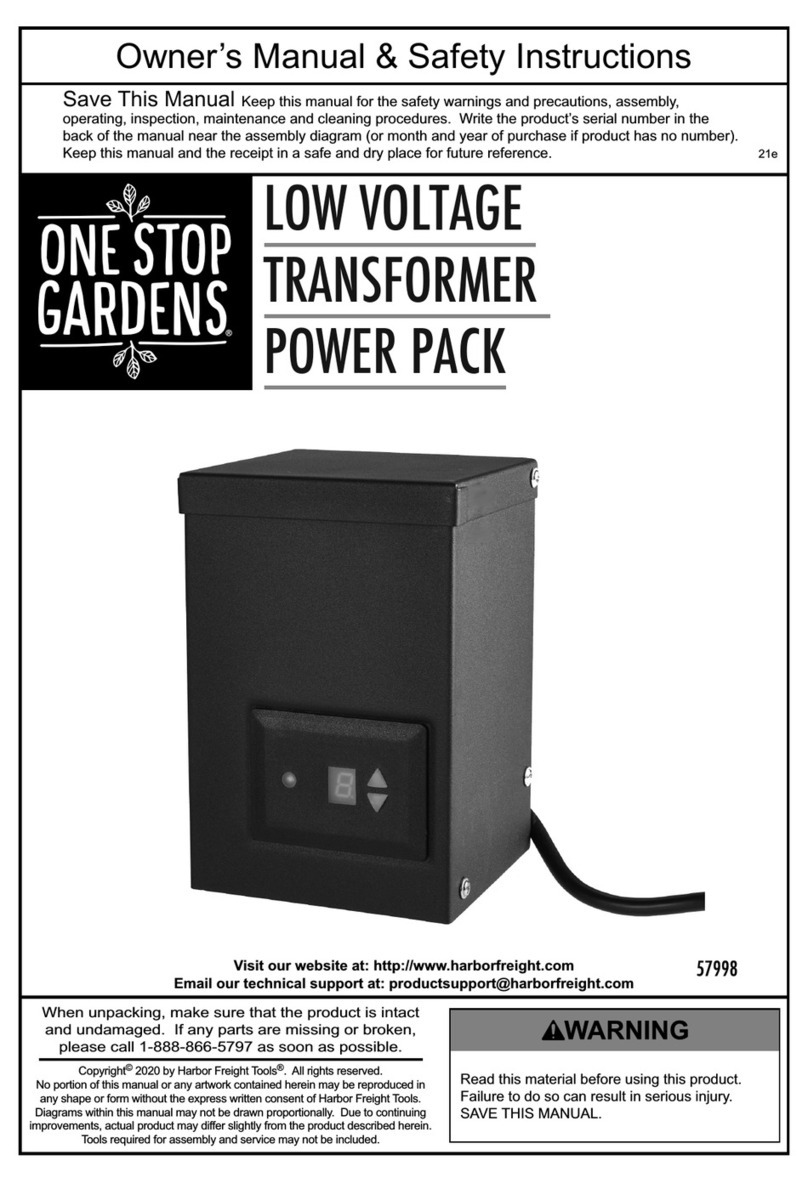
Harbor Freight Tools 57998 Assembly instructions

Harbor Freight Tools

Harbor Freight Tools 57998 Assembly instructions

Popular Power Pack manuals by other brands

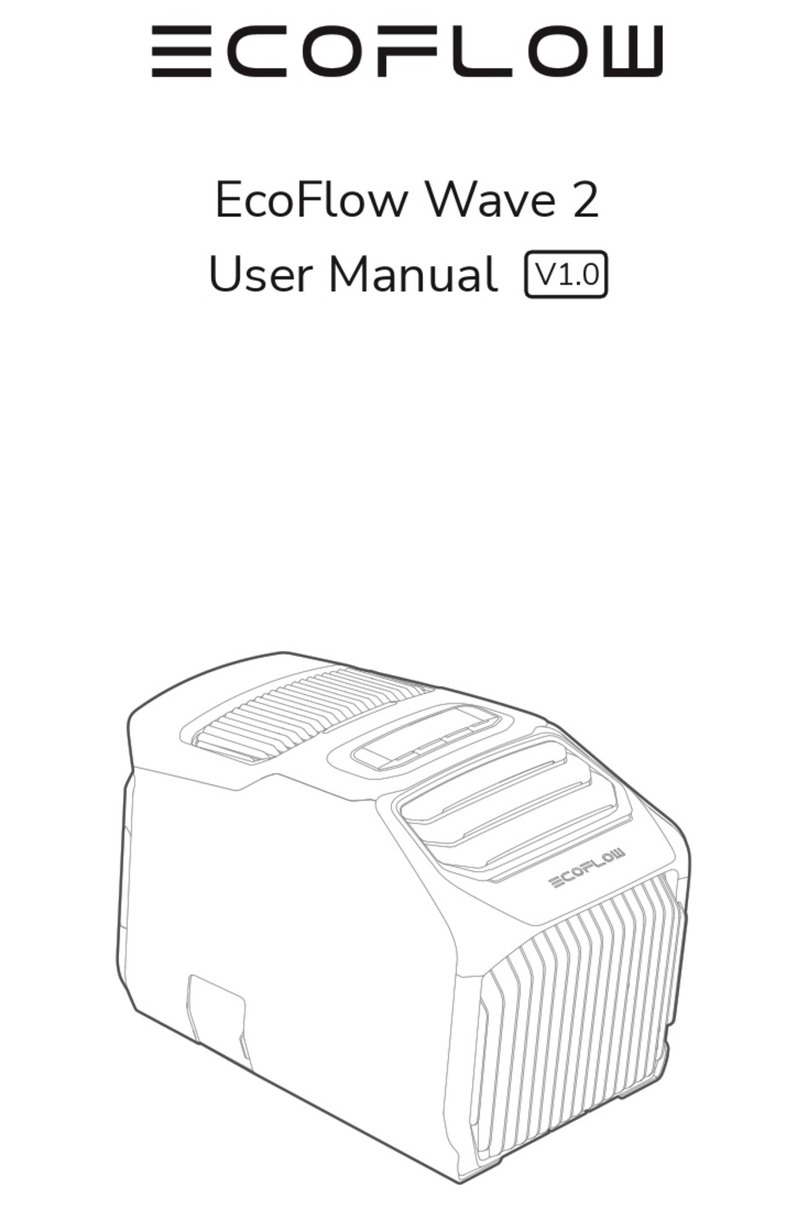
EcoFlow Wave 2 user manual

EcoFlow

EcoFlow Wave 2 user manual

Schumacher DSR PRO Series owner's manual

Schumacher

Schumacher DSR PRO Series owner's manual

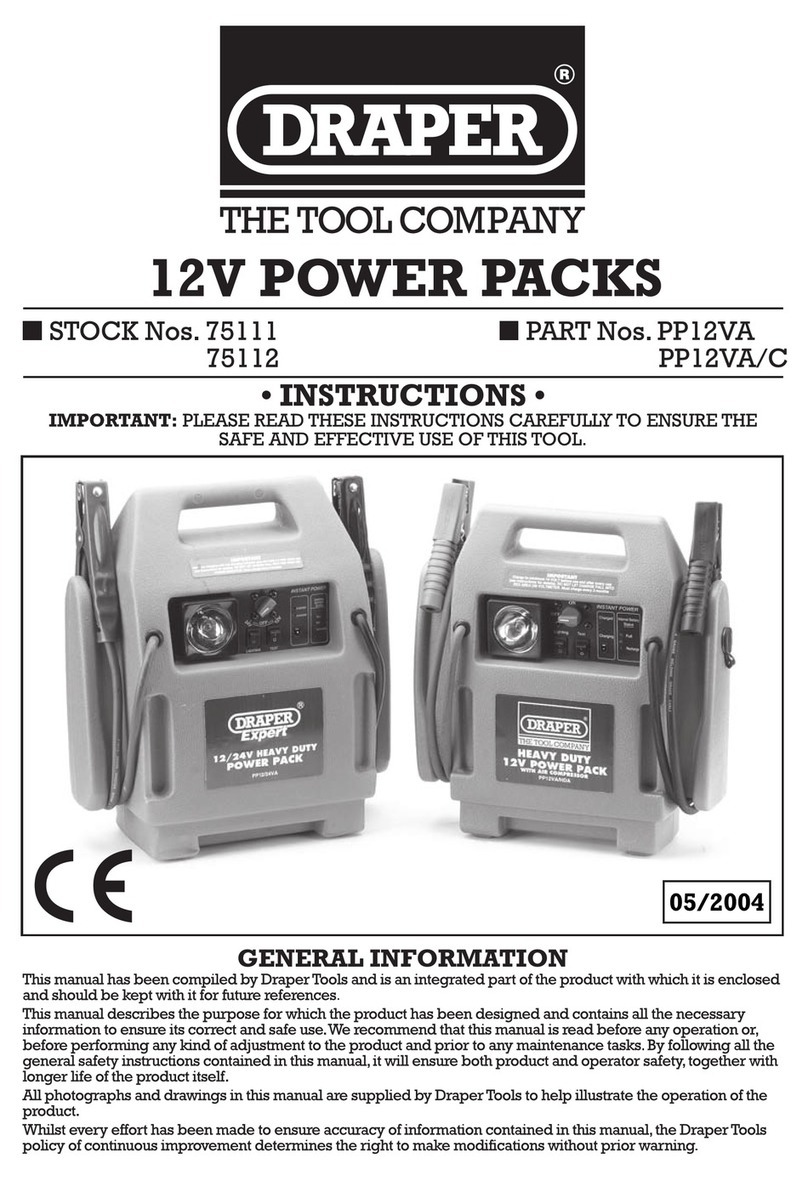
Draper 12V Power Packs instructions

Draper

Draper 12V Power Packs instructions

Haug Multistat Ex SDN operating instructions

Haug

Haug Multistat Ex SDN operating instructions

Intermatic IOS-PP24 Installation and configuration instructions

Intermatic

Intermatic IOS-PP24 Installation and configuration instructions

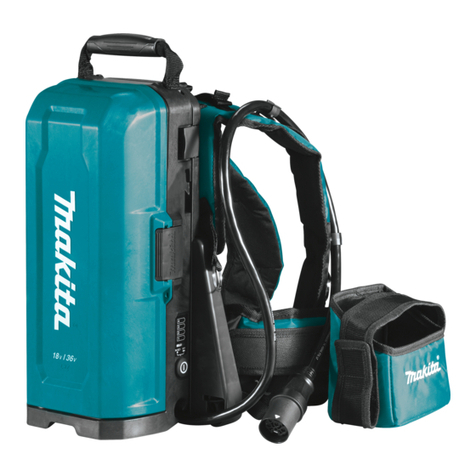
Makita PDC01 instruction manual

Makita

Makita PDC01 instruction manual

Skiva AC110 user manual

Skiva

Skiva AC110 user manual

Bluetti AC60P user manual

Bluetti

Bluetti AC60P user manual

Draper PP12VA instructions

Draper

Draper PP12VA instructions

Goodsmann 9920-0300-01 user manual

Goodsmann

Goodsmann 9920-0300-01 user manual

Risen RSN-BX007 user manual

Risen

Risen RSN-BX007 user manual

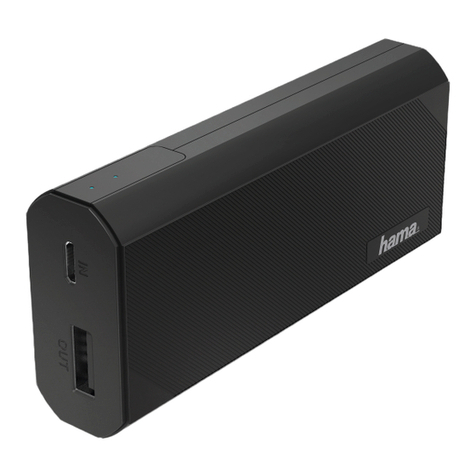
Hama A4 Series operating instructions

Hama

Hama A4 Series operating instructions

Graco GH 24X011 Instructions - parts

Graco

Graco GH 24X011 Instructions - parts

ring TradeStart RPPS3000 instructions

ring

ring TradeStart RPPS3000 instructions

Bluetti AC500 user manual

Bluetti

Bluetti AC500 user manual

Hama 00187292 operating instructions

Hama

Hama 00187292 operating instructions

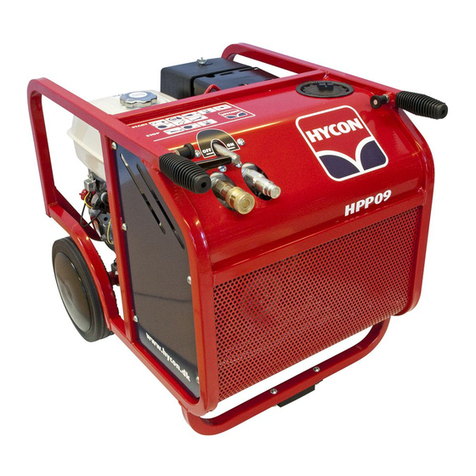
HYCON HPP09 Workshop manual

HYCON

HYCON HPP09 Workshop manual

Tycon Power Systems TP-PP120-INV user guide

Tycon Power Systems

Tycon Power Systems TP-PP120-INV user guide

https://manuals.online logo
https://manuals.online logoBrands
  • About & Mission
  • Contact us
  • Privacy Policy
  • Terms and Conditions

Copyright 2026 Manuals.Online. All Rights Reserved.

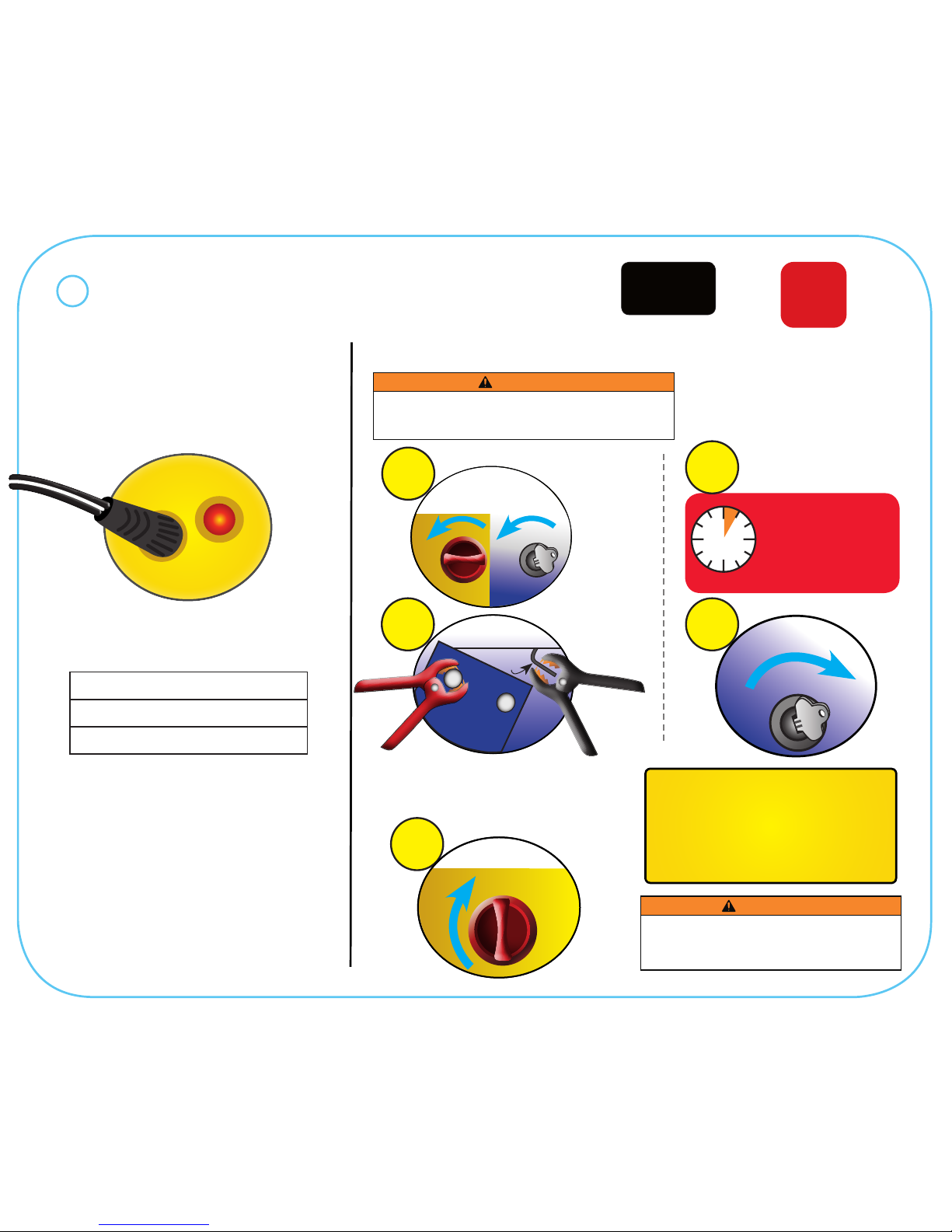
Charge Completely!
Immediately After
Purchase
5Turn ON
Vehicle Ignition
Approximate AC Charge Time
Initial Charge: 48 hours
Recharge: 34 hours
Wait 5 minutes!
AFTER TURNING
CLAMP POWER ON,
wait 5 minutes before
starting ignition.
THE VEHICLE WILL NOT
START IF YOU DON’T
WAIT 5 MINUTES!
5
MIN
4
3Turn ON
Clamp Power
ON
QUICK START GUIDE
Maintain The Battery!
Fully Recharge:
• When Voltage Drops To 12V
• After Each Jump-Start
• Once a Month
Failure to maintain the battery
will void the warranty.
Jump-Starting a Vehicle
2Connect
Battery Clamps
Grounded
Metal
+_
Battery
CONNECT RED POSITIVE CLAMP FIRST, THEN
CONNECT BLACK NEGATIVE CLAMP TO A
NON-MOVING METAL PART OF THE VEHICLE.
ITEM
62306
14d
WARNING
To prevent serious injury:
1. Do not touch positive and negative battery clamps together.
2. Do not connect to the negative terminal of the battery.
After the vehicle is started:
1. Turn OFF the Clamp Power.
2. Remove the Black Negative Clamp.
3. Remove the Red Positive Clamp.
WARNING
This Quick Start Guide is not intended to replace the
Owner’s Manual & Safety Instructions. Read all safety
warnings and instructions therein to ensure proper
usage and to avoid personal injury.
START
1Turn OFF
Vehicle Ignition
& Clamp Power
OFF OFF
PORTABLE
POWER PACK
in 1
3
Charge Power Pack until the
Charge Light turns OFF.
CHARGING
INPUT
CHARGING

Typical DC Appliances & Run Times
Appliance Estimated
Power
(Watts)
Estimated
Lifetime
(Hours)
• Fluorescent Light
• Cell Phone 4 50
• Radio
• Fan
• Depth Finder
9 26
• Video Recorder
• Spotlight 15 14
• Small Power Tool
• Bilge Pump 24 8
Running/Charging DC Appliances
Use this chart as a guideline only.
Actual power usage may vary
based on the model or brand of the
appliance. Check the actual wattage
of your appliances and calculate the
amount of power needed to start and
run them.
O
Turn ON
Appliance
ON
4
1Turn OFF
Appliance
OFF
Plug
Appliance into
Outlet
DC
3
2Turn OFF
Clamp Power
OFF
ITEM
62306
PORTABLE
POWER PACK
in 1
3
QUICK START GUIDE
WARNING
This Quick Start Guide is not intended to replace the
Owner’s Manual & Safety Instructions. Read all safety
warnings and instructions therein to ensure proper
usage and to avoid personal injury.