manuals.online logo
Brands
  1. Home
  2. •
  3. Brands
  4. •
  5. Hasselblad
  6. •
  7. Digital Camera
  8. •
  9. Hasselblad H2D-39 User manual

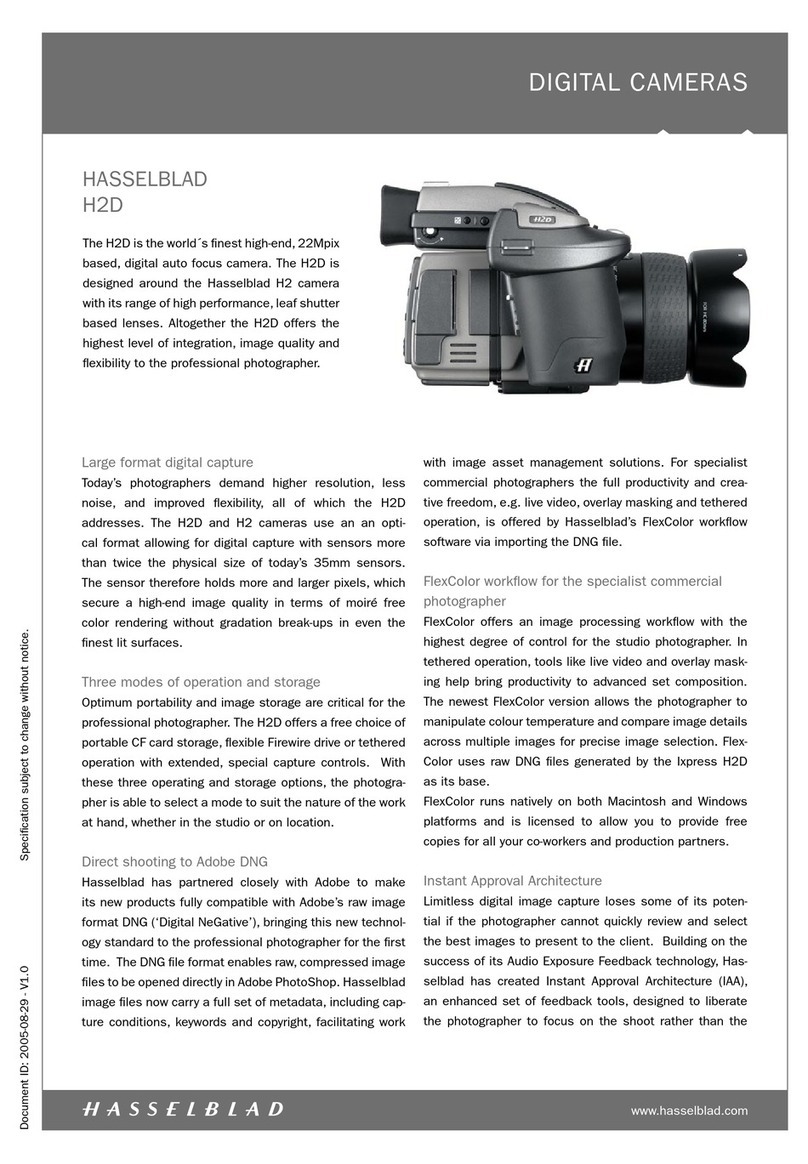
Hasselblad H2D-39 User manual

Other Hasselblad Digital Camera manuals

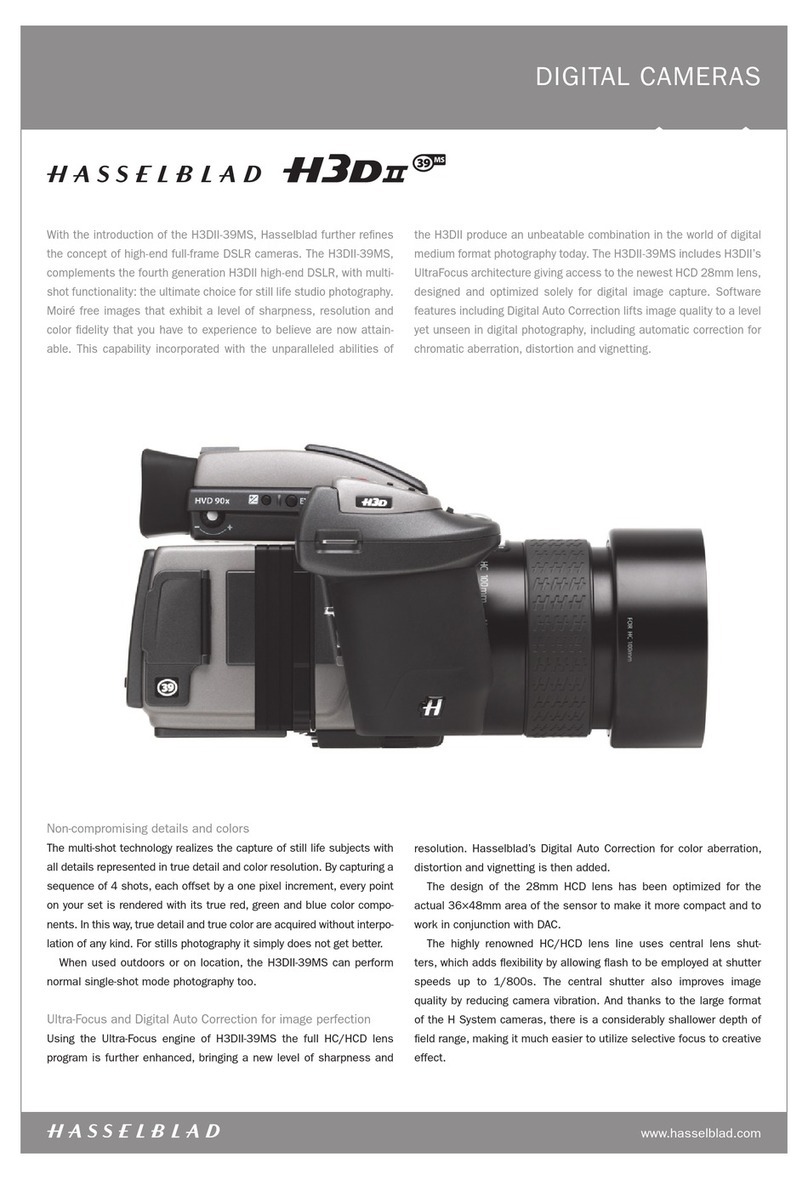
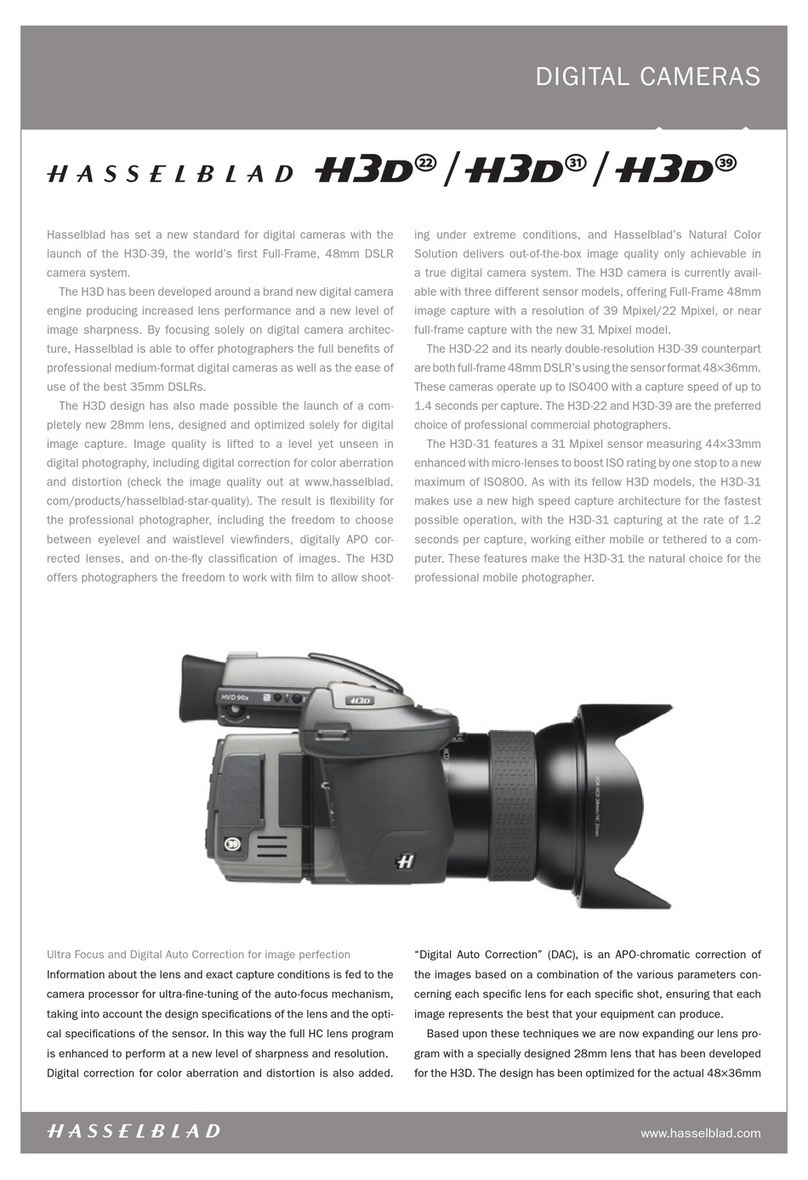
Hasselblad H3D-II User manual

Hasselblad

Hasselblad H3D-II User manual

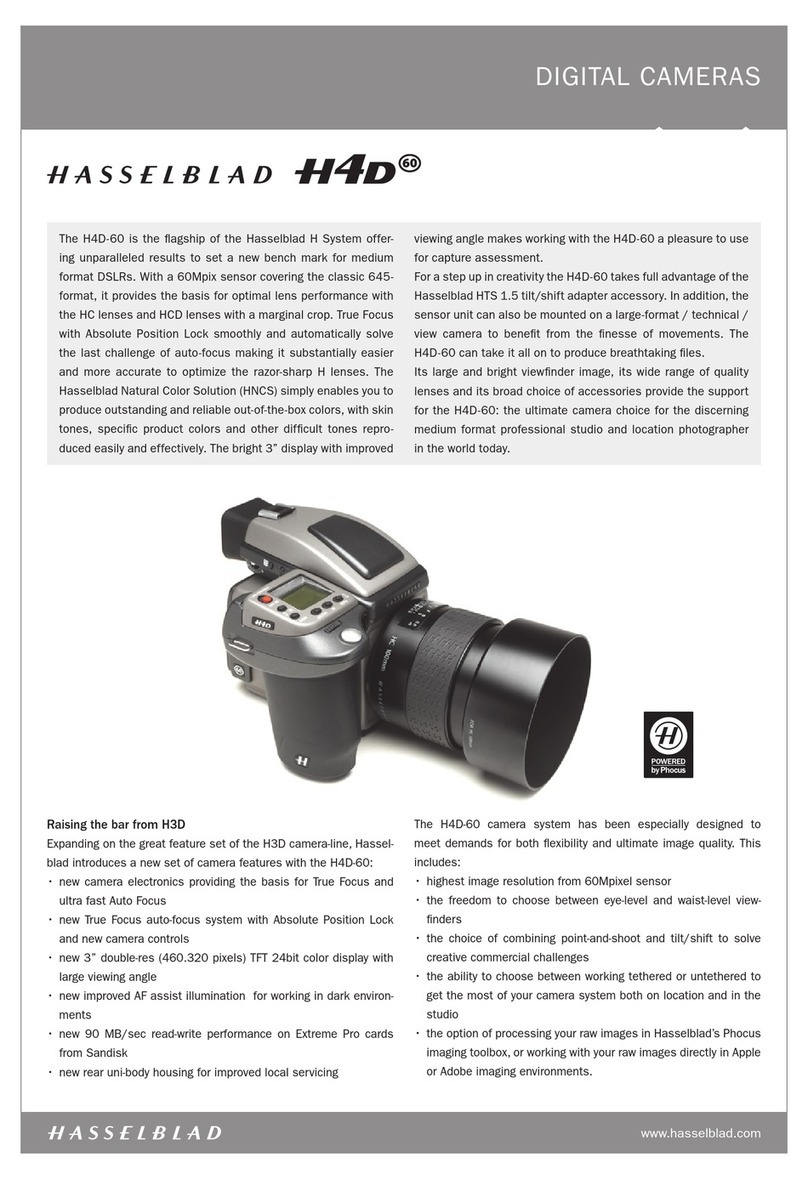
Hasselblad H4D-60 User manual

Hasselblad

Hasselblad H4D-60 User manual

Hasselblad H2 User manual

Hasselblad

Hasselblad H2 User manual

Hasselblad H4D-200MS User manual

Hasselblad

Hasselblad H4D-200MS User manual

Hasselblad H3D - User manual

Hasselblad

Hasselblad H3D - User manual

Hasselblad Xpan User manual

Hasselblad

Hasselblad Xpan User manual

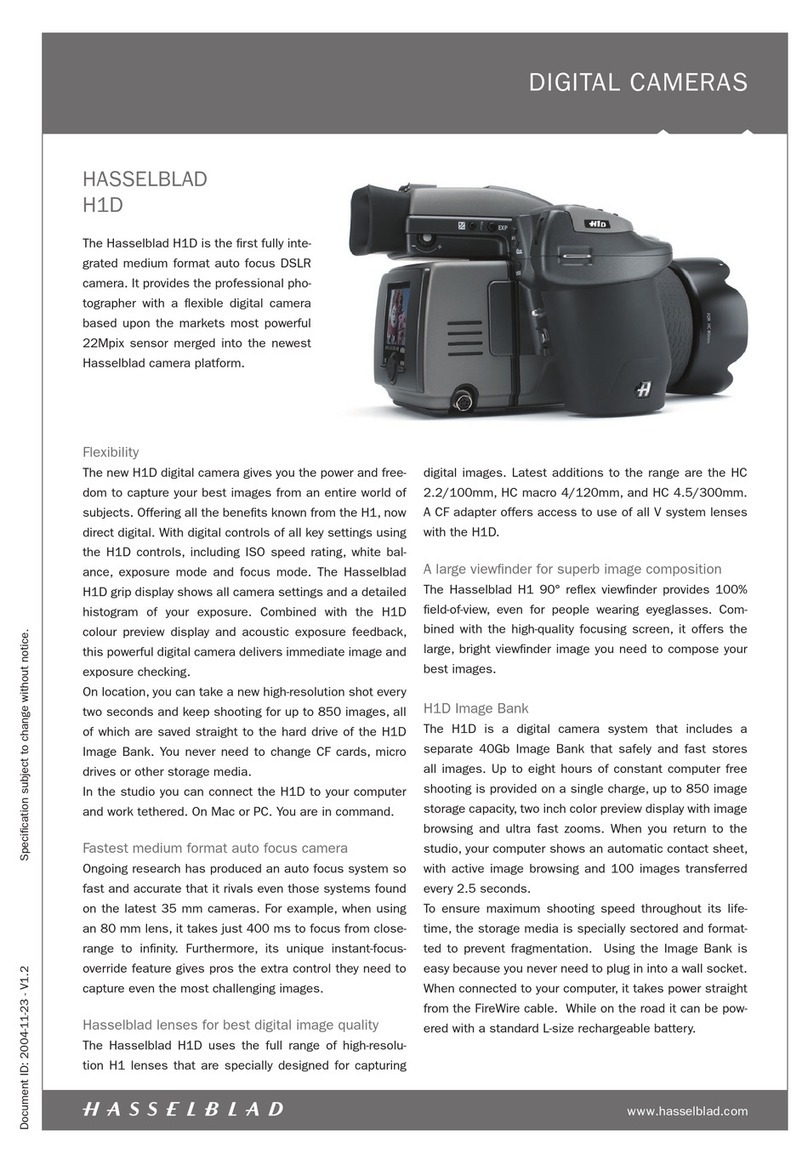
Hasselblad H1D User manual

Hasselblad

Hasselblad H1D User manual

Hasselblad X1D Mark II User manual

Hasselblad

Hasselblad X1D Mark II User manual

Hasselblad H6D User manual

Hasselblad

Hasselblad H6D User manual

Hasselblad H2F - User manual

Hasselblad

Hasselblad H2F - User manual

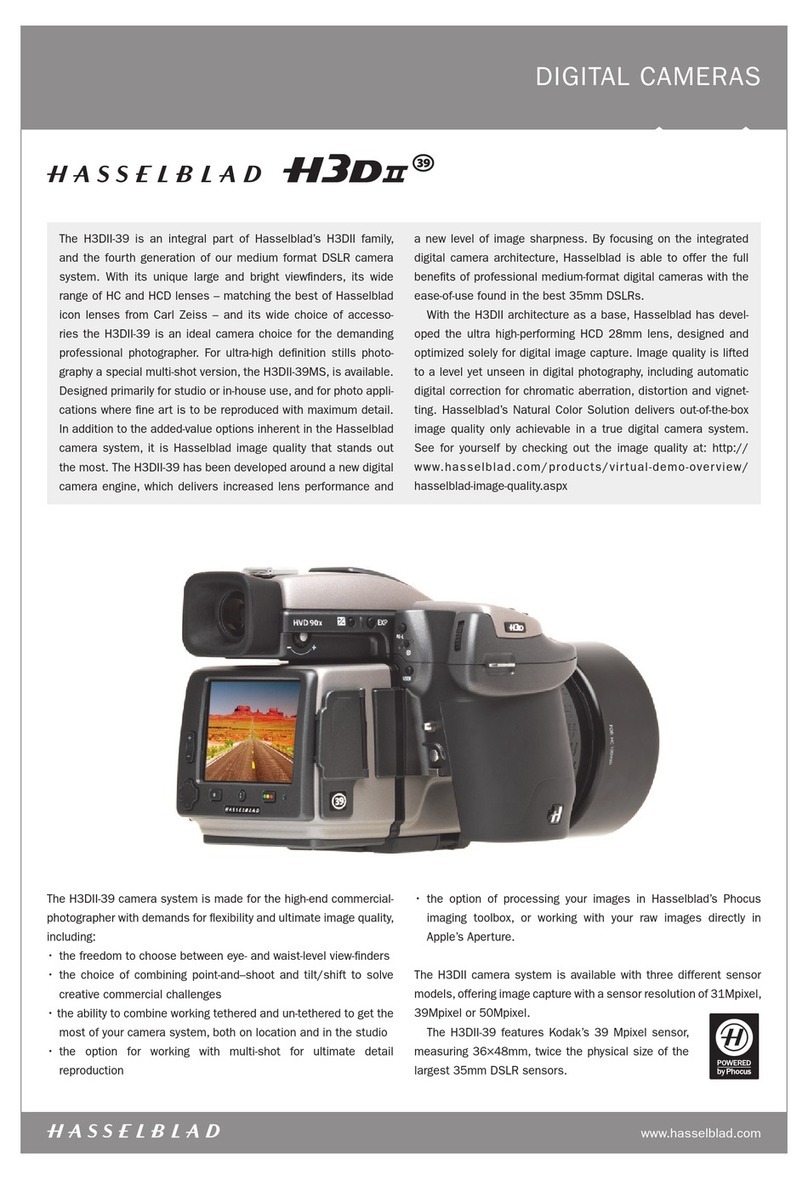
Hasselblad H3DII-39 User manual

Hasselblad

Hasselblad H3DII-39 User manual

Hasselblad 553ELX User manual

Hasselblad

Hasselblad 553ELX User manual

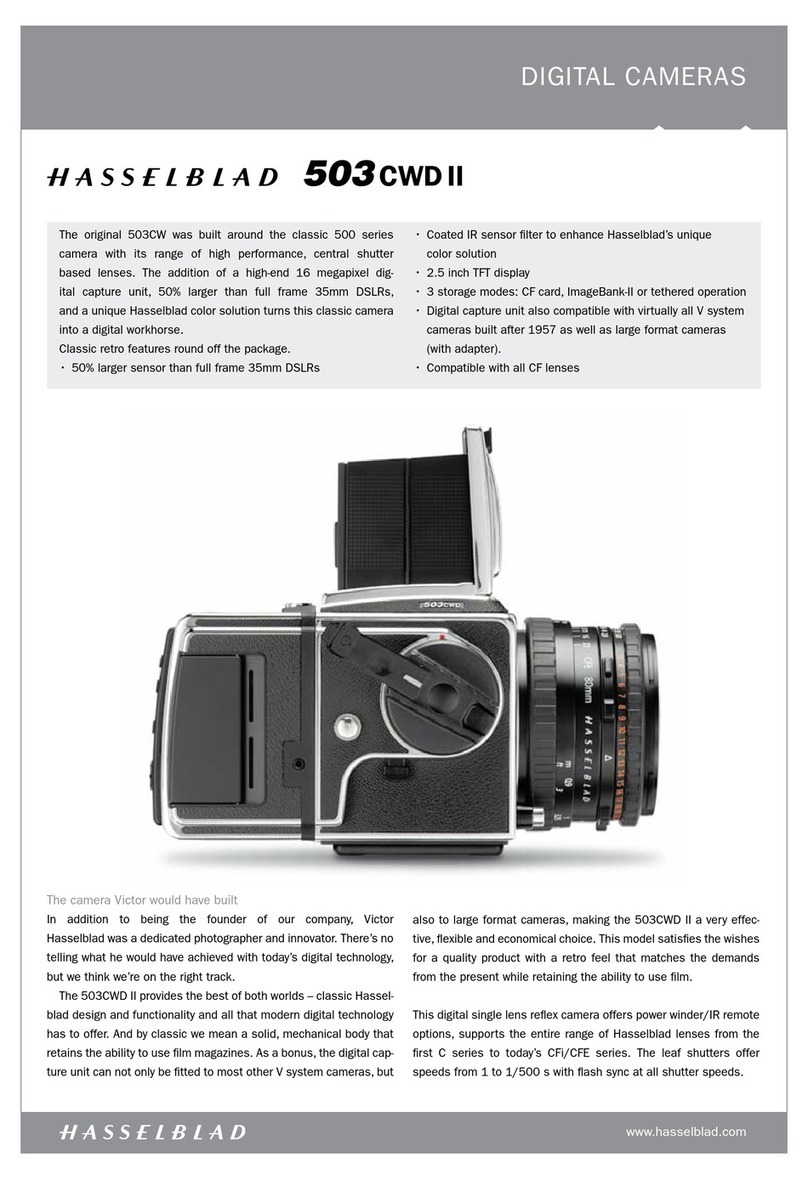
Hasselblad 503CWD II User manual

Hasselblad

Hasselblad 503CWD II User manual

Hasselblad X1D User manual

Hasselblad

Hasselblad X1D User manual

Hasselblad 555ELD User manual

Hasselblad

Hasselblad 555ELD User manual

Hasselblad H6D-50C User manual

Hasselblad

Hasselblad H6D-50C User manual

Hasselblad H1D Installation and operating instructions

Hasselblad

Hasselblad H1D Installation and operating instructions

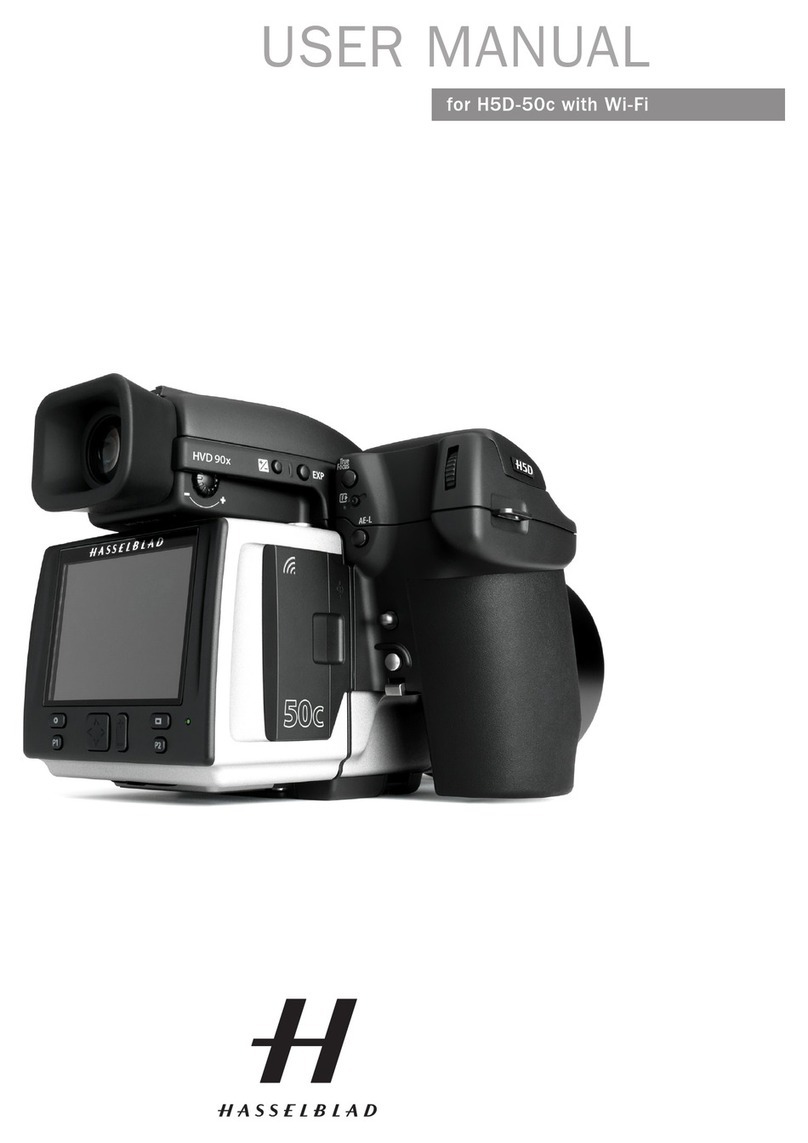
Hasselblad H5D-50c Wi-Fi User manual

Hasselblad

Hasselblad H5D-50c Wi-Fi User manual

Hasselblad 500EL//M User manual

Hasselblad

Hasselblad 500EL//M User manual

Hasselblad H3DII-31 User manual

Hasselblad

Hasselblad H3DII-31 User manual

Hasselblad 2000FC User manual

Hasselblad

Hasselblad 2000FC User manual

Hasselblad 501C User manual

Hasselblad

Hasselblad 501C User manual

Hasselblad X2D 100C User manual

Hasselblad

Hasselblad X2D 100C User manual

Hasselblad 503CW User manual

Hasselblad

Hasselblad 503CW User manual

Popular Digital Camera manuals by other brands

Canon WP-DC35 user guide

Canon

Canon WP-DC35 user guide

Xiaomi 70mai Dash Cam Lite user manual

Xiaomi

Xiaomi 70mai Dash Cam Lite user manual

Samsung PL70 Quick start manual

Samsung

Samsung PL70 Quick start manual

GE E1680W user manual

GE

GE E1680W user manual

Canon EOS 1200D instruction manual

Canon

Canon EOS 1200D instruction manual

Tevion MD 86497 user guide

Tevion

Tevion MD 86497 user guide

Exakta VX Features

Exakta

Exakta VX Features

Kodak Digital Science DC120 user guide

Kodak

Kodak Digital Science DC120 user guide

Nikon FM3A Specifications

Nikon

Nikon FM3A Specifications

Vectra Fitness H1 Quick reference guide

Vectra Fitness

Vectra Fitness H1 Quick reference guide

Nikon COOLPIX 775 quick start guide

Nikon

Nikon COOLPIX 775 quick start guide

Olympus IR 500 - 4MP Digital Solutions Camera Manuel de Référence

Olympus

Olympus IR 500 - 4MP Digital Solutions Camera Manuel de Référence

Samsung EC-L100ZBBA brochure

Samsung

Samsung EC-L100ZBBA brochure

FujiFilm FINEPIX BL01124-201 owner's manual

FujiFilm

FujiFilm FINEPIX BL01124-201 owner's manual

Panasonic DMC-L10KPP Service manual

Panasonic

Panasonic DMC-L10KPP Service manual

Hyundai Electric HYU-CC-CHBF12001 Quick installation guide

Hyundai Electric

Hyundai Electric HYU-CC-CHBF12001 Quick installation guide

Sony DSC-WX80 specification

Sony

Sony DSC-WX80 specification

Nikon Nuvis S - Point & Shoot instruction manual

Nikon

Nikon Nuvis S - Point & Shoot instruction manual

manuals.online logo
manuals.online logoBrands
  • About & Mission
  • Contact us
  • Privacy Policy
  • Terms and Conditions

Copyright 2025 Manuals.Online. All Rights Reserved.

DIGITAL CAMERAS
www.hasselblad.com
Document ID: 2006-01-09 / V1.0 Specification subject to change without notice.
39
39 million pixels
The H2D-39 uses a 39 megapixel sensor that is more
than twice the physical size of today’s 35mm sensors.
This sensor holds more and larger pixels, which guaran-
tees superior image quality and provides moiré free color
rendering without gradation break-ups in even the finest lit
surfaces. Images shot with the H2D-39 have unsurpassed
clarity and sharpness, thanks to the ultra-high pixel resolu-
tion produced by the 39 Mpix sensor. This sensor produces
the largest digital files currently available for professional
photography, making them ideal for the most demanding,
high resolution printing applications and give the photogra-
pher increased flexibility and creative control when cropping
or enlarging for printing. The H2D-39 represent the finest
image capture quality possible; all images are the result
of the superior performance of the H System camera and
lenses and have been fine tuned with Hasselblad’s unique
Digital APO Correction technique. Hasselblad’s Natural
Color Solution also gives optimal color reproduction across
all job types.
Today’s photographers demand higher resolution, less
noise, and improved composition, all of which the H2D-39
provides. The new 39Mpix H2D-39 is a true Hasselblad,
with every feature and aspect of its performance represent-
ing the superior quality and design that go into each Has-
selblad product.
The H2D-39 is the world’s first high-end, digital auto-
focus camera based on a 39 million pixel sensor.
The H2D-39 is designed around the Hasselblad H2
camera and is completely compatible with the H2’s
range of Central shutter-based lenses, considered by
many to be the finest high-performance lenses in the
world. The H2D-39 also includes a range of extended
digital features including Digital APO Correction tech-
nology and Instant Approval Architecture. The Has-
selblad H2D-39 brings the highest level of integration
and flexibility to the professional photographer.
H2D-39 with Digital APO Correction
The H2D-39 captures an extended set of metadata and then
performs an automated correction for color aberration effects
with every shot. This means that your digital captures are auto-
matically optimized to provide the finest detail that a given lens
can resolve. We have named this feature “Digital APO Correc-
tion” (DAC), signifying the digital, APO-chromatic correction of
the images that takes place. Implementation of this feature
includes detailed mapping of each H system lens, ensuring that
each image represents the best that your equipment can pro-
duce. We are confident that the image quality you achieve as a
result of the DAC functionality will make you - and your custom-
ers - look twice.
Unique Hasselblad Natural Color Solution
In the past, color management solutions have imposed limita-
tions on professional digital photographers, because of the need
to choose a specific color profile to suit a specific job in order
to capture various skin tones, metals, fabrics, flowers, etc. Has-
selblad has helped solve this dilemma, with the development of
a new, powerful color profile to be used with its FlexColor imag-
ing software. Working with the new Hasselblad Natural Color
Solution enables you to produce outstanding and reliable out-of-
the-box colors, with skin tones, special product gradations, and
other difficult colors reproduced easily and effectively.
We have developed a new Hasselblad raw file format called: 3F
RAW (3FR) to help implement our new unique color system. The
DIGITAL CAMERAS
www.hasselblad.com
Document ID: 2006-01-09 / V1.0 Specification subject to change without notice.
39
new 3F RAW file format is designed to ensure that images
captured on Hasselblad digital products are quickly, effec-
tively and safely stored on the available media (CF card,
Imagebank, etc). The file format includes lossless image
compression, which reduces the required storage space
by 33%. Combined with the architecture of the Hassel-
blad backs, this allows you to capture up to 35 shots per
minute.
The 3FR file defines the colors in the Hasselblad RBG color
space with its out-of-the-box quality, and used in FlexColor
it removes both the need for experimenting with different
color profiles to get optimal colors and the need for selec-
tive color corrections.
DNG File Format
The 3FR files can be converted directly into Adobe’s raw
image format DNG (‘Digital NeGative’), bringing this new
technology standard to the professional photographer for
the first time. The DNG file format enables raw, compressed
image files to be opened directly in Adobe PhotoShop. This
enables photographers to operate quickly and efficiently,
reducing the “downtime” taken to process image data and
enabling final images to reach the customer more quickly.
Hasselblad image files carry a full set of metadata, includ-
ing capture conditions, keywords and copyright, facilitating
work with image asset management solutions. For spe-
cialist commercial photographers, the full productivity and
creative freedom offered by Hasselblad’s FlexColor workflow
software is also available via importing the DNG file.
Instant Approval Architecture
Limitless digital image capture loses some of its potential if
the photographer cannot quickly review and select the best
images to present to the client. Building on the success of
its Audio Exposure Feedback technology, Hasselblad has
created Instant Approval Architecture (IAA), an enhanced
set of feedback tools, designed to liberate the photogra-
pher to focus on the shoot rather than the selection proc-
ess. IAA triggers audible and visible signals for each image
captured, telling the photographer immediately whether the
image has a red, amber or green light status. The informa-
tion is recorded both in the file and in the file name, provid-
ing a quick and easy way to classify and select images, in the
field or in the lab. The H2D-39 is fully integrated with Hassel-
blad’s Instant Approval Architecture, bringing automated image
classification into your digital workflow from the split second of
capture. IAA is a Hasselblad trademark and Hasselblad has a
patent pending on the invention. A larger, enhanced OLED dis-
play in the new Hasselblad products provides a realistic, high
quality and perfect contrast image view, even in bright sunlight,
to allow instant on-site image approval.
Three modes of operation and storage
Optimum portability and image storage are critical for the pro-
fessional photographer. The H2D-39 offers a free choice of the
portable CF card storage, the flexible Firewire drive, or tethered
operation with extended, special capture controls. With these
three operating and storage options, the photographer is able
to select a mode to suit the nature of the work at hand, whether
in the studio or on location.
“Instant” user interface
The H2D-39 is operated via an easy-to-use user interface, utiliz-
ing a series of “instant” one-button-click operations including
instant capture, instant browse, instant approval, instant zoom,
and instant image info.
FlexColor workflow for the specialist commercial
photographer
FlexColor offers an image processing workflow with the high-
est degree of control for the studio photographer. In tethered
operation, tools like live video and overlay masking help bring
productivity to advanced set composition. The newest FlexColor
version allows the photographer to manipulate color temper-
ature and compare image details across multiple images for
precise image selection. FlexColor works on the basis of the
raw DNG files generated by the H2D-39. FlexColor runs natively
on both Macintosh and Windows computers and is licensed
to allow you to provide free copies for all your co-workers and
production partners.
Modular design
A clean and dust-free sensor is essential and the modular
design of the camera allows for easy access to and cleaning of
the sensor, saving you hours of retouching work later.

DIGITAL CAMERAS
www.hasselblad.com
Document ID: 2006-01-09 / V1.0 Specification subject to change without notice.
39
SPECIFICATIONS DIGITAL FEATURES, H2D-39
Sensor size 39 Mpixels
Sensor dimensions 36.7 x 49.0 mm
Image size (8/16 bit RGB) RAW capture 78 MBytes, lossless compressed 50 MBytes (average)
Shooting mode Single shot
Color definition 16 bit
ISO speed range ISO 50, 100, 200 and 400
Longest shutter speed 32 seconds
Image storage CF card type II (write speed >20 MB/sec), New Image Bank 80 GB external
hard drive or tethered to Mac or PC
Color management Hasselblad HB RGB: • full dynamics • reproduction dynamics
Storage capacity Over 1500 images on a 80 GByte disk
Battery type Li-ion (powered from the H2D camera grip)
Capture rate 35 captures per minute
Color display OLED 2.2”
Histogram feedback Yes
IR filter Mounted on CCD sensor
Acoustic feedback Yes
IAA - Instant Approval Architecture Included, with:
• Exposure meta data: yes
• Acoustic feed back: yes
• Metadata classification: yes
File format Lossless compressed Hasselblad 3F RAW
Software Flexcolor (included) or Hasselblad DNG converter (included)
Platform support Macintosh: OSX. PC: NT, 2000, XP
Host connection type FireWire 800 (IEEE1394b)
Battery capacity H2D camera system, Li-ion battery: 250 captures in 4 hours
Operating temperature 0 - 45 ˚C / 32 - 113 ˚F
Dimensions Complete camera w. 2,8/80 mm lens: 153 x 131 x 200mm [W x H x D]
Weight 2175 g (Complete camera with Li-Ion battery and CF card)
See also specification for Hasselblad H2 camera. Excluding the film and digital compatibility parts.
www.hasselblad.com
Document ID: 2006-01-09 / V1.0 Specification subject to change without notice.
DIGITAL CAMERAS
H2D-39 lens range
39
HC 3.5/35 mm HC 2.2/100 mm HC 4/210 mm
HC 3.5/50 mm HC Macro 4/120 mm HC 4.5/300 mm
HC 2.8/80 mm HC 3.2/150 mm HC 3.5-4.5/50-110 mm
HC 1.7X converter All C-type lenses from the V system with optional CF lens adapter