manuals.online logo
Brands
  1. Home
  2. •
  3. Brands
  4. •
  5. Honeywell
  6. •
  7. Relay
  8. •
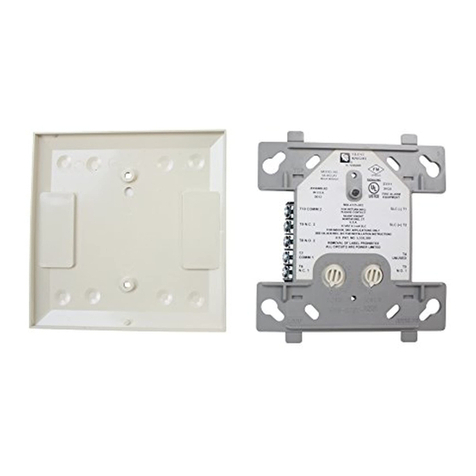
  9. Honeywell SILENT KNIGHT IDP-Relay User manual

Honeywell SILENT KNIGHT IDP-Relay User manual

Other Honeywell Relay manuals

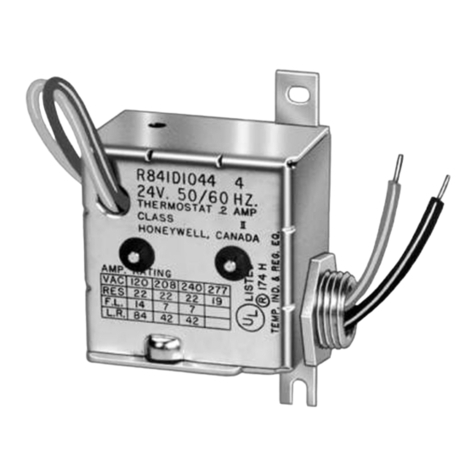
Honeywell R182J User manual

Honeywell

Honeywell R182J User manual

Honeywell 7800 SERIES User manual

Honeywell

Honeywell 7800 SERIES User manual

Honeywell 7800 SERIES User manual

Honeywell

Honeywell 7800 SERIES User manual

Honeywell 7800 SERIES User manual

Honeywell

Honeywell 7800 SERIES User manual

Honeywell TRIPLEAQUASTAT L8151A User manual

Honeywell

Honeywell TRIPLEAQUASTAT L8151A User manual

Honeywell R4343D User manual

Honeywell

Honeywell R4343D User manual

Honeywell Silent Knight WSK-RELAY User manual

Honeywell

Honeywell Silent Knight WSK-RELAY User manual

Honeywell Farenhyt Series User manual

Honeywell

Honeywell Farenhyt Series User manual

Honeywell Aquastat L8148A User manual

Honeywell

Honeywell Aquastat L8148A User manual

Honeywell EC7895A User manual

Honeywell

Honeywell EC7895A User manual

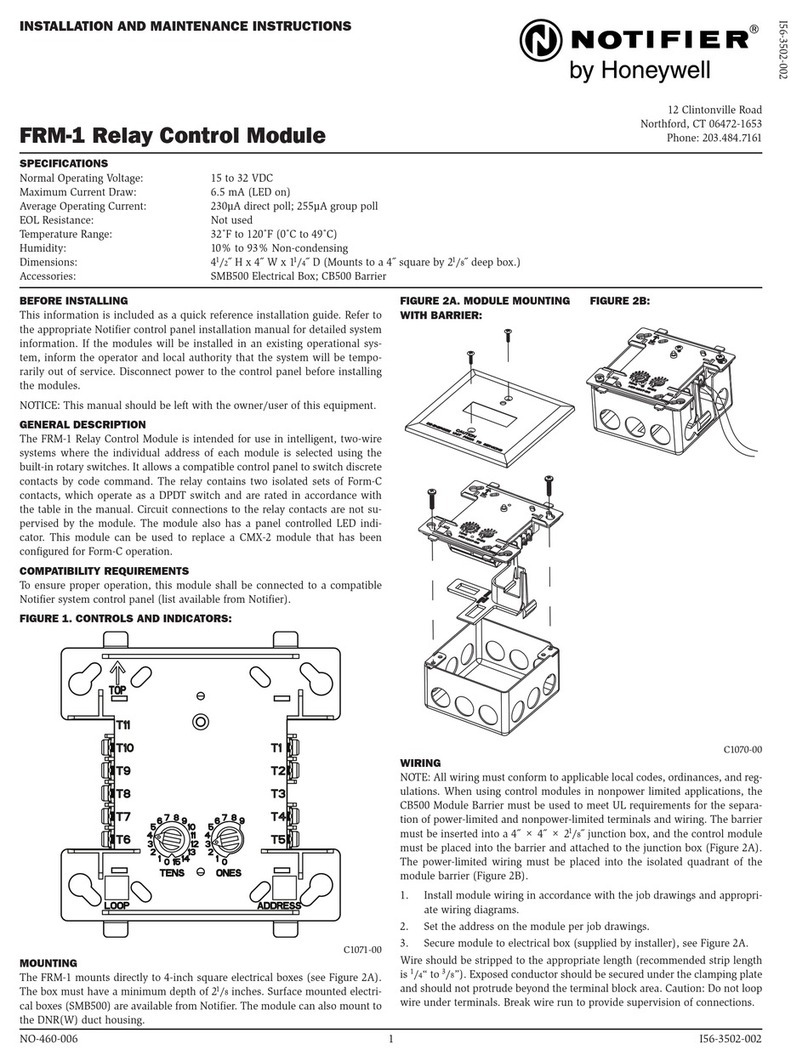
Honeywell NOTIFIER FRM-1 User manual

Honeywell

Honeywell NOTIFIER FRM-1 User manual

Honeywell Aquastat L8148A User manual

Honeywell

Honeywell Aquastat L8148A User manual

Honeywell 7800 SERIES User manual

Honeywell

Honeywell 7800 SERIES User manual

Honeywell R4343D User manual

Honeywell

Honeywell R4343D User manual

Honeywell 7800 SERIES User manual

Honeywell

Honeywell 7800 SERIES User manual

Honeywell 7800 SERIES User manual

Honeywell

Honeywell 7800 SERIES User manual

Honeywell BDR91 User manual

Honeywell

Honeywell BDR91 User manual

Honeywell R132A Quick start guide

Honeywell

Honeywell R132A Quick start guide

Honeywell 7800 SERIES RM7895A Operation manual

Honeywell

Honeywell 7800 SERIES RM7895A Operation manual

Honeywell 7800 SERIES User manual

Honeywell

Honeywell 7800 SERIES User manual

Honeywell TRADELINE R182J User manual

Honeywell

Honeywell TRADELINE R182J User manual

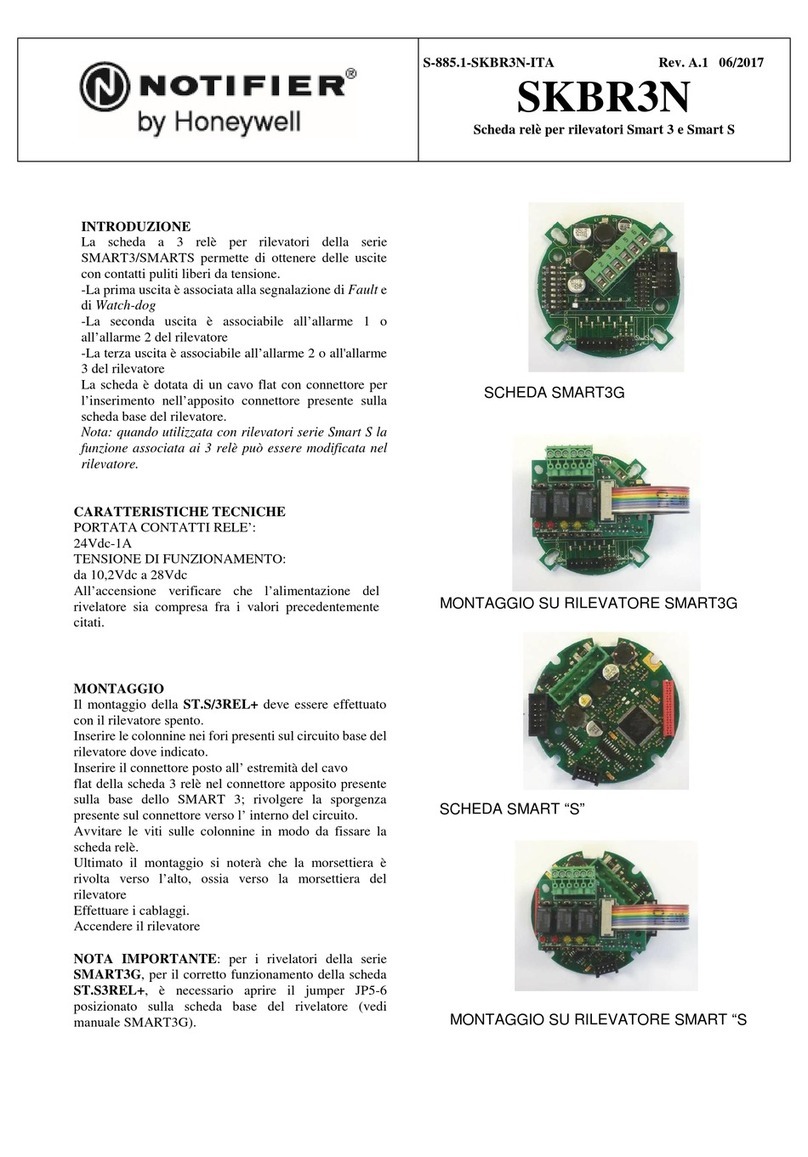
Honeywell Notifier SKBR3N User manual

Honeywell

Honeywell Notifier SKBR3N User manual

Honeywell R841C-E User manual

Honeywell

Honeywell R841C-E User manual

Honeywell 7800 SERIES User manual

Honeywell

Honeywell 7800 SERIES User manual

Popular Relay manuals by other brands

Woodward BU1-DC2 manual

Woodward

Woodward BU1-DC2 manual

ABB SSR32 product manual

ABB

ABB SSR32 product manual

Siemens SIRIUS 3UG4633 operating instructions

Siemens

Siemens SIRIUS 3UG4633 operating instructions

Siemens SIRIUS 3TK2824 A.20 Series Original operating instructions

Siemens

Siemens SIRIUS 3TK2824 A.20 Series Original operating instructions

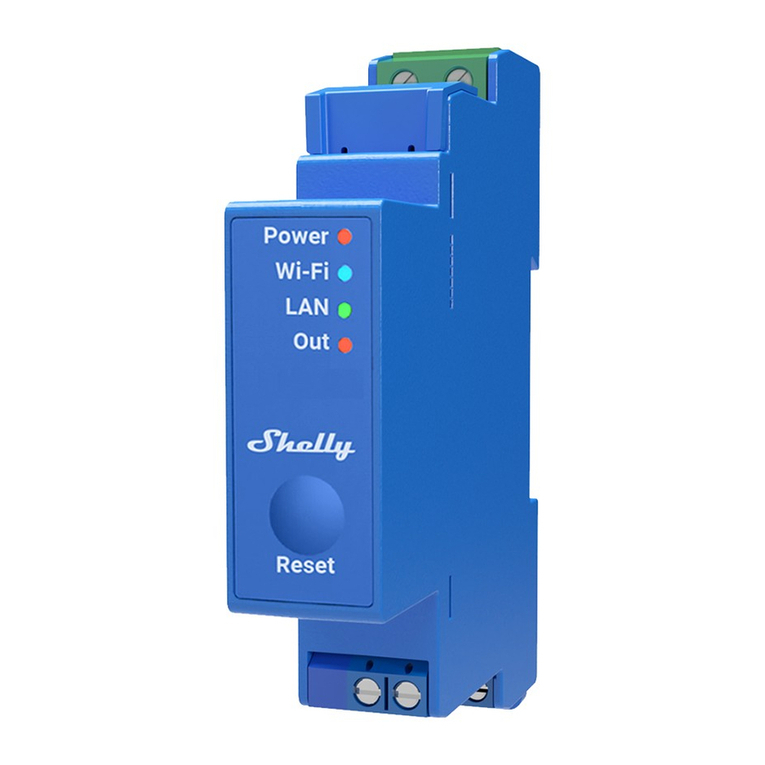
Shelly Pro Series user manual

Shelly

Shelly Pro Series user manual

GE MVAX 11 Technical manual

GE

GE MVAX 11 Technical manual

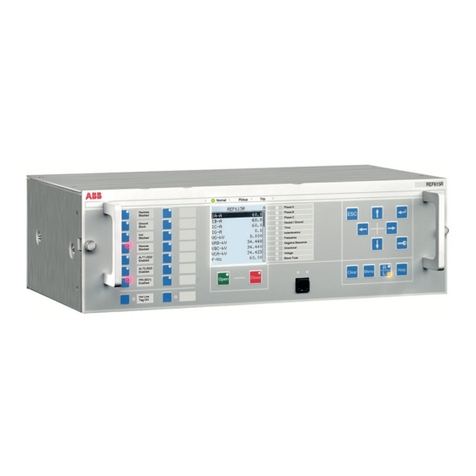
ABB RELION REF615R manual

ABB

ABB RELION REF615R manual

Kemo Electronic B197 quick guide

Kemo Electronic

Kemo Electronic B197 quick guide

Seg MRM3 manual

Seg

Seg MRM3 manual

Basler BE1-700C manual

Basler

Basler BE1-700C manual

CD Automation REVEX 2PH 280A user manual

CD Automation

CD Automation REVEX 2PH 280A user manual

ABB SPAJ 142 C User manual and technical description

ABB

ABB SPAJ 142 C User manual and technical description

Ruelco 1S04 Operation manual

Ruelco

Ruelco 1S04 Operation manual

Basler V3E Z1P B2C1F instruction manual

Basler

Basler V3E Z1P B2C1F instruction manual

GE DGP instruction manual

GE

GE DGP instruction manual

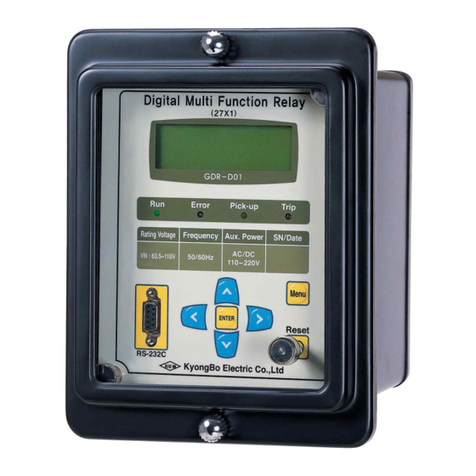
Kyongbo Electronics GDR-D01 user manual

Kyongbo Electronics

Kyongbo Electronics GDR-D01 user manual

Eaton easyE4 series Application note

Eaton

Eaton easyE4 series Application note

Siemens BD2-AK03X/FS Series installation instructions

Siemens

Siemens BD2-AK03X/FS Series installation instructions

manuals.online logo
manuals.online logoBrands
  • About & Mission
  • Contact us
  • Privacy Policy
  • Terms and Conditions

Copyright 2025 Manuals.Online. All Rights Reserved.

0
1
2
3
4
9
8
7
6
5
0
TENS
ONESADDRESS
LOOP
9
8
7
6
5
4
3
21
0
9
8
7
6
5
4
3
21
ISOLATED
QUADRANT
0
1
2
3
4
9
8
7
6
5
0
TENS
ONES ADDRESS
LOOP
9
8
7
6
5
4
3
21
0
9
8
7
6
5
4
3
21
K200-11-00 1 I56-2727-003
IDP-Relay
INSTALLATION AND
MAINTENANCE INSTRUCTIONS
Before Installing
This information is included as a quick reference in-
stallation guide. Refer to the appropriate Silent Knight
control panel installation manual for detailed system
information. If the modules will be installed in an exist-
ing operational system, inform the operator and local au-
thority that the system will be temporarily out of service.
Disconnect power to the control panel before installing
the modules.
NOTICE: This manual should be left with the owner/
user of this equipment.
General Description
The IDP-Relay is intended for use in intelligent, two-wire
systems where the individual address of each module is
selected using the built-in rotary switches. It allows a
compatible control panel to switch discrete contacts by
code command. The relay contains two isolated sets of
Form-C contacts, which operate as a DPDT switch and
are rated in accordance with the table in the manual.
Circuit connections to the relay contacts are not super-
vised by the module. The module also has a panel con-
trolled LED indicator.
Compatibility Requirements
To ensure proper operation, this module shall be con-
nected to a compatible Silent Knight system control panel
(list available from Silent Knight).
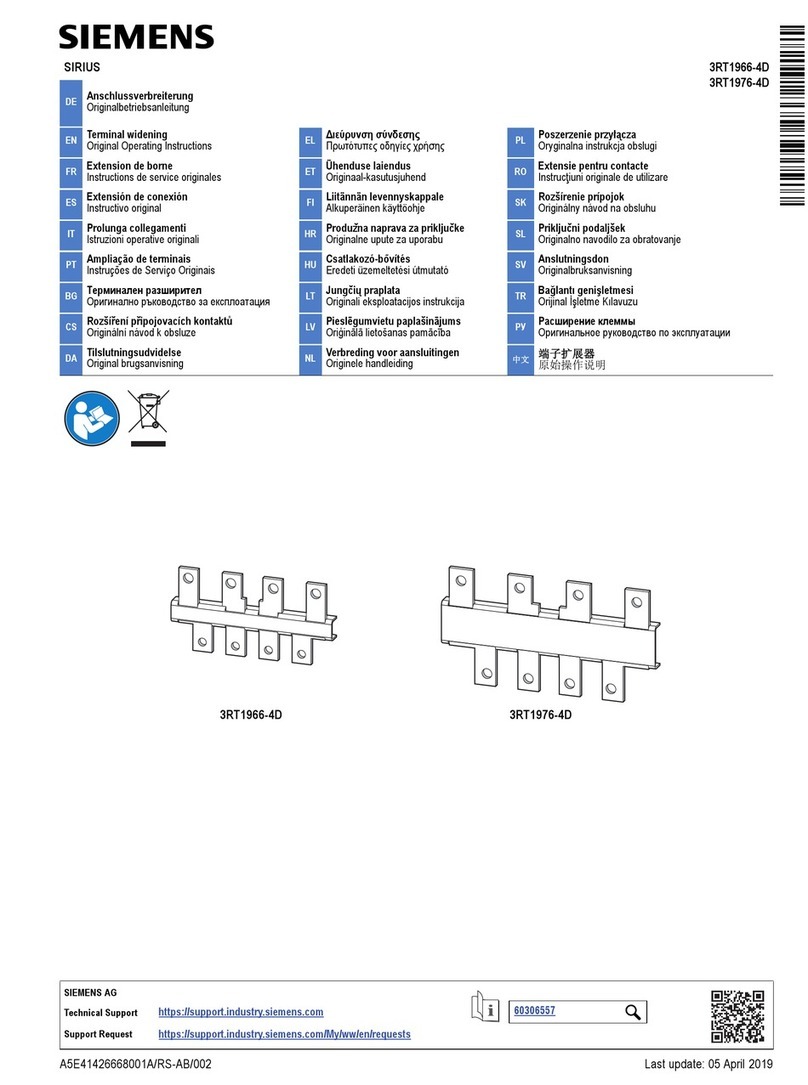
Figure 1. Controls and indicators:
Figure 2A. Module mounting with barrier:
C0219-01
Figure 2B:
C0217-01
C0218-01
Specifications
Normal Operating Voltage: 15 to 32 VDC
Maximum Current Draw: 6.5 mA (LED on)
Average Operating Current: 255µA
EOL Resistance: Not used
Temperature Range: 32˚F to 120˚F (0˚C to 49˚C)
Humidity: 10% to 93% non-condensing
Dimensions: 41/2˝ H x 4˝ W x 11/4˝ D
(Mounts to a 4˝ square
by 21/8˝ deep box.)
Accessories: SMB500 Electrical Box
Mounting
The IDP-Relay mounts directly to 4˝ square electrical
boxes (see Figure 2A). The box must have a mini-
mum depth of 21/8˝. Surface mounted electrical boxes
(SMB500) are available from Silent Knight.
Wiring
NOTE: All wiring must conform to applicable local
codes, ordinances, and regulations. When using control
modules in nonpower limited applications, the CB500
Module Barrier must be used to meet UL requirements
for the separation of power-limited and nonpower-limited
terminals and wiring. The barrier must be inserted into a
4˝ × 4˝ × 21/8˝ junction box, and the control module must
be placed into the barrier and attached to the junction box
(Figure 2A). The power-limited wiring must be placed into
the isolated quadrant of the module barrier (Figure 2B).
1. Install module wiring in accordance with the job draw-
ings and appropriate wiring diagrams.
2. Set the address on the module per job drawings.
3. Secure module to electrical box (supplied by installer),
as shown in Figure 2A.
9
8
7
6
54
3
2
1
0
0
1
2
3
4
56789
TENS
ONES
ADDRESS
LOOP
10
78
6
5
4
3
2
9

MODULE
FROM PANEL OR
(+)
(–)
TO NEXT
(+)
(–)
DEVICE
(+)
(–)
CONTROL
CONNECT MODULES TO LISTED COMPATIBLE
RELAY COMMON 1
RELAY COMMON 2
NORMALLY CLOSED 1
NORMALLY OPEN 2
NORMALLY CLOSED 2
MODULE DOES NOT SUPERVISE CONTROLLED CIRCUITS
NORMALLY OPEN 1
CONTROL PANELS ONLY
PREVIOUS DEVICE
SIGNAL LINE CIRCUIT (SLC)
32 VDC Max.
SHIELDED-TWISTED PAIR
IS RECOMMENDED
9
8
7
6
54
3
2
1
0
ADDRESS
LOOP
K200-11-00 2 I56-2727-003
Relay Contact Ratings:
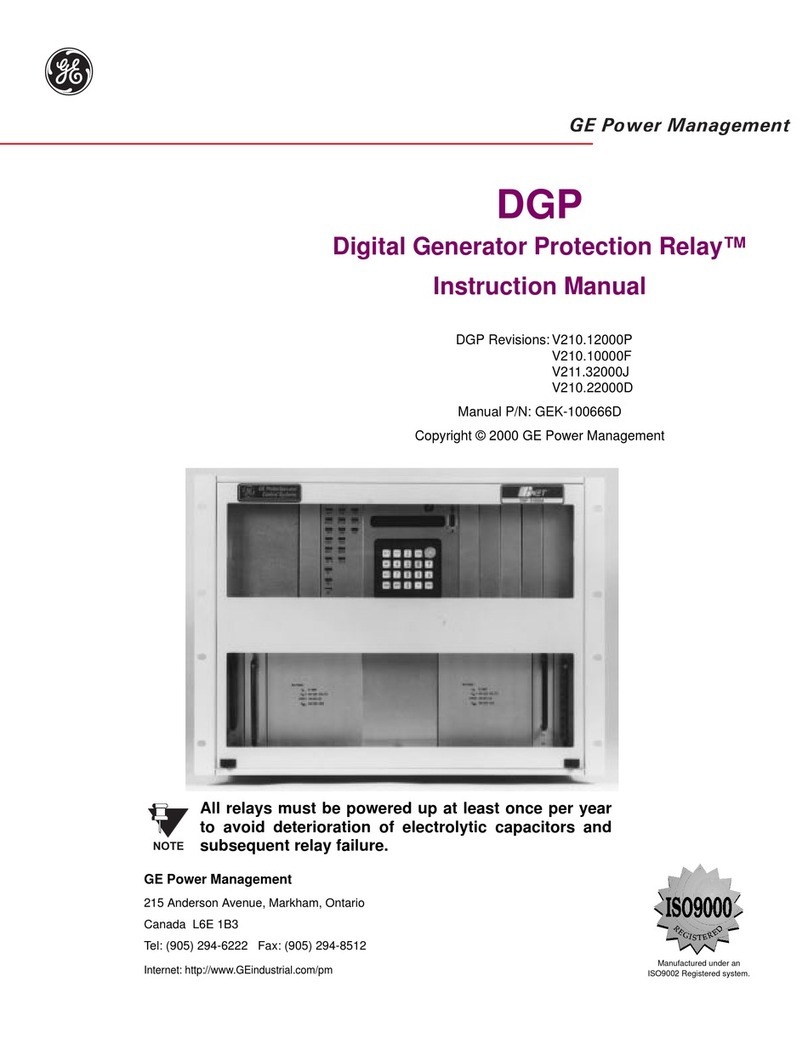
Figure 3. Relay module wiring diagram:
C0615-01
IF ANY WIRING TO TERMINALS 3 – 9 IS NONPOWER
LIMITED, THE CB500 BARRIER IS REQUIRED. THE CB500
INCLUDES A NONPOWER LIMITED LABEL, WHICH MUST
BE PLACED OVER THE POWER LIMITED TERMINAL
INFORMATION ON THE NAMEPLATE LABEL.
7550 Meridian Circle
Maple Grove, MN 55369-4927
763-493-6455; 800-328-0103
Fax: 763-493-6475
http://www.silentknight.com
© 2006 Silent Knight 2/06
CURRENT RATING MAXIMUM VOLTAGE LOAD DESCRIPTION APPLICATION
3 A 30 VDC Resistive Non-coded
2 A 30 VDC Resistive Coded
.9 A 110 VDC Resistive Non-coded
.9 A 125 VDC Resistive Non-coded
.5 A 30 VDC Inductive (L/R=5ms) Coded
1 A 30 VDC Inductive (L/R=2ms) Coded
.3 A 125 VAC Inductive (PF=.35) Non-coded
1.5 A 25 VAC Inductive (PF = .35) Non-coded
.7 A 70.7 VAC Inductive (PF=.35) Non-coded
2 A 25 VAC Inductive (PF=.35) Non-coded
WARNING
All relay switch contacts are shipped in the standby state (open) state, but may have transferred to the activated (closed)
state during shipping. To ensure that the switch contacts are in their correct state, modules must be made to communi-
cate with the panel before connecting circuits controlled by the module.