manuals.online logo
Brands
  1. Home
  2. •
  3. Brands
  4. •
  5. HP
  6. •
  7. Camcorder
  8. •
  9. HP ac200w User manual

HP ac200w User manual

Other HP Camcorder manuals

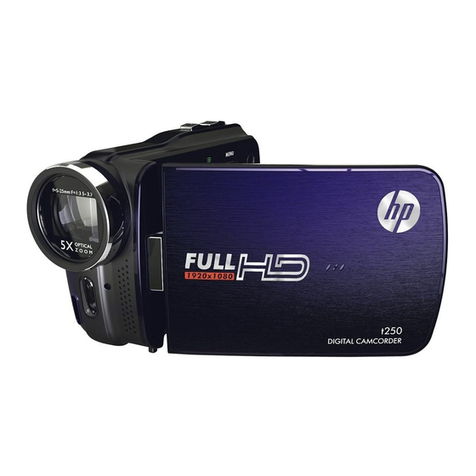
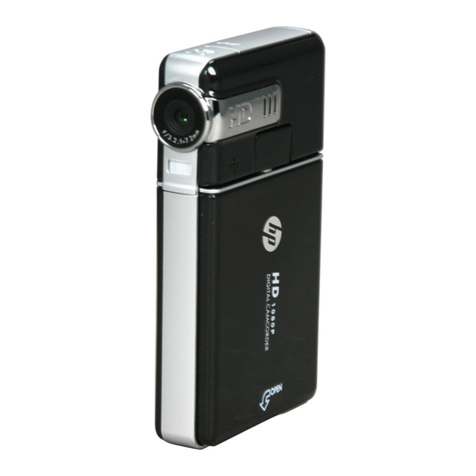
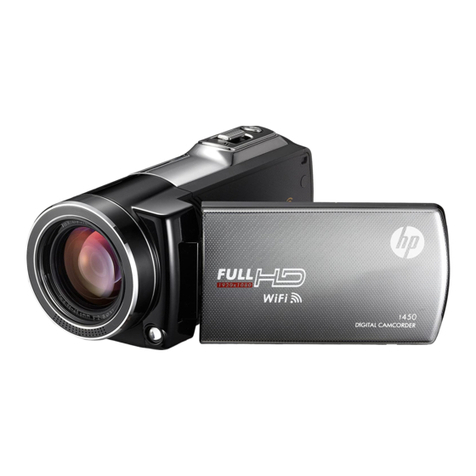
HP ac100 User manual

HP

HP ac100 User manual

HP f920 Series User manual

HP

HP f920 Series User manual

HP Pavilion t450 User manual

HP

HP Pavilion t450 User manual

HP T200 User manual

HP

HP T200 User manual

HP F150 User manual

HP

HP F150 User manual

HP Pavilion t250 User manual

HP

HP Pavilion t250 User manual

HP Hard Drive Camcorder User manual

HP

HP Hard Drive Camcorder User manual

HP V5061U User manual

HP

HP V5061U User manual

HP ac150 User manual

HP

HP ac150 User manual

HP V5040UD User manual

HP

HP V5040UD User manual

HP V5061U User manual

HP

HP V5061U User manual

HP Pavilion t250 User manual

HP

HP Pavilion t250 User manual

HP V5040UA User manual

HP

HP V5040UA User manual

HP F150 User manual

HP

HP F150 User manual

HP F150 User manual

HP

HP F150 User manual

HP Pavilion t500 - Desktop PC User manual

HP

HP Pavilion t500 - Desktop PC User manual

HP f505g User manual

HP

HP f505g User manual

HP V5020U User manual

HP

HP V5020U User manual

HP lc100w User manual

HP

HP lc100w User manual

HP Pavilion t250 User manual

HP

HP Pavilion t250 User manual

HP Pavilion t500 - Desktop PC User manual

HP

HP Pavilion t500 - Desktop PC User manual

HP V5061U User manual

HP

HP V5061U User manual

HP T200 User manual

HP

HP T200 User manual

HP Jornada 520 User manual

HP

HP Jornada 520 User manual

Popular Camcorder manuals by other brands

Vivitar DVR 830XHD owner's manual

Vivitar

Vivitar DVR 830XHD owner's manual

Panasonic HX-WA20PP Service manual

Panasonic

Panasonic HX-WA20PP Service manual

Sony HDR-AS10 operating guide

Sony

Sony HDR-AS10 operating guide

Canon FS1 instruction manual

Canon

Canon FS1 instruction manual

Sharp VL-H400S Operation manual

Sharp

Sharp VL-H400S Operation manual

Panasonic AJ-D900WAP operating instructions

Panasonic

Panasonic AJ-D900WAP operating instructions

Samsung VP-D6550 Owner's instruction book

Samsung

Samsung VP-D6550 Owner's instruction book

Sony Handycam HDR-FX1E operating instructions

Sony

Sony Handycam HDR-FX1E operating instructions

Sony Handycam HDR-FX1000 Specifications

Sony

Sony Handycam HDR-FX1000 Specifications

Naxa NDC-402 instruction manual

Naxa

Naxa NDC-402 instruction manual

LG L320-BN owner's manual

LG

LG L320-BN owner's manual

Vivitar DVR 865HD user manual

Vivitar

Vivitar DVR 865HD user manual

Toshiba CAMILEO Z100 user guide

Toshiba

Toshiba CAMILEO Z100 user guide

Panasonic NV-VS40B operating instructions

Panasonic

Panasonic NV-VS40B operating instructions

Canon RC 260 instructions

Canon

Canon RC 260 instructions

Sony Handycam DCR-DVD7E operating guide

Sony

Sony Handycam DCR-DVD7E operating guide

Brinno TimeLapse TLC200 user manual

Brinno

Brinno TimeLapse TLC200 user manual

JVC GR-SXM68AC Schematic diagram

JVC

JVC GR-SXM68AC Schematic diagram

manuals.online logo
manuals.online logoBrands
  • About & Mission
  • Contact us
  • Privacy Policy
  • Terms and Conditions

Copyright 2025 Manuals.Online. All Rights Reserved.

For the full version of the ac200w product user manual go to:
www.hp.com/support
ac200w
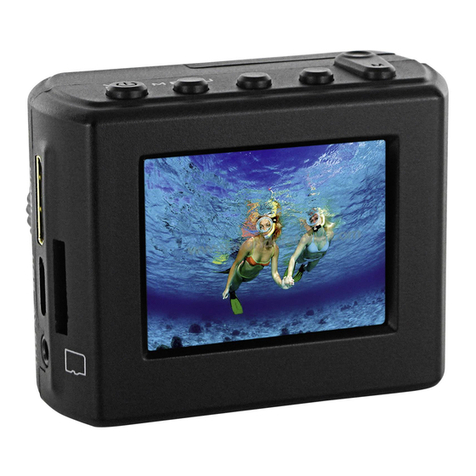
Action Camcorder
Quick Start Guide
All manuals and user guides at all-guides.com
all-guides.com
Preface
About this Quick Start Guide
This QSG is designed to demonstrate the features of your HP ac200w
Action Camcorder. All information presented is as accurate as possible but
is subject to change without notice. HP shall not be liable for technical or
editorial errors or omissions contained herein. For the latest reversion, visit
www.hp.com/support.
Copyright
This manual contains proprietary information protected by copyright. All
rights are reserved. No part of this manual may be reproduced by any
mechanical, electronic or other means, in any form, without prior written
permission of the manufacturer. © Copyright 2013
Federal Communications Commission notice
This equipment has been tested and found to comply with the limits
for a Class B digital device, pursuant to Part 15 of the FCC Rules. These
limits are designed to provide reasonable protection against harmful
interference in a residential installation. This equipment generates, uses,
and can radiate radio frequency energy and, if not installed and used in
accordance with the instructions, may cause harmful interference to radio
communications. However, there is no guarantee that interference will
not occur in a particular installation. If this equipment does cause harmful
interference to radio or television reception, which can be determined by
turning the equipment o and on, the user is encouraged to try to correct
the interference by one or more of the following measures:
· Reorient or relocate the receiving antenna.
· Increase the separation between the equipment and receiver.
· Connect the equipment to an outlet on a circuit dierent from that to which
the receiver is connected.
· Consult the dealer or an experienced radio or television technician for help.

All manuals and user guides at all-guides.com
Modications:
The FCC requires the user to be notied that any changes or modications
made to this device that are not expressly approved by HP may void the
user’s authority to operate the equipment.

Trademark Recognition
Windows XP/Vista/Windows 7/Windows 8 are registered trademarks of
Microsoft Corporation in the United States and/or other countries. Macintosh
and Mac OS are registered trademarks of Apple Inc. In addition, all other
companies or product names are trademarks or registered trademarks of
their respective companies.
Safety and Handling Precautions
WARNING:
Follow these instructions to prevent damage to the camcorder:
· DO NOT USE UNPROTECTED IN RAIN OR WATER. PREVENT CONTACT WITH
ANY KIND OF LIQUIDS
· USE RECOMMENDED ACCESSORIES ONLY
· DO NOT DISASSEMBLE OR ATTEMPT REPAIRS ON YOUR OWN.
DISASSEMBLING THE CAMCORDER MAY VOID THE WARRANTY
· THERE ARE NO PARTS OR COMPONENTS INSIDE THAT NEED TO BE
MAINTAINED
· REPAIRS WILL BE MADE BY AUTHORIZED SERVICE CENTERS ONLY
· Do not touch the camcorder lens
· Do not use abrasive chemicals, cleaning solvents or strong detergents to
clean the product. Wipe the product with a clean slightly damp soft cloth.
ATTENTION!
· ELECTROSTATIC DISCHARGE OR STRONG ELECTROMAGNETIC
FIELDS CAN AFFECT THE CAMCORDER. RESTART THE CAMCORDER
IN THIS CASE.
All manuals and user guides at all-guides.com
4
All manuals and user guides at all-guides.com
5
All manuals and user guides at all-guides.com
6
All manuals and user guides at all-guides.com
all-guides.com
7
All manuals and user guides at all-guides.com
8
All manuals and user guides at all-guides.com
9
All manuals and user guides at all-guides.com
10
All manuals and user guides at all-guides.com