Contents
About This Document.................................................................................................................... ii
1 Overview.........................................................................................................................................1
1.1 Features ......................................................................................................................................................................... 1
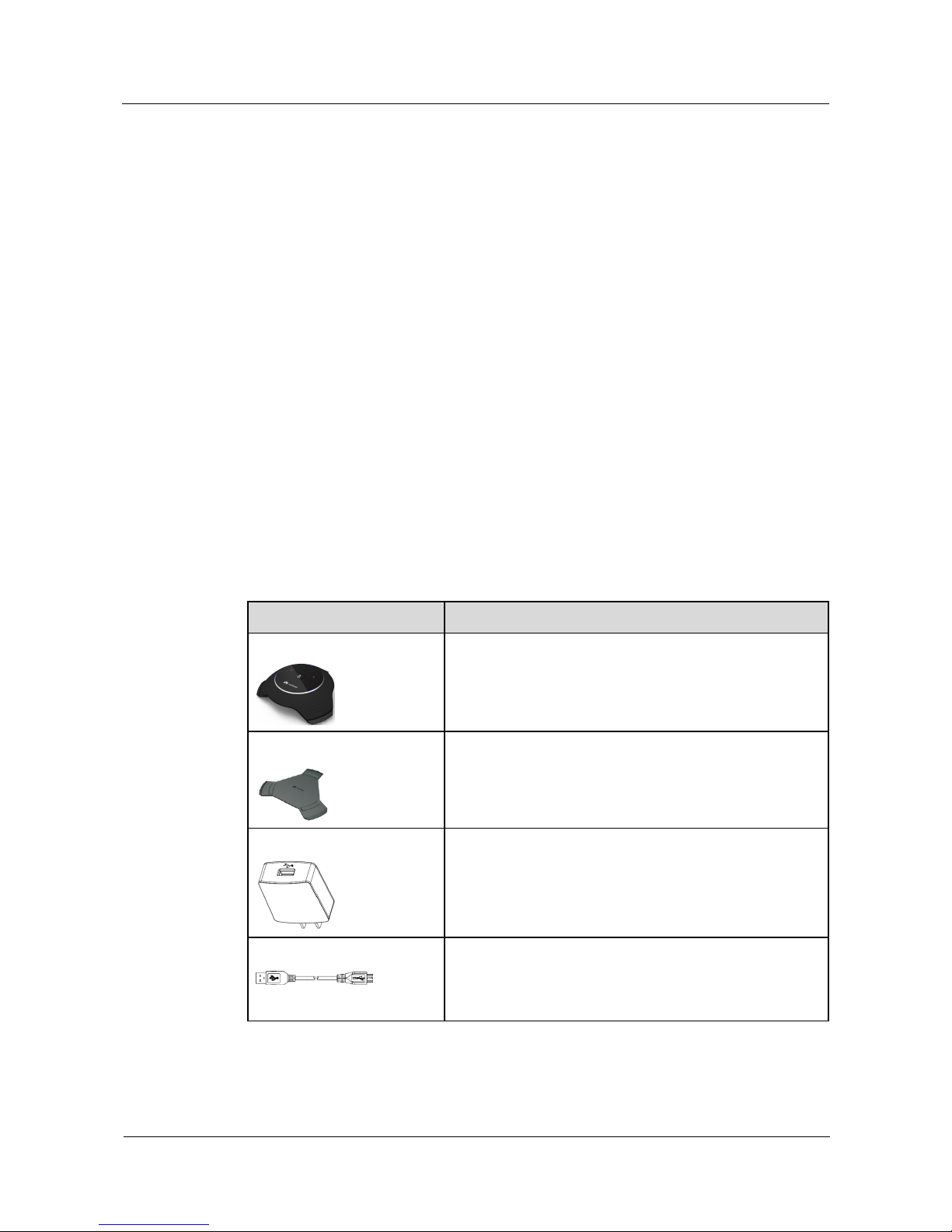
1.2 Components .................................................................................................................................................................. 2
1.3 Compatibility with Videoconferencing Endpoints ........................................................................................................ 3
2 Installation......................................................................................................................................4
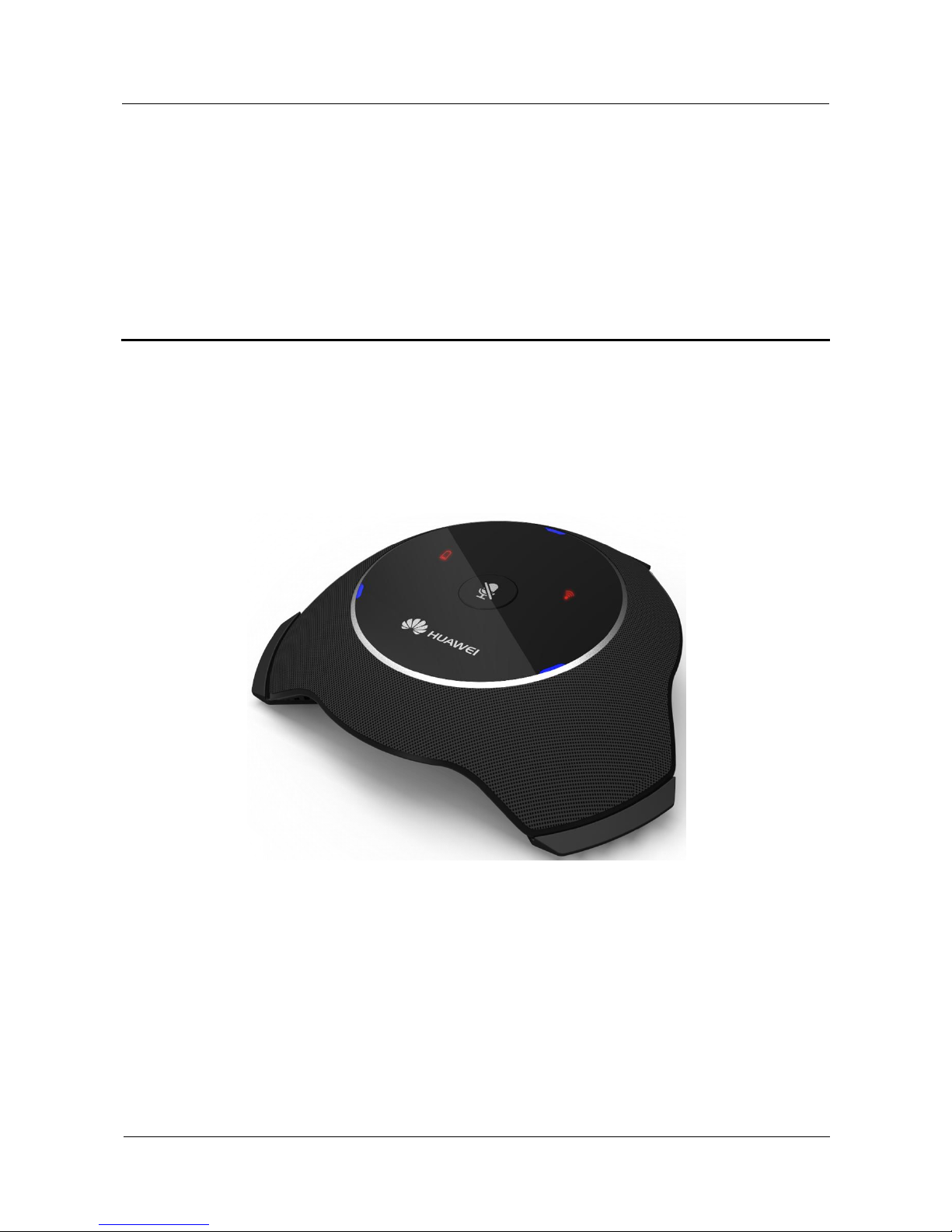
2.1 Appearance ................................................................................................................................................................... 4
2.2 Placing the VPM220W ................................................................................................................................................. 5
2.3 Turning On or Off the Power Switch ............................................................................................................................ 5
2.4 Connecting to the Videoconferencing Endpoint ........................................................................................................... 5
2.5 Muting or Unmuting the VPM220W ............................................................................................................................ 6
2.6 Checking Indicators ...................................................................................................................................................... 7
2.7 Switching the Work Mode ............................................................................................................................................ 8
2.8 Checking the Volume .................................................................................................................................................... 8
2.9 Charging the VPM220W .............................................................................................................................................. 8
3 Mono and Stereo .........................................................................................................................10
3.1 Mono and Stereo Configurations ................................................................................................................................ 10
3.2 Mono and Stereo Collection ....................................................................................................................................... 11
4 Upgrade.........................................................................................................................................12
4.1 Automatic Upgrade ..................................................................................................................................................... 12
4.2 Upgrade Using the Upgrade Tool ............................................................................................................................... 13
A Safety Precautions......................................................................................................................14
B Technical Specifications ...........................................................................................................18