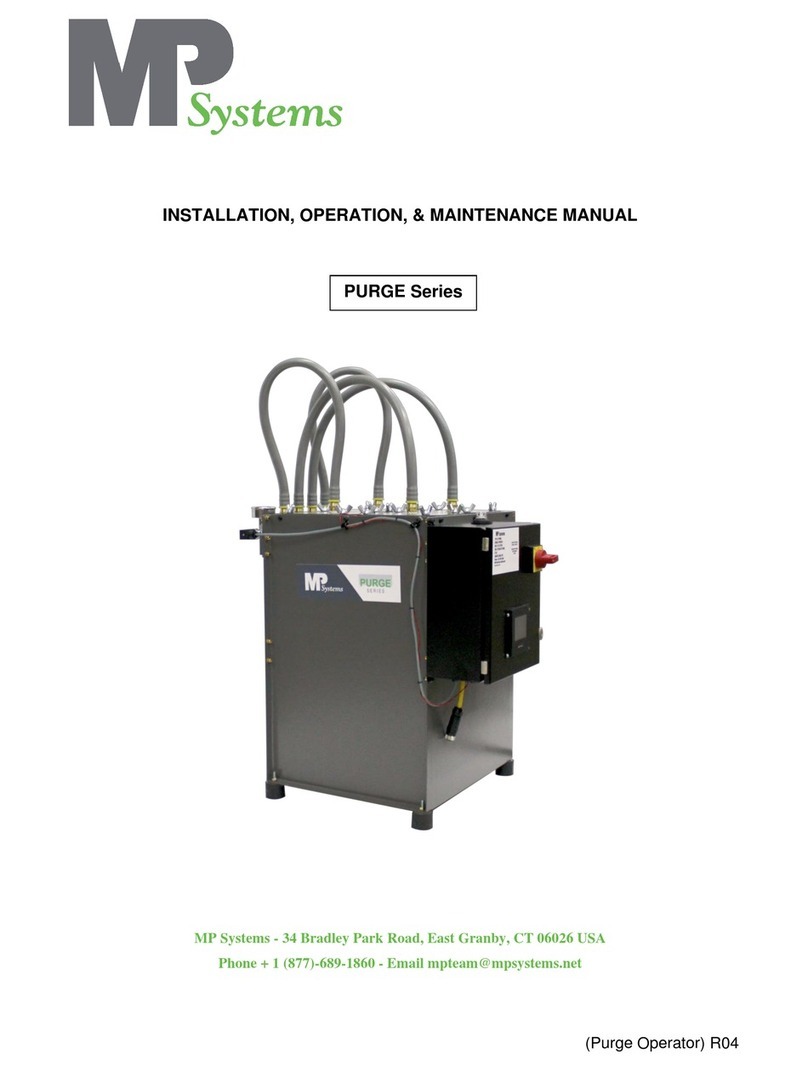
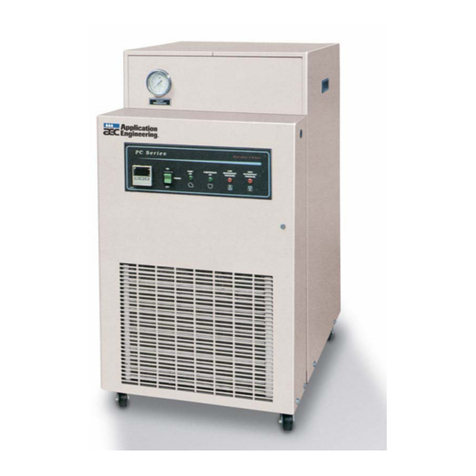
OPERATION MANUAL
V2.3.0en/07.06.19//17.12 Unichiller®
4.1.4.2 Setting “OT limit: heating” .........................................................................48
4.1.4.3 Setting “Process Safety” .............................................................................49
4.1.4.4 Monitoring via “Display OT values”............................................................49
4.1.5 Testing overtemperature protection for functionality ...................................49
4.1.6 Adjusting the Delta T limiter ...........................................................................50
4.1.6.1 Changing the Delta T limiter.......................................................................50
4.2 The temperature control circuit.................................................................... 50
4.2.1 Select temperature control: Internal or process ............................................51
4.2.2 Temperature control to internal temperature ...............................................51
4.2.3 Temperature control to process temperature................................................51
4.2.4 Delta T limiter .................................................................................................52
4.2.5 Monitoring the Pt100 temperature sensors...................................................52
4.2.6 Optimum control parameters for optimum temperature control..................52
4.2.7 Sub-category: “Select auto/expert mode”......................................................52
4.2.8 Sub-category: “Configuration auto” ...............................................................53
4.2.8.1 Sub-category: “Find parameters”...............................................................53
4.2.8.2 Sub-category: “Control Dynamics”.............................................................55
4.2.8.3 Sub-category: “Fluid Properties”................................................................56
4.2.8.4 Sub-category: “Display parameters” ..........................................................57
4.2.9 Sub-category: “Configuration manual”...........................................................57
4.2.9.1 Sub-category: “Change parameters”..........................................................57
4.2.9.2 Sub-category: “Display parameters” ..........................................................58
4.2.9.3 Sub-category: “Control structure”..............................................................58
4.2.10 Sub-category: “Reset parameters” .................................................................59
4.2.11 Sub-category: “Display parameters”...............................................................59
4.2.12 Freeze protection for temperature control unit (optional) ............................59
4.2.13 Setting the setpoint thresholds ......................................................................60
4.2.14 Setting the setpoint ........................................................................................60
4.3 Filling, venting and draining ......................................................................... 61
4.3.1 Externally closed application ..........................................................................61
4.3.1.1 Filling and venting externally closed application........................................61
4.3.1.2 Draining externally closed applications......................................................63
5Normal operation 64
5.1 Automatic operation .................................................................................... 64
5.1.1 Temperature control.......................................................................................64
5.1.1.1 Starting the temperature control process..................................................64
5.1.1.2 Ending the temperature control process ...................................................64
5.1.2 Temperature control via a created temperature control program ................65
5.1.2.1 Starting the temperature control program ................................................65
5.1.2.2 Ending/cancelling the temperature control program ................................65
6Interfaces and software update 66
6.1 Interfaces at the “Pilot ONE®” controller ...................................................... 66
6.1.1 10/100 Mbps Ethernet for RJ45 network sockets ..........................................66
6.1.2 USB-2.0 interface ............................................................................................66
6.1.2.1 USB-2.0 interface, host...............................................................................67
6.1.2.2 USB-2.0 interface, device ...........................................................................67
6.2 Interfaces at the top side of the Unichiller. ................................................... 67
6.2.1 Female RS232 Serial (with adapter cable) ......................................................67
6.2.2 Connection jack for Pt100 process controller sensor .....................................67
6.2.3 Service interface .............................................................................................68
6.3 Interfaces at the Com.G@te® (optional) ....................................................... 68