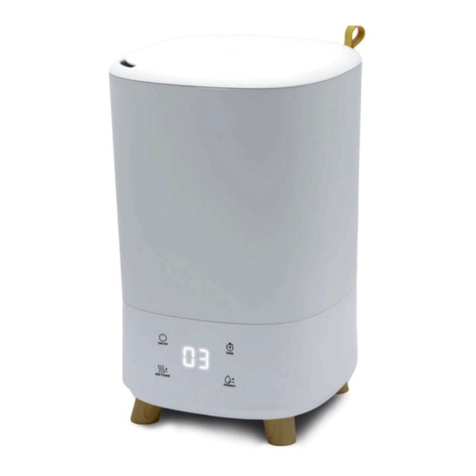
Hunter 31006 User manual

1
©2010 Hunter Fan Company
UltrasonicUltrasonicUltrasonic
Form# 44065-01
20101102
©2010 Hunter Fan Co.
Humidier
Owner’s Guide
Model
31006
English

At A Glance
Warnings and Introduction ................................................................................ 3
Know Your Humidier ....................................................................................... 4
Using Your Humidier
Initial Setup and Operation ................................................................................ 5
Controls ........................................................................................................... 6
Maintenance
Cleaining and Storage ...................................................................................... 7
Humidier Assistance
Troubleshooting ................................................................................................ 8
Service Parts and Support ................................................................................. 9
Treatments ...................................................................................................... 10
Warranty
3 Year Guarantee ........................................................................................... 11
Table of Contents

3
©2010 Hunter Fan Company
At A Glance
Warnings and Introduction
1
READ AND SAVE THESE INSTRUCTIONS
Important Safety Instructions: Read all instructions before using this humidier.
• This humidier may not work properly on an uneven surface. ALWAYS place this humidier on a rm, level, and water
resistant surface.
• ALWAYS place the humidier at least six (6) inches away from walls, heat sources, and electrical appliances such as
stoves, radiators, or heaters.
• ALWAYS place the humidier in an area that is out of the reach of children.
• Before using the humidier, extend the cord and inspect for any signs of damage. DO NOT use the product if the cord
has been damaged.
• This product has a polarized plug (one blade is wider than the other) as a safety feature. This plug will t into a polarized
outlet only one way. If the plug does not t fully into the outlet, reverse the plug. If it still does not t, contact a qualied
electrician. DO NOT attempt to defeat or override this safety feature.
• ALWAYS UNPLUG AND EMPTY the humidier when it is not in operation or while it is being cleaned.
• Use only clean, cool tap water when lling the tank. DO NOT use hot water.
• Never add medication of any type to the water tank.
• You should never leave the unit unattended in a closed room. The room can become saturated and leave condensation
on walls and furniture. Always leave a door partially open.
• This part has been tested and complies with part 18 of the FCC.
Thank you for purchasing The Ultrasonic Humidier by Hunter Fan Company. Please read and save these instructions to receive the
maximum benet and performance from your humidier.

444065-01 • 11/02/2010
Rell Tank
Demineral
Silver Ion
O
At A Glance
Know Your Humidifier 1
Tank
Tank Cap
Tank Handle
Control Knob
Mist Exhaust
Vapor Pad
Compartment
Demineralization
Cartridge Indicator
Indicator
Reset Button
Demineralization
Cartridge Reset Button
Rell Tank Light

5
©2010 Hunter Fan Company
Using Your Humidifier
Initial Setup and Operation
2
Initial Setup:
1. Remove the plastic bag covering from the humidier.
2. Unravel and straighten the cord before use.
3. Remove the tank from the humidier base by grasping the tank handle, Figure
1, and pulling straight up. Figure 1 and Figure 2.
4. If you plan to use a demineralization cartridge, insert it now into the base of
the unit. Figure 4.
5. If you will be using a vapor pad in the unit, turn the base over and remove the
vapor pad compartment grill. Insert 1 vapor pad into the compartment and
reattach the compartment to the base of the unit. Figure 5.
6. Turn the tank upside down and twist the tank cap counter-clockwise to remove.
Figure 3.
7. If you plan to use a silver ion cartridge, drop it into the tank now.
8. Fill the unit with clean, cool tap water.
Warning: Never ll the humidier with hot water.
9. Place the tank cap back on the tank and turn clockwise till secure.
10. Seat the tank back into the humidier base making sure the tank is seated
securely.
NOTE: Failure to ensure the tank is seated correctly could cause the unit to leak
water from the tank.
11. Plug the humidier into a wall outlet and start the unit.
Figure 1
Tank Handle
Figure 3
Tank Cap
Rell Tank
Demineral
Silver Ion
O
Figure 2
Demineralization
Cartridge Indicator
Figure 4
Demineralization
Cartridge
Figure 5

644065-01 • 11/02/2010
Using Your Humidifier
Controls 2
Operation:
See Figure 6.
Humidity Control:
The output control allows you to set the amount of humidity you want
the unit to output. Turn the knob clockwise to increase output. To turn the
unit off, turn the the humidity knob past the lowest setting to off.
Indicators:
Silver Ion Indicator: When the silver ion indicator lights up, it is time to replace the
silver ion cartridge in the tank, if you are using one. Simply remove the silver ion
cartridge in the tank and drop in a new one. Hold the reset button down under
the indicator for a few seconds until the light goes out to reset.
Demineral Indicator: When the demineral indicator lights up, it is time to replace
the demineralization cartridge in the base of the unit, if you are using one. Remove
the tank from the unit, and the demineralization cartridge should be sittng inside
the water tray in the bottom. Hold the reset button down under the indicator for a
few seconds until the light goes out to reset.
Rell Tank Indicator: This indicates the tank is out of water. Once you have relled
the tank with water and set it back onto the unit, the rell tank light will reset.
Rell Tank
Demineral
Silver Ion
O
Figure 6

7
©2010 Hunter Fan Company
Maintenance
Cleaining and Storage
3
Note: ALWAYS unplug the humidier from the electrical outlet before cleaning.
NEVER allow water to sit in the tank when not in use.
Daily Maintenance:
1. Turn off the humidier and unplug it from the wall outlet.
2. Remove the tank unit by pulling it straight off the humidier base.
3. Turn the tank upside down and drain any water into a sink or tub. Shake the
unit gently to remove any remaining water.
4. Rinse the tank thoroughly with water, empty, and wipe with a dry, clean cloth.
5. Wipe the humidier base with a dry cloth if necessary.
6. Rell the tank as directed under “Initial Setup and Operation” on page 5 and
resume use.
Weekly Maintenance:
1. Turn off the humidier and unplug it from the wall outlet.
2. Remove the tank unit by pulling it straight off the humidier base.
3. Turn the tank upside down and drain any water into a sink or tub. Shake the
unit gently to remove any remaining water.
4. Fill the Water Tank with a mixture of one (1) gallon of water and eight (8)
ounces of white vinegar. Leave the mixture in the Water Tank for 20 minutes,
giving the Water Tank a shake every few minutes. After 20 minutes, give the
Water Tank a nal shake and discard the mixture.
5. Rinse the Water Tank several times with clean water. Leave the Water Tank
Cap off to allow the Water Tank to dry completely.
6. Wipe the surfaces of the main housing with a soft damp cloth.
7. Once all the parts are clean and dry, reassemble the humidier, rell the
water tank, and resume use.
Note: The tank has built-in antimicrobial properties to inhibit the growth of
bacteria, mold, and fungi that may affect the water in the tank. Daily and weekly
maintenance is still necessary to prevent the growth of bacteria, mold, and fungi.
End of Season Maintenance:
1. Follow the instructions for weekly maintenance before storing the unit.
2. Ensure all parts are completely dry before storing the unit.
3. Store the unit in a cool dry place.
4. Never store the unit with water in the tank.

844065-01 • 11/02/2010
Humidifier Assistance
Troubleshooting 4
Problem:
Excessive noise.
Solution:
1. Check the Water Tank to make sure it is properly seated on the base.
2. Check the Water Tank to make sure there are no bubbles when the Water Tank
is full and running. If there are bubbles, turn the unit OFF until the bubbling stops.
When the bubbling has stopped, set the unit to the desired speed.
Problem:
Humidier not working.
Solution:
1. Make sure the Power Knob is not set to OFF.
2. Adjust the humidity level using the Humidity Knob. Once the room reaches the
set humidity level, the humidier will turn OFF; this is normal.
Problem:
Mineral build-up on the Water Tank or Tray.
Solution:
1. Refer to the section “Cleaning and Storage” on page 8.
Problem:
Humidity output and water usage decreased.
Solution:
1. Check the Humidistat Knob and Power Knob to make sure they are set to the
desired humidity level and speed.
2. Check the Water Tank to make sure there are no bubbles when the Water Tank
is full and running. If there are bubbles, turn the unit OFF until the bubbling stops.
When the bubbling has stopped, set the unit to the desired speed.
3. Clean any components that have mineral build-up. Refer to the section”Cleaning
and Storage” on page 7.

9
©2010 Hunter Fan Company
Humidifier Assistance
Service Parts and Support
4
Service Parts
Part # Part Name Part Replace
89755-
01-326 Water Tank
G0843-
01-679 Tank Assembly Cap
31954 Demineralization
Cartridge 1 per month
31955 Silver Ion
Cartridge 1 per month
If you need any assistance with setup, operation, or parts for your new Hunter
Humidier, please call us, our technical support staff is ready to help!
USA: 1-888-830-1326
Canada: 1-866-268-1936
Hours of operation are from 7:00 am to 7:00 pm Monday - Friday and 8:00 am
to 5:00 pm on Saturday, Central Time. You may also contact us over the Internet
at www.hunterfan.com or register your product at www.hunterfan.
com/register and select your product under product registration.
Technical Support

10 44065-01 • 11/02/2010
Model Product Evaporative Ultrasonic Vaporizer Warm Mist
31955 Cleaning Cartridge
31954 Demineralization Cartridge
31961 Vapor Steam
31956 Vapor Pads
31960 Water Treatment Tablets
Notes
Humidifier Accessories
Treatments 5
Other manuals for 31006
1
Table of contents
Other Hunter Humidifier manuals
Hunter
Hunter 31206 User manual
Hunter
Hunter 32517 User manual
Hunter
Hunter 34257 User manual
Hunter
Hunter WARM MIST 35216 User manual
Hunter
Hunter 35617 User manual
Hunter
Hunter 36317 User manual
Hunter
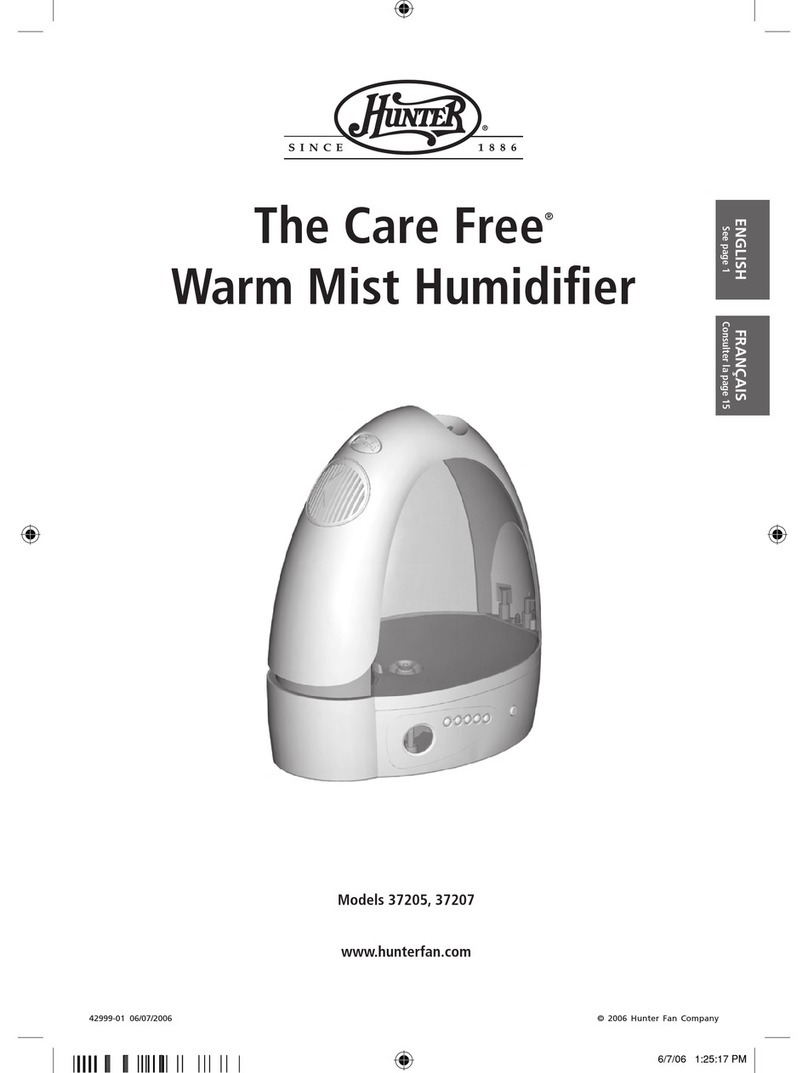
Hunter 37205 User manual

Hunter
Hunter Care Free Permawick 34407 User manual
Hunter
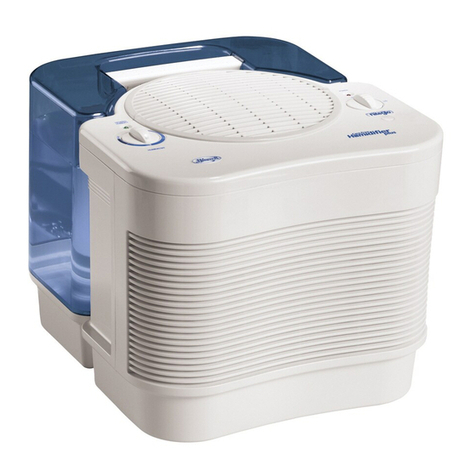
Hunter 33200 User manual
Hunter
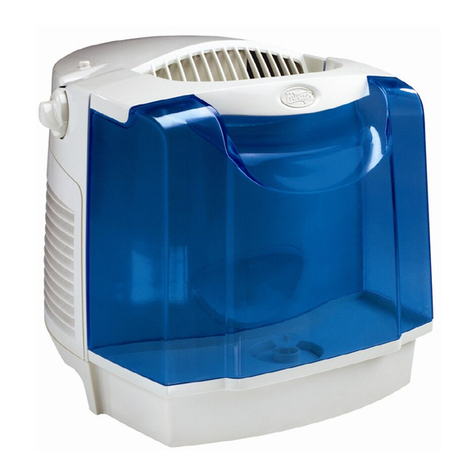
Hunter 33223 User manual
Hunter
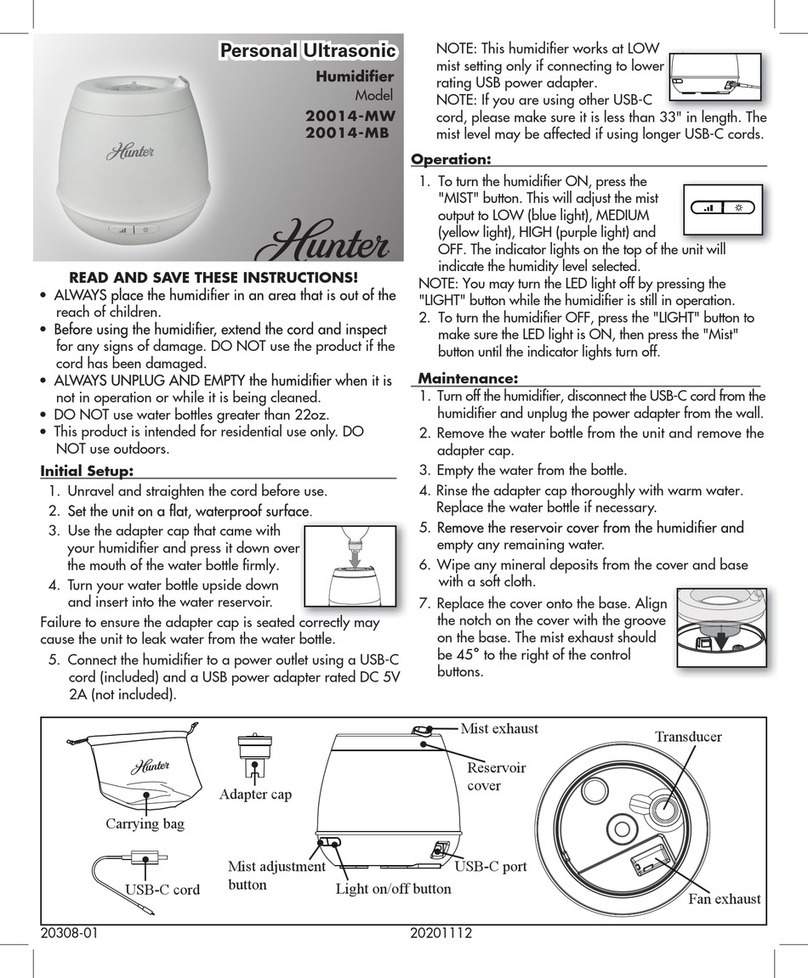
Hunter 20014-MW User manual
Hunter
Hunter 35156 User manual
Hunter
Hunter 35205 User manual
Hunter
Hunter 35202 User manual
Hunter
Hunter 33201 User manual
Hunter
Hunter 33520 User manual
Hunter
Hunter 33200A User manual
Hunter
Hunter 35216 User guide
Hunter
Hunter 34357 User manual

Hunter
Hunter 32505 User manual