manuals.online logo
Brands
  1. Home
  2. •
  3. Brands
  4. •
  5. Hunter
  6. •
  7. Solar Panel
  8. •
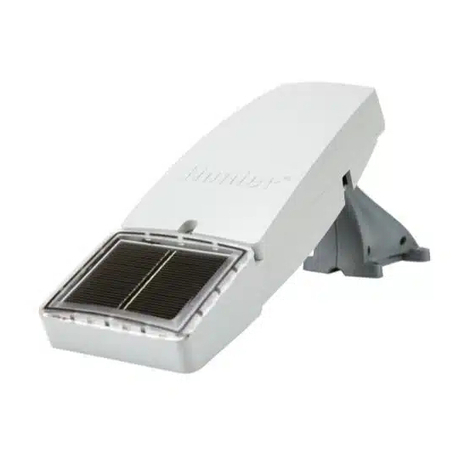
  9. Hunter Solar Panel Plus SP150 User manual

Hunter Solar Panel Plus SP150 User manual

This manual suits for next models

1

Other Hunter Solar Panel manuals

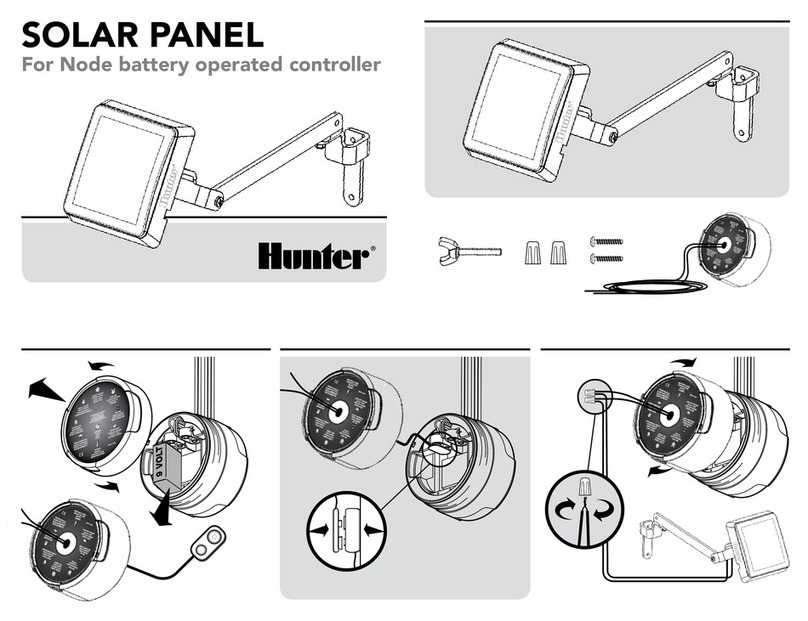
Hunter SP-NODE-BT User manual

Hunter

Hunter SP-NODE-BT User manual

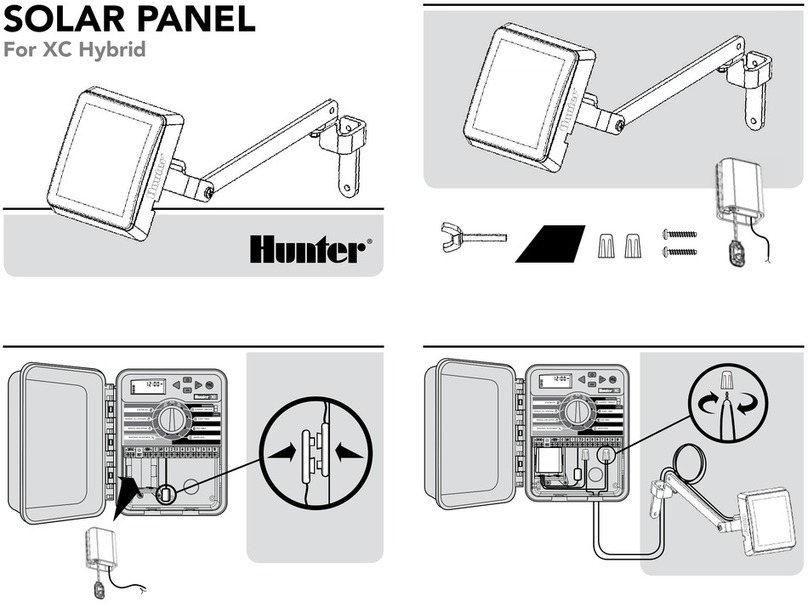
Hunter XC Hybrid User manual

Hunter

Hunter XC Hybrid User manual

Hunter SOLAR PANEL User manual

Hunter

Hunter SOLAR PANEL User manual

Popular Solar Panel manuals by other brands

O.N 23.8757.15 user manual

O.N

O.N 23.8757.15 user manual

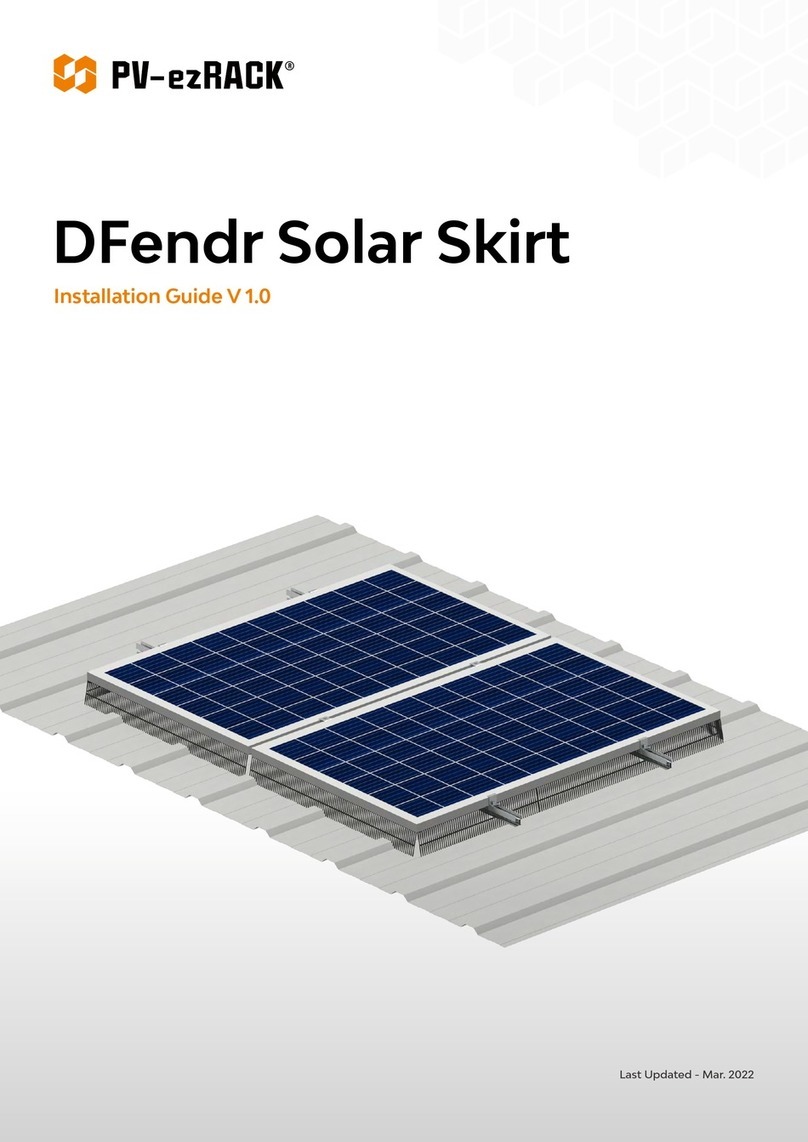
PV-ezRack DFendr installation guide

PV-ezRack

PV-ezRack DFendr installation guide

Navitron HFC-2 installation instructions

Navitron

Navitron HFC-2 installation instructions

AXITEC 60-CELL installation manual

AXITEC

AXITEC 60-CELL installation manual

thermital TSOL 20 N BLU installation instructions

thermital

thermital TSOL 20 N BLU installation instructions

moovo KSM001 Installation and use instructions and warnings

moovo

moovo KSM001 Installation and use instructions and warnings

AZO Digital MPPT-3000 operating manual

AZO Digital

AZO Digital MPPT-3000 operating manual

Clenergy PV-ezRack SolarTripod installation guide

Clenergy

Clenergy PV-ezRack SolarTripod installation guide

Beretta SCF-20N installation manual

Beretta

Beretta SCF-20N installation manual

Solarland Portable Series Instruction handbook

Solarland

Solarland Portable Series Instruction handbook

Ubiquiti sunMAX user guide

Ubiquiti

Ubiquiti sunMAX user guide

Sonnenkraft GK5-HP manual

Sonnenkraft

Sonnenkraft GK5-HP manual

REC TwinPeak 2S Mono 72 Series installation instructions

REC

REC TwinPeak 2S Mono 72 Series installation instructions

Flexsolar C100 Instruction manual & warranty

Flexsolar

Flexsolar C100 Instruction manual & warranty

Energizer HardCase Sunpack 120W user guide

Energizer

Energizer HardCase Sunpack 120W user guide

solarwatt EasyIn 60M Series installation instructions

solarwatt

solarwatt EasyIn 60M Series installation instructions

Mission Solar Energy MONO Series Installation and user manual

Mission Solar Energy

Mission Solar Energy MONO Series Installation and user manual

Wiedenmann Favorit XP Translation of original operating instructions

Wiedenmann

Wiedenmann Favorit XP Translation of original operating instructions

manuals.online logo
manuals.online logoBrands
  • About & Mission
  • Contact us
  • Privacy Policy
  • Terms and Conditions

Copyright 2025 Manuals.Online. All Rights Reserved.

Hunter Solar Panel +
User manual
Bruksanvisning
Manuaalinen
Bruksanvisning
Brugsanvisning
Benutzerhandbuch
Solar Panel Plus SP150
Article no: TL20150
2 3
EN
Included in the package
1 x Solar Panel
1 x Power Adapter 5V/2A
1 x USB Input Cable
1 x 3.5 x 1.35 mm Output Cable
1 x 4.0 x 1.7 mm Output Cable
1 x 5.5 x 2.1 mm Output Cable
1 x Mounting Bracket
4 x Mounting Screws
1 x Mounting Strap 1,5m
1 x Instruction Manual
Solar Panel Charger for trail cameras
1. Output 12V
2. Input 5V
3. Output 6V
4. Output 9V
5. Battery Status Button
6. Solar Charging Indicator
7. Battery Status Indicators
Specification
Input 5V/2A
Output 12V/2A, 9V/2.6A, 6V/4A
Dimension (LxWxD) 188 mm x 157 mm x 36 mm
Battery Capacity 8000 mAh
Operating Temperature -20 C° – +60 C°
Waterproof Rating IP 66
Charging Time (Power Supply) 5 hours
Charging Time (Direct Sun-light) 40 hours
4 5
EN
Charging the Panel
1. Charge panel by sunlight: Place the panel tilted slightly upwards to face
the sun. The solar charge indicator (Green LED) is on when the panel is
generating power from sunlight.
2. Charge panel by DC input: Plug the Power adapter or the USB cable into
the 5V Input Port [2]. When using the USB cable, ensure that the power
supply source is 5V/2A. The red battery status LED [7] indicates the
charging status.
Charging Status LED 1 LED 2 LED 3 LED 4
0% – 24% Flashing OFF OFF OFF
25% – 49% ON Flashing OFF OFF
50% – 74% ON ON Flashing OFF
75% – 99% ON ON ON Flashing
100% ON ON ON ON
Power supply the Camera
Select the output cable that fits your camera model.
Plug in the output cable to the output on the solar panel that corresponds
to the required voltage of your camera (OUT 12V [1], OUT 9V [4], OUT 6V
[3]).
Press the battery status button [5] to check the battery level.
Power Status LED 1 LED 2 LED 3 LED 4
<25% ON OFF OFF OFF
25% – 49% ON ON OFF OFF
50% – 74% ON ON ON OFF
75% – 100% ON ON ON ON
Notice
1. Do not drop, disassemble or puncture the panel; do not expose to fire, high tempera-
ture, low temperature or submerge in water
2. If you find that the product is bulging or has other anomalies, stop using the product
immediately.
WARNING: Failure to follow these safety instructions may result in fire, electric shock,
damage, or other injury.
Responsible disposal
This symbol indicates that this product should not be disposed of with
general household waste. This applies throughout the entire EU. In order to
prevent any harm to the environment or health hazards caused by incorrect
waste disposal, the product must be handed in for recycling so that the
material can be disposed of in a responsible manner. When recycling your
product, take it to your local collection facility or contact the place of
purchase. They will ensure that the product is disposed of in an environ-
mentally sound manner.

6 7
EN
Solar Panel Plus SP150
Article no: TL20150
Manufacturer:
Hunter Sales i Stockholm AB
Götlundagatan 3
124 71 Bandhagen, Sweden
Developed in Sweden by Hunter Sales
Made in China
www.hunterworld.se
Rev 1.0