2.Placement
Indoor/Outdoor use
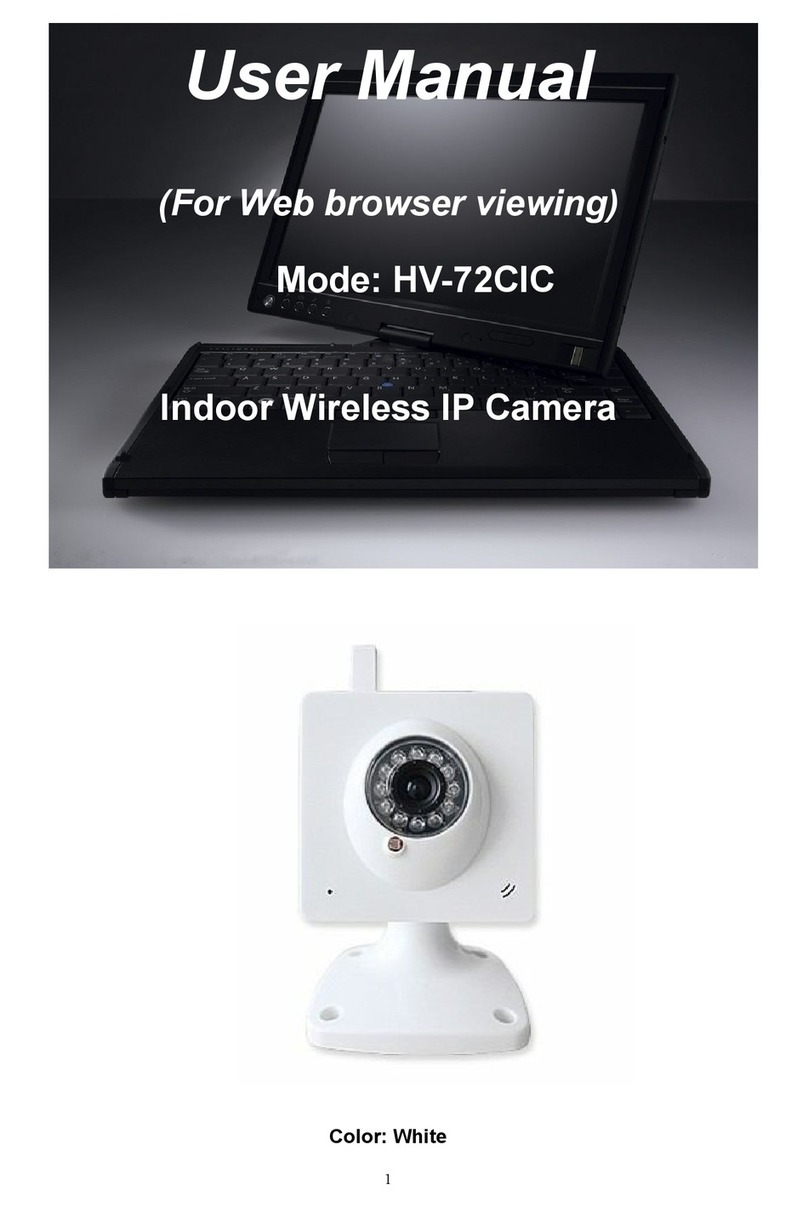
You can place the camera on a flat surface. Or you can attach it to the ceiling or wall.
Note:
Before you place the camera, make sure the camera is close to a power outlet and
network cable.
Before you secure the supplied two wall plugs and screws, drill holes on a flat and
hard surface.
After WiFi setting (refer to P), Just unplug the network cable for better wall/ceiling
attached and wireless control.
3. Set-up
You can see and hear what is happening in your room from anywhere in the world with
your iPad
What you need
1. Connect your camera to power and network cable.
Just Wait for 45 seconds for camera start with Pan/Tilt test automatically.
2. Make sure your iPad is wirelessly connected to your Wi-Fi router network.
3. Download “HVCAM” App from Apple App store