Enabling better global research outcomes in soil, plant & environmental monitoring. 2
Contents
1. Introduction ..............................................................................................................................................................3
2. System Requirements ............................................................................................................................................... 4
2.1 Hardware...........................................................................................................................................................4
2.2 Software............................................................................................................................................................4
2.3 Screen Resolution ............................................................................................................................................. 4
3. Charging the PSY1 Internal Battery...........................................................................................................................5
3.1 Connecting a Power Supply to the Instrument.................................................................................................6
3.1.1 Individual Power Supply Connections.......................................................................................................6
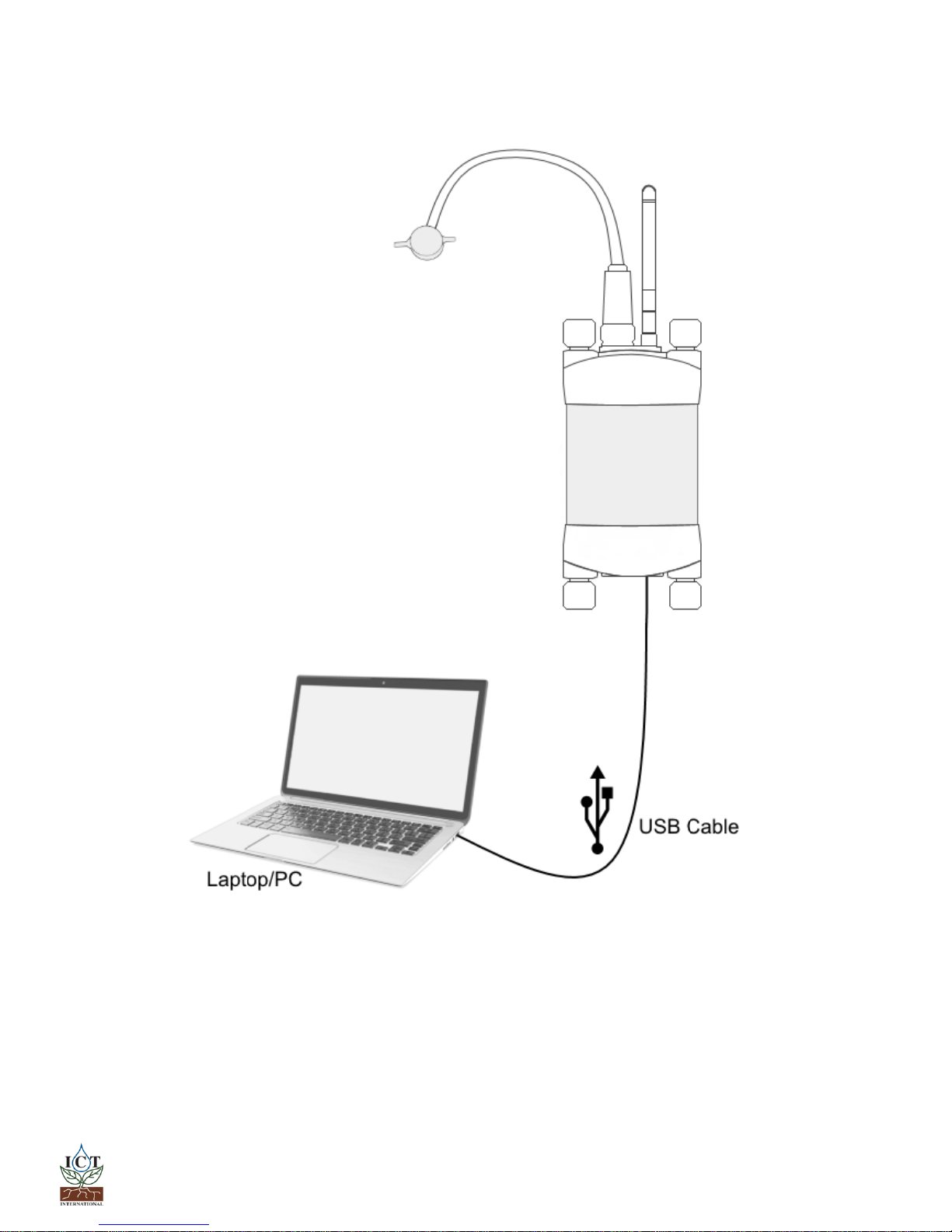
3.1.2 Connecting Power via USB Cable to a Laptop/PC ..................................................................................... 7
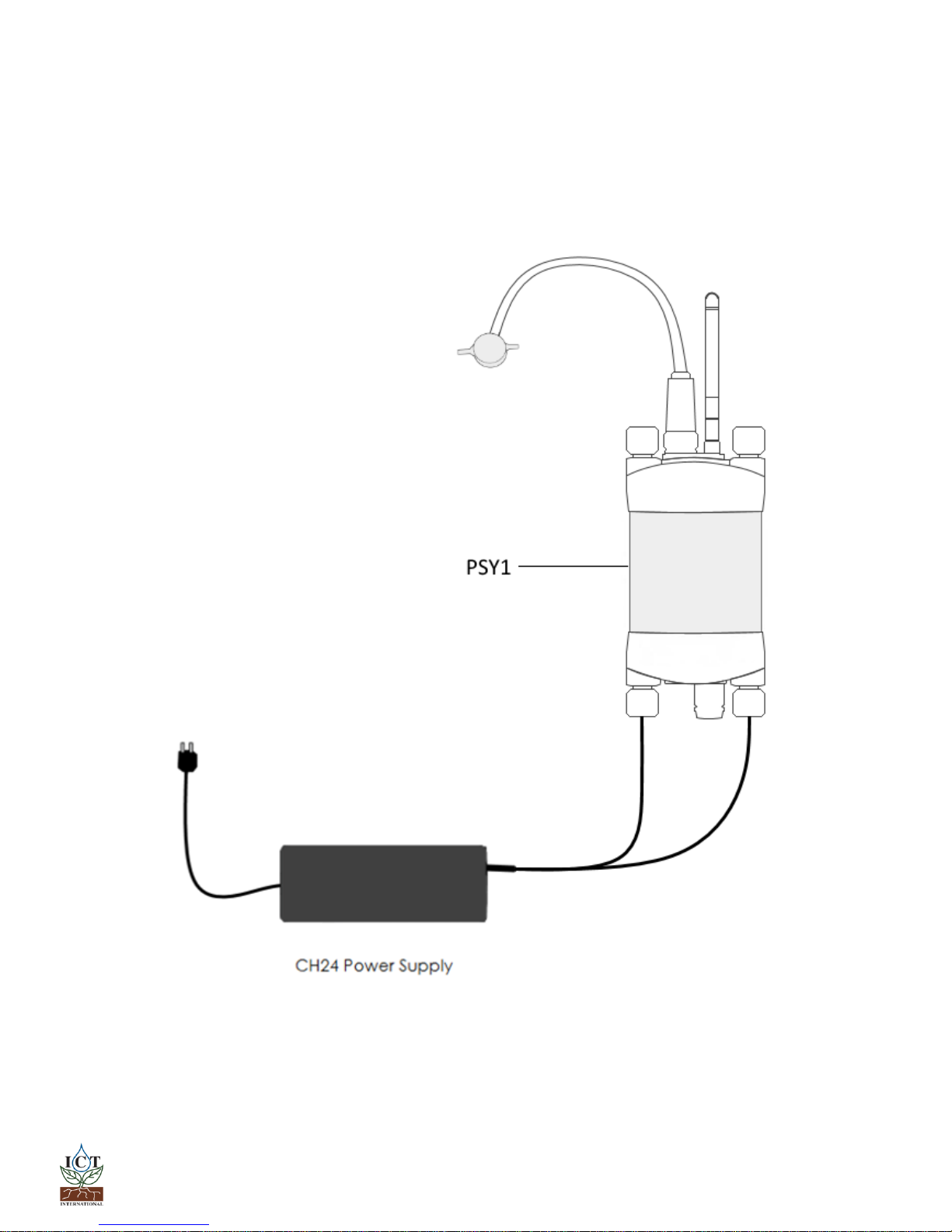
3.1.3 Connecting Power Directly via CH24 Power Supply..................................................................................8
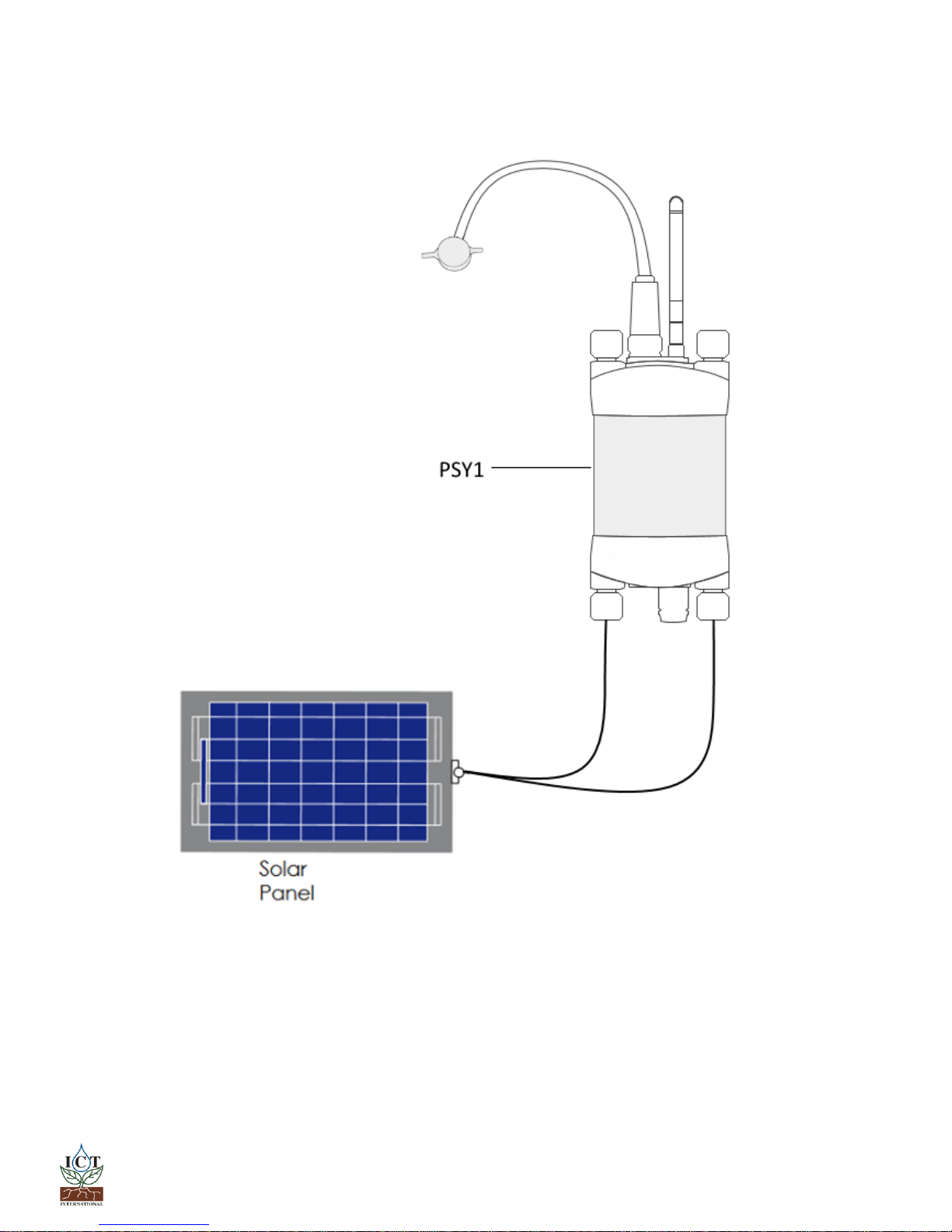
3.1.4 Connecting Power Directly via Solar Panel (Field Operation)...................................................................9
4. Cleaning the Psychrometer Chamber .....................................................................................................................10
5. Install ICT Combined Instrument Software and USB Driver....................................................................................11
6. Turn the Instrument On ..........................................................................................................................................12
7. Connect to the Instrument .....................................................................................................................................13
7.1 Connect via MCC Mini.....................................................................................................................................14
8. Set the Measurement Parameters..........................................................................................................................15
8.1 Configuration ..................................................................................................................................................16
Cooling Time and Waiting Time ..............................................................................................................................16
Chamber Heating ....................................................................................................................................................16
Calibration...............................................................................................................................................................16
Chamber Heating ....................................................................................................................................................17
8.2 Calibration.......................................................................................................................................................17
8.3 Diagnostics ......................................................................................................................................................18
Reverse Peltier (Warming)......................................................................................................................................18
8.4 SD Card Logging Options.................................................................................................................................19
View Options...............................................................................................................................................................19
9. Download Data .......................................................................................................................................................20
10. Sensor Installation...............................................................................................................................................22
Grit Selection...............................................................................................................................................................23
Level of Abrasion.........................................................................................................................................................23