23BoB2
TM
Handset Setup
Getting Started
Before you get started
We’re almost there. Before you start making calls,
check you’ve received everything listed below.
1. Charger stand
2. Handset charger
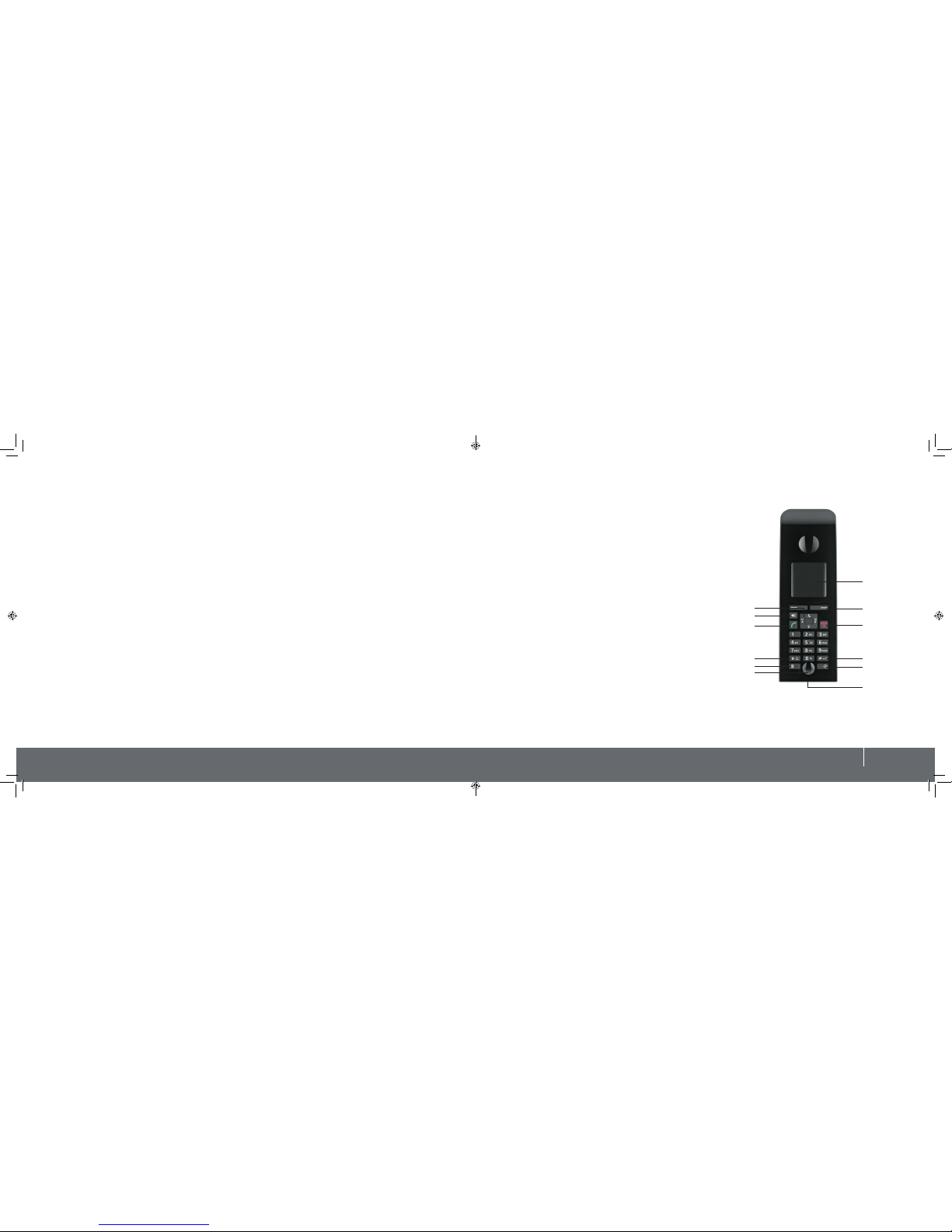
3. iiNet BoB2TM handset
4. Power adapter for the charging cradle
5. Batteries (two)
Play it safe
We all know it’s better to be safe than
sorry, so have a read of the BoB2TM handset
safety precautions before setting up:
• Only use the supplied charging cradle
and mains adapter
• It’s important you only use the
recommended rechargeable batteries.
Avoid conventional (non-rechargeable)
batteries or any other type of battery
as this can pose health risks and cause
personal injury.
• The operation of medical appliances
may be affected. Be aware of
the technical conditions in your
environment.
• Do not hold the rear of the handset to
your ear when it’s ringing or when the
handsfree function is activated as you
risk serious or permanent damage to
your hearing. The handset may cause a
humming noise in hearing aids.
• The handset and its charging cradle
are not splash proof, so it’s best to
not install it in bathrooms or near the
kitchen sink.
• Do not use your phone in
environments with a potential
explosion hazard, for example, a paint
shop.
• If you give your BoB2
TM
handset
to someone else, equip them with
this manual and ensure to reset the
handset to factory default settings.
Setting up your BoB2TM handset
Ok, it’s time to set up so you can start talking.
Firstly, remove the protective film from the BoB2TM handset display screen.
Powering up the BoB2TM handset
Note: Please only use the rechargeable batteries. Using conventional (non-rechargeable) batteries could pose health
risks and cause damage to the handset.
To open the battery cover, slide cover towards the base and lift away from the handset.
1. Insert the batteries as indicated in the battery compartment.
2. To close the battery cover, hold it at a slight angle and push it onto the handset, bottom first.
3. Press the cover down until it clicks into place.
4. If the handset does not power on, press and hold the red key.
Turning the BoB2TM handset on and off
• When the BoB2TM handset is in idle status, press and firmly hold the end call key down to switch it off.
• Keep in mind that whenever the handset is switched off, the date and time will need to be reset – see page 5.
• To turn the handset on, hold the end call key button until the display screen lights up.
1 2 3 4
5