manuals.online logo
Brands
  1. Home
  2. •
  3. Brands
  4. •
  5. Insignia
  6. •
  7. Camera Accessories
  8. •
  9. Insignia NS-DTRP65 User manual

Insignia NS-DTRP65 User manual

Other Insignia Camera Accessories manuals

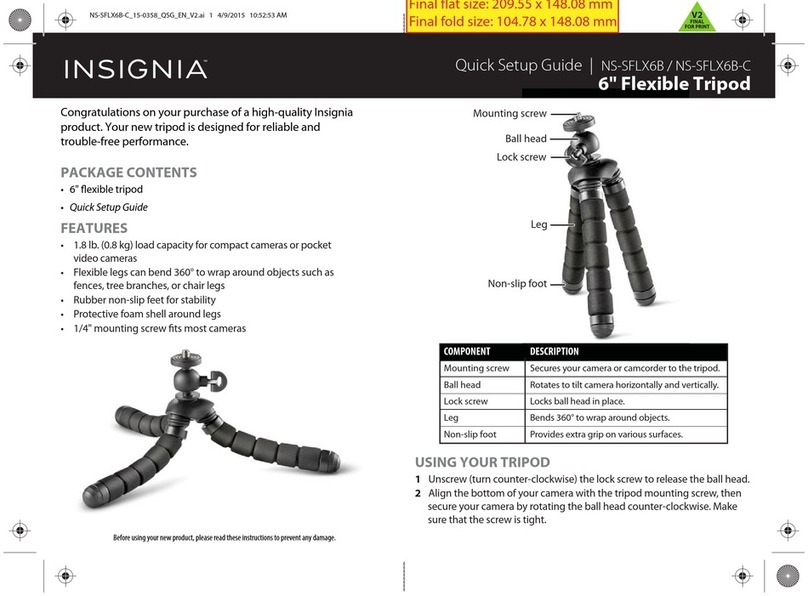
Insignia NS-SFLX6B User manual

Insignia

Insignia NS-SFLX6B User manual

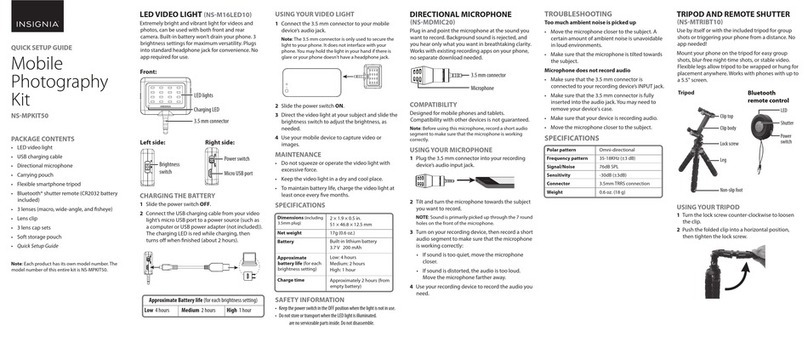
Insignia NS-MPKIT50 User manual

Insignia

Insignia NS-MPKIT50 User manual

Insignia NS-DGPCS10-C User manual

Insignia

Insignia NS-DGPCS10-C User manual

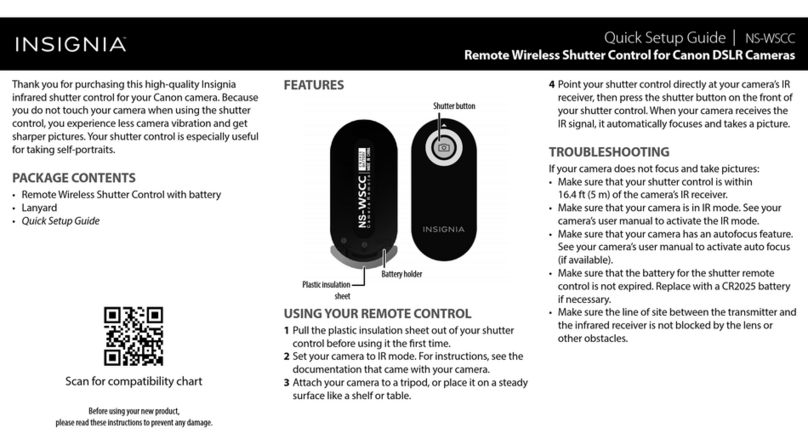
Insignia NS-WSCC User manual

Insignia

Insignia NS-WSCC User manual

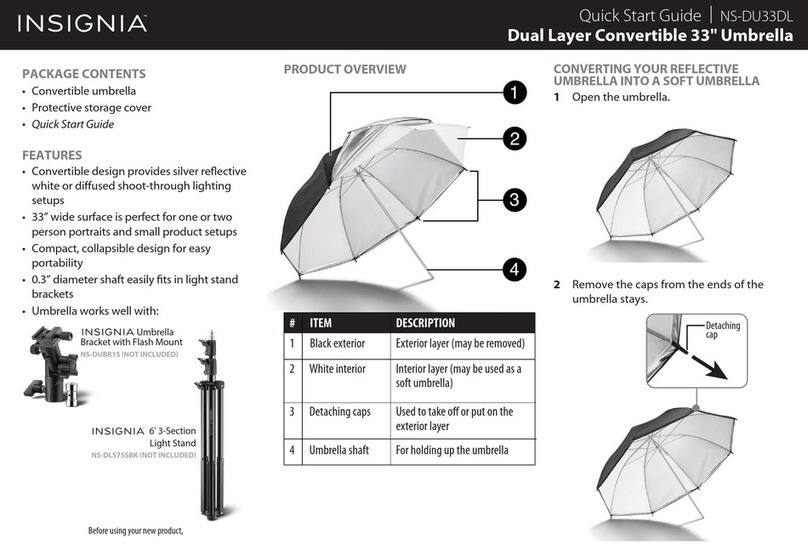
Insignia Dual Layer Convertible Umbrella User manual

Insignia

Insignia Dual Layer Convertible Umbrella User manual

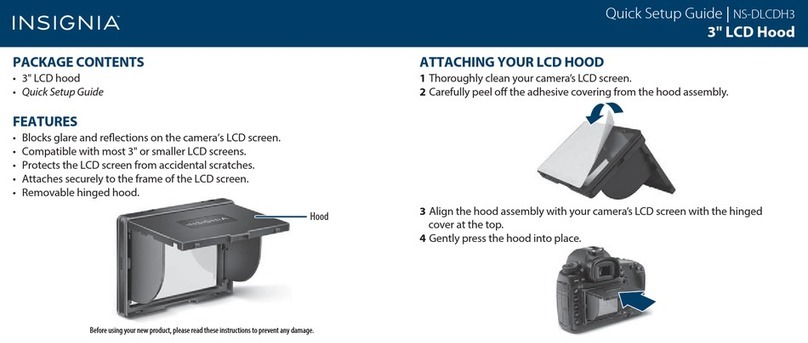
Insignia NS-DLCDH3 User manual

Insignia

Insignia NS-DLCDH3 User manual

Insignia NS-DGPSMC10 User manual

Insignia

Insignia NS-DGPSMC10 User manual

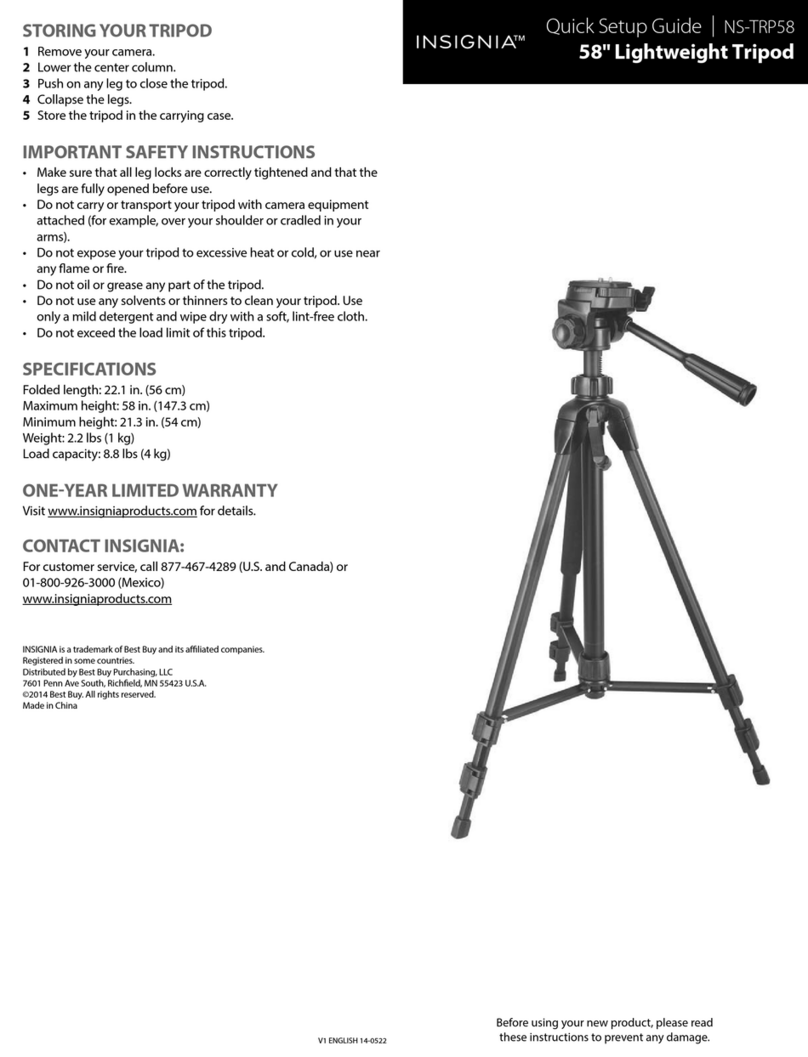
Insignia NS-TPR58 User manual

Insignia

Insignia NS-TPR58 User manual

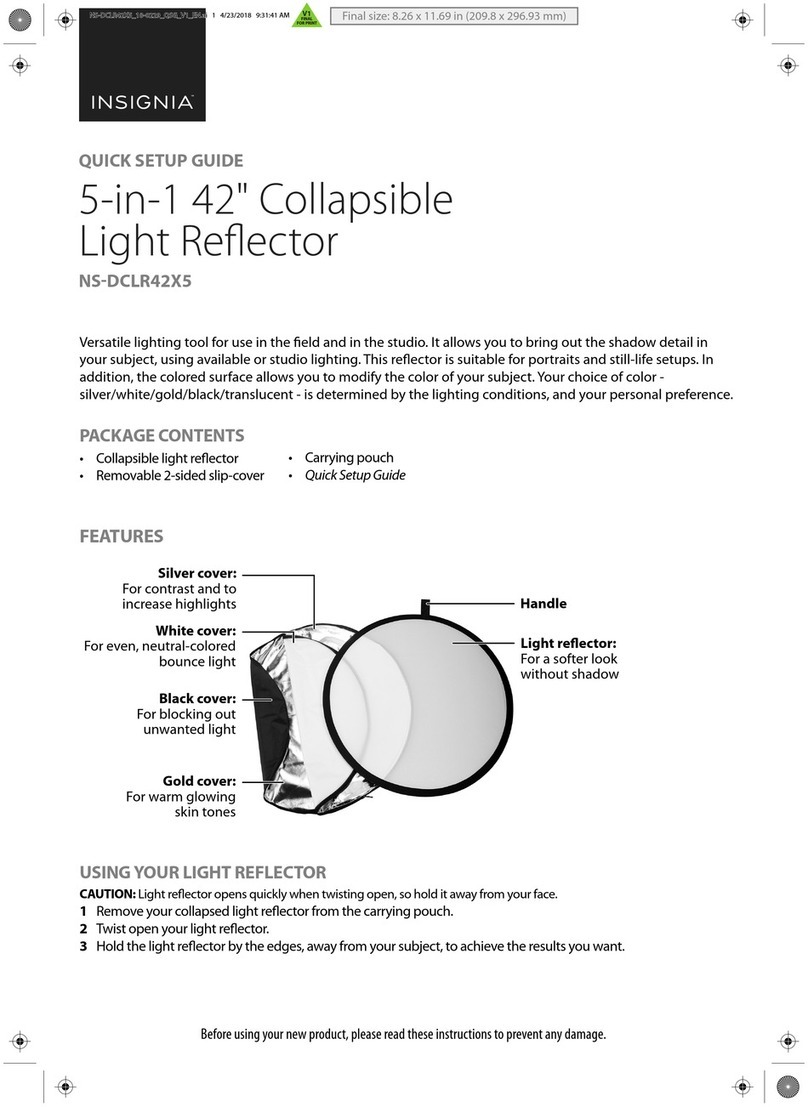
Insignia NS-DCLR42X5 User manual

Insignia

Insignia NS-DCLR42X5 User manual

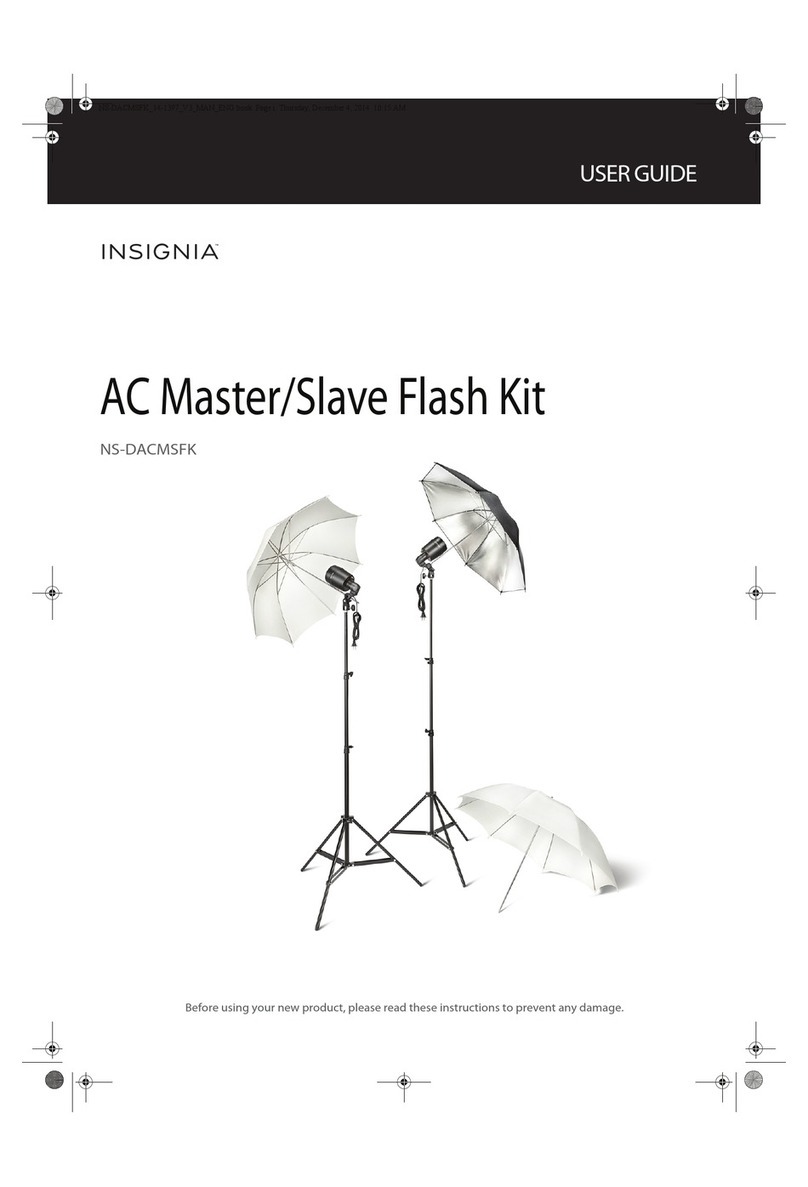
Insignia NS-DACMSFK User manual

Insignia

Insignia NS-DACMSFK User manual

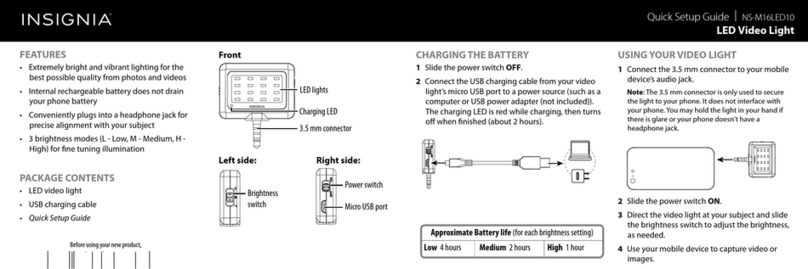
Insignia NS-M16LED10 User manual

Insignia

Insignia NS-M16LED10 User manual

Insignia NS-DGPSMC10 User manual

Insignia

Insignia NS-DGPSMC10 User manual

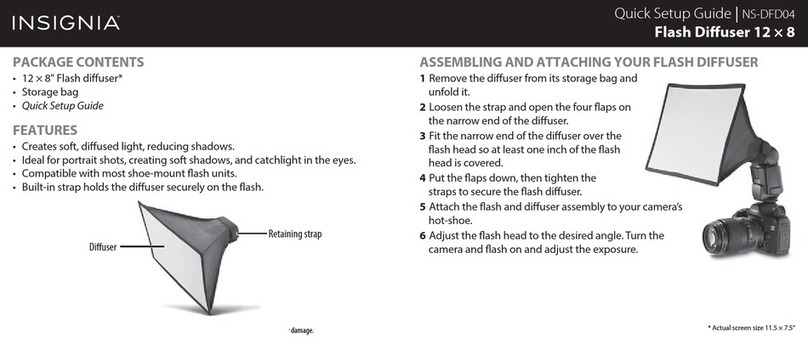
Insignia NS-DFD04 User manual

Insignia

Insignia NS-DFD04 User manual

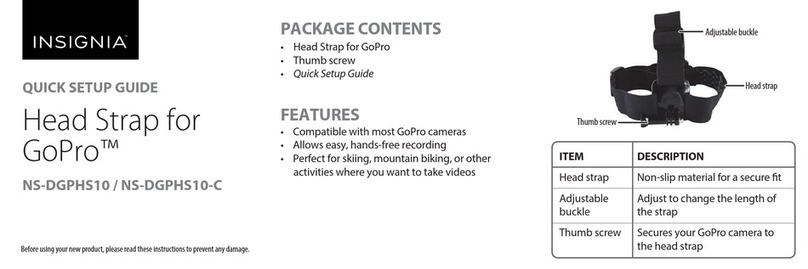
Insignia NS-DGPHS10 User manual

Insignia

Insignia NS-DGPHS10 User manual

Popular Camera Accessories manuals by other brands

CamRanger CamRanger user manual

CamRanger

CamRanger CamRanger user manual

Custom Brackets HDV CAGE KIT Instructions for use

Custom Brackets

Custom Brackets HDV CAGE KIT Instructions for use

Aegis ABL052010P user manual

Aegis

Aegis ABL052010P user manual

Saft SRA Series Installation and operating instructions

Saft

Saft SRA Series Installation and operating instructions

Kodak TIB5200 technical information

Kodak

Kodak TIB5200 technical information

Videotec HEG instruction manual

Videotec

Videotec HEG instruction manual

Ikelite 6171.11 manual

Ikelite

Ikelite 6171.11 manual

Pentax Auto Bellows Slide Copier K user manual

Pentax

Pentax Auto Bellows Slide Copier K user manual

Nikon UT-1 user manual

Nikon

Nikon UT-1 user manual

dji RONIN 4D quick start guide

dji

dji RONIN 4D quick start guide

SLIK ABLE 300DX user manual

SLIK

SLIK ABLE 300DX user manual

Rebelcell 36V70 user manual

Rebelcell

Rebelcell 36V70 user manual

Trojan GC2 48V quick start guide

Trojan

Trojan GC2 48V quick start guide

Calumet 7100 Series CK7114 operating instructions

Calumet

Calumet 7100 Series CK7114 operating instructions

Ropox 4Single Series User manual and installation instructions

Ropox

Ropox 4Single Series User manual and installation instructions

Cambo Wide DS Digital Series Main operating instructions

Cambo

Cambo Wide DS Digital Series Main operating instructions

Samsung SHG-120 Specification sheet

Samsung

Samsung SHG-120 Specification sheet

Ryobi BPL-1820 Owner's operating manual

Ryobi

Ryobi BPL-1820 Owner's operating manual

manuals.online logo
manuals.online logoBrands
  • About & Mission
  • Contact us
  • Privacy Policy
  • Terms and Conditions

Copyright 2025 Manuals.Online. All Rights Reserved.

QUICK SETUP GUIDE
64" Photo
Video Tripod
NS-DTRP65
PACKAGE CONTENTS
• Tripod
• Quick-release plate
• Carrying case
• Quick Setup Guide
FEATURES
• Supports cameras with standard 1/4"-20 tripod mount
up to 6.6 lbs. (3.0 kg)
• Aluminum legs and center column for minimal weight and
maximum strength
• Collapses to a length of 25.2" (64 cm) for Easy storage and
transportation
Before using your new product, please read these instructions to prevent any damage.
# ITEM
1Quick-release plate
2Leveling bubble
3Pan locking knob
4Locking knob
5Crank handle
6Quick-release plate
locking lever
7Vertical tilt lock knob
8Horizontal tilt lock
handle
9Locking collar
10 Flip-lever leg locks
11 Universal ball rubber
foot
DESCRIPTION
Mount your camera to this plate, then mount this plate to
the tripod.
Allows for precise leveling of the tripod for perfect
alignment.
Locks the tripod head so that it will not rotate horizontally.
Locks the center column in place.
Raises and lowers the center column.
Secures the quick-release plate to the tripod.
Adjust vertical tilt up to 90 degrees.
Adjust the horizontal tilt.
Locks the tripod legs in place to provide maximum
stability and strength.
Lift to adjust leg height, then close to lock.
Rubber feet with ball design for ground leveling provide a
secure, non-marring footing for your tripod.
Flip-lever
leg lock
Mounting plate
Quick-release plate
locking lever
Center column
Locking knob
Crank
handle
STORING YOUR TRIPOD
1Remove your camera.
Note: You can leave the quick-release plate on your camera or reattach it to
the tripod.
2Lower the center column.
3Open the ip-lever leg locks, then push on the legs to close the
tripod.
4Collapse the legs, then relock the ip-lever leg locks.
5Store the tripod in the carrying case.
IMPORTANT SAFETY INSTRUCTIONS
• Make sure that all leg locks are correctly tightened and that the legs
are fully opened before use.
• Do not carry or transport your tripod with camera equipment
attached (for example, over your shoulder or cradled in your arms).
• Do not expose your tripod to excessive heat or cold, or use near any
ame or re.
• Do not oil or grease any part of the tripod.
• Do not use any solvents or thinners to clean your tripod. Use only a
mild detergent and wipe dry with a soft, lint-free cloth.
• Do not exceed the load limit of this tripod.
• Do not bend or put excessive pressure on the tripod legs (for
example, do not place heavy luggage on the tripod).
SPECIFICATIONS
Maximum height: 64.2 in. (163 cm)
Minimum height: 24.6 in. (62.5 cm)
Folded height: 25.2 in. (64 cm)
Weight: 3.3 lbs (1.48 kg)
Load capacity: 6.6 lbs (3 kg)
ONE-YEAR LIMITED WARRANTY
Visit www.insigniaproducts.com for details.
CONTACT INSIGNIA:
For customer service, call 877-467-4289 (U.S. and Canada) or
01-800-926-3000 (Mexico)
www.insigniaproducts.com
INSIGNIA is a trademark of Best Buy and its aliated companies
Distributed by Best Buy Purchasing, LLC
7601 Penn Ave South, Richeld, MN 55423 U.S.A.
©2016 Best Buy. All rights reserved.
Made in China
SETTING UP YOUR TRIPOD
1Open the ip-lever leg locks on each leg.
Extend the leg sections from the top down
(thickest section rst) to reach the height you
want.
Note: Adjusting the thickest leg sections rst gives
your tripod more stability and support.
2Close the ip-lever leg locks to lock each leg at
the desired length.
Caution: Securing a leg lock incorrectly can cause a leg to
retract unexpectedly and could result in damage to the
tripod or attached camera.
3Loosen the locking collar on the center column, then
spread the legs to the preset angle. Set the tripod on a
rm surface. Tighten the locking collar to stabilize your
tripod.
4Adjust the height of the center column by turning the locking knob
counterclockwise, turning the crank handle until the center column is
at the height you want, then tightening the knob. Turn the locking
knob clockwise to lock the center column in place.
ATTACHING YOUR CAMERA
1Hold the quick-release plate locking lever open, then lift the mount-
ing plate to remove it.
2Align the bottom of your camera or camcorder with the 1/4" mount-
ing screw and indexing pin (if necessary) on the plate (the rounded
side of the plate should face the camera lens), then secure your
camera or camcorder to the plate with the screw. The screw should
be tight. The indexing pin retracts if it is not required.
3Open the quick-release plate locking lever and slide the mounting
plate onto the tripod head. Push the quick-release plate locking lever
to the left until it stops to secure the plate.
USING YOUR TRIPOD
1Point one camera leg at your subject so you can stand between the
other two legs.
2To adjust vertical tilt, loosen the vertical tilt lock knob, rotate the plate
up to 90 degrees, then tighten the knob.
3To adjust horizontal tilt, turn the horizontal tilt lock handle counter-
clockwise, tilt the tripod head, then tighten the handle.
4To pan, turn the pan locking knob counter-clockwise, pan the tripod
head, then tighten to lock in place or continue panning.
Note: For maximum stability, always make sure that your camera lens is over
a leg.
V1 ENGLISH 16-0673