Section 1: Installation Requirements
Version 1.0 1 Intuicom, Inc.
Overview
The Trimble® CFX/Case IH FM-750 is typically configured to accept CMR format RTK
corrections from an Intuicom RTK Bridge
®
-X which in turn has been configured to connect to a
GPS/GNSS reference network. The intended audience for this document is a dealer or
integrator familiar with the CFX 750 and generally familiar with the Intuicom RTK Bridge-X.
The Intuicom RTK Bridge-X User Guide covers the steps necessary for its configuration.
1 Requirements for Installation
1.1 Required Information
In order to operate an Intuicom RTK Bridge-X, you are required to have the necessary
information to access and log in to the Real-Time Network. This information is entered
into the RTK Bridge-X and stored in a profile. More details on setting up an RTK
Bridge-X is available in the RTK Bridge-X manual.
• IP address
• TCP port
• NTRIP mount-point name
• username and password for access to the real-time GPS/GNSS network
1.2 Required Equipment
1.2.1 Intuicom Equipment and Accessories
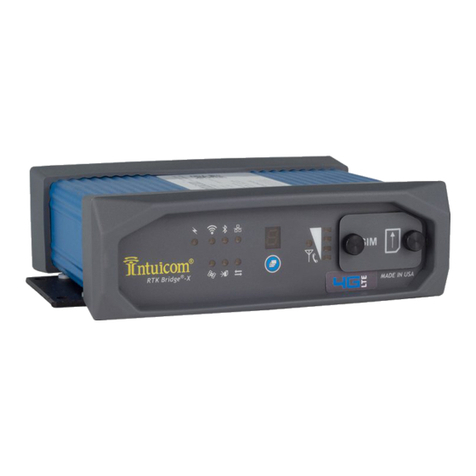
1. Intuicom RTK Bridge-X with activated data provider account (Verizon, AT&T, etc…)
2. Intuicom RTK Bridge-X to Trimble® CFX/Case IH FM-750 data/power cable:
[P/N: XRTKCAB-DD6]
3. Intuicom RTK Bridge-X Cellular/GPS antenna/cable:
[P/N: FIP4-MMDM-MM (magnetic mount)]
1.2.2 Other Equipment and Accessories
4. Trimble CFX 750 with RTK (CMR) option enabled and Port B available (Port A will
also work)
5. Trimble CFX 750 Data Cable and source of power for Trimble® CFX/Case IH FM-750
(or any cabling system typically used to run the Trimble® CFX/Case IH FM-750 for
configuration)