manuals.online logo
Brands
  1. Home
  2. •
  3. Brands
  4. •
  5. iOptron
  6. •
  7. Camera Accessories
  8. •
  9. iOptron SmartStar -PR EQ User manual

iOptron SmartStar -PR EQ User manual

This manual suits for next models

1

Other iOptron Camera Accessories manuals

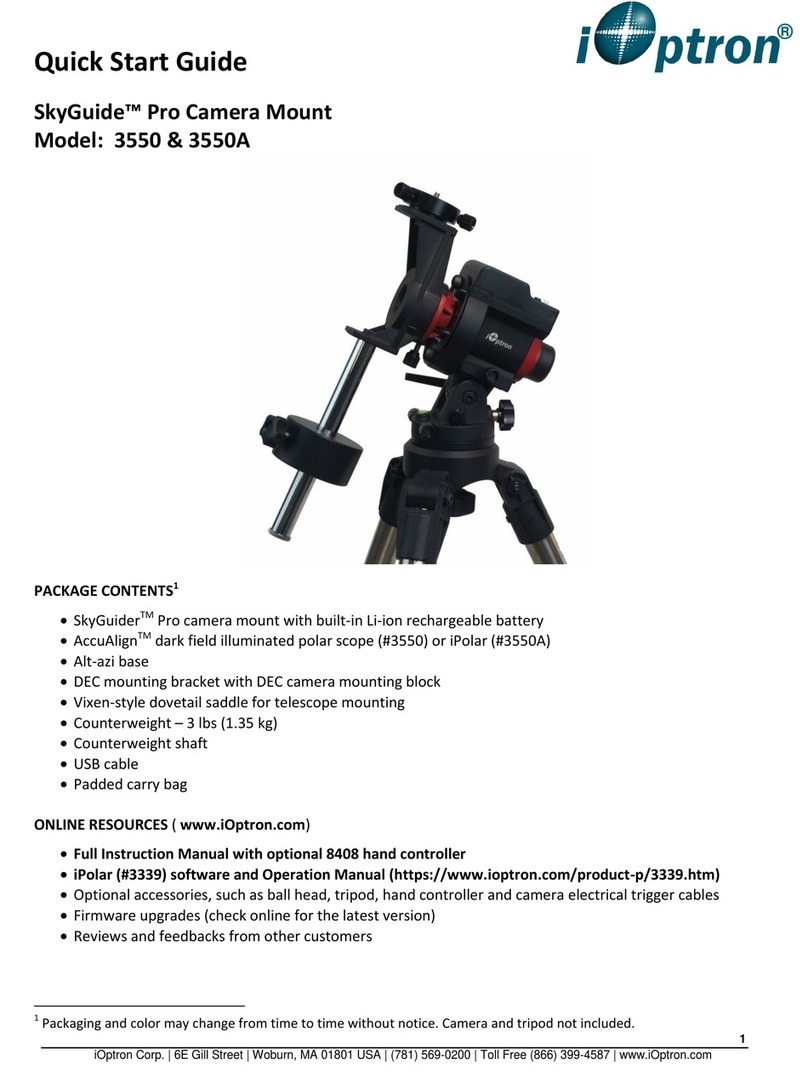
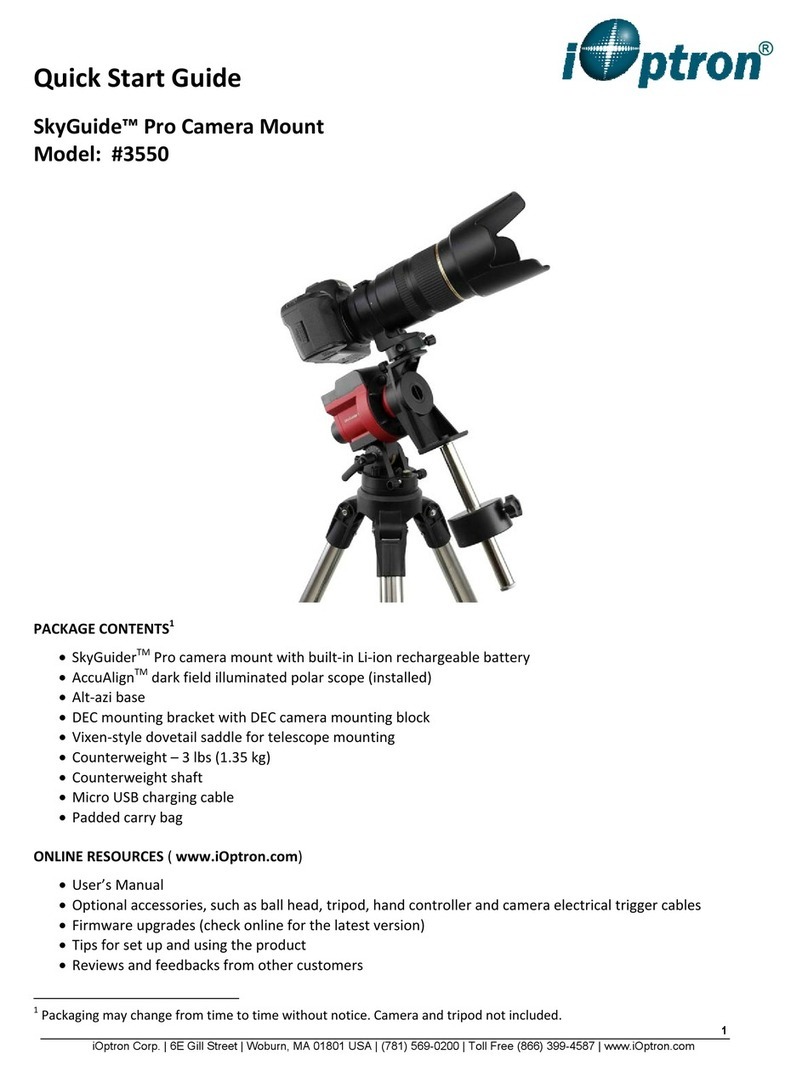
iOptron SkyGuide Pro 3550 User manual

iOptron

iOptron SkyGuide Pro 3550 User manual

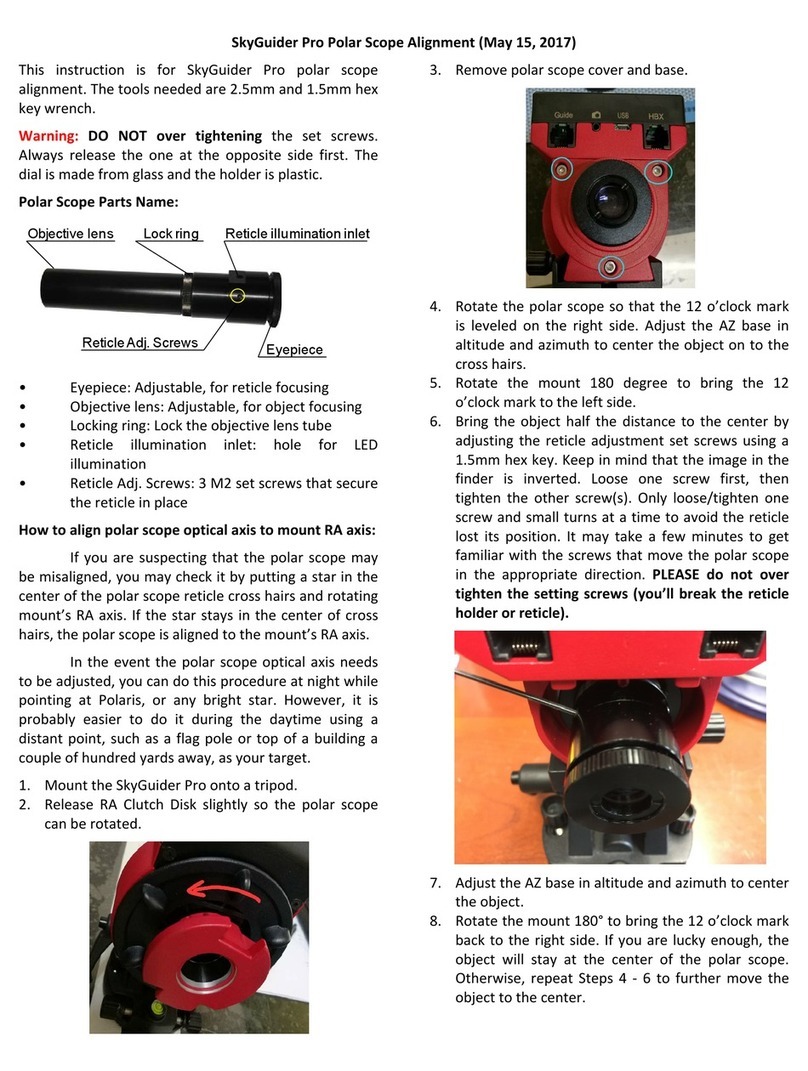
iOptron SkyGuider Pro User manual

iOptron

iOptron SkyGuider Pro User manual

iOptron 3322 User manual

iOptron

iOptron 3322 User manual

iOptron CEM40 Use and care manual

iOptron

iOptron CEM40 Use and care manual

iOptron CEM40 User manual

iOptron

iOptron CEM40 User manual

iOptron SkyGuide Pro 3550A User manual

iOptron

iOptron SkyGuide Pro 3550A User manual

iOptron CEM70 User manual

iOptron

iOptron CEM70 User manual

iOptron SkyGuider Pro User manual

iOptron

iOptron SkyGuider Pro User manual

iOptron HAE69B User manual

iOptron

iOptron HAE69B User manual

iOptron iGuider 3360 User manual

iOptron

iOptron iGuider 3360 User manual

iOptron SkyTracker User manual

iOptron

iOptron SkyTracker User manual

iOptron SkyTracker User manual

iOptron

iOptron SkyTracker User manual

iOptron SkyGuider 3550A User manual

iOptron

iOptron SkyGuider 3550A User manual

iOptron HAZ46 User manual

iOptron

iOptron HAZ46 User manual

iOptron AZ Mount Pro User manual

iOptron

iOptron AZ Mount Pro User manual

iOptron SkyGuider Pro User manual

iOptron

iOptron SkyGuider Pro User manual

iOptron AllView Pro User manual

iOptron

iOptron AllView Pro User manual

iOptron iEQ30 Pro 3000E User manual

iOptron

iOptron iEQ30 Pro 3000E User manual

iOptron SmartStar iEQ45 Guide

iOptron

iOptron SmartStar iEQ45 Guide

iOptron HAZ31 User manual

iOptron

iOptron HAZ31 User manual

iOptron SkyGuider Pro User manual

iOptron

iOptron SkyGuider Pro User manual

Popular Camera Accessories manuals by other brands

CamRanger CamRanger user manual

CamRanger

CamRanger CamRanger user manual

Custom Brackets HDV CAGE KIT Instructions for use

Custom Brackets

Custom Brackets HDV CAGE KIT Instructions for use

Aegis ABL052010P user manual

Aegis

Aegis ABL052010P user manual

Saft SRA Series Installation and operating instructions

Saft

Saft SRA Series Installation and operating instructions

Kodak TIB5200 technical information

Kodak

Kodak TIB5200 technical information

Videotec HEG instruction manual

Videotec

Videotec HEG instruction manual

Ikelite 6171.11 manual

Ikelite

Ikelite 6171.11 manual

Pentax Auto Bellows Slide Copier K user manual

Pentax

Pentax Auto Bellows Slide Copier K user manual

Nikon UT-1 user manual

Nikon

Nikon UT-1 user manual

dji RONIN 4D quick start guide

dji

dji RONIN 4D quick start guide

SLIK ABLE 300DX user manual

SLIK

SLIK ABLE 300DX user manual

Rebelcell 36V70 user manual

Rebelcell

Rebelcell 36V70 user manual

Trojan GC2 48V quick start guide

Trojan

Trojan GC2 48V quick start guide

Calumet 7100 Series CK7114 operating instructions

Calumet

Calumet 7100 Series CK7114 operating instructions

Ropox 4Single Series User manual and installation instructions

Ropox

Ropox 4Single Series User manual and installation instructions

Cambo Wide DS Digital Series Main operating instructions

Cambo

Cambo Wide DS Digital Series Main operating instructions

Samsung SHG-120 Specification sheet

Samsung

Samsung SHG-120 Specification sheet

Ryobi BPL-1820 Owner's operating manual

Ryobi

Ryobi BPL-1820 Owner's operating manual

manuals.online logo
manuals.online logoBrands
  • About & Mission
  • Contact us
  • Privacy Policy
  • Terms and Conditions

Copyright 2025 Manuals.Online. All Rights Reserved.

SmartStar®-PR EQ Mount
Manual
www. iOptron. com
WARNING!
NEVER USE A TELESCOPE TO LOOK AT THE SUN!
Looking at or near the Sun will cause instant and irreversible
damage to your eye.
Children should always have adult supervision while observing.
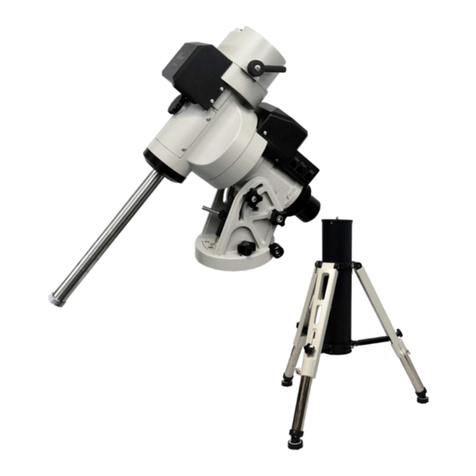
 SmartStar® -PR Layout (OTA not included)
Tripod
 Set up the Tripod
The SmartStar®-PR comes with a two-inch stainless steel tripod.
The tripod comes fully assembled with a metal plate called the Tripod Head, which holds
the legs together at the top. In addition, there is a central rod that extends down from the
Tripod Head, which attaches the equatorial mount to the tripod. To set up the tripod:
1. Stand the tripod upright and pull the tripod legs apart until each leg is fully
extended. After the tripod is set up you may adjust the height.
2. Loosen the Levers on the Leg Clamps so that the tripod legs can be adjusted.
3. Slide the lower part of the tripod legs out until it is at the height you want.
4. Tighten the Lever on each Leg Clamp to hold the legs in place securely.
 Attach the Equatorial Mount and Accessory Tray
The SmartStar®-PR mount is a German equatorial mount that attaches to the Tripod
Head. On one side of the tripod head there is a metal Alignment Peg for aligning the
mount. This side of the tripod should face north when set up for an astronomical
observation. To attach the Equatorial Mount Head:
1. Locate the Azimuth Adjustment Screws on the Equatorial Mount Head.
2. Retract the screws so they no longer extend into the azimuth housing on the
mount. Please do not remove the screws, they are needed later for polar
alignment.
3. Hold the Equatorial Mount Head over the Tripod Head so that the azimuth
housing is above the metal Peg.
4. Place the equatorial mount on the Tripod Head so that the two are flush.
5. Tighten the knob (attached to the Central Rod) on the underside of the Tripod
Head to hold the Equatorial Mount Head firmly in place.
6. Slide the Accessory Tray so that the tray is pushing against the inside of the tripod
legs and the Central Rod goes through the tray.
7. Thread the Accessory Tray Knob on to the Central Rod and tighten.
EQ Mount Head
Since the fully assembled telescope can be quite heavy, position the
mount so that the polar axis is pointing towards north before the OTA
and counterweight are attached. This will make the polar alignment
procedure easier.
 Install the Counterweight
The telescope needs to be balanced by the Counterweight to reduce the stress on the gears
and motors. To install the Counterweight bar:
1. Thread the Counterweight Bar Lock Nut onto the threaded end of the
Counterweight Bar.
2. Locate the opening in the Equatorial Mount Head on the DEC axis.
3. Thread the Counterweight Bar into the opening until it is tight.
4. Tighten the Counterweight Bar Lock Nut for extra support.
5. Once the bar is securely in place you are ready to attach the Counterweight.
6. Position the mount so that the Counterweight Bar points toward the ground.
7. Remove the Counterweight Safety Screw on the end of the Counterweight Bar
(the opposite the end that attaches to the mount).
8. Loosen the Locking Screw on the side of the counterweight.
9. Slide the Counterweight onto the shaft.
10. Tighten the Locking Screw on the side of the Counterweight to hold the
Counterweight in appropriate place.
11. Put back the Counterweight Safety Screw.
 Attach an OTA to the Mount
The optical tube attaches to the mount via a 1.75” Dovetail Plate. The Dovetail Plate
mounts along the bottom of a telescope tube. To avoid any damage to the OTA and the
mount, before you attach an optical tube, make sure that the declination and right
ascension clutch knobs are tight. To mount the telescope tube:
1. Loosen the Dovetail Locks on the side of the Telescope-Mounting Platform. This
allows you to slide the Dovetail Plate onto the mount.
2. Slide the Dovetail Plate on the telescope tube into the Mounting Platform of the
mount.
3. Tighten the Dovetail Locks on the side of the mounting platform to hold the telescope
in place. Tighten the big lock first, then the smaller one.
 Balance in R.A.
To reduce the excessive stress on the mount and motor, the telescope should be properly
balanced around both R.A. and DEC axes. Proper balancing is crucial to both accurate
tracking and protection of the mount. Both the R.A. and DEC axis have lock levers to
clutch down each axis of the telescope. To loosen the clutches on the telescope, rotate the
lock levers counterclockwise.
1. Verify that the telescope is securely attached to the Telescope-Mounting Platform.
2. Loosen the R.A. Lock Lever and position the telescope off to one side of the mount.
The Counterweight Bar will extend horizontally on the opposite side of the mount.
3. Release the telescope slowly to see which way the telescope “rolls.”
4. Loosen the Locking Screw on the side of the counterweight so it can be moved the
length of the Counterweight Bar.
5. Move the Counterweight to a position where it balances the telescope (i.e., the
telescope does not move when the R.A. clutch knobs are loose).
6. Tighten the Screw on the Counterweight to hold it in place.
The above instructions describe a perfect balancing. In fact, there should be slight
imbalance to ensure the best tracking. When the scope is on the west side of the mount
the counterweight should be slightly imbalanced to the counterweight bar side. And when
the tube is on the east side of the mount there should be a slight imbalance toward the
telescope side. This is done so that the worm gear is pushing against a slight load. The
amount of the imbalance is very small. When doing astrophotography, this balance
process should be done for the target area where the telescope is pointing to increase
tracking accuracy.
 Balance in DEC
Even though the mount does not track in DEC, the telescope should still be balanced in
DEC to prevent any sudden motions when the DEC lock lever is loose. To balance the
telescope in DEC:
1. Loosen the R.A. Lock Lever and rotate the telescope so that it is on one side of the
mount (please refer to “Balancing the Mount in R.A.”).
2. Tighten the R.A. Lock Lever to hold the telescope in place.
3. Loosen the DEC Lock Lever and rotate the telescope until the tube is parallel to
the ground.
4. Release the tube slowly to see which way it rotates around the declination axis.
5. Slightly loosen the knobs that hold the telescope to the Mounting Platform and
slide the telescope either forward or backward until it remains stationary when the
DEC clutch is loose. Do NOT let go the telescope tube while the knob on the
Mounting Platform is loose. It may be necessary to rotate the telescope so that the
Counterweight Bar is pointing down before loosening the mounting platform
screw.

6. Tighten the knobs on the Telescope-Mounting Platform to hold the telescope in
place.
Just like R.A. balancing, these are general balance instructions and will reduce excessive
stress on the mount. When doing astrophotography, this balance process should be done
for the target area where the telescope is pointing to.
 Adjust the Mount
To track celestial objects accurately, the telescope’s axis of rotation must be parallel to
the Earth’s axis of rotation. This is called the polar alignment. The polar alignment is not
achieved by moving the telescope in either R.A. or DEC. This is done by adjusting the
telescope horizontally (azimuth) and vertically (altitude). More details of polar alignment
is described later.
Adjust the Mount in Altitude
 To increase the latitude of the polar axis, tighten the Rear Latitude Adjustment Screw
and loosen the Front Screw (if necessary).
 To decrease the latitude of the polar axis, tighten the Front (under the Counterweight
Bar) Latitude Adjustment Screw and loosen the rear screw (if necessary).
The latitude adjustment on the SmartStar®-PR mount has a range from approximately 30°
to 60°.
You should always make final adjustments in altitude by moving the mount against
gravity (i.e. using the Rear Latitude Adjustment Screw to raise the mount). To do this you
should loosen both Latitude Adjustment Screws and manually push the front of the mount
down as far as it goes. Then tighten the Rear Adjustment Screw to raise the mount to the
desired latitude.
For Advanced users, it may be helpful to remove the Front Latitude Adjustment Screw
completely. This will allow the mount to reach lower latitudes without the screw coming
into contact with the R.A. motor assembly. To remove the latitude screw, first use the
rear screw to raise the mount head all the way up. Then remove the Front Latitude Screw
completely. Now you should be able to manually move the Mount Head all the way to its
lowest latitude. Now raise the mount to your desired latitude using only the rear screw.

Adjust the Mount in Azimuth
For rough adjustments in azimuth, simply pick up the telescope and tripod and move it.

For fine adjustments in azimuth:
 Turn the Azimuth Adjustment Knobs located on both sides of the azimuth housing.
While standing behind the telescope, the knobs are in the front of the mount.
o Turning the Right Adjustment Knob clockwise moves the mount toward the
right.
o Turning the Left Adjustment Knob clockwise moves the mount to the left.
Both screws push the Peg on the Tripod Head. This means you have to loosen one screw
when tightening the other. The screw that holds the equatorial mount to the tripod may
have to be loosened slightly too.
Keep in mind that adjusting the mount is done during the polar alignment process only.
Once polar aligned, the mount should NOT be moved. Pointing the telescope to a target
is done by moving the mount in right ascension and declination as described earlier in
this manual.
 Attach the Coiled Cables
There are two Port B’s which are equivalent.
There are three Port A’s which are equivalent to
each other, too.
Use one of the coiled cables to connect one Port A
and one Port B. Plug the cable from the 8401
controller to one of the Port A’s. Extra ports are
reserved for other future accessories.
Now plug in the AC adapter, or DC adapter, and
turn on the power.
If you R.A. and DEC motors are not installed on
the mount, please refer to the installation
instructions here:
http://www.ioptron.com/manuals/GoToNovaKit-
Manual.pdf