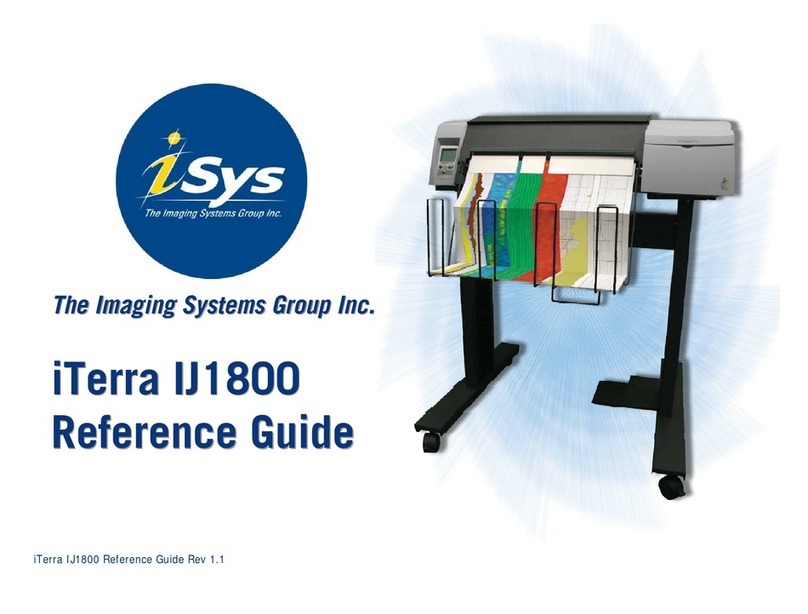
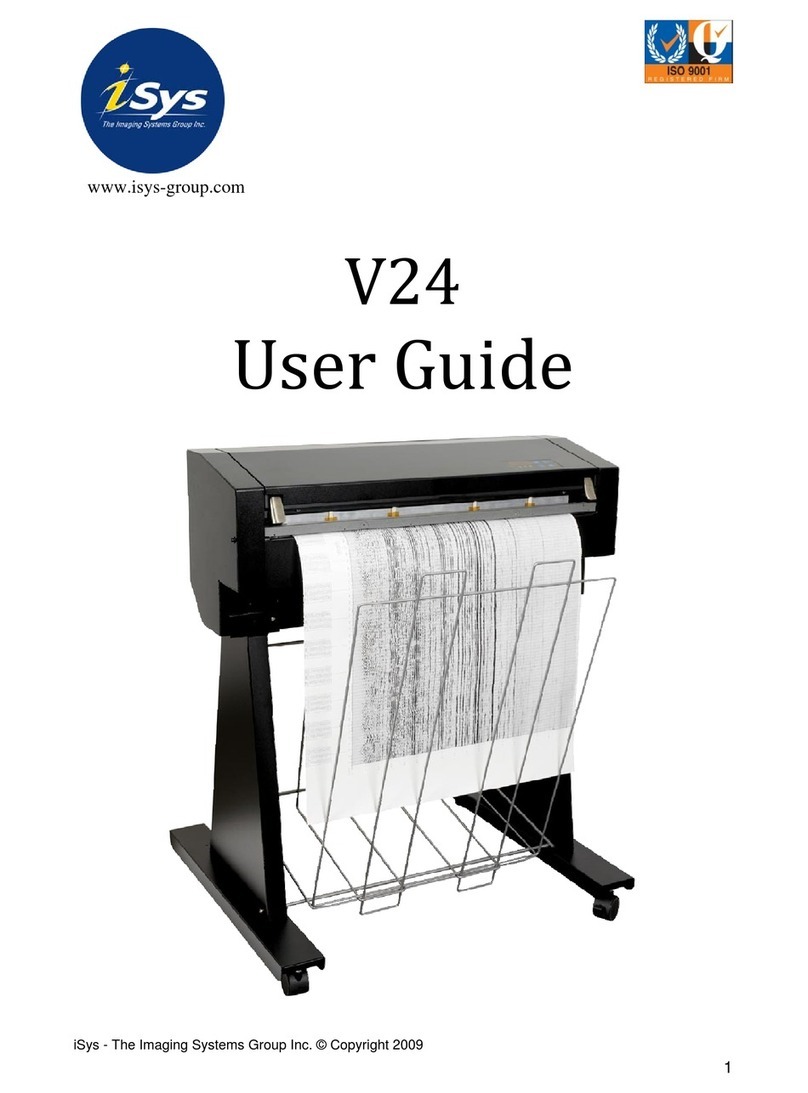
iSys V8.5 User manual

V8.5 Thermal Plotter
User Guide
V8.5 Thermal Plotter is a product of iSys - The Imagaing Systems Group. © 2005

i
V8.5e Rev 2.2.2002
COPYRIGHT NOTICE
This document is copyrighted by The Imaging Systems Group Inc.,
2000. No part of this publication may be reproduced, transmitted,
transcribed,orstoredinaretrievalsystemofanykindwithoutprior
written permission of The Imaging Systems Group Inc.
TRADEMARKS
Centronics is a U.S. registered trademark of Centronics Data
ComputerCorporation.
Versatec is a registered trademark of Versatec Corporation.
DISCLAIMER
The Imaging Systems Group Inc. makes no warranties as to the
accuracy, validity or fitness for use of the contents of this manual.
The Imaging Systems Group Inc. reserves the right to revise the
information in this manual at any time without notice.
HAFTUNGSAUSSCHLUSS
ImagingSystemsGroupInc.übernimmtkeinerleiGarantiehinsichtlich
derGenauigkeit,GültigkeitundAnwendbarkeitdiesesHandbuches.
Imaging Systems Group Inc. behält sich das Recht vor, die in diesem
Handbuch enthaltenen Informationen jederzeit ohne vorherige
Ankündigung zu ändern.

ii V8.5e Rev 2.2.2002
ATTENTION: The V8.5e plotter generates, uses and can radiate radio
frequency energy and, if not installed and used in accordance with
the instruction manual, may cause interference to radio
communications. It has been designed to comply with the
requirements for Class A computing devices pursuant to Sub-part J of
Part 15 of FCC Rules, which are designed to provide reasonable
protection against such interference when operated in a commercial
environment. Operation of this equipment in a residential area is likely
to cause interference in which case, the user, at his own expense, will
be required to take whatever measures may be required to correct
the interference.
ACHTUNG: Der V8.5e Plotter erzeugt, verwendet und verbreitet
Hochfrequenzenergie und kann daher, im Falle, dass er nicht gemäß
dem Benutzerhandbuch installiert und benutzt wird, zu Störungen
im Hochfrequenz Kommunikationsverkehr führen. Er wurde gemäß
den Anforderungen für Rechnergeräte der Klasse A konstruiert und
erfüllt Unterabsatz J des Teils 15 der FCC Vorschriften, die dazu gedacht
sind, einen angemessenen Schutz bei Einsatz dieser Geräte in einer
gewerblichen Umgebung zu sichern. Ein Einsatz dieser Geräte in
Wohngebieten wird wahrscheinlich Störungen verursachen, im
welchem Falle der Benutzer auf eigene Kosten die notwendigen
Maßnahmen ergreifen muß, die erforderlich sind, um solche
Störungen zu vermeiden.

iii
V8.5e Rev 2.2.2002
Caution! – must be observed to avoid loss or damage to your
equipment.
Important: - must be observed to avoid operational impairment.
Do not proceed past any of the above notices, until you have fully
understood the implications.
Electromagnetic Compatibility (EMC) USA – This equipment
generates and radiates radio frequency energy and if not installed
and used in accordance with the instruction manual, may cause
interference to radio communications. It has been tested and found
tocomplywiththelimitsforaClassA computing device pursuant to
Subpart B of Part 15 of FCC rules, which are designed to provide
reasonableprotection against such interference whenoperatedina
commercialenvironment.Operationofthisequipmentinaresidential
areais likely to cause interferenceinwhichcasetheuser at his own
expensewillberequired to takewhatevermeasuresmaybe required
to correct the interference. Shielded cables should be used with this
unit to ensure compliance with the Class A limits.
Europe–This digitalequipmentfulfilstherequirementsforradiation
emission according to limit B of EN55022/A1 May 1998, and the
requirements for immunity according to EN55024 1998 residential,
commercial,andlightindustry(Complianceisnotvalidforunshielded
network and printer cables).
Vorsicht!–Mussbefolgt werden,umTotalverlustoderBeschädigung
des Gerätes zu vermeiden.
Wichtig:-Mussbefolgtwerden,umBeeinträchtigungenbeimBetrieb
zu vermeiden.

iv V8.5e Rev 2.2.2002
Bitte verfahren Sie erst dann weiter, wenn Sie die Bedeutung der
vorstehenden Hinweise vollständig verstanden haben.
Elektromagnetische Kompatibilität (EMC) USA – Dieses Gerät
erzeugt und verbreitetHochfrequenzenergie und kanndaher,sofern
esnichtgemäßdemBenutzerhandbuchinstalliertund benutzt wird,
zu Störungen im Hochfrequenz-Kommunikationsverkehr führen. Es
wurde gemäß den Einschränkungen für Rechnergeräte der Klasse A
konstruiertunderfülltUnterabsatzJdesTeils15derFCCVorschriften,
diedazugedachtsind,einenangemessenenSchutzbeiEinsatz dieser
Geräte in einer gewerblichen Umgebung zu sichern. Ein Einsatz
dieser Geräte in Wohngebieten wird wahrscheinlich Störungen
verursachen, im welchem Falle der Benutzer auf eigene Kosten die
notwendigenMaßnahmen ergreifen muss, die erforderlichsind,um
solche Störungen zu beheben. Um die Einhaltung der Klasse-A-
Einschränkungenzugewährleisten,sollte dasGerätmitgeschirmten
Kabeln verwendet werden.
Europa – Dieses digitale Gerät entspricht den Anforderungen für
StrahlungsemissionengemäßEN55022/A1KlasseBvomMai1998,
sowie die Anforderungen für Störsicherheit gemäß EN55024 1998
für den häuslichen, gewerblichen und leichtindustriellen Gebrauch
(Konformität gilt nicht für ungeschirmte Netz- und Druckerkabel).

v
V8.5e Rev 2.2.2002
LIMITATION OF LIABILITY
The Imaging Systems Group’s total liability to the purchaser, or to
any third party, for damages from any and all causes whatsoever,
regardless of the form of action, whether in contract or in tort,
including negligence, and any infringement of proprietary rights or
any misappropriation or unlawful use of any proprietary rights or
property of any third party shall, in the aggregate, be limited to
purchasepriceactuallypaidbythepurchaserfortheproductrelating
tothedamages.Thelimitationofliabilityprovisionsofthisagreement
reflect an informed voluntary allocation of the risks (known and
unknown) that may exist in connection with the provisions of the
goods and services provided hereunder by The Imaging Systems
Group Inc., and that such voluntary risk allocation represents a
fundamental part of the agreement reached between The Imaging
Systems Group Inc. and the purchaser.
The Imaging Systems Group Inc. shall not be liable for any special,
direct or indirect, incidental, consequential, exemplary, punitive or
anysimilaror otherdamagesofanynaturesufferedby thepurchaser
whatsoever including, without limitation, loss of use or lack of
availabilityofthepurchaserfacilities,includingitscomputerresources
and any stored data, loss of profits or revenue, or other commercial
loss, or any claim for contribution or indemnity in respect of any
claims against the purchaser, regardless of whether The Imaging
Systems Group Inc. has been advised of the possibility of such
damages.
The Imaging Systems Group Inc.
911 28th Street N.E.
Calgary, Alberta T2A-7X1
Canada
Phone 1-866-415-4797
Fax: (403) 204-1971
e-mail: [email protected]
http://www.isys-group.com

vi V8.5e Rev 2.2.2002
Contents
1. INTRODUCTION ........................... 1-1
1.1 GENERAL DESCRIPTION .................... 1-1
1.2 MEDIA DESCRIPTION ...................... 1-1
1.3 ABOUT THIS MANUAL ..................... 1-2
2. SPECIFICATIONS .......................... 2-1
2.1 FUNCTIONAL ........................... 2-1
Operation .............................. 2-1
Media ................................. 2-3
Thermal printhead ........................ 2-3
Transport .............................. 2-4
2.2 ELECTRICAL ............................ 2-4
Interface ............................... 2-4
Power consumption ....................... 2-4
Power requirements ....................... 2-4
2.3 PHYSICAL .............................. 2-5
Dimensions ............................. 2-5
Weight ................................ 2-5
2.4 ENVIRONMENTAL ........................ 2-5
Temperature ............................ 2-5
Other ................................. 2-5
3. INSTALLATION ............................ 3-1
3.1 UNPACKING ............................ 3-1
3.2 MOUNTING AND POSITIONING .............. 3-2
3.3 INTERFACE SETUP ........................ 3-3
3.4 MEDIA INSTALLATION ..................... 3-3
Installing rolled paper ..................... 3-4
Installing fan-fold paper .................... 3-8
Installing and using film .................... 3-8
Installing rolled film ....................... 3-9

vii
V8.5e Rev 2.2.2002
4. OPERATION .............................. 4-1
4.1 POWER SUPPLY PRECAUTIONS ............... 4-1
4.2 USING THE CONTROL PANEL ................. 4-2
4.3 CONTROL PANEL FUNCTIONS AND SETTINGS ..... 4-5
Changing function settings .................. 4-5
Default Settings .......................... 4-6
Test plot ............................... 4-6
Contrast ............................... 4-6
Speed ................................. 4-7
Media ................................. 4-8
Scaling ................................ 4-9
Emulation (vertical resolution) .............. 4-10
Form feed length ........................ 4-10
Bytes per scan .......................... 4-12
Grayscale media table number .............. 4-13
Setup headers for programming the V8.5e ...... 4-13
4.4 ERROR MESSAGES ....................... 4-16
5. THEORY OF OPERATION ..................... 5-1
5.1 INTRODUCTION .......................... 5-1
5.2 PLOTTER FUNCTIONS AND FEATURES .......... 5-1
Power supplies ........................... 5-1
Stepper motor ........................... 5-3
5.3 INTERFACE ............................. 5-3
Interface timing and signals ................. 5-3
Data rates .............................. 5-6
Scan width ............................. 5-7
Vertical resolution ........................ 5-7
Scaling ................................ 5-7
Print mode ............................. 5-8
5.4 THERMAL PRINTHEAD ..................... 5-9
Automatic Head Temperature Feedback ......... 5-9
Film media ............................ 5-10

viii V8.5e Rev 2.2.2002
5.5 MEDIA SENSORS ........................ 5-10
6. MAINTENANCE ............................ 6-1
6.1 MAINTENANCE GUIDELINES ................. 6-2
6.2 REGULAR MAINTENANCE ................... 6-3
Cleaning the thermal printhead ............... 6-4
Cleaning the platen roller ................... 6-5
Replacing the fuse ........................ 6-6
7. TROUBLESHOOTING ........................ 7-1
7.1 INTRODUCTION .......................... 7-1
7.2 PROBLEMS ............................. 7-2
Plotter does not plot ...................... 7-2
Plot has vertical white stripes ................ 7-3
Plot is blotchy or faded ..................... 7-4
Plot contrast is weak ...................... 7-5
Plot has black vertical lines .................. 7-6
Plot is wrong length ....................... 7-7
Paper is wrinkling or tearing along one edge ..... 7-7
Plotter has no power ...................... 7-8
Plotter display is functioning but motor ......... 7-8
Can’t make changes to control panel settings ..... 7-8
Plot output speed is erratic .................. 7-9
Burning smell during plot, or “blooming” ....... 7-10
Form feed stops before desired length ......... 7-11
Form feed does not stop at top-of-form marks ... 7-11
Plot is skewed or unreadable ................ 7-12
8. WARRANTY .............................. 8-1
APPENDICES
A. ASCII TABLES ............................. A-1

ix
V8.5e Rev 2.2.2002
B. INTERFACE CONNECTOR PIN ASSIGNMENT ....... B-1
C. CENTRONICS INTERFACE BOARD ............... C-1
Table of contents
Other iSys Plotter manuals