manuals.online logo
Brands
  1. Home
  2. •
  3. Brands
  4. •
  5. J.Burrows
  6. •
  7. Indoor Furnishing
  8. •
  9. J.Burrows JBPROERGBK User manual

J.Burrows JBPROERGBK User manual

Other J.Burrows Indoor Furnishing manuals
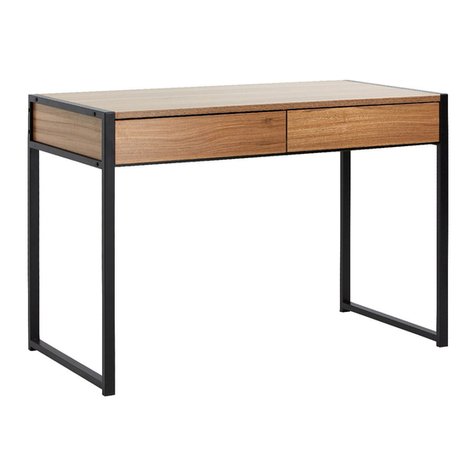
J.Burrows JBSHEF2DOW User manual

J.Burrows

J.Burrows JBSHEF2DOW User manual
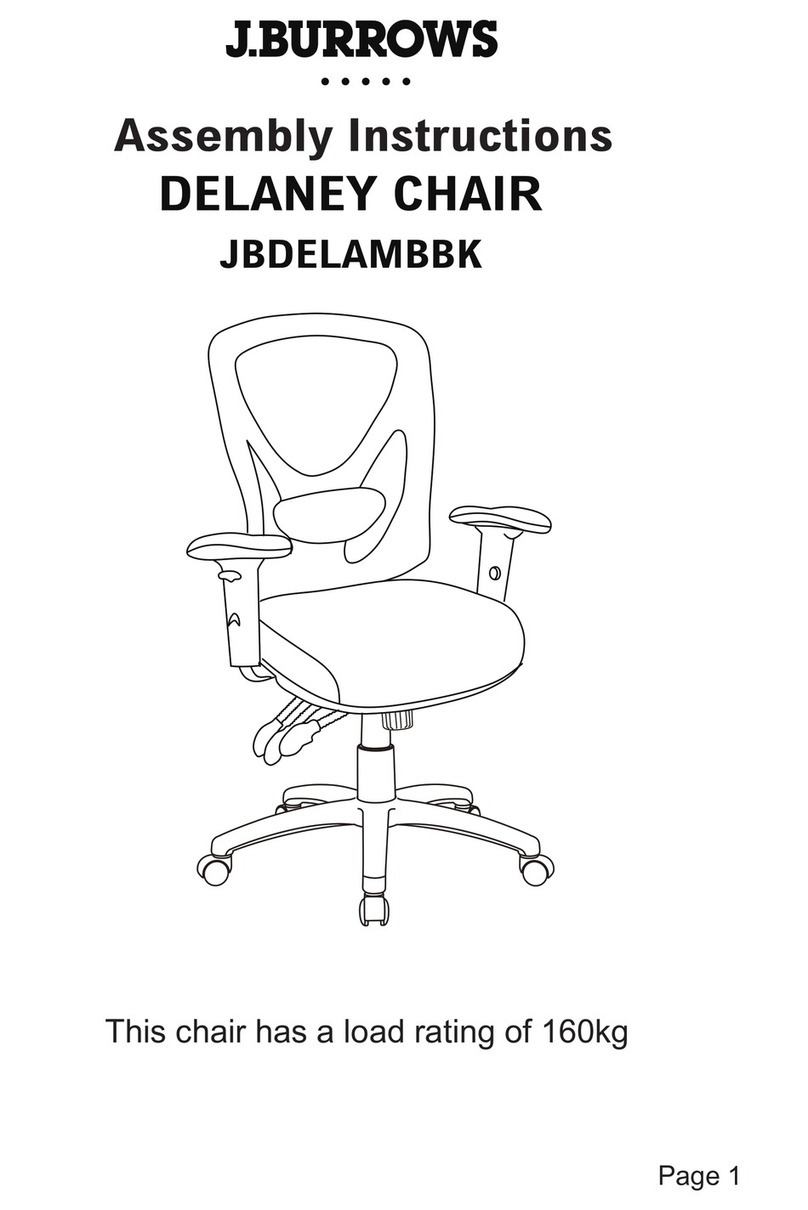
J.Burrows DELANEY JBDELAMBBK User manual
J.Burrows

J.Burrows DELANEY JBDELAMBBK User manual

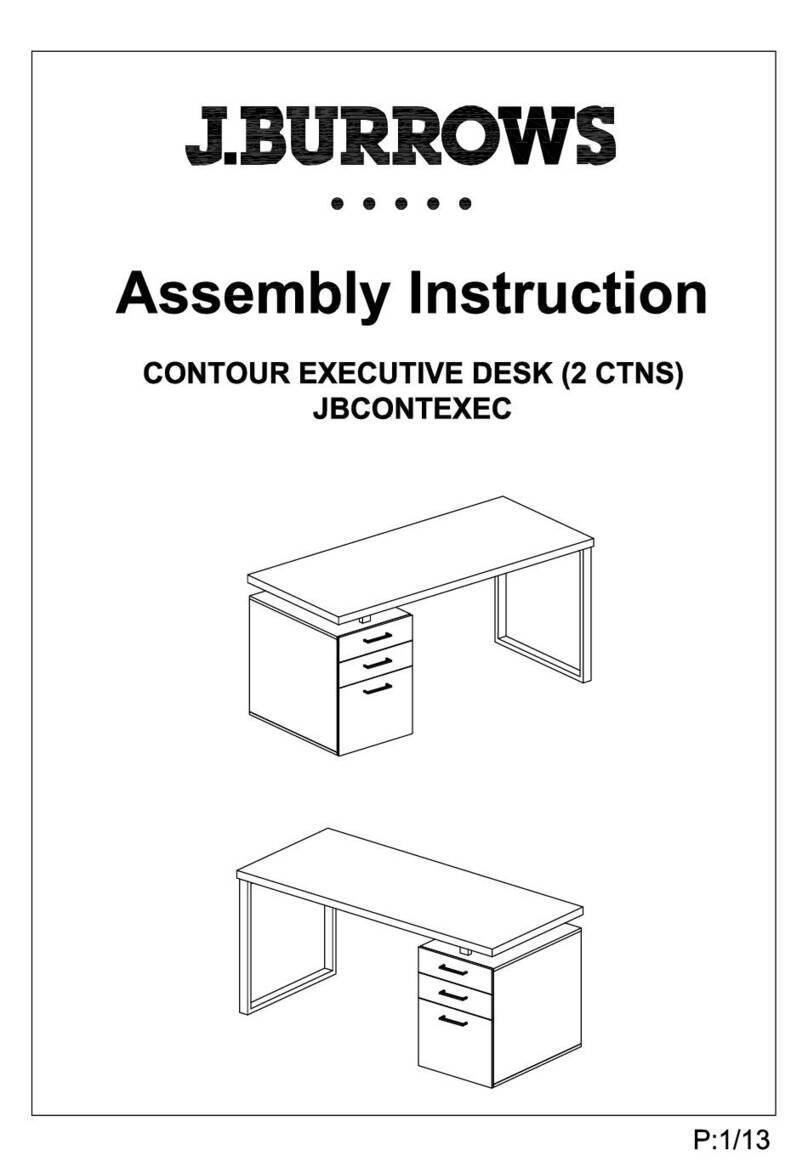
J.Burrows JBCONTEXEC User manual

J.Burrows

J.Burrows JBCONTEXEC User manual

J.Burrows JBPROSITLG User manual

J.Burrows

J.Burrows JBPROSITLG User manual
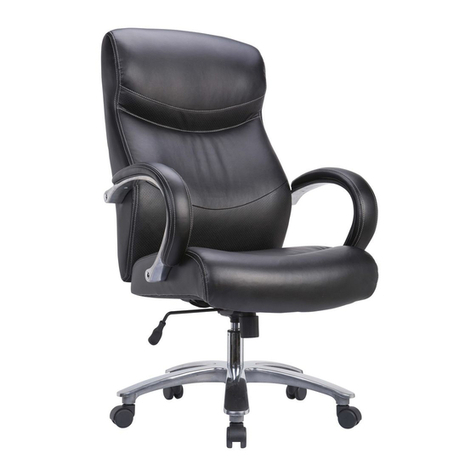
J.Burrows KENNEDY JBKENEDYBK User manual

J.Burrows

J.Burrows KENNEDY JBKENEDYBK User manual

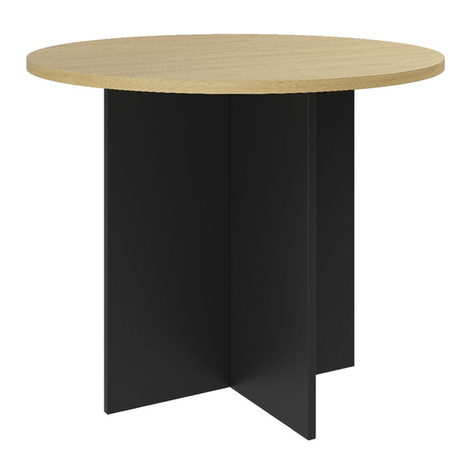
J.Burrows WINDSOR VISITOR CHAIR JBWINDSVBK User manual
J.Burrows

J.Burrows WINDSOR VISITOR CHAIR JBWINDSVBK User manual

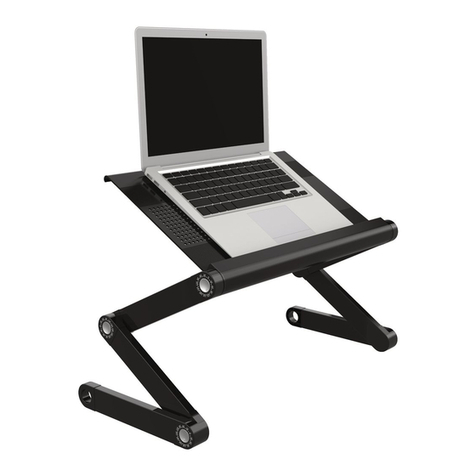
J.Burrows TORO MEETING TABLE JBTORO9MT User manual
J.Burrows

J.Burrows TORO MEETING TABLE JBTORO9MT User manual

J.Burrows JBSITSTAND User manual

J.Burrows

J.Burrows JBSITSTAND User manual

J.Burrows Stilford JBSC121WBK User manual

J.Burrows

J.Burrows Stilford JBSC121WBK User manual

J.Burrows TORO HUTCH 900 JBTOHU90GY User manual
J.Burrows

J.Burrows TORO HUTCH 900 JBTOHU90GY User manual

J.Burrows JBLINMBCBK User manual

J.Burrows

J.Burrows JBLINMBCBK User manual
J.Burrows JBPROSITLG User manual

J.Burrows

J.Burrows JBPROSITLG User manual
J.Burrows JB3TRBLSR User manual

J.Burrows

J.Burrows JB3TRBLSR User manual
J.Burrows JB Motion User manual

J.Burrows

J.Burrows JB Motion User manual
J.Burrows JBMDT157WE User manual

J.Burrows

J.Burrows JBMDT157WE User manual

J.Burrows JBARCHHBBK User manual

J.Burrows

J.Burrows JBARCHHBBK User manual

J.Burrows JBTOCR12GY User manual

J.Burrows

J.Burrows JBTOCR12GY User manual
J.Burrows JBSHEF2DOW User manual

J.Burrows

J.Burrows JBSHEF2DOW User manual
J.Burrows ASHTON DESK JBASHDSK User manual

J.Burrows

J.Burrows ASHTON DESK JBASHDSK User manual

J.Burrows Matrix User manual

J.Burrows

J.Burrows Matrix User manual

J.Burrows TOR12CRDKT User manual

J.Burrows

J.Burrows TOR12CRDKT User manual

J.Burrows JBSTIL2DBK User manual

J.Burrows

J.Burrows JBSTIL2DBK User manual

J.Burrows OWTR9DRCL User manual

J.Burrows

J.Burrows OWTR9DRCL User manual

J.Burrows TORO HUTCH 1800 User manual

J.Burrows

J.Burrows TORO HUTCH 1800 User manual

Popular Indoor Furnishing manuals by other brands

Regency LWMS3015 Assembly instructions

Regency

Regency LWMS3015 Assembly instructions

Furniture of America CM7751C Assembly instructions

Furniture of America

Furniture of America CM7751C Assembly instructions

Safavieh Furniture Estella CNS5731 manual

Safavieh Furniture

Safavieh Furniture Estella CNS5731 manual

PLACES OF STYLE Ovalfuss Assembly instruction

PLACES OF STYLE

PLACES OF STYLE Ovalfuss Assembly instruction

Trasman 1138 Bo1 Assembly manual

Trasman

Trasman 1138 Bo1 Assembly manual

Costway JV10856 manual

Costway

Costway JV10856 manual

moss DESIGN Caisson Credenza Assembly instructions

moss DESIGN

moss DESIGN Caisson Credenza Assembly instructions

Aquaglide FULL DECK 15.0 owner's manual

Aquaglide

Aquaglide FULL DECK 15.0 owner's manual

AREBOS AR-HE-SW30 user manual

AREBOS

AREBOS AR-HE-SW30 user manual

Till-Hilft Fulda 87005.330 Assembly instructions

Till-Hilft

Till-Hilft Fulda 87005.330 Assembly instructions

Twoey Outside 2010 quick start guide

Twoey Outside

Twoey Outside 2010 quick start guide

Hettich Easys 200 operating instructions

Hettich

Hettich Easys 200 operating instructions

The bedboss RELAX 404 Series owner's manual

The bedboss

The bedboss RELAX 404 Series owner's manual

Oeseder Möbelindustrie Bern 991 720 Assembly instructions

Oeseder Möbelindustrie

Oeseder Möbelindustrie Bern 991 720 Assembly instructions

Costway HW68469 user manual

Costway

Costway HW68469 user manual

Next ALIX A27743 Assembly instructions

Next

Next ALIX A27743 Assembly instructions

BROSA Hans Assembly guide

BROSA

BROSA Hans Assembly guide

Prodigg MINIKA PBA015T-FUR installation manual

Prodigg

Prodigg MINIKA PBA015T-FUR installation manual

manuals.online logo
manuals.online logoBrands
  • About & Mission
  • Contact us
  • Privacy Policy
  • Terms and Conditions

Copyright 2025 Manuals.Online. All Rights Reserved.

PROFESSIONAL COMFORT ERGONOMIC
HIGH BACK GAMING CHAIR
Weight capacity: 150kgs
1/11
ASSEMBLY INSTRUCTIONS
This design and instruction booklet is subject to copyright.
www.officeworks.com.au
For spare parts or hardware call (03) 9310 3011 or email [email protected]
1CTN
JBPROERGBK
30
2/11
Officeworks Ltd. | 236-262 East Boundary Road | Bentleigh East VIC 3165 | AUSTRALIA
• Please check you have all hardware before assembly.
• If you are missing any hardware, please contact Kyvas on (03) 9310 3011 or email
[email protected]
• Please ensure you have the name of the item, required hardware part and quantity.
• Please retain your receipt as proof of purchase to validate your warranty.
.
NOTE
• Do not tighten screws before all screws are in the right place.
• Do not use this product unless all bolts, screws and knobs are firmly secured.
• Check that all bolts, screws and knobs are securely tightened at least every 4 months.
CAUTION
• If parts are missing, broken, damaged or worn stop using the product until all repairs
are made using manufacturer authorised parts.
• Failure to follow these warnings could result in serious injury
WARNING
• CHILDREN MUST BE SUPERVISED.
DANGER
(03) 9310 3011
Assembly Video
•To view an assembly video,go to https://www.officeworks.com.au
•Search the product by item code or name:
•Click on the icon to watch the video.
3/11
A
x5 x1 x1 x1
x1 x1 x1
x1
x1
B C D
E F G H
I J
x1
K(M8x25mm) (M5 x 8mm)
(M6) (M5)
L
x 8 x 8x 8 x 2
MN
O P
x 1 x 1x 2
Q
FRONT
4/11
D
C
B
B
A
A
Note: Push the Castors (A) firmly into hole at the end of each leg.
5/11
4
L
2 Pcs
M5x8mm Bolt
used to complete
this step.
Q L
I
G
Q
L
J
K
4 Pcs
M8x25mm Bolt
used to complete
this step.
PKNM
MN
K P
F
Warning : DO NOT adjust/ touch the backrest lever before
the backrest has been securely fastened to bracket. Doing
so will cause the bracket to spring forward and may
cause harm. Keep hands clear of the recline mechanism
until the backrest has been assembled.
Bracket
Bracket Recline Lever
6/11
6
O
O
Note: Do not tighten screws fully until all screws are in place.
K
4 Pcs
M8x25mm Bolt
used to complete
this step.
G
KP
NM
FRONT
FRONT
E
Note: Place assembled Seat Cushion (G) on the Gas Lift (C). Push down firmly until connection
is secure.
7/11
7
8
G
H
C
Your Professional Comfort Ergonomic High Back Gaming Chair
is now complete and ready for use.
IMPORTANT NOTE: Periodically check and re-tighten screws
8/11
Thank you for your purchase. Please retain your receipt to validate warranty.
If you would like to know more about our furniture products, please visit www.officeworks.com.au
• Wipe with a damp cloth and mild soap. Wipe dry
immediately with an absorbent dry cloth.
•Treat spills immediately with an absorbent cloth by
blotting the spill.
• Do not use detergents, solvents or abrasive cleaners.
• Keep away and protect from direct sunlight and heat.
•Avoid contact with skin, in particular during high
temperatures and humidity.
• Clean, check and tighten all parts regularly.
• Vacuum regularly.
Care Instructions
9
9/11
PROFESSIONAL COMFORT ERGONOMIC
HIGH BACK GAMING CHAIR
- Pull lever up whilst moving the
arm up or down. Release lever
at desired height.
Arm Height Adjust
- Press the button while moving
the armrest side to side.
Side to Side
SIDE TO SIDE
- Press the button while moving
the armrest forward or backward.
Forward or Backward
Forward
or
Backward
- Adjust the armrest angle by
turning the armrest inwards
or outwards.
Arm Swivel
ARM
SWIVEL
Functionality
PROFESSIONAL COMFORT ERGONOMIC
HIGH BACK GAMING CHAIR
Functionality
10/11
- To increase chair height pull
lever upward while lifting body
weight slightly off the seat.
- Release lever at desired height.
- To lower chair height sit fully into
the chair and pull lever upward.
- Release lever at desired height.
Your feet should be resting flat on
the floor.
Chair Height Adjustment
Adjustable Tilt Tension Control
-Turn continuously to adjust how
quickly chair tilts back & forth.
Note: if adjusting while sitting in chair:
Turn knob left to tighten tension
Turn knob right to loosen tension
- Sitting in the chair pull the lever up.
Move your upper body forward and
backward to a comfortable position.
When comfortable lock the position
by pushing the lever down.
Back Tilt
- Pull lever out to unlock & allow chair
to tilt back & forth
- Push lever to lock.Chair will have slight
movement in locked position
Chair Tilt