7
System Operation
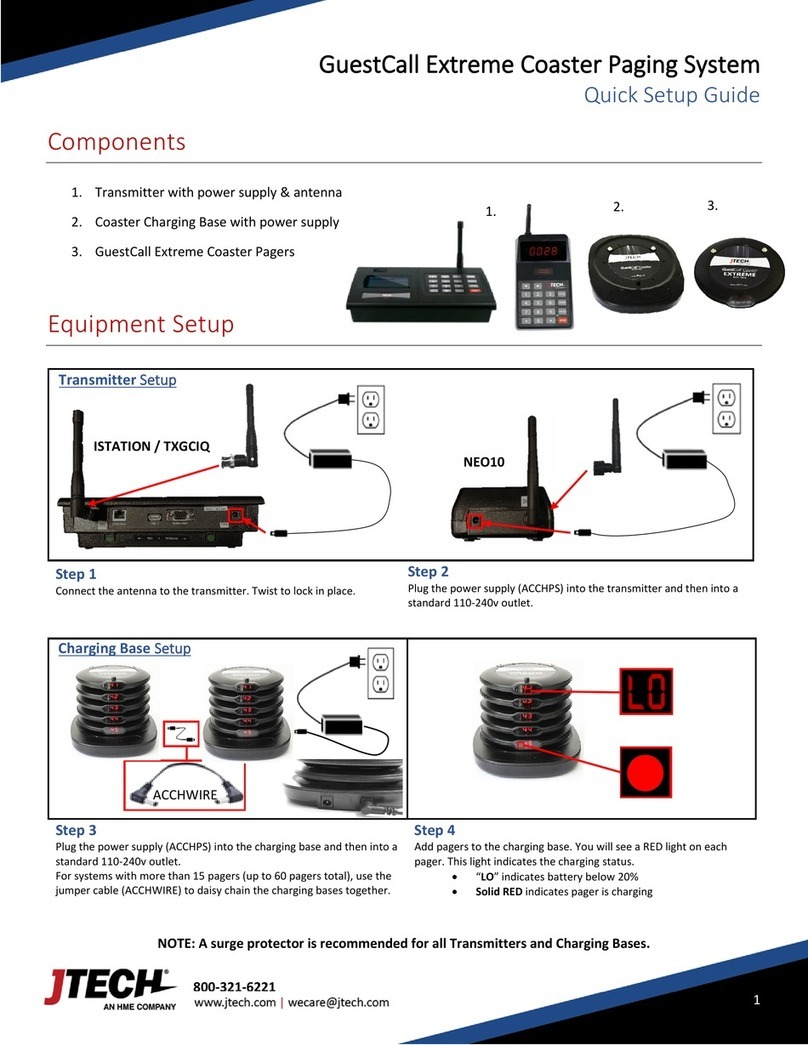
Handing out the pagers:
Give the guest a pager. Note their name and pager number on the sign out sheet (Included). Tell the guest the pager
will signal when they are needed. The default page for this system is for the pager to flash and vibrate for 60 seconds.
After the pager is finished vibrating it automatically goes back into standby mode waiting for the next page. You can
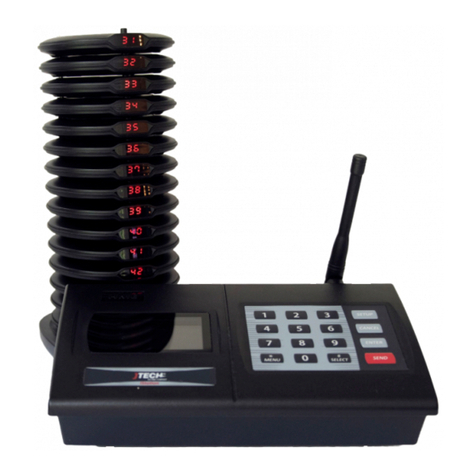
hand the pagers out right from the charging stack (they will “demo” page each time they are removed from the stack)
or you can simply store them in a basket and hand them out. A fully charged pager will function without being
recharged for 8 hours. You can always reset a pager by placing it back in the charging base.
Paging the guest:
When the guest is needed, simply press the pager number on the transmitter keypad followed by the “SEND” key. For
example, press “11, SEND” and pager # 11 will signal. For SmartCall and numeric pagers, the default message will be
displayed on the pager.
Sending Alpha/Text Messages
To send text message using a keyboard:
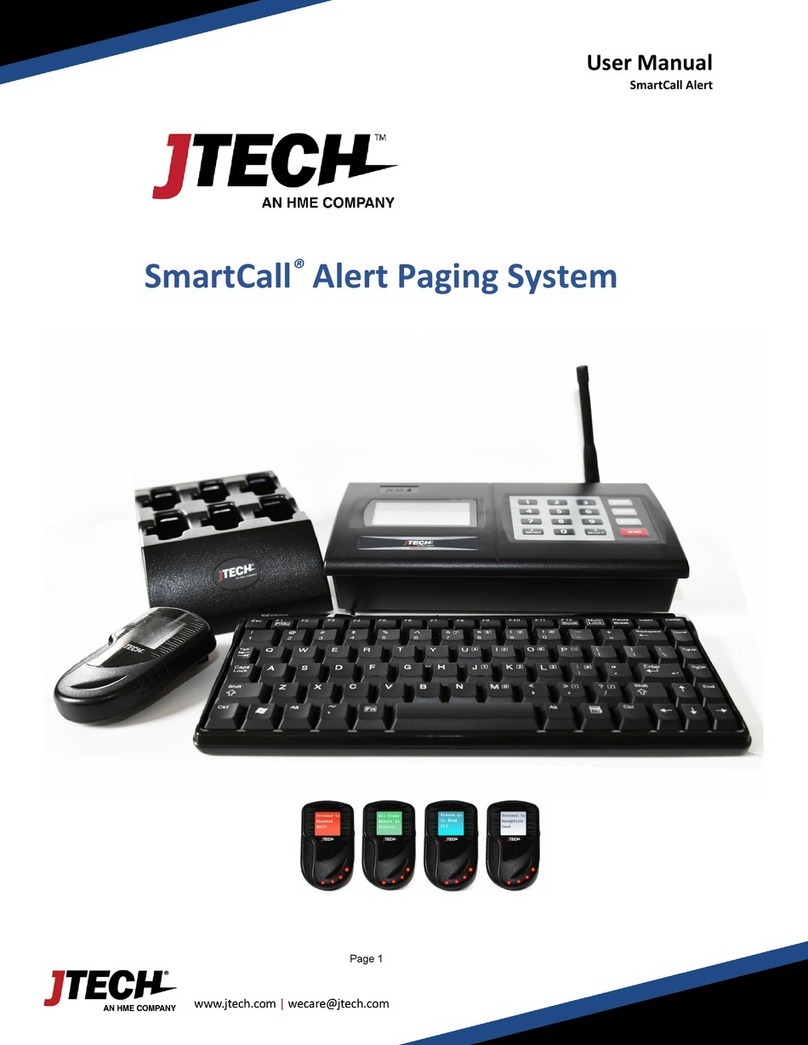
From the transmitter or keyboard, press the pager number followed by the “ENTER” key twice. Using the
keyboard, enter the alpha message followed by the “ENTER” key. For example, press “11 –ENTER –ABCD”
and pager 11 will signal and display the message ABCD.
To send Pre-programmed messaged:
SmartCall Special Feature (OPTIONAL): This system can send up to 10 custom pre-programmed messages (Code: *1 to
*10)
From the transmitter, press the pager number followed by the “ENTER” key. Select the message code that
corresponds to the message you want to send then press the “SEND” key. For example, “1 –ENTER –*3 –
SEND”. Pager #1 will display the 3rd message or the message that corresponds to *3.
Adding or changing the stored alpha pre-set messages
1. Press the “SETUP” button on the base station.
2. Enter the password “9731” followed by the “ENTER” key. If the password is accepted, the display will show
“Use * to scroll to menu options”.
3. Use the “*/MENU” key to scroll through to “Default Alpha Messages”.
4. Press the “ENTER” key, then use the keyboard to edit the messages.
5. Once you have edited the message, press the “ENTER” key.
6. To go to the next message, press the “#/SELECT” key.
7. Press “CANCEL” twice to exit the system programming menu