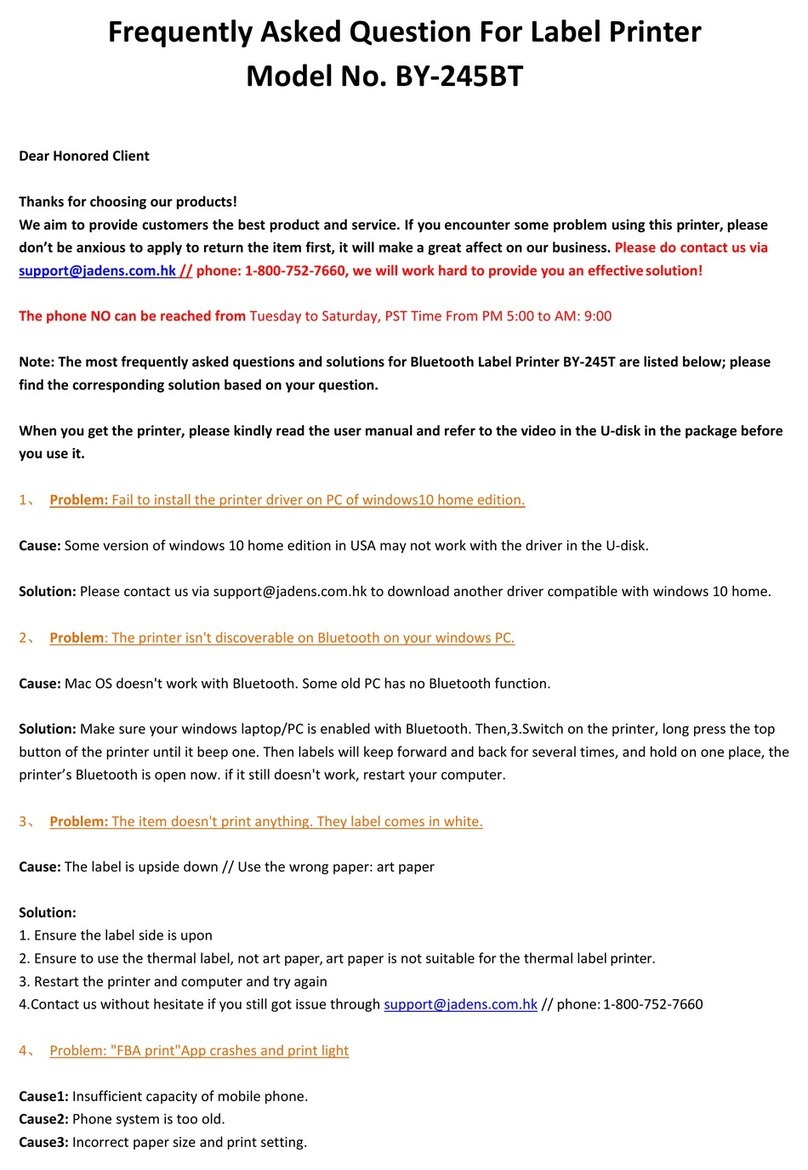
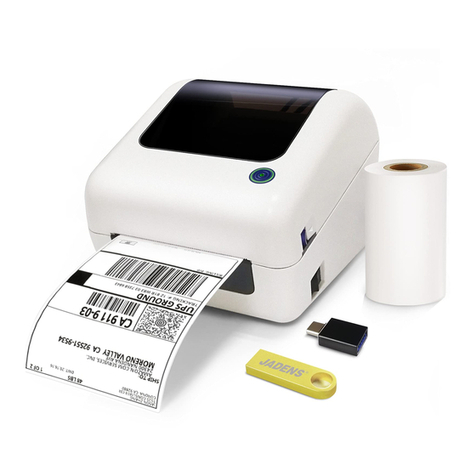
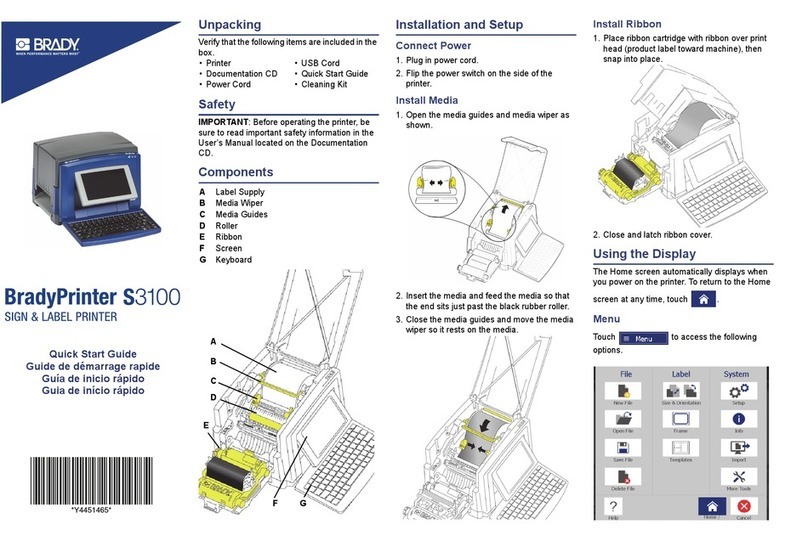
Jadens JD-468BT User manual

Version: 1.0
JD-468BT

Enter your questions here
How can we help you today?
warranty to 3 years with your order No.
support.jadens.com
Please kindly contact us if you have
any trouble or question when installing and using
1-800-752-7660
Scan the below QR code to talk with us
Customer Support
Scan or upload this QR code
using the WhatsApp camera
to add us
Customer Support
Extended Warranty

1. Appearance 1
1
2
3
3
5
11
16
24
24
28
28
28
32
32
33
33
2. Packing list
3. Printer connection
4. The suitable label size
5. How to feed label
6. Installation for Windows
7. Installation for Mac
8. Printer preference setting
10. Important Tips: Print label of multiple size using “Take a snap shot”
11. Frequently asked questions
9. Smartphone APP Setup
16. Safety tips
12. Pro tips
14. LED indicator
13. Driver removement
17. Maintenance
15. Specifications

See FAQ at support.jadens.com
If any accessories missing, please contact us to get support.
Printer 1 Fan-fold Label User Manual
1.Appearance
2.Packing list
Feed/Reset Button
Release Latch
Paper Guide Rolle
USB Cable Port
Power Supply Port
Power Switch(O=off,I=on)
Power Adapter & Cable USB Cord USB Drive

3.Printer Connection
Ensure the printer is OFF.
Use original power adapter only in case harm or injure.
Unplug if no use in a long time.
Ensure the printer is off
Connect the power
Connect the USB cable to the printer
Turn the power on
Attach the power cord to the adapter
Plug the power cord into the socket
Connect the printer and computer
Note:
1
23
45
67
See FAQ at support.jadens.com

Jadens printer works with any Thermal Direct Label, and compatible
with a width range from 1.57'' to 4.1'' and length over 1.18''
Ideal for 4''*6''
4.The suitable label size
Label standard size
5.How to feed label
Pull the release latch to open the cover
Load the label and adjust the paper guide to
fit the width of paper.
The label you peel off should be facing up
(toward the ceiling)
Carefully close the cover
1 2
34
See FAQ at support.jadens.com
Ensure the printer is off

See FAQ at support.jadens.com
Turn the power on
Tips:
Anytime you change your label, run the
automatic label identification. Press
and hold the feed button until you hear
one beep.
Jadens will start automatic label identification,
the label will go back and forth for several times
and then be positioned at the tear-off point. Jadens
is ready to print.
Fan-fold Type Label Loading
The holder is sold separately in Jadens store
Fan-fold Type Label Loading
56

See FAQ at support.jadens.com
Win 7 or later Chrome book, Linux, Win ARM
Installation guide video in U-disk for better reference.
a. Connect power and computer(Please skip this step if you have finished it before.)
Copy the driver in the U-disk(Label Printer Driver Setup.exe) to your
PC desk, open and install it as below:
b. Install the driver and printer for Windows
6.Installation for Windows
Recommend to close security software before installation in case of
preventing installation, and you can open it again after installation.
Note:
(You can also download ' Driver for Windows (JD-468BT)' from
https://www.jadens.com/support/download/label-printer-drivers/
Driver version may be updated, see latest info at support.jadens.com.
√×

See FAQ at support.jadens.com
If you get the tips ' Printer Disconnected'
that means your computer and printer
are not connected. Please connect them
via USB port or turn on power, then install
again.
12
3
Click ' Get USB Port' to get the USB port which your computer connect to the printer, and then
click ' Setup'' . The printer will be successfully set up.

See FAQ at support.jadens.com
a.(Keep the printer and computer connected with USB cable). Click' Setting' >' Devices' >
'Bluetooth & other devices' >' Add Bluetooth or other device' .
:
c.After setting up the printer, check your computer if the printer has installed or not.
Go to the ' Setting'> click' Device' >click' Printer & scanners' , and then you will find the printer '
Label Printer(4inch)' . Click ' Manage' to print a test page and print labels successfully, that means
you have set up the printer successfully.
If you can' t print successfully, please restart your computer and printer, then install driver again.
Repeat installation will create duplicate copies of the printer in your operating system
such as '' Printer(4inch)(1,2�) ' . Only keep and use the latest one you install.
Note:
Table of contents
Other Jadens Label Maker manuals