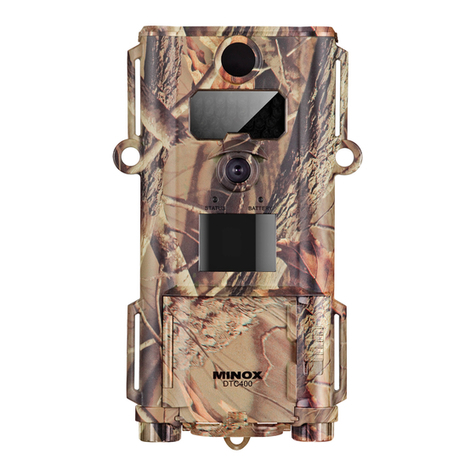
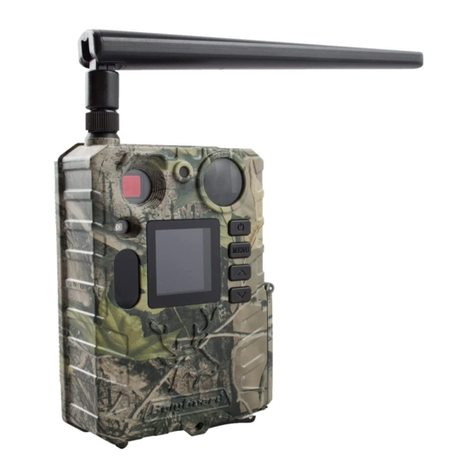
Bottom View
1. SD Card Port: Slot for receiving an SDHC card. The
camera has limited internal memory. A class 10, U1 to U3
Micro SDHC card (128GB or smaller) must be used to store
photos, live stream, video and debug data.
2. SIM Card Port: Slot for receiving a cellular SIM card
from Verizon’s or AT&T’s network provider.
3. 12-volt DC port connection for optional external battery
pack.
Warning: Inserting the SDHC card upside down or
backwards could damage the camera or the SDHC card.
Damage resulting from inserting the card incorrectly is
not covered under warranty.
Warning: Inserting the SIM card upside down or
backwards could damage the camera or the SIM card.
Damage resulting from inserting the card incorrectly is
not covered under warranty.
4
QUICK START PROGRAMMING
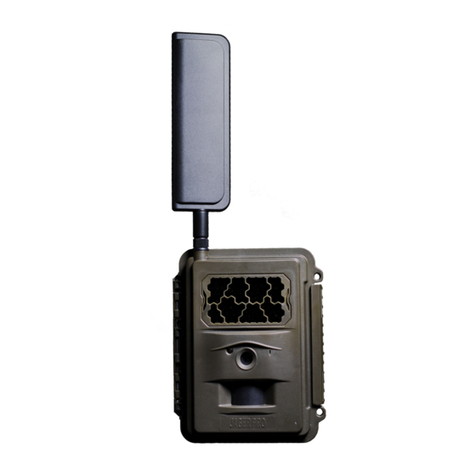
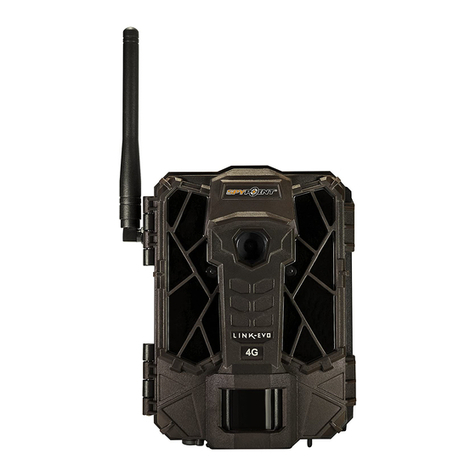
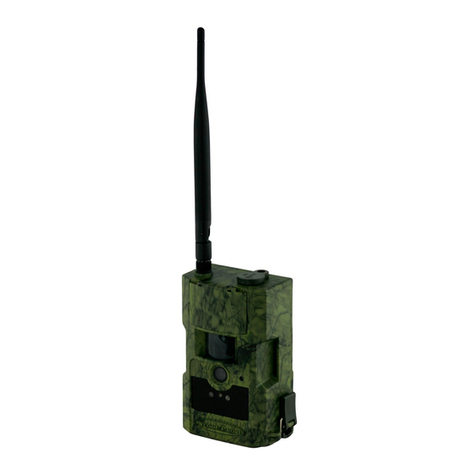
Begin programming the Live Stream camera for operation by removing the protective cap and installing
the standard antenna onto the antenna jack. Ensure the black rubber O-ring is not removed from the
antenna jack threads. Twist the antenna base snug but do not over tighten.
Warning: When installing the antenna, remove the protective cap and replace the black waterproof seal if
it comes off. Damage resulting from not having the rubber O-ring seal present is not covered under
warranty.
Unlock the latch and open the front cover. Press the eject button to remove the battery tray. Follow the
battery polarity symbols located on the front and rear of the battery tray to properly install the batteries.
We recommend all 12 batteries, although you can use 6 in either the front or rear tray. We recommend
Energizer brand AA Ultimate Lithium batteries for the best performance in the field. Rechargeable AA
batteries will not operate high-tech equipment nearly as long. We recommend the JAGER PRO® 12 volt
external power supply for extended camera use in the field which is specified for JAGER PRO® products.
The camera will operate using only the internal Lithium Ion rechargeable battery.
Warning! Do not mix battery types! Damage to the camera can result and your warranty will be voided if
you mix battery types or the batteries leak acid inside the housing.
A formatted class 10 Micro SDHC card must be used for the camera to function. You can input information
without an SDHC card present in your camera but will need the card to store any pictures taken.
The camera supports up to a 128 GB Micro SDHC card. Ensure the SDHC card is not locked and insert it into
the SD card port. Move the selector switch from OFF to ON.
12