19:29
?
19:29
?
19:29
?
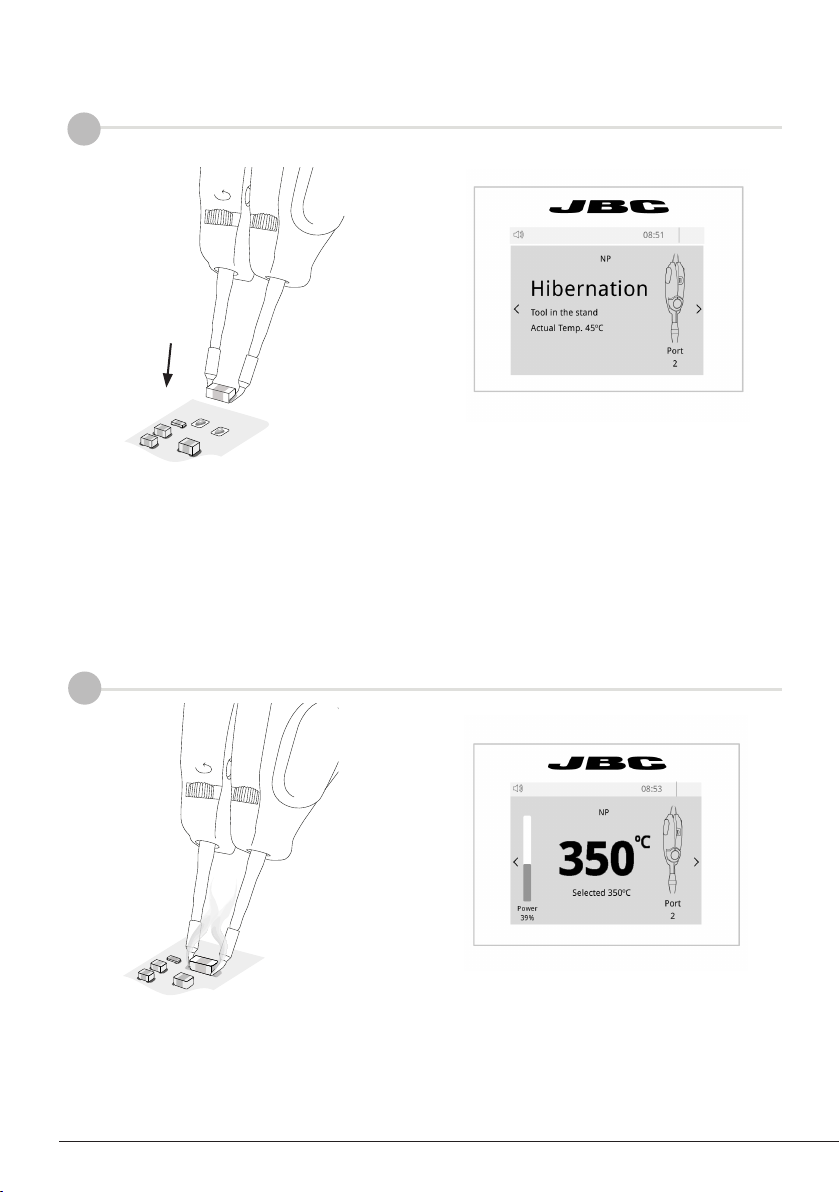
350
Port
1
Power
45%
Selected 350ºC
Port
1
T245
Sleep
Tool in the stand
Actual Temp. 180º
Delay to hibernation: 29:30
Port
1
T245
Hibernation
Actual Temp. 25ºC
MENU MENU MENU
C245003
Peripherals
19:29
Port 1 2 3 4
MS a
PERIPHERAL
Peripheral 1 plugged:
Electric Suction Module
Setup Postpone
Peripherals
19:29
Port 1 2 3 4
MS a
PD a
?
Port 2
MENU
19:29
Port 1
Port 3 Port 4
Hibern. Sleep
350º
C120001
C560001
Hibern.
C210001
C245903
19:29
?
19:29
?
19:29
?
350
Port
1
Power
45%
Selected 350ºC
Port
1
T245
Sleep
Tool in the stand
Actual Temp. 180º
Delay to hibernation: 29:30
Port
1
T245
Hibernation
Actual Temp. 25ºC
MENU MENU MENU
C245003
Peripherals
19:29
Port 1 2 3 4
MS a
?
PERIPHERAL
Peripheral 1 plugged:
Electric Suction Module
Setup Postpone
Peripherals
19:29
Port 1 2 3 4
MS a
PD a
Port 1
Port 3 Port 4
Hibern. Sleep
350º
C120001
C560001
Hibern.
C210001
C245903
7
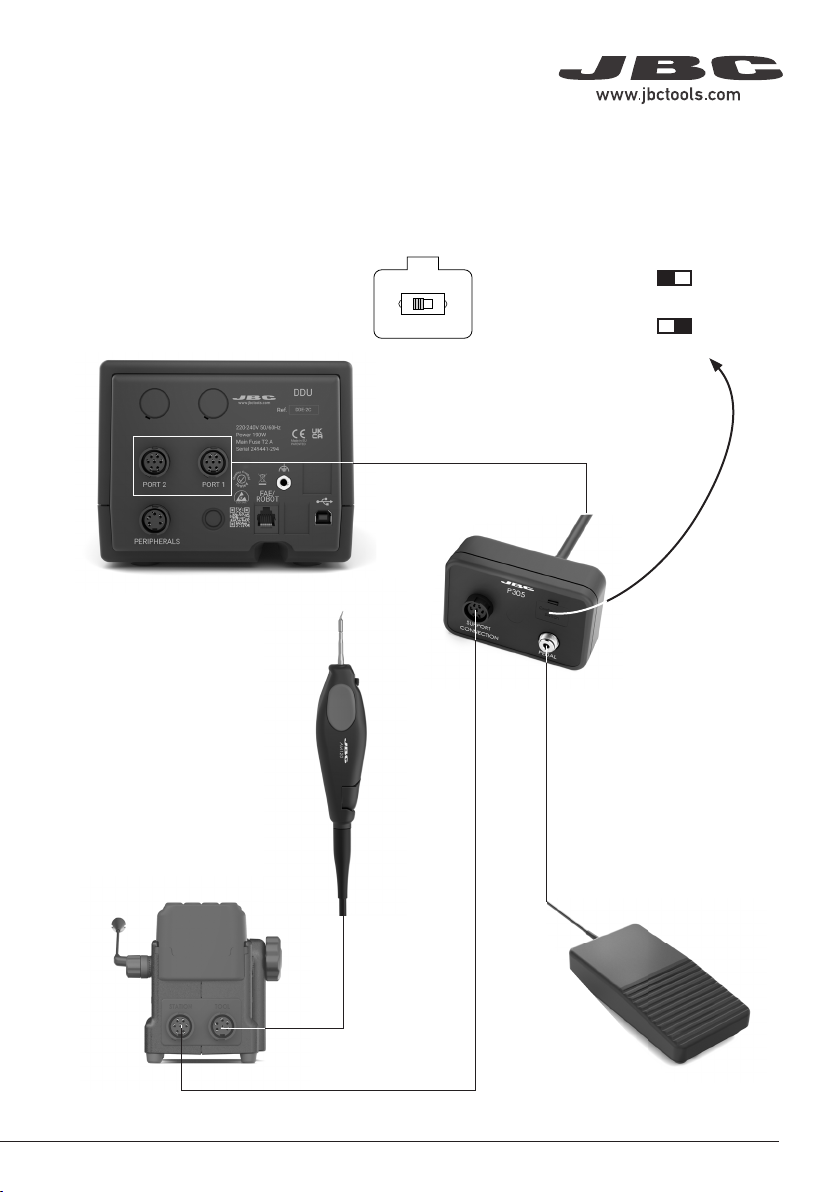
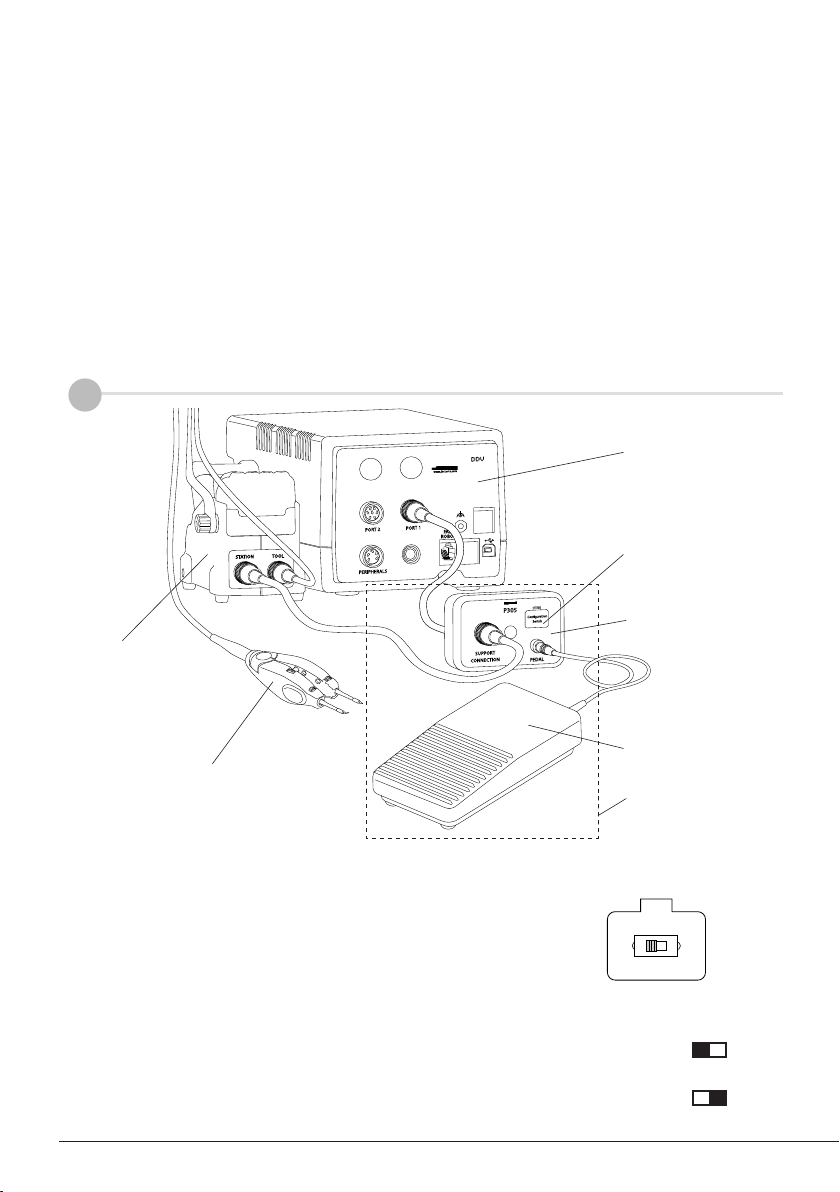
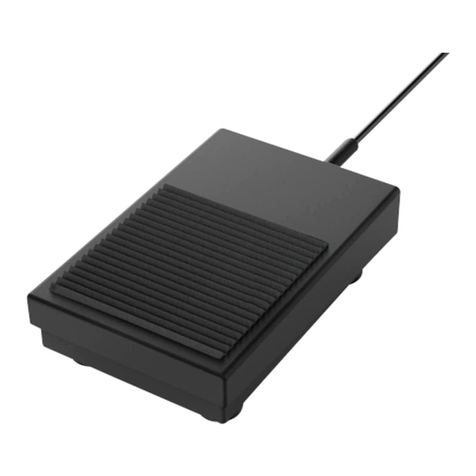
Note: Peripheral moduls - MSE, MVE or MNE - are needed to connect the pedal to DMU.
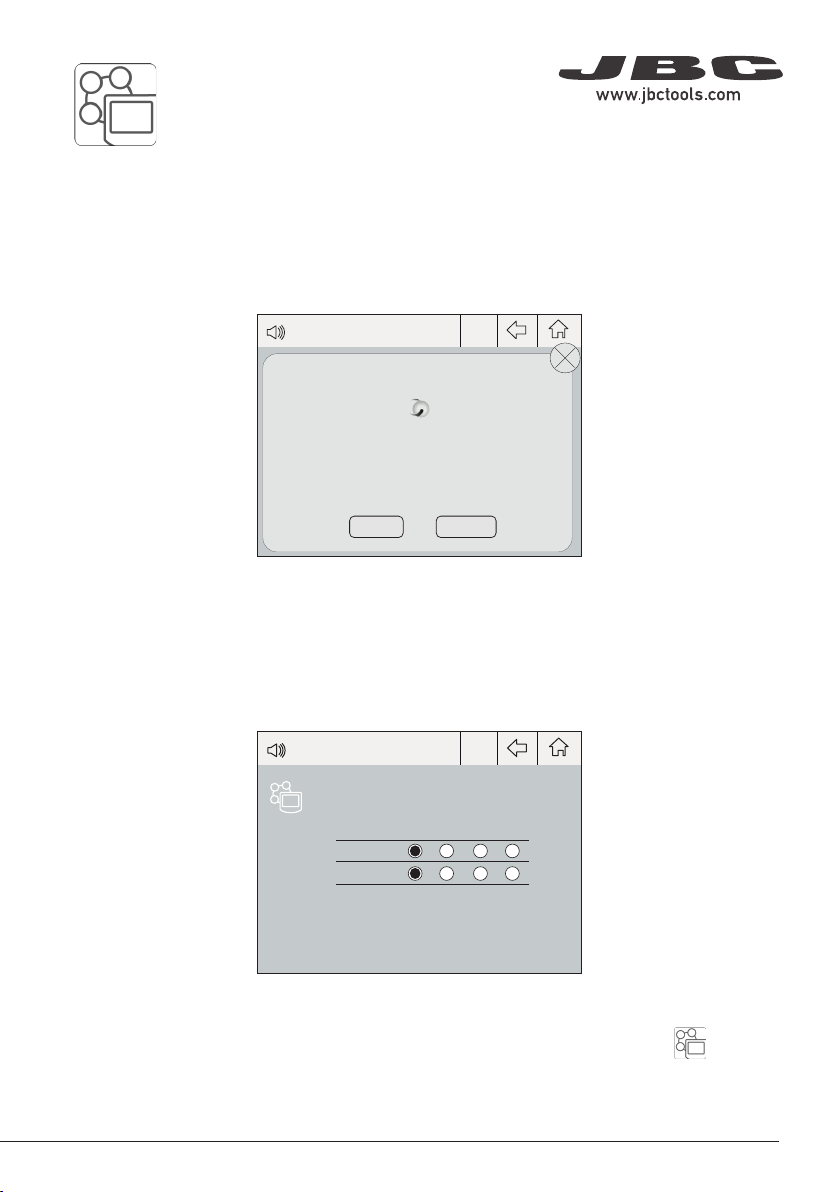
After connecting one of the mentioned moduls to the station a popup window opens.
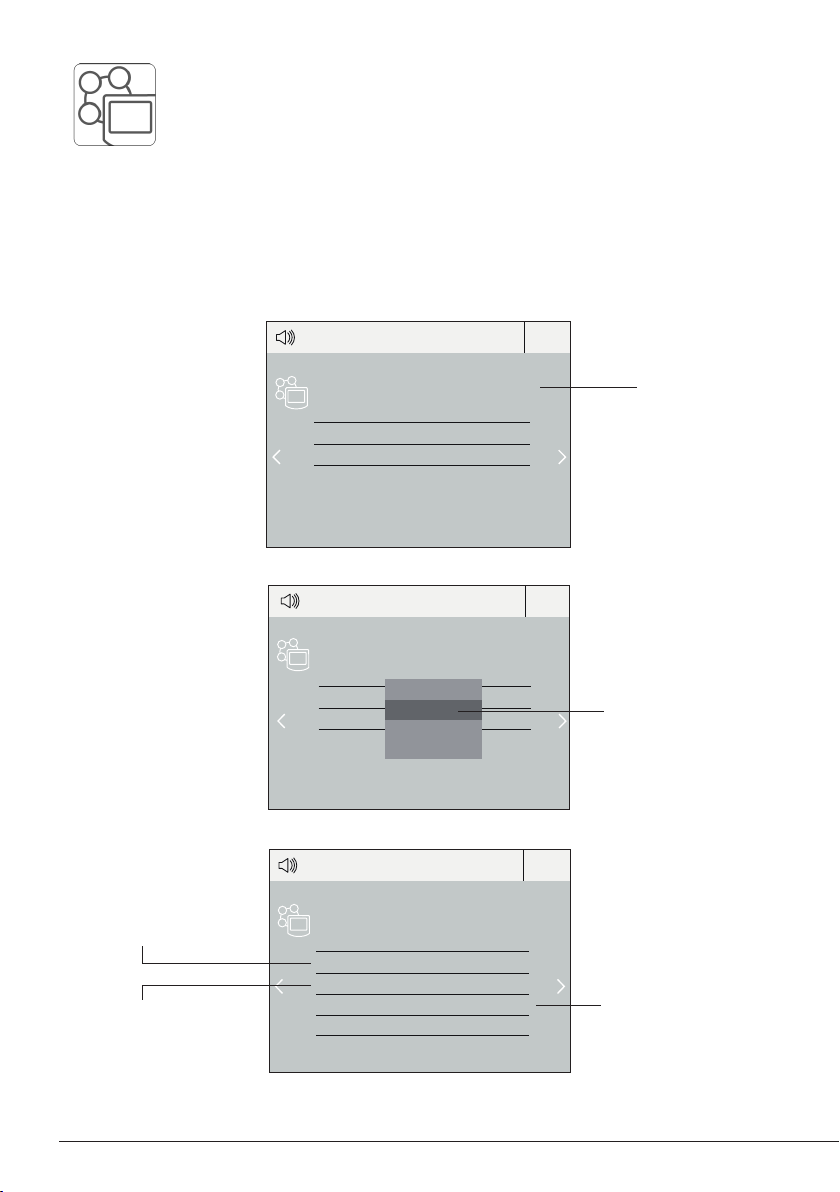
2. Select the module from the list of peripheral connections. Remember your first connection is
denoted as “a”, the second being “b”, etc. (e.g. MS_a, MS_b,...). Do the same with the pedal (e.g.
PD_a,...)
3. Select the port of the tool you want to link to the peripheral.
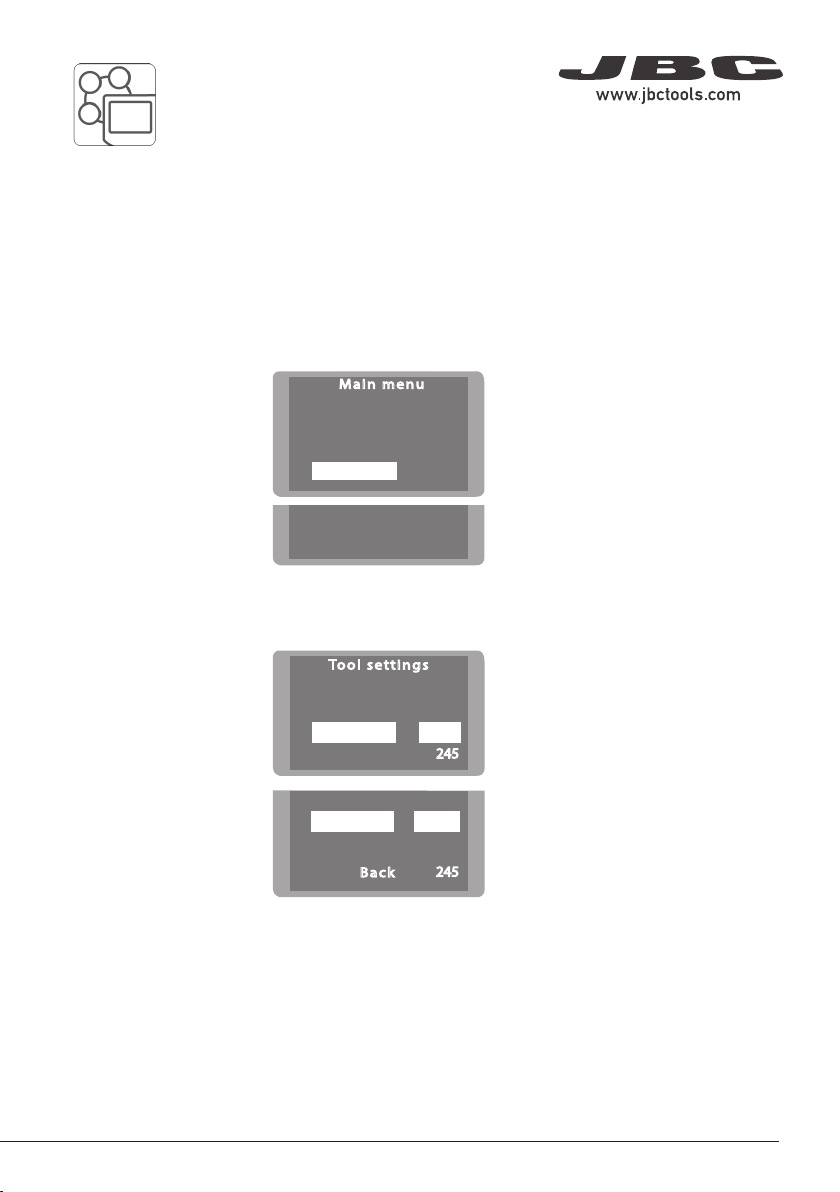
Pedal Set Up for DMU (Control Unit)
1. To configure the module MSE/MVE/MNE press Setup in the popup window.
4. Press Menu or Back to save changes.
Once set up, the module settings can be changed by entering the Peripherals Menu .
40 mm
50 mm
60 mm
80 mm
100 mm
130 mm 130 mm
para manuales - color gris
200 mm
300 mm