manuals.online logo
Brands
  1. Home
  2. •
  3. Brands
  4. •
  5. Jensen
  6. •
  7. Subwoofer
  8. •
  9. Jensen QX-95 User manual

Jensen QX-95 User manual

Other Jensen Subwoofer manuals

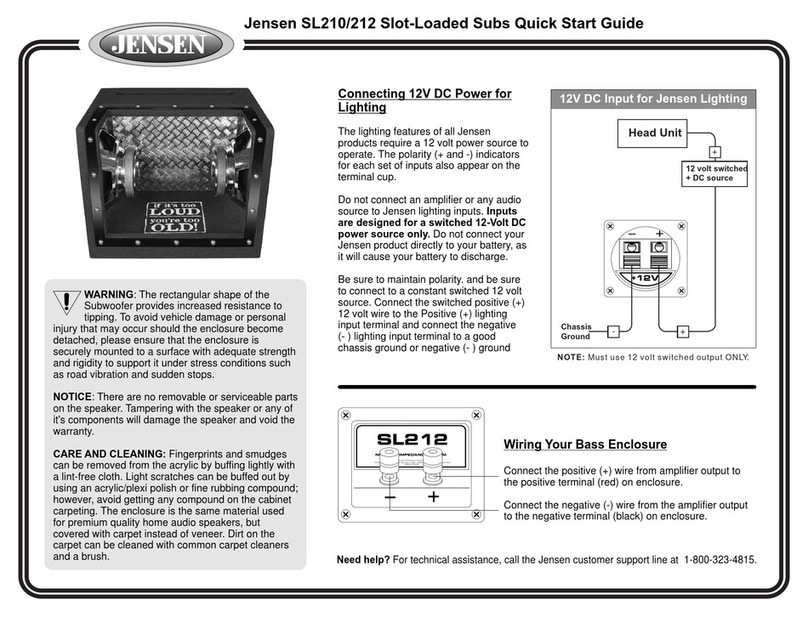
Jensen SL210 User manual

Jensen

Jensen SL210 User manual

Jensen JMPSW800 User manual

Jensen

Jensen JMPSW800 User manual

Jensen XS1010 User manual

Jensen

Jensen XS1010 User manual

Jensen MXA6BA - 200 Watt Marine Subwoofer User manual

Jensen

Jensen MXA6BA - 200 Watt Marine Subwoofer User manual

Jensen Bandpass User manual

Jensen

Jensen Bandpass User manual

Jensen X-165 User manual

Jensen

Jensen X-165 User manual

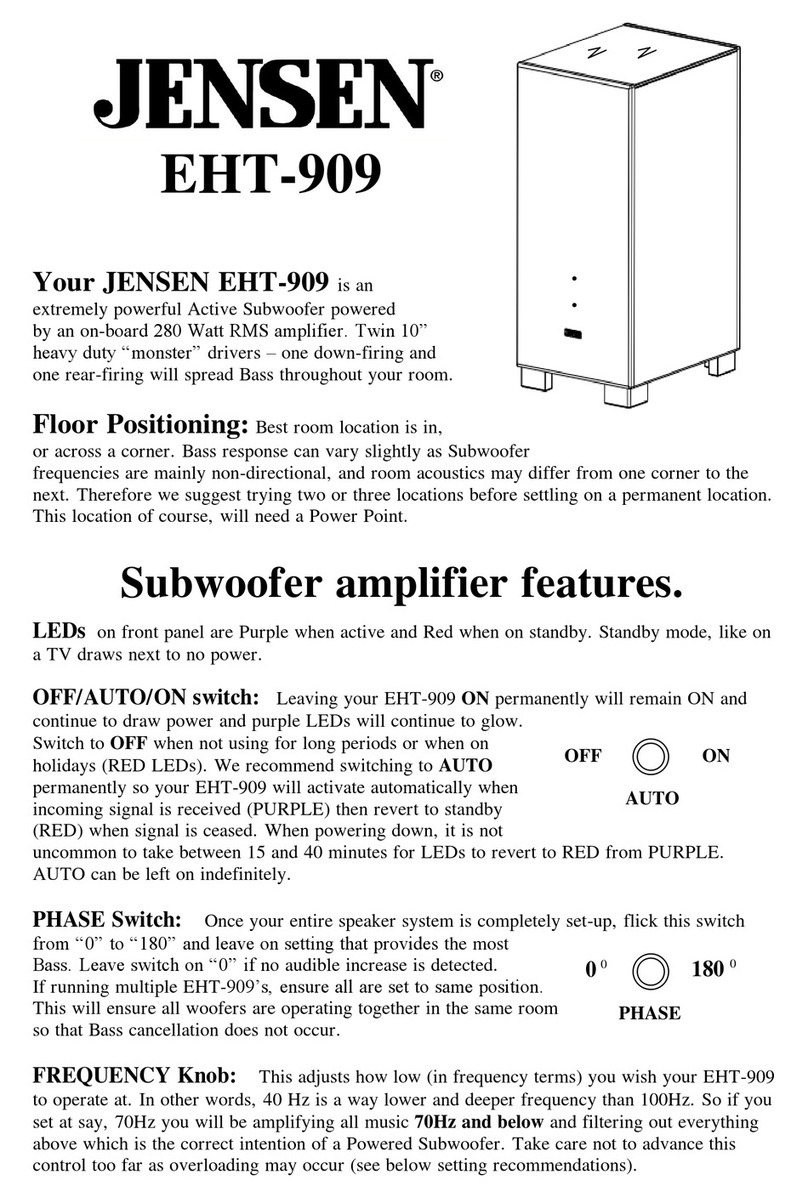
Jensen EHT-909 User manual

Jensen

Jensen EHT-909 User manual

Jensen Elite-606 Operation manual

Jensen

Jensen Elite-606 Operation manual

Jensen MXA6BA - 200 Watt Marine Subwoofer User manual

Jensen

Jensen MXA6BA - 200 Watt Marine Subwoofer User manual

Jensen JXA8BA2 User manual

Jensen

Jensen JXA8BA2 User manual

Jensen Subwoofer JSP1244 Installation instructions

Jensen

Jensen Subwoofer JSP1244 Installation instructions

Jensen JX1000 User manual

Jensen

Jensen JX1000 User manual

Jensen JPW410 Installation instructions

Jensen

Jensen JPW410 Installation instructions

Jensen Subwoofer JXA8BA User manual

Jensen

Jensen Subwoofer JXA8BA User manual

Jensen JW10A Operating instructions

Jensen

Jensen JW10A Operating instructions

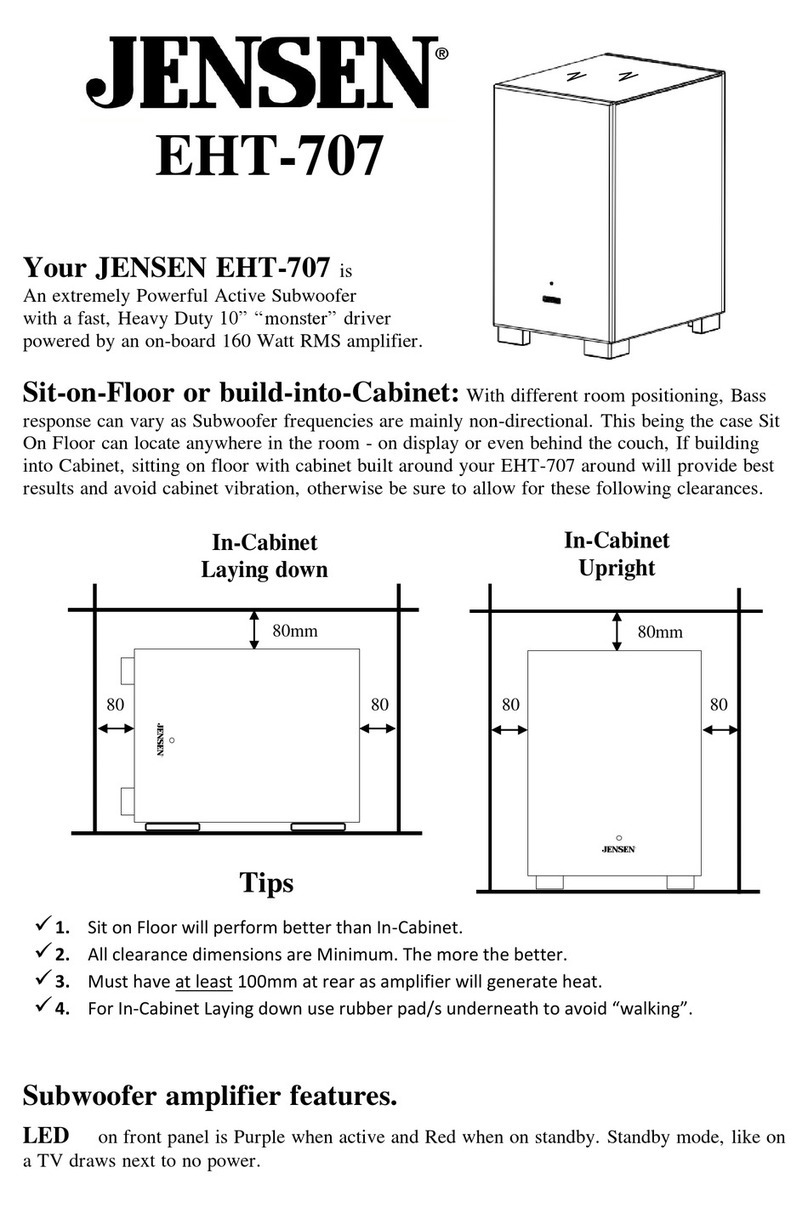
Jensen EHT-707 User manual

Jensen

Jensen EHT-707 User manual

Jensen J12W User manual

Jensen

Jensen J12W User manual

Popular Subwoofer manuals by other brands

Extron electronics SF 8CT SUB user guide

Extron electronics

Extron electronics SF 8CT SUB user guide

SVS PB-4000 quick start guide

SVS

SVS PB-4000 quick start guide

Pioneer S-DVR9SW Service manual

Pioneer

Pioneer S-DVR9SW Service manual

Yamaha YST-SW515 Service manual

Yamaha

Yamaha YST-SW515 Service manual

Velodyne SPL-800 ULTRA - REV B datasheet

Velodyne

Velodyne SPL-800 ULTRA - REV B datasheet

Teufel US 2110/1 SW operating instructions

Teufel

Teufel US 2110/1 SW operating instructions

Wet Sounds SS-65 user manual

Wet Sounds

Wet Sounds SS-65 user manual

Pyle PLQB10 Specifications

Pyle

Pyle PLQB10 Specifications

Sony XS-L1536 Product guide

Sony

Sony XS-L1536 Product guide

Sony XS-AW8 operating instructions

Sony

Sony XS-AW8 operating instructions

B&C Speakers 15 HPL 76W Specifications

B&C Speakers

B&C Speakers 15 HPL 76W Specifications

Velodyne DD-18+ Specifications

Velodyne

Velodyne DD-18+ Specifications

Sonance Cinema Series SUB 10-150 Specifications

Sonance

Sonance Cinema Series SUB 10-150 Specifications

Hifonics HW-12 Owners & installation manual

Hifonics

Hifonics HW-12 Owners & installation manual

Yamaha 64263 owner's manual

Yamaha

Yamaha 64263 owner's manual

Magnat Audio ADR 130 BP user manual

Magnat Audio

Magnat Audio ADR 130 BP user manual

Technics SB-AS500 Operaing instructions

Technics

Technics SB-AS500 Operaing instructions

Lyngdorf BW-2 owner's manual

Lyngdorf

Lyngdorf BW-2 owner's manual

manuals.online logo
manuals.online logoBrands
  • About & Mission
  • Contact us
  • Privacy Policy
  • Terms and Conditions

Copyright 2025 Manuals.Online. All Rights Reserved.

QX-95
250 Watt Powered “Monster” Subwoofer
Congratulations on investing in one of JENSEN’sfinest ever
Subwoofer Systems. You will find this information invaluable
for the long term enjoyment of your QX-95.
Your JENSEN QX-95 is an integrated Active Subwoofer System with dual 10” Heavy Duty
Sub drivers powered by an on-board 250 Watt RMS amplifier. Enclosure is 25mm thick and several
internal braces are used for structural support.
Voltage setting (if applicable).
Your QX-95 has been factory set to 220/240 volts using 3.1 amp fuse. If 110 volts is required, slide
the red voltage selection switch from 240v to 110v and fit a 6 amp fuse (not supplied). Fuse
compartment and voltage switch is located at power lead input area on amplifier.
Room Placement. Best positioning for your QX-95 is appx. 10-20cm from a wall or better
still-across a corner. This will enable the rear port to “breath” efficiently and provide maximum
“acoustic coupling” into your room i.e. more Bass. With different room positioning, Bass response
can vary as Subwoofer frequencies are mainly non-directional.
Subwoofer amplifier features. Main Light on front panel is Blue when active and Red
when on standby (standby mode, like on a TV draws next to no power) Switch the QX-95 amplifier
switch to “AUTO” and this can be left on indefinitely as the QX-95 automatically activates when it
senses as incoming signal. Front panel LED will then turn Blue and illuminated knobs will also light
up Blue. When signal is removed, after appx. 10-20 minutes, amplifier will revert to Standby mode,
main LED will change to Red and blue lights in knobs will switch off.
QX-95 Front Panel Controls.
Volume Control Knob (TOP)DO NOT set this on maximum. Be careful not to advance
this control too far as overload may occur causing damage to your QX-95 (see below for settings).
Frequency Control Knob (BOTTOM) This control adjusts how low (in frequency)
you wish your QX-95 to operate at. In other words, 40 Hz is a lower and deeper frequency than 80Hz,
so by setting your control at 80Hz you will be amplifying all music information below 80 Hz and
filtering out everything above 80 Hz which is the ideal intention of a Powered Subwoofer. Take care
not to advance this control too far as overloading may occur (see below for settings).
Where should I set these Volume & Frequency Control Knobs ?? Once
you have your QX-95 positioned and connected, try experimenting with the Level and Frequency
Control knobs to suit the Volume and depth of Bass desired. Initially, for Hi-Fi listening, try

setting the Volume Control at 11 o’clock and the Frequency Control at 9 o’clock
(appx 60Hz). This setting will boost Bass information 60Hz and below–which is deep, deep Bass at
a strong (but not overpowering) level. For Home Theatre listening (movies), increase the Volume
level Control to 1 o‘clock and lower the Frequency Control to 7 o’clock (appx 40 Hz).
This will enormously enhance all Bass information 40Hz and below to a boosted Bass setting so when
dinosaurs, earthquakes and explosions kick-in, they kick in !! Refrain from turning Level Control
beyond 1 o’clock as Bass will then overpower all other music. Also, overpowering may incur
amplifier damage, Cone damage or both.
QX-95 Rear Panel Controls.
Phase Control Switch is only used if several speaker boxes are in the one room (i.e. Center
Speaker, Surrounds etc.). This Phase switch can be set to ensure the QX-95 woofer is “in phase” with
all other woofers operating together in the same room so that Bass cancellation does not occur. Once
your entire speaker system is completely set-up, flick this switch from “NOR” to “REV” and leave on
setting that provides the most Bass. This will then be correctly “in phase”. Leave switch on “REV” if
no audible increase is detected.
Video / Audio Switch As CD’s are recorded at higher gain levels than Video (DVD), this
switch provides a level adjustment. If switched to Video output from QX-95 amplifier is increased.
We suggest to leave switch to Video and adjust volume from front panel. There is no need to keep
switching this switch when changing from CD to DVD. Simply set and leave.
Line Output sockets are provided for stringing additional QX-95 subwoofers using an
additional 1RCA to 1 RCA lead. If required, you may “daisy-chain” as many as you like.
Warranty. Your QX-95 is covered under Warranty for 10 Years (amplifier 1 Year). For
Warranty claim, please return this product; with proof of purchase date back to your retailer.
QX-95 Connections.
Option A.Connecting from Prologic, AC-
3 or Dolby
Digital 5.1, 6.1, 7.1 channel receiver
Connection from your Multi-
Channel Receiver to QX-95
must be 1RCA to 1 RCA. Receiver / Amplifier
Connect to QX-95 to either
Left or Right “LOW LEVEL
INPUT”socket (both are internally
paralelled). Sub-out
socket
QX-95 amplifier lead not
supplied
Option B. Connecting from a Stereo amplifier.
Connect Speaker Leads from
your existing amplifiers’ left
and right amplifier speaker
outputs, to speaker lead
connections on QX-95 marked
“FROM AMPLIFIER” spkr lead
(speaker leads not supplied). outputs
Then connect Speaker Leads
From “TO SPEAKERS”
to deliver Bass-reduced
frequencies to your small main
speakers. Or, you can “piggy-
back” speaker leads at your
amplifiers’ speaker terminals, connect them directly to your speakers
and bypass QX-95 completely. This will give “full frequency” to your large main speakers.
Spex:
DescriptionPower
Output Frequency
Response Drivers Dimensions Kg’ Colors Warranty
250 Watt
Powered
Subwoofer
driving tandem
Bass units.
250
Watt
RMS
20-180Hz Monster
Twin 10”
Sub
Drivers
(H) 745
(W) 320
(D) 435
32
Kgs Wild Cherry.
Graphite Black.
Titanium Silver.
10 Years
P&L
(1 year
on amp)
Distributed in Australia by B.D.Imports Pty Ltd., Victoria,
under license from Audiovox, USA.
B.D.Imports Customer Support:
Ph: 61+ 03 9873-8448 Fax: 61 + 03 9873-8558
E-Mail: info@bdimports.com.au JENSEN Website: www.bdimports.com.au
“I must not forget to
complete my Warranty
Card Registration and
post it within 7 days in
supplied paid envelope”
Notes: