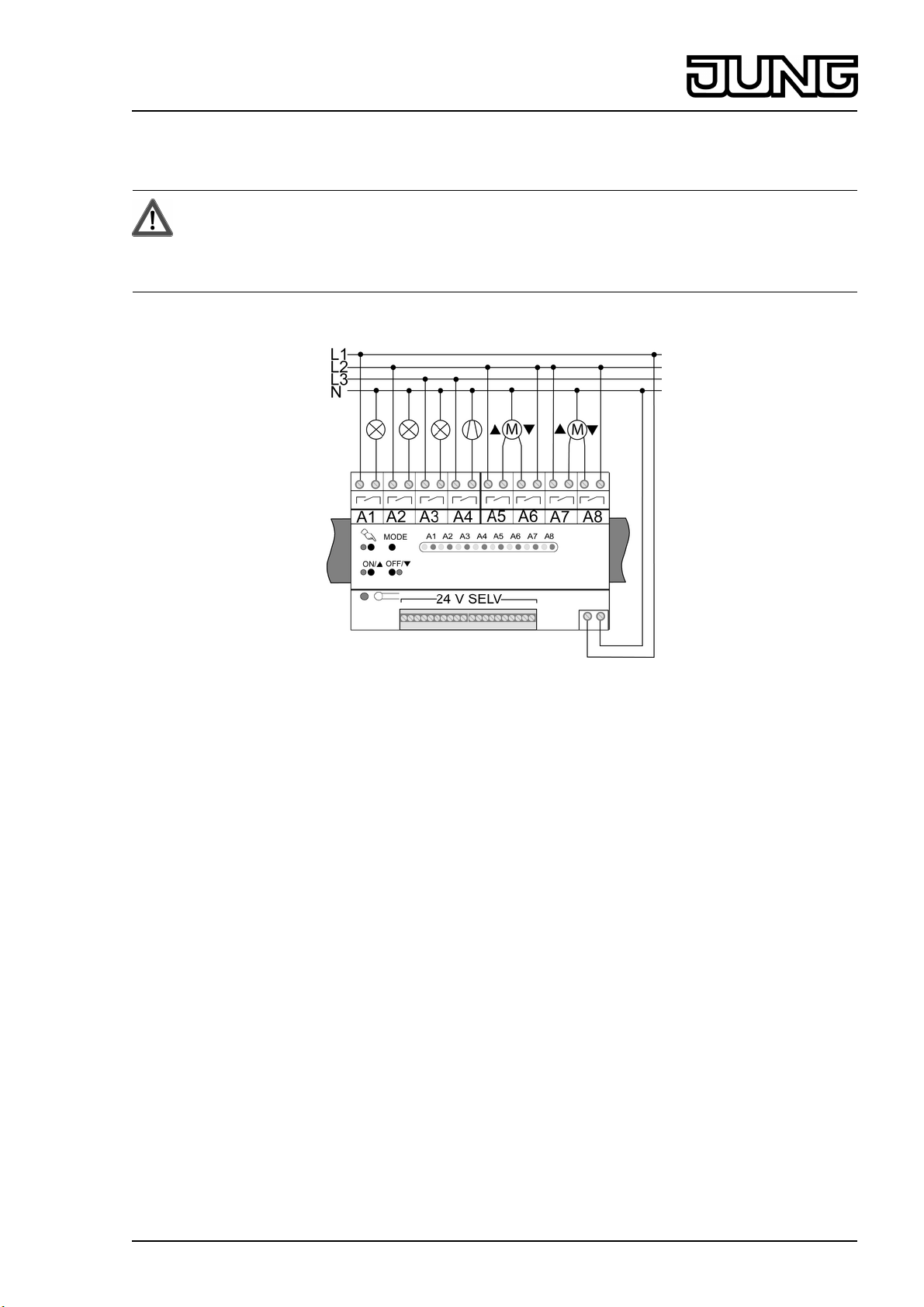
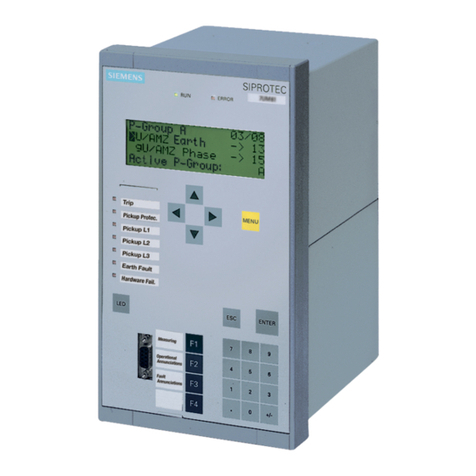
(10) LED c on: Local control or programming mode active
(11) Button ON/n: Switch on load output or set mode of operation
(12) LED ON/n: Status LED for load output or indication of mode of operation
(13) Button OFF/o: Switch off load output or set mode of operation
(14) LED OFF/o: Status LED for load output or indication of mode of operation
(15) Button MODE Programming mode
Local control of the load outputs
Operation by means of integrated keypad (2).
o Press the c button briefly.
Red status LED A1 (4) flashes, LED c (10) lights up.
The device is in local control.
Load output A1 can be controlled.
The LEDs ON/n (12) and OFF/o (14) indicate the switching state of the load output.
o Actuate pushbutton outputs with the ON/n button (11).
Switch on switching outputs with the ON/n button or switch off with the OFF/o button (13).
Switch blind outputs with the ON/n or OFF/o button.
Long: Move blind up/down
Short: Stop slat adjustment or blind
o Press the c button briefly to go to the next load output.
The red status LED (4) of the next load output A2...A8 flashes.
o Operate load output as described above.
Switching off local control
Local control is switched on.
o Press c button as many times as necessary until local control is switched off.
The red status LEDs A1...A8 (4) indicate the switching states of the load outputs.
LED (10) c is off.
Pushbutton outputs: When local control is switched off, the load outputs are switched off.
Switching outputs: When local control is switched off, the load outputs retain the switch
position previously set.
Blind outputs: When local control is switched off, the load outputs retain the switch position
previously set. A blind movement that has been started will be completed.
i After 15 s with no button being pressed, the device automatically switches local control off.
Buttons with control section
o Press a button.
Load output is switched on as long as the button is pressed.
Switching with control section
o Press a button.
The switching output switches on or off, depending on the switching state.
Moving a blind with control section
o Long press on button for move up/down.
The Venetian blind output for the corresponding direction is switched on. The switch-on
time of the relay is 2 minutes.
i A short press on the button can be used to stop the motion and adjust the slats.
Operation of central function
The central function Central ON and Central OFF can be assigned during commissioning to
each load output separately (see Assigning central function).
o Press button for Central ON.
3/13
82556943
J:0082556943 01.10.2012
Light Management
Relay station universal, 8-gang