Chapter 1 Getting Started 3
Battery Compartment and Card Slots
Connector I/O Module
234
71USB Client, Micro B
2Audio Jack, for Microphone,
Speaker, or Stereo Output, 3.5mm
3USB Host, Full Size A
4 9-pin Serial Port, 5VDC @ 500 mA
5Docking Pin Contacts
6Hand strap Attachment Point
7Power Input Jack, 12-24VDC, for
Power and Battery Charging
1
5 6
Note: The connectors are sealed. A connector module
protector is not required to prevent water ingress. It protects
the connectors from exposure to excessive dust and dirt.
Perform Initial Tasks
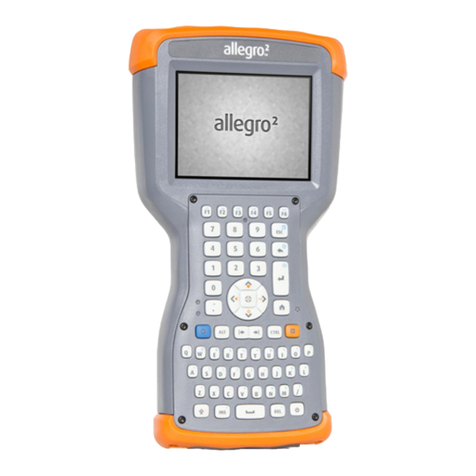
When you receive your Allegro 3, perform the tasks outlined
in this section before rst use.
Install the Battery Pack, SD Card, and Mini SIM Card
The Allegro 3 uses a rechargeable Li-Ion battery pack.
Install and charge the battery pack using the instructions
that follow.
1. The battery compartment is accessed from the back of
the handheld. Loosen the four captive screws holding
the battery compartment door in place using a #1
Phillips screwdriver. Remove the door.
1Battery Door, Screws
2Battery Pack
3 Mini SIM Card Slot
4 Micro SD/SDXC Card Slot
5Battery Compartment
6Connector Module
Protector
1
2
3 4 5 6