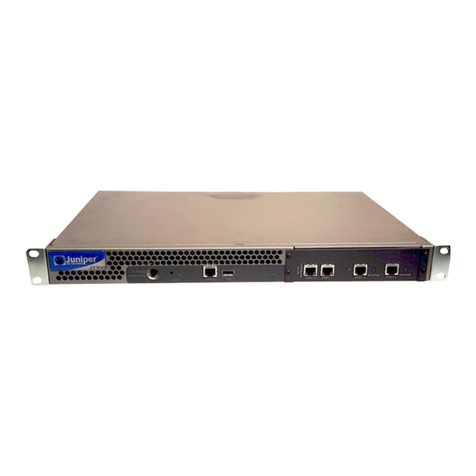
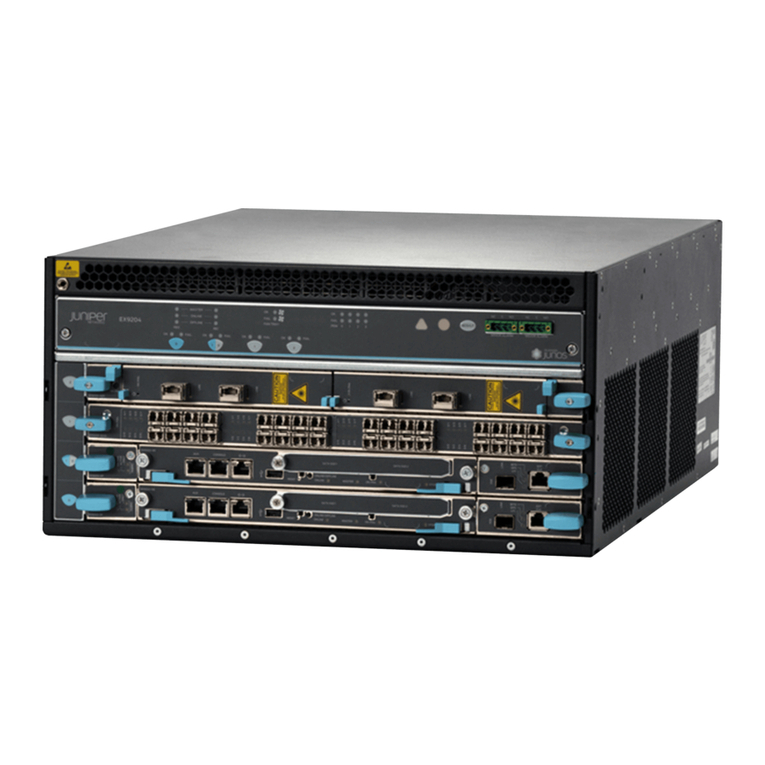
MX960 Ethernet Services Router
Quick Start
18 April 2008
Part Number: 530-021108-01
Revision 2
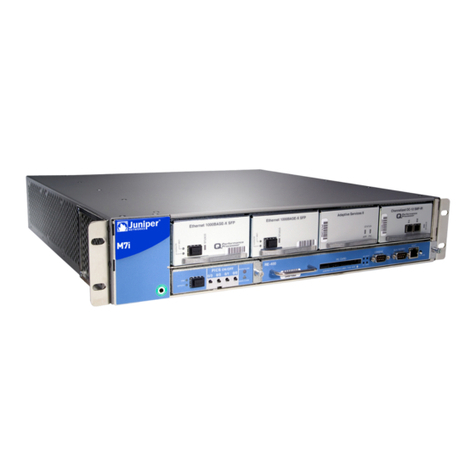
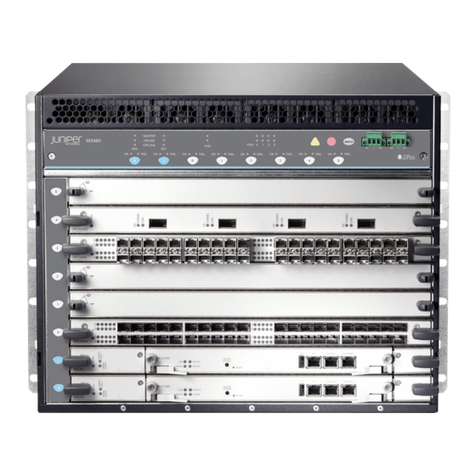
This document describes how to install the MX960 Ethernet Services Router.
Contents Quick Start Description ...................................................................................3
Step 1: Prepare the Site ...................................................................................4
Rack-Mounting Requirements ...................................................................4
Tools Required ..........................................................................................5
Step 2: Install the Mounting Hardware ............................................................6
Install the Mounting Hardware in a Four-Post Rack or Cabinet .................6
Install the Mounting Hardware in an Open-Frame Rack ............................7
Step 3: Install the Router .................................................................................8
Install the Router Using a Lift ....................................................................8
Install the Router Without a Mechanical Lift ............................................10
Remove Components .......................................................................11
Lift the Router into the Rack .............................................................12
Reinstall Components ......................................................................13
Step 4: Connect External Devices and DPC Cables ........................................13
Connect to a Network for Out-of-Band Management ...............................13
Connect a Management Console .............................................................14
Connect the DPC Cables .........................................................................14
Step 5: Connect Ground and Power Cables ...................................................15
Connect Grounding Cable .......................................................................15
Connect Power to an AC Router ..............................................................15
Connect Power to a DC Router ...............................................................16
Step 6: Perform Initial Software Configuration ..............................................17
Safety Warnings ............................................................................................19
■1