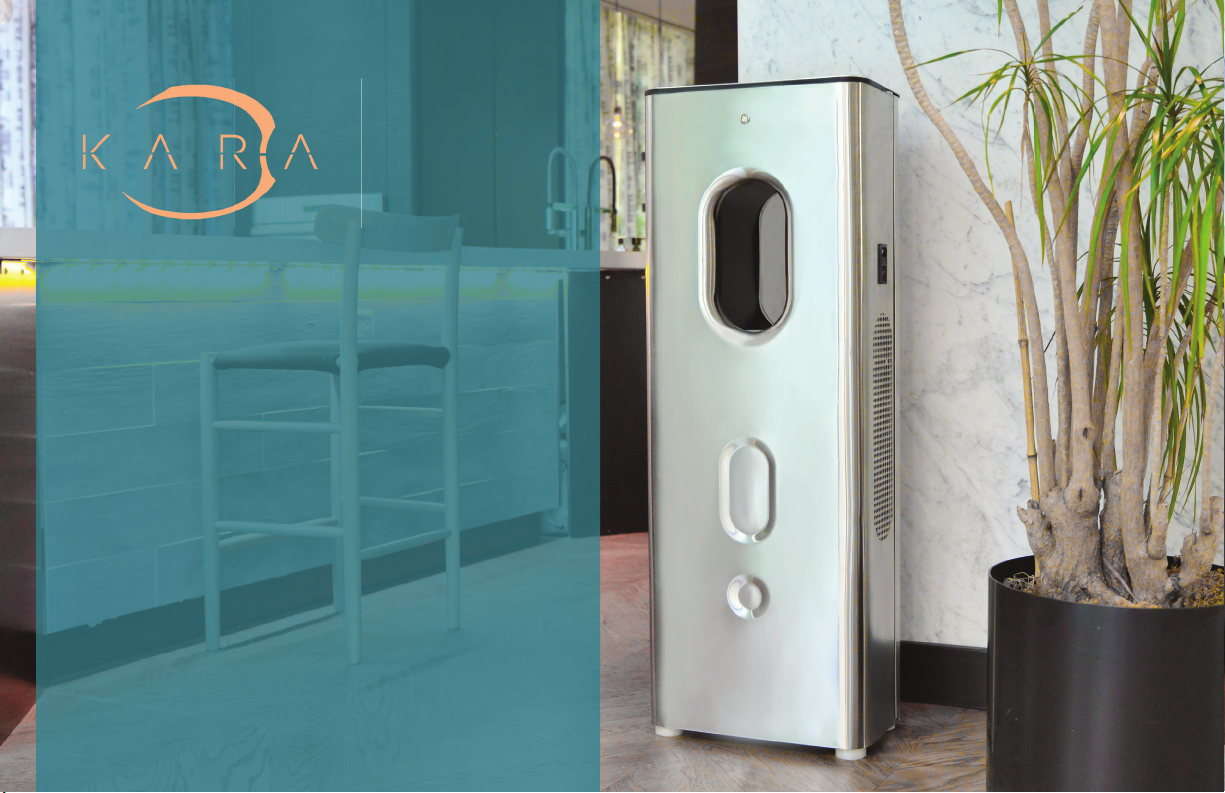
Setup and Operaon
Remove the unit from the packaging and
place on the oor in desired locaon
which is close to a power outlet. Aach
supplied power cord to unit. Place unit
in a desired locaon close to a power
outlet and plug in the wall socket.
Verify that power buon is illuminated
and that LCD, located at the top of the
unit, is illuminated and displays the
humidity in the room. You should also
hear the fan start. If not, please refer to
troubleshoong secon.
Filters must be primed rst or water may
contain carbon or other loose parcles
from the lters. (See Filter Priming)
89
First Setup - WIFI
• Welcome screen
• Setup WIFI.
• Chose your access point
• Enter password
• You can skip WIFI setup
System Status Screen
1. On the status screen you can see the device
status and related informaon.
2. System status: Running or stopped.
3. System Error: In case of machine malfuncon
you can see possible a reason.
4. Wi status.
5. Hot water temperature. Factory set.
6. Filter status. Over me, lters should be
changed. You can see lter usage stasc and
a nocaon when it should be changed.
7. Ambient temperature and humidity.
Maintenance
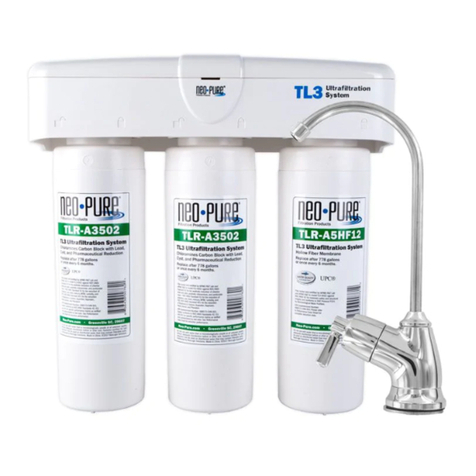
Filter Replacement
1. Unlock and open the back door
2. Filters are located at the boom
3. “Water Sanitaon/Carbon” lter is on the
le and “Mineralizer” is on right
NOTE: the order of lters is important!
4. To remove lters, twist to the le and the
lter will detach
5. Replace old lter with new lter in the
cap and twist to the right
6. NOTE: Do not over-twist because cap
may become dislodged, damaged or it
may break.
Cleaning
Air lters need to be vacuumed or cleaned every
3 months. Ensure vents are free of dust and
debris.