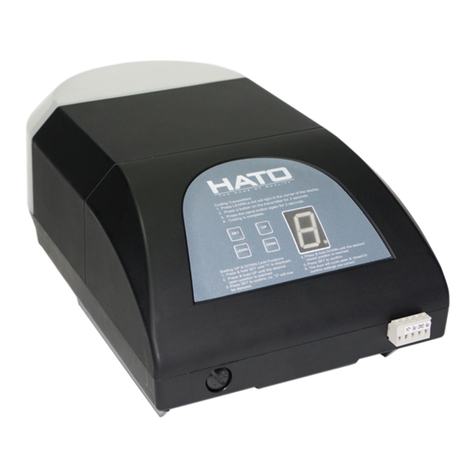
2,Auto close option
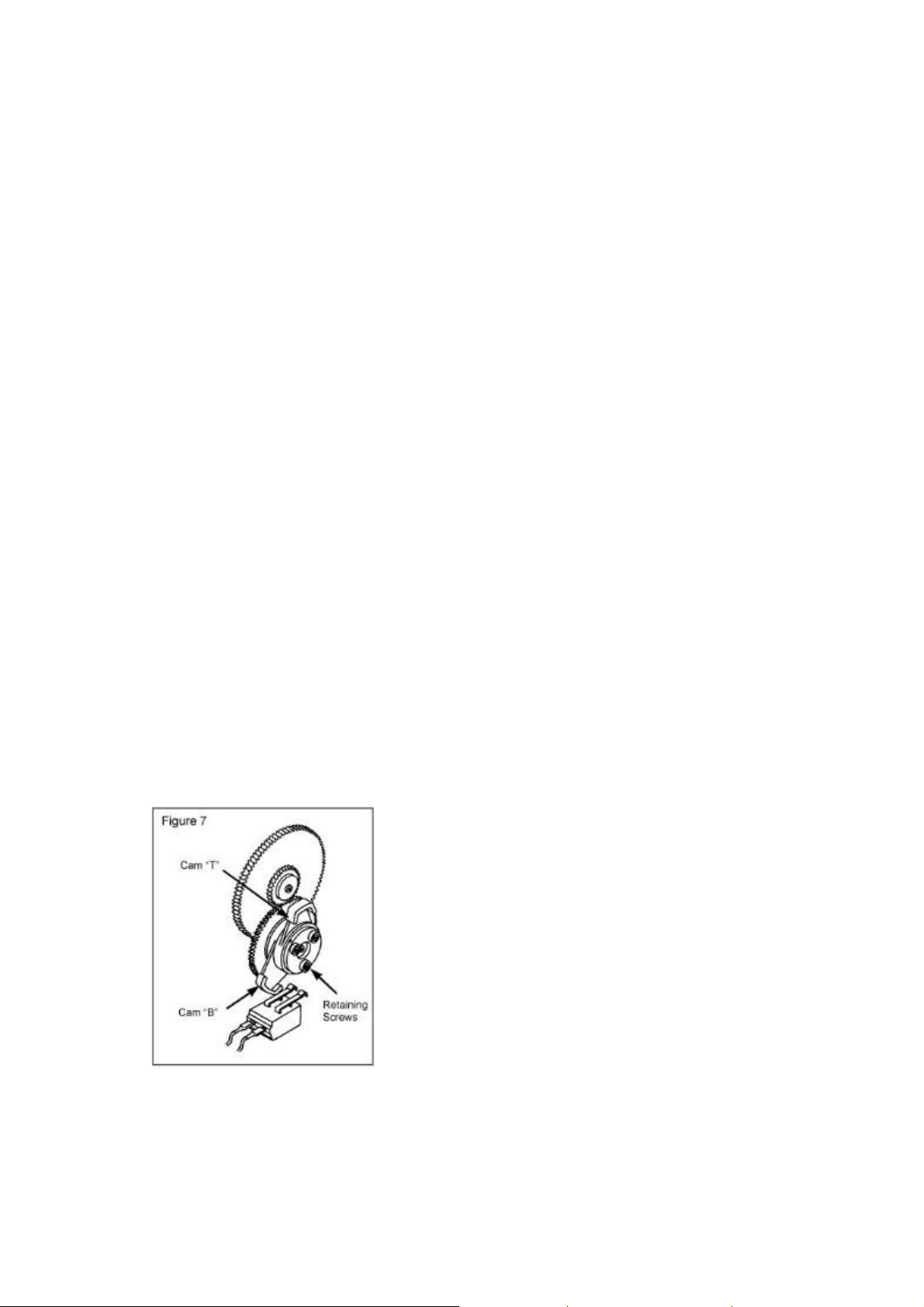
If keep the cover in the PCB, the auto close function closed,
If remove the cover in the PCB, the auto close function opened.
3, Right hand and left hand installation swap
Please pay attention number “9”
4, Sensitivity adjustment
For right hand installation:
Please pay attention number “2”, and “3”
Whist the door is travelling turn the obstruction sensitivity pot slowly until an
overload condition occurs i.e. door going up stops before reaching the set top limit or
the door a few times ensuring an overloading conditions is not registered during
normal operation.
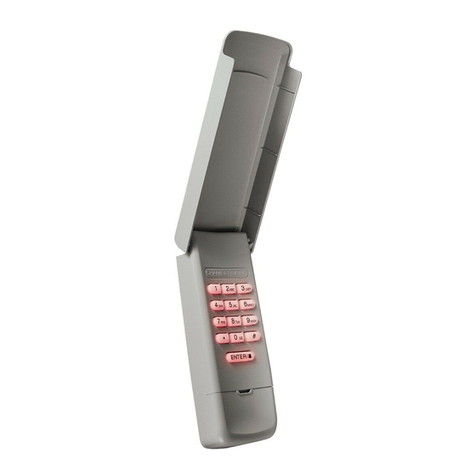
PROGRAMMING HANDSETS TO NEW CONTROLBOX
Press and release the black learning button, learn LED indicator will light and go out,
and then press the handset key which will operate the door, the handset transmitter is
now programmed.
For multiple handsets code them the same as above mentioned.
To delete all codes
Press and hold the learning button in the control box for 15seconds until the LED
indictor go out, all transmitters codes held in the memory have been erased.
N.B: If a transmitter is lost or stolen, please erase the memory and re-learn any
spare or new transmitters.
OWNER’S MANUAL
DOOR OPERATION
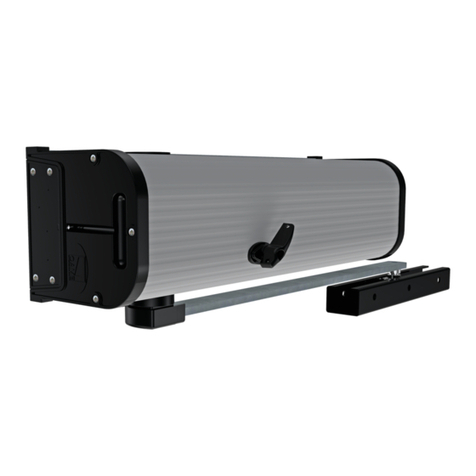
A roller door equipped with a roller door, operation may be operated by any of the
following two methods:
By using the hand held transmitter.
By pressing the push button on the control box(mounted on the wall ).
WARNING
Ensure that the centre lift lock is not engaged when the drive unit is in the automatic
position.
Manual Operation.
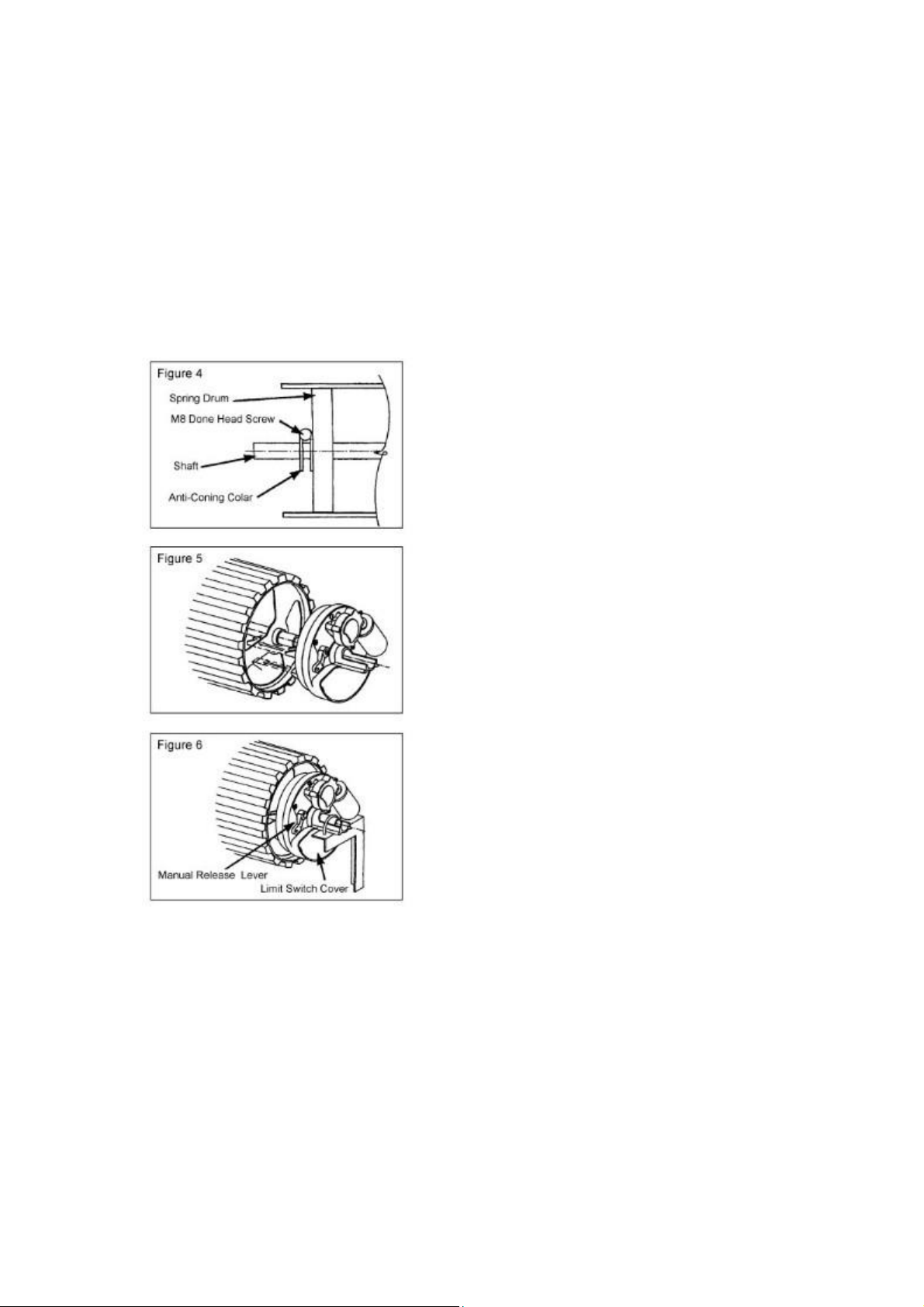
In the case of a power failure, the drive unit has an easily accessible manual release
string, the door could be opened manually by using the release string.