manuals.online logo
Brands
  1. Home
  2. •
  3. Brands
  4. •
  5. KETRON
  6. •
  7. Synthesizer
  8. •
  9. KETRON Audya 8 User manual

KETRON Audya 8 User manual

This manual suits for next models

2

Other KETRON Synthesizer manuals

KETRON AUDYA Series User manual

KETRON

KETRON AUDYA Series User manual

KETRON SD7 User manual

KETRON

KETRON SD7 User manual

KETRON AUDYA Series User manual

KETRON

KETRON AUDYA Series User manual

KETRON SD1 User manual

KETRON

KETRON SD1 User manual

KETRON SD9 PRO live station User manual

KETRON

KETRON SD9 PRO live station User manual

KETRON SD90 PRO live module User manual

KETRON

KETRON SD90 PRO live module User manual

KETRON SD9 User manual

KETRON

KETRON SD9 User manual

KETRON AUDYA 4 User manual

KETRON

KETRON AUDYA 4 User manual

KETRON X1 Wiring diagram

KETRON

KETRON X1 Wiring diagram

Popular Synthesizer manuals by other brands

NEON CAPTAIN Radioator user manual

NEON CAPTAIN

NEON CAPTAIN Radioator user manual

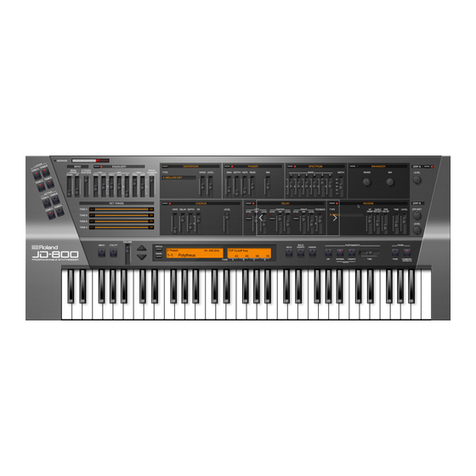
Roland JD-800 owner's manual

Roland

Roland JD-800 owner's manual

Joranalogue Contour 1 user manual

Joranalogue

Joranalogue Contour 1 user manual

Full Bucket Music Mono/Fury manual

Full Bucket Music

Full Bucket Music Mono/Fury manual

IK Multimedia UNO Synth PRO X user manual

IK Multimedia

IK Multimedia UNO Synth PRO X user manual

Kawai MP7 Software update

Kawai

Kawai MP7 Software update

Roland Gaia SH-01 Quick guidebook

Roland

Roland Gaia SH-01 Quick guidebook

Behringer DEEPMIND 12 quick start guide

Behringer

Behringer DEEPMIND 12 quick start guide

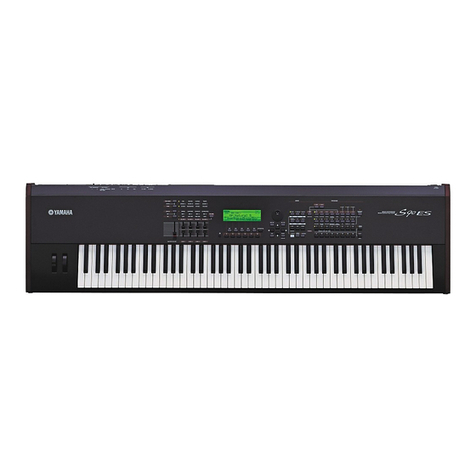
Yamaha S90 ES owner's manual

Yamaha

Yamaha S90 ES owner's manual

Roland GR-30 manual

Roland

Roland GR-30 manual

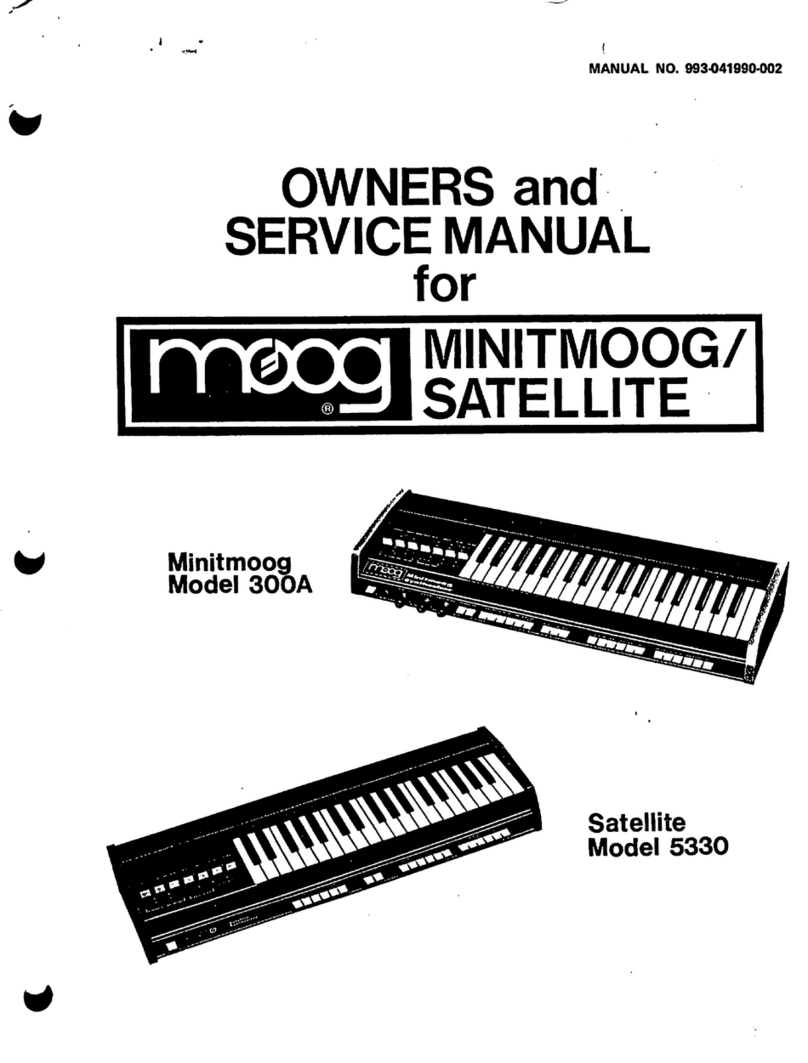
Moog Minitmoog 300A Owner's service manual

Moog

Moog Minitmoog 300A Owner's service manual

Gotharman Gotharman's anAmoNo-box user manual

Gotharman

Gotharman Gotharman's anAmoNo-box user manual

QuStream HDFS-550 Technical manual

QuStream

QuStream HDFS-550 Technical manual

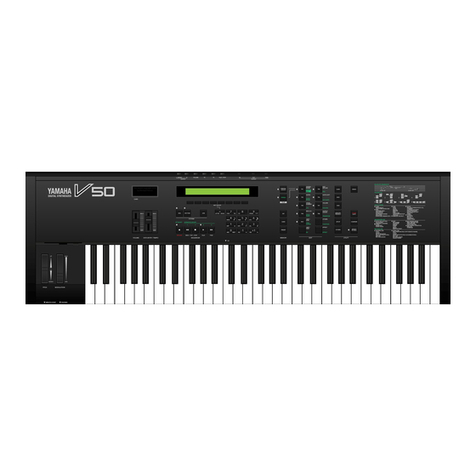
Yamaha V50 Authorized product manual

Yamaha

Yamaha V50 Authorized product manual

Akai AX80 Operator's manual

Akai

Akai AX80 Operator's manual

Roland GS-500 instructions

Roland

Roland GS-500 instructions

Octave Cat SRM Service manual

Octave

Octave Cat SRM Service manual

Dreadbox Murmux Initiate manual

Dreadbox

Dreadbox Murmux Initiate manual

manuals.online logo
manuals.online logoBrands
  • About & Mission
  • Contact us
  • Privacy Policy
  • Terms and Conditions

Copyright 2025 Manuals.Online. All Rights Reserved.

ESPANSIONE RAM
Audya Series
I_AUDYA_SERIE_28_04_2011.indd 1 28/04/2011 11:00:06
ISTRUZIONI PER IL MONTAGGIO
DELL'ESPANSIONE RAM
INSTRUCTIONS TO INSTALL THE
RAM EXPANSION
ANLEITUNG ZUR INSTALLATION
DER RAM SPEICHERWEITERUNG
INSTRUCTIONS POUR LE MONTAGE
DE LA CARTE MEMOIRE
IMPORTANTI NORME DI SICUREZZA
I_AUDYA_SERIE_28_04_2011.indd 2 28/04/2011 11:00:10
Pagina 3
1
2
4
3
2
2
8
4
5
KETRON - MDKT46AS - 25/02/2009
Fig. 1
AUDYA
1
2
3
4
5
SVITARE LE 3 VITI POSTE
SUL FONDO
SVITARE LE 2 VITI POSTE
SULLE FIANCATE LATERALI
SVITARE LE 7 VITI POSTE
SUL LATO POSTERIORE
ALZARE DI ALCUNI CENTIMETRI
IL COPERCHIO COMANDI
VERSO L' ALTO FACENDO
ATTENZIONE A NON
DANNEGGIARE
I CABLAGGI
RUOTARE IL COPERCHIO COMANDI
ED APPOGGIARLO SU UN PIANO
20
29
29
20
Pagina 3
AUDYA5
3
2
2
7
FIG. 2
1
3
4
5
6
KETRON - MDKT60AS - 20/06/2011
ISTRUZIONI APERTURA STRUMENTO
2
SVITARE LE 9 VITI POSTE
SUL FONDO
SVITARE LE 2 VITI POSTE
SULLE FIANCATE LATERALI
SVITARE LE 7 VITI POSTE
SUL LATO POSTERIORE
ALZARE DI ALCUNI CENTIMETRI
IL COPERCHIO COMANDI
VERSO L' ALTO FACENDO
ATTENZIONE A NON
DANNEGGIARE
I CABLAGGI
RUOTARE IL COPERCHIO
COMANDI ED
APPOGGIARLO SU
UN PIANO
RUOTARE LA CALOTTA
TASTIERA
AUDYA8
Fig. 3
1
2
3
4
KETRON - MDKT61AS
OPEN INSTRUMENT INSTRUCTIONS
5
5
Page 3
AUDYA4
5
5
FIG. 4
ISTRUZIONI PER L’APERTURA DI AUDYA (FIG. 1)
1. Svitare le 4 viti poste sul fondo
2. Svitare le 2 viti poste sulle fiancate laterali
3. Svitare le 8 viti poste sul lato posteriore
4. Alzare di alcuni centimetri il coperchio comandi verso l’alto facendo attenzione a
non danneggiare i cablaggi
5. Ruotare il coperchio comandi ed appoggiarlo su un piano
OPEN AUDYA INSTRUCTIONS (FIG. 1)
1. Remove all (4) screws placed on bottom
2. Remove (2) screws located on side panels
3. Remove (8) screws located on back panel
4. Lift up (for some inch) top panel and move it carefully to avoid unintentional unplug
cable
5. Rotate top panel even to lean working area

ANLEITUNG ZUM ÖFFNEN DES AUDYA GEHÄUSES (FIG. 1)
1. Entfernen Sie alle (4) Schrauben am Gehäuseboden
2. Entfernen Sie (2) die Schrauben an den Seitenteilen
3. Entfernen Sie (8) die Schrauben am Rück-Panel
4. Heben Sie das Gehäuseoberteil (einige Zentimeter) an und klappen Sie es
vorsichtig auf, um mögliches Trennen der Steckverbindungen zu vermeiden
5. Legen Sie das Gehäuseoberteil wie abgebildet ab.
INSTRUCTIONS POUR L’OVERURE DE L’AUDYA (FIG. 1)
1. Enlever toutes les vis (4) situées sur le fond
2. Enlever toutes des vis (2) situées sur les côtés
3. Enlever toutes des vis (8) situées à l'arrière
4. Afin d’éviter des déconnections involontaires, soulevez délicatement la face
supérieure de quelques centimètres
5. Faire pivoter la face avant et la poser délicatement à plat sur le plan de travail
ISTRUZIONI PER L’APERTURA DI AUDYA5 (FIG. 2)
1. Svitare le 3 viti poste sul fondo
2. Svitare le 2 viti poste sulle fiancate laterali
3. Svitare le 7 viti poste sul lato posteriore
4. Alzare di alcuni centimetri il coperchio comandi verso l’alto facendo attenzione a
non danneggiare i cablaggi
5. Ruotare il coperchio comandi ed appoggiarlo su un piano
OPEN AUDYA5 INSTRUCTIONS (FIG. 2)
1. Remove all (3) screws placed on bottom
2. Remove (2) screws located on side panels
3. Remove (7) screws located on back panel
4. Lift up (for some inch) top panel and move it carefully to avoid unintentional unplug
cable
5. Rotate top panel even to lean working area
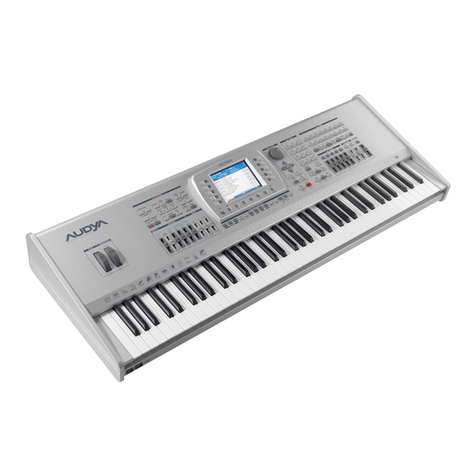
ANLEITUNG ZUM ÖFFNEN DES AUDYA 5 GEHÄUSES (FIG. 2)
1. Entfernen Sie alle (3) Schrauben am Gehäuseboden
2. Entfernen Sie (2) die Schrauben an den Seitenteilen
3. Entfernen Sie (7) die Schrauben am Rück-Panel
4. Heben Sie das Gehäuseoberteil (einige Zentimeter) an und klappen Sie es
vorsichtig auf, um mögliches Trennen der Steckverbindungen zu vermeiden
5. Legen Sie das Gehäuseoberteil wie abgebildet ab.
INSTRUCTIONS POUR L’OVERURE DE L’AUDYA5 (FIG. 2)
1. Enlever toutes les vis (3) situées sur le fond
2. Enlever toutes des vis (2) situées sur les côtés
3. Enlever toutes des vis (7) situées à l'arrière
4. Afin d’éviter des déconnections involontaires, soulevez délicatement la face
supérieure de quelques centimètres
5. Faire pivoter la face avant et la poser délicatement à plat sur le plan de travail
ISTRUZIONI PER L’APERTURA DI AUDYA8 (FIG. 3)
1. Svitare le 9 viti poste sul fondo
2. Ruotare la calotta tastiera
3. Svitare le 2 viti poste sulle fiancate laterali
4. Svitare le 7 viti poste sul lato posteriore
5. Alzare di alcuni centimetri il coperchio comandi verso l’alto facendo attenzione a
non danneggiare i cablaggi
6. Ruotare il coperchio comandi ed appoggiarlo su un piano
OPEN AUDYA8 INSTRUCTIONS (FIG. 3)
1. Remove all (3) screws placed on bottom
2. Turn the keyboard block
3. Remove (2) screws located on side panels
4. Remove (7) screws located on back panel
5. Lift up (for some inch) top panel and move it carefully to avoid unintentional unplug
cable
6. Rotate top panel even to lean working area
ANLEITUNG ZUM ÖFFNEN DES AUDYA 8 GEHÄUSES (FIG. 3)
1. Entfernen Sie alle (3) Schrauben am Gehäuseboden
2. Drehen die den Tastaturblock
3. Entfernen Sie (2) die Schrauben an den Seitenteilen
4. Entfernen Sie (7) die Schrauben am Rück-Panel
5. Heben Sie das Gehäuseoberteil (einige Zentimeter) an und klappen Sie es
vorsichtig auf, um mögliches Trennen der Steckverbindungen zu vermeiden
6. Legen Sie das Gehäuseoberteil wie abgebildet ab.
INSTRUCTIONS POUR L’OVERURE DE L’AUDYA8 (FIG. 3)
1. Enlever toutes les vis (9) situées sur le fond
2. Tourner l’enveloppe de le clavier
3. Enlever toutes des vis (2) situées sur les côtés
4. Enlever toutes des vis (7) situées à l'arrière
5. Afin d’éviter des déconnections involontaires, soulevez délicatement la face
supérieure de quelques centimètres
6. Faire pivoter la face avant et la poser délicatement à plat sur le plan de travail
ISTRUZIONI PER L’APERTURA DI AUDYA4 (FIG. 4)
1. Svitare le 5 viti poste sul fondo
2. Svitare le 5 viti poste sul lato posteriore
3. Alzare di alcuni centimetri il coperchio comandi verso l’alto facendo attenzione a
non danneggiare i cablaggi
4. Ruotare il coperchio comandi ed appoggiarlo su un piano
OPEN AUDYA4 INSTRUCTIONS (FIG. 4)
1. Remove all (5) screws placed on bottom
2. Remove all (5) screws located on back panel
3. Lift up (for some inch) top panel and move it carefully to avoid unintentional unplug
cable
4. Rotate top panel even to lean working area
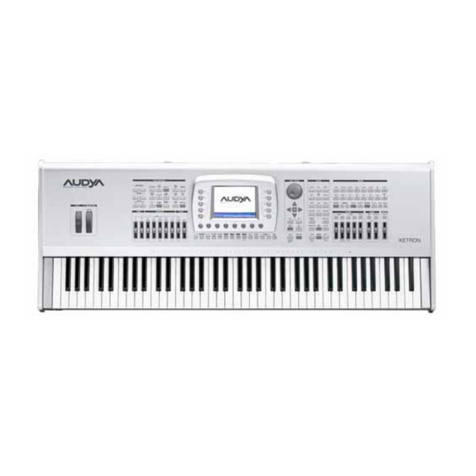
ANLEITUNG ZUM ÖFFNEN DES AUDYA 4 GEHÄUSES (FIG. 4)
1. Entfernen Sie alle (5) Schrauben am Gehäuseboden
2. Entfernen Sie (5) die Schrauben am Rück-Panel
3. Heben Sie das Gehäuseoberteil (einige Zentimeter) an und klappen Sie es
vorsichtig auf, um mögliches Trennen der Steckverbindungen zu vermeiden
4. Legen Sie das Gehäuseoberteil wie abgebildet ab.
INSTRUCTIONS POUR L’OVERURE DE L’AUDYA 4 (FIG. 4)
6. Enlever toutes les vis (5) situées sur le fond
7. Enlever toutes des vis situées (5) à l'arrière
8. Afin d’éviter des déconnections involontaires, soulevez délicatement la face
supérieure de quelques centimètres
9. Faire pivoter la face avant et la poser délicatement à plat sur le plan de travail
Accessori per fissaggio scheda di espansione: N. 2 viti, N. 4 distanziatori, N. 2 dadi
Accessories for mounting the expansion card: N. 2 screws, N. 4 standoff, N. 2 nuts
Zubehör für die Montage der Speichererweiterung: 2x Schrauben, 4x Distanzringe, 2x
Muttern
Les accessoires de montage de la carte d'extension : 2 vis plastiques, 4 entretoises
plastiques et 2 écrous plastiques
Togliere le 5 viti e relative rondelle indicate dalle frecce
Remove all 5 screws and washers indicated by the arrows
Entfernen Sie die markierten 5 Schrauben und Beilagscheiben
Enlever les 5 vis et leurs rondelles, indiquées par les fleches