manuals.online logo
Brands
  1. Home
  2. •
  3. Brands
  4. •
  5. Kidco
  6. •
  7. Indoor Furnishing
  8. •
  9. Kidco Auto Close Heart Gate G3111 User manual

Kidco Auto Close Heart Gate G3111 User manual

Other Kidco Indoor Furnishing manuals
Kidco Gateway G1001 User manual

Kidco

Kidco Gateway G1001 User manual
Kidco Angle Mount Safeway G22a-C User manual
Kidco

Kidco Angle Mount Safeway G22a-C User manual

Kidco Architectural Series User manual
Kidco

Kidco Architectural Series User manual

Kidco HearthGate User manual

Kidco

Kidco HearthGate User manual

Kidco Elongate G24 User manual

Kidco

Kidco Elongate G24 User manual
Kidco RTA2043 User manual

Kidco

Kidco RTA2043 User manual
Kidco Angle Mount Safeway Series User manual

Kidco

Kidco Angle Mount Safeway Series User manual

Kidco Safeway G2000 Manual

Kidco

Kidco Safeway G2000 Manual
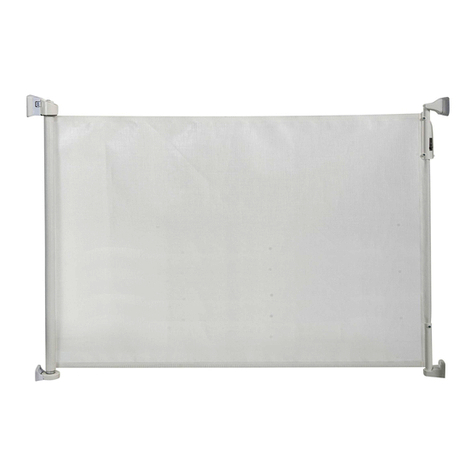
Kidco Retractable Safeway G2500 User manual
Kidco

Kidco Retractable Safeway G2500 User manual

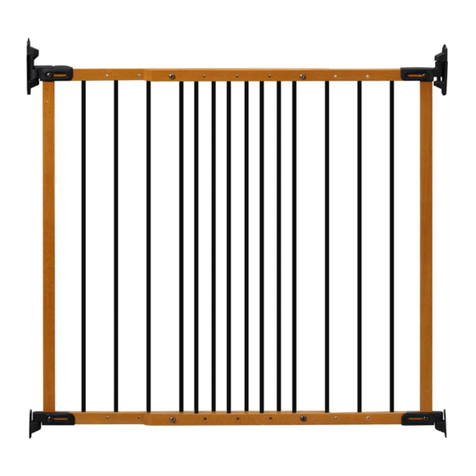
Kidco Designer Angle Mount Safeway User manual
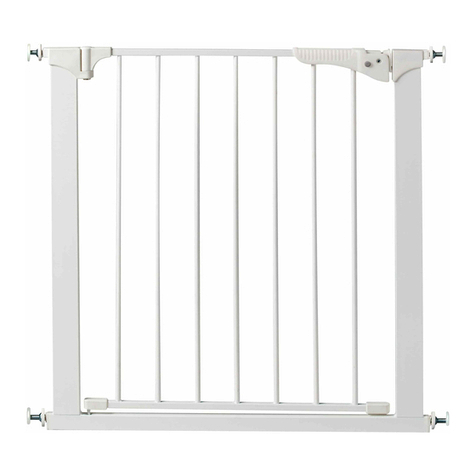
Kidco

Kidco Designer Angle Mount Safeway User manual

Kidco Center Gateway G15d User manual

Kidco

Kidco Center Gateway G15d User manual
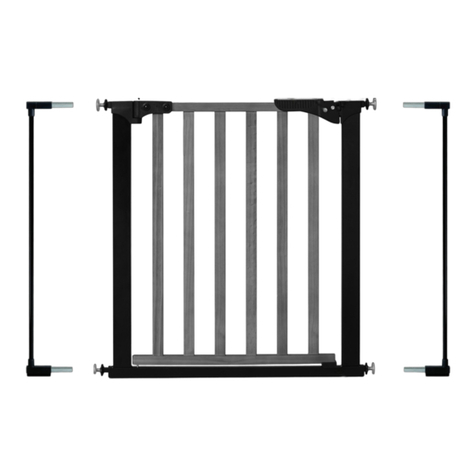
Kidco Designer Gateway G1010 User manual
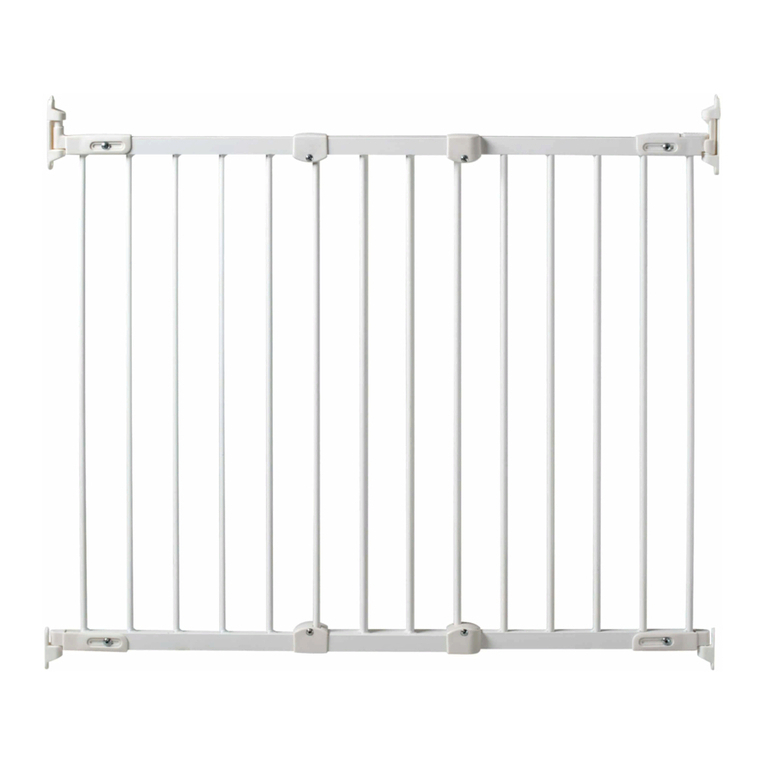
Kidco

Kidco Designer Gateway G1010 User manual

Kidco Angle Mount Safeway Gate G22a User manual

Kidco

Kidco Angle Mount Safeway Gate G22a User manual

Kidco Premier Gateway Series User manual

Kidco

Kidco Premier Gateway Series User manual

Kidco The Metro Gateway G170 User manual

Kidco

Kidco The Metro Gateway G170 User manual

Kidco BR203 User manual

Kidco

Kidco BR203 User manual
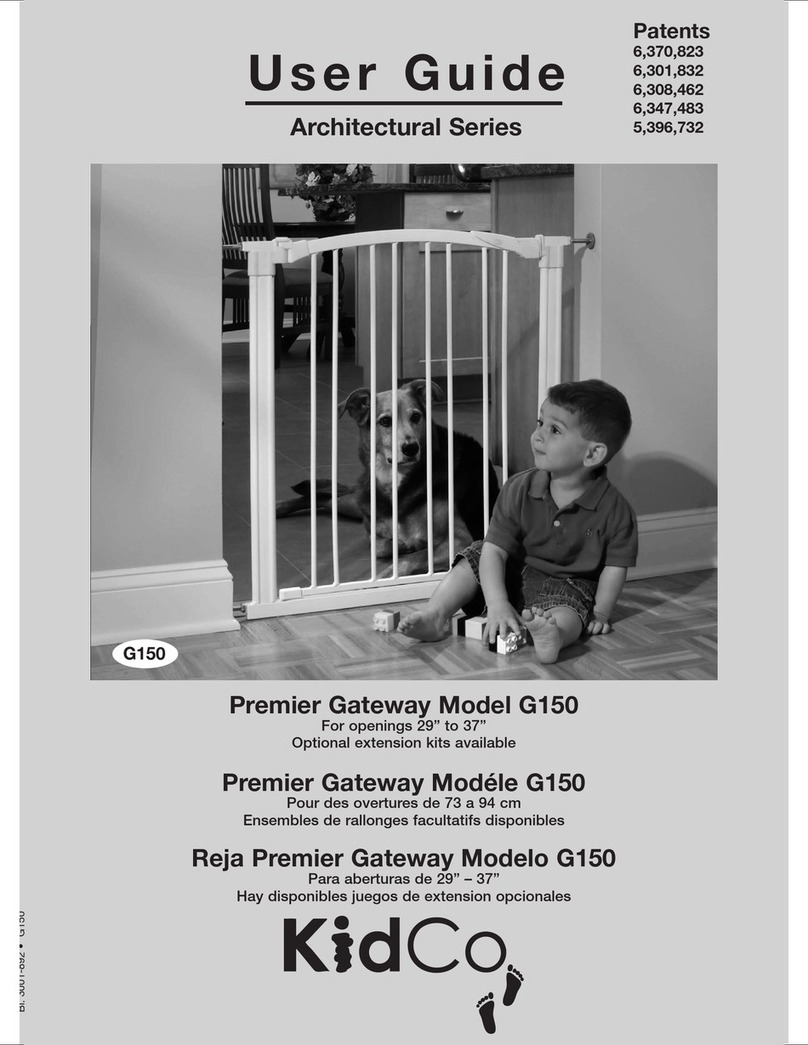
Kidco Premier Gateway G150 User manual

Kidco

Kidco Premier Gateway G150 User manual

Kidco Elongate G60c User manual

Kidco

Kidco Elongate G60c User manual
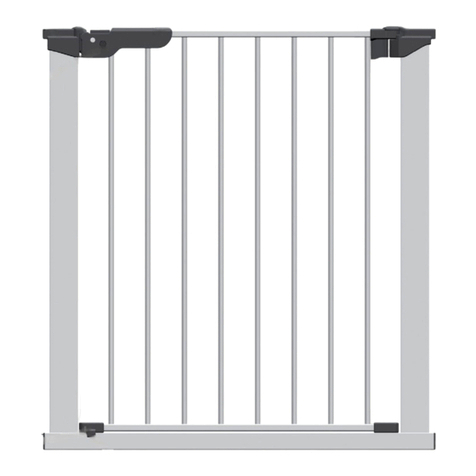
Kidco G15d-C User manual

Kidco

Kidco G15d-C User manual
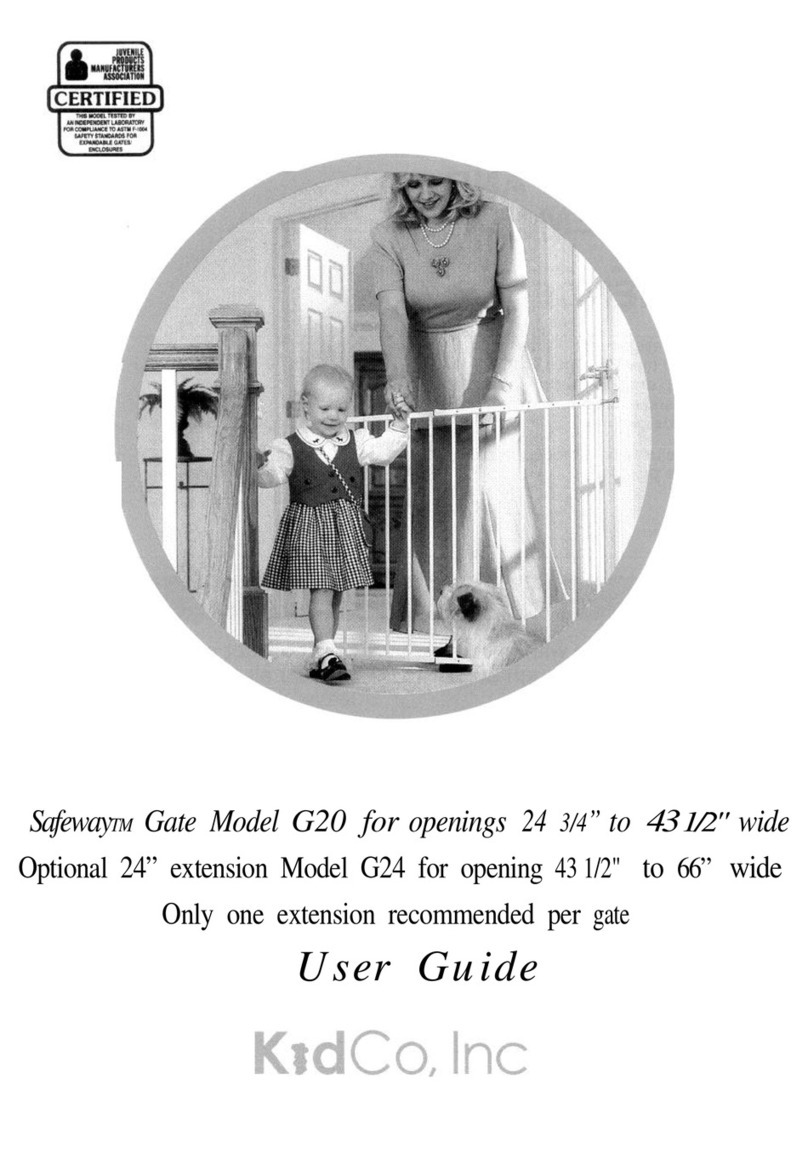
Kidco Safeway G20 User manual

Kidco

Kidco Safeway G20 User manual
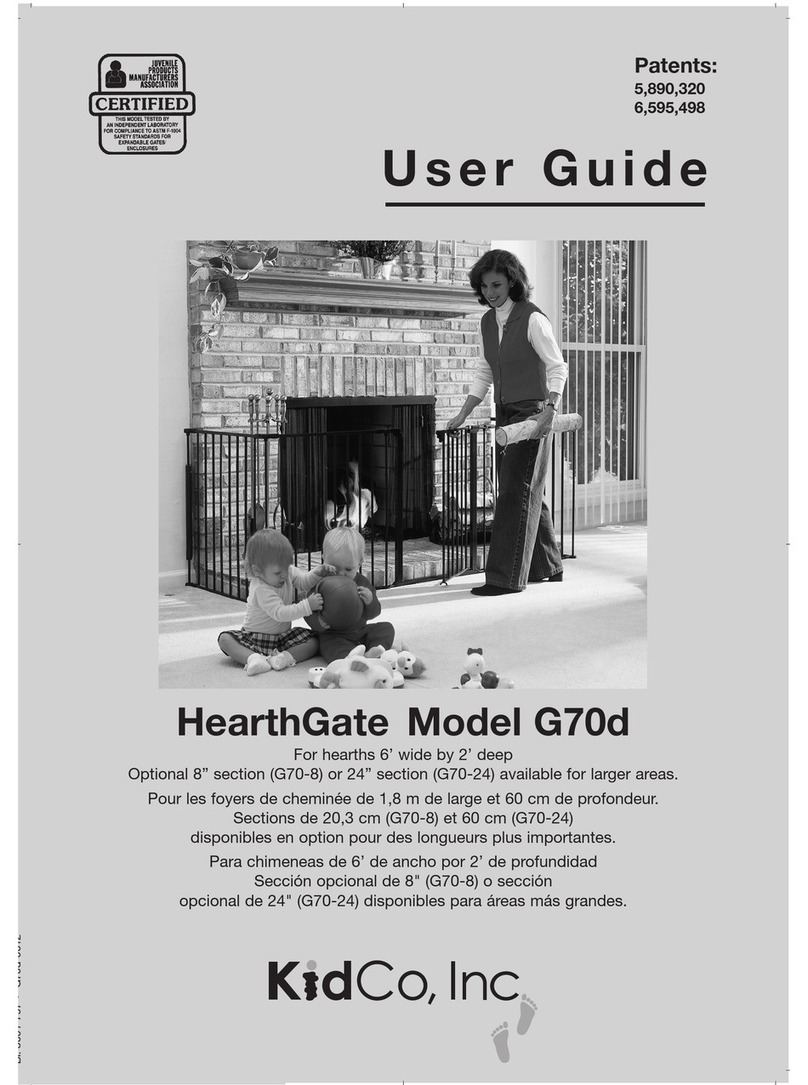
Kidco HearthGate G70d User manual

Kidco

Kidco HearthGate G70d User manual

Kidco Angle Mount Wood Safeway G2300 User manual

Kidco

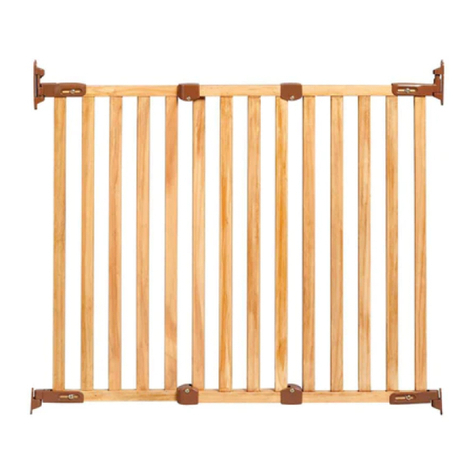
Kidco Angle Mount Wood Safeway G2300 User manual

Kidco Gateway Series User manual

Kidco

Kidco Gateway Series User manual

Kidco Wood Center Gateway G35d User manual

Kidco

Kidco Wood Center Gateway G35d User manual

Popular Indoor Furnishing manuals by other brands

Regency LWMS3015 Assembly instructions

Regency

Regency LWMS3015 Assembly instructions

Furniture of America CM7751C Assembly instructions

Furniture of America

Furniture of America CM7751C Assembly instructions

Safavieh Furniture Estella CNS5731 manual

Safavieh Furniture

Safavieh Furniture Estella CNS5731 manual

PLACES OF STYLE Ovalfuss Assembly instruction

PLACES OF STYLE

PLACES OF STYLE Ovalfuss Assembly instruction

Trasman 1138 Bo1 Assembly manual

Trasman

Trasman 1138 Bo1 Assembly manual

Costway JV10856 manual

Costway

Costway JV10856 manual

moss DESIGN Caisson Credenza Assembly instructions

moss DESIGN

moss DESIGN Caisson Credenza Assembly instructions

Aquaglide FULL DECK 15.0 owner's manual

Aquaglide

Aquaglide FULL DECK 15.0 owner's manual

AREBOS AR-HE-SW30 user manual

AREBOS

AREBOS AR-HE-SW30 user manual

Till-Hilft Fulda 87005.330 Assembly instructions

Till-Hilft

Till-Hilft Fulda 87005.330 Assembly instructions

Twoey Outside 2010 quick start guide

Twoey Outside

Twoey Outside 2010 quick start guide

Hettich Easys 200 operating instructions

Hettich

Hettich Easys 200 operating instructions

The bedboss RELAX 404 Series owner's manual

The bedboss

The bedboss RELAX 404 Series owner's manual

Oeseder Möbelindustrie Bern 991 720 Assembly instructions

Oeseder Möbelindustrie

Oeseder Möbelindustrie Bern 991 720 Assembly instructions

Costway HW68469 user manual

Costway

Costway HW68469 user manual

Next ALIX A27743 Assembly instructions

Next

Next ALIX A27743 Assembly instructions

BROSA Hans Assembly guide

BROSA

BROSA Hans Assembly guide

Prodigg MINIKA PBA015T-FUR installation manual

Prodigg

Prodigg MINIKA PBA015T-FUR installation manual

manuals.online logo
manuals.online logoBrands
  • About & Mission
  • Contact us
  • Privacy Policy
  • Terms and Conditions

Copyright 2025 Manuals.Online. All Rights Reserved.

G3111
Fits openings 128” • Optional 9” and 24” extensions available for larger areas
®
USER GUIDE
AutoClose HearthGate
CUSTOM FIT INSTALLATION
™
USER GUIDE
A24” Section (4)
B24” Walk-Through Door Section
CUpper Post Wall Bracket
DUpper Receiver Wall Bracket
ELower Post Wall Bracket
FLower Receiver Wall Bracket
GSliding Wall Bracket Assembly (2)
HWall Plate (4-assembled to parts C, D, and G)
I Wood Screw (8) (1 3/8”)
JWall Mount Bar (2)
KLocking Pin
Parts list
A A AA B
G3111 AutoClose HearthGate ™
C D E
F G H I
J
K
USER GUIDE
G3111 AutoClose HearthGate ™
Install according to manufacturer’s
instructions.
Intended for use with children
from 6 months through 24 months
Children have died or been
seriously injured when gates are
not securely installed. ALWAYS
install and use gates as directed
using required parts.
STOP using when a child can climb
over or dislodge/open the gate.
This product will not necessarily
prevent all accidents. Never leave
child unattended.
Use only with locking/latching
mechanism securely engaged.
To prevent falls, never use gate
at top of stairs.
NEVER use to keep child away
from pool.
Gate designed to fit openings
up to 128”.
•
•
•
•
•
•
•
•
•
WARNING
Important Information
FOLLOW THESE INSTRUCTIONS CAREFULLY AND KEEP THEM
FOR FUTURE REFERENCE
This gate is designed for children from 6 months to 24 months. Since each child’s skills develop at different
ages, these parameters should be monitored against your child’s own development.
When installed in as instructed, between two clean, structurally sound surfaces, this gate conforms to
applicable ASTM standards.
No part of the gate requires lubrication. Clean using warm, soapy water or a damp cloth. Do not use abrasive
cleaners or bleach. Once installed the gate should be checked periodically to ensure a safe and secure fit
and to maintain proper working order.
Maintenance
Assembly
1To connect two sections, place hinge
posts over the center of the next section’s
hinge receivers and press down until a click
is heard. NOTE: You may need to pull up on
adjoining section. Continue adding more
sections the same way. Optional 9” and 24”
sections are available for purchase for
larger areas or to construct a free
standing enclosure.
NOTE: The walk through door section can be
positioned anywhere within the layout of the
gate. For the auto close door feature to work
properly the entire gate must be on a level
floor surface, otherwise the door may have
to be manually pushed shut.
2Once all sections have been assembled
lift all locking caps into the raised unlocked
position (a) and adjust the angle of each
section until desired configuration is achieved
(b). Push down on all locking caps (c). If
locking cap is difficult to lift, gently rotate
sections to relieve pressure and/or carefully
insert a coin or slotted screwdriver in notch
(d) between cap and housing, and push up.
3Insert wall mount bar into upper
post bar bracket. The wall plate is already
attached to the upper post bar bracket.
4Insert bar into sliding wall bracket
assembly with locking tabs lined up on right
side and arrows facing up.
5Insert bar into lower post bar housing.
USER GUIDE G3111 AutoClose HearthGate ™
1
(a) (c)
(b)
2
(d)
3
4
5
6Attach bar assembly to receiver of end
gate section.
7Insert wall mount bar into upper receiver
bar bracket. The wall plate is already
attached to the upper receiver bar bracket.
8Insert bar into sliding wall bracket
assembly with locking tabs lined up on right
side and arrows facing up.
9Insert bar into lower receiver bar
housing.
10 Attach bar assembly to post end
gate section.
11 NOTE: To remove a section, place
thumb and index finger on ribbed tabs
inside upper hinge post and pinch
while lifting.
USER GUIDE
G3111 AutoClose HearthGate ™
7
8
9
6
10
11
NOTE: Move HearthGate to desired location.
Sections may need to be adjusted again for
proper fit.
12 Lift locking caps and rotate upper and
lower wall brackets until flush against
mounting surface and lower bar housing is
aligned with the upper bracket assembly.
NOTE: Sliding wall bracket assembly is
adjustable for uneven walls and should be
installed as low as possible.
13 With a pencil, lightly outline brackets on
mounting surface.
14 Remove wall plates from brackets by
pressing locking tabs and sliding up.
15 Hold one wall plate with arrow facing up
inside pencil outline and install using two
wood screws. Repeat for all other wall
plates. NOTE: Screws provided are for
mounting directly into wood. If mounting into
brick, drywall or other surfaces, use
appropriate hardware.
16 Attach gate to wall plates by aligning
arrows and inserting round tabs into wall
plates (a). Slide down to lock (b). Tighten bolts
on sliding wall brackets. Gate should now be
properly installed.
Installation
USER GUIDE G3111 AutoClose HearthGate™
12
13
14
15
16
(a)
(b)
Removal
Making an enclosed
play area
17 Slide back the locking button (a) and lift
door to open in either direction (b). Door will
automatically close and the lock will
re-engage with an audible “click”.
NOTE: The door section must be placed on a
level surface for the auto close function to
work properly, if not, the door will need to be
manually pushed shut. Test auto close
function before use.
18 Hold Open Feature – By opening the door
to a 90º or greater angle, it will stay open
until it is pushed closed.
19 To remove gate from wall press locking
tab on the lower wall bracket assembly
sliding it up and off the wall plate (a).
Repeat the process on the upper wall
bracket assembly and remove entire gate
from wall (b). Repeat for other side.
20 To make the HearthGate a self standing,
enclosed play area, additional sections will
need to be purchased. After assembly of all
sections connect the two ends together. Once
all sections have been assembled, adjust
them to make a desired shape.
Operation
USER GUIDE
G3111 AutoClose HearthGate
(a) (b)
17
19
20
(a) (b)
18
90º
™
If you’re looking for quality home furniture & decoration, visit our website.