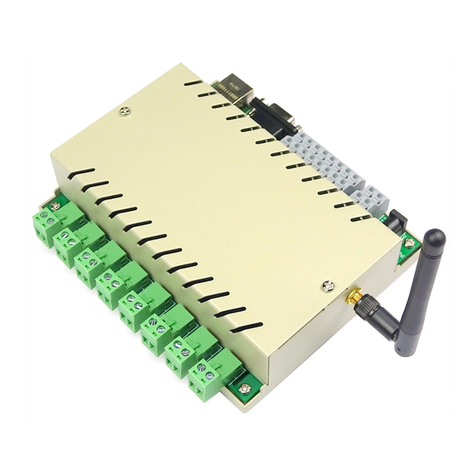
KC868-H32w Device User Manual (V0508)
Ⅰ. So tware Downloading
Ⅱ. Device Wi-Fi Con ig Operation
Ⅲ. Remote Controlling Operation
1. Mobile APP controlling manual
2. Computer Program controlling manual (WAN mode)
Ⅳ. Local Controlling Operation (LAN mode)
Ⅰ. So tware Downloading
1. Use mobile phone to scan the below QR code to download the APP
2. KC868-H32w so tware (Phone APP QR code, PC Program, Vircom Network Tool) downloading link:
www.kincony.com/download/Disk_KC868-H32W.rar
Please download the ile to have the so tware irstly, as below, it is de ault you already have and know them.
Ⅱ. Device Wi-Fi Con ig Operation (Necessary be ore any other controlling)
1. Make sure your router has the “DHCP” unction or has opened the unction
2. To setup the Wi-Fi, one computer with Wireless unction is necessary
3. Power on the device and install the antenna
4. To set the con ig o Wi-Fi as below steps:
Step 1: Use your computer to connect the wireless network o “ZLAN”