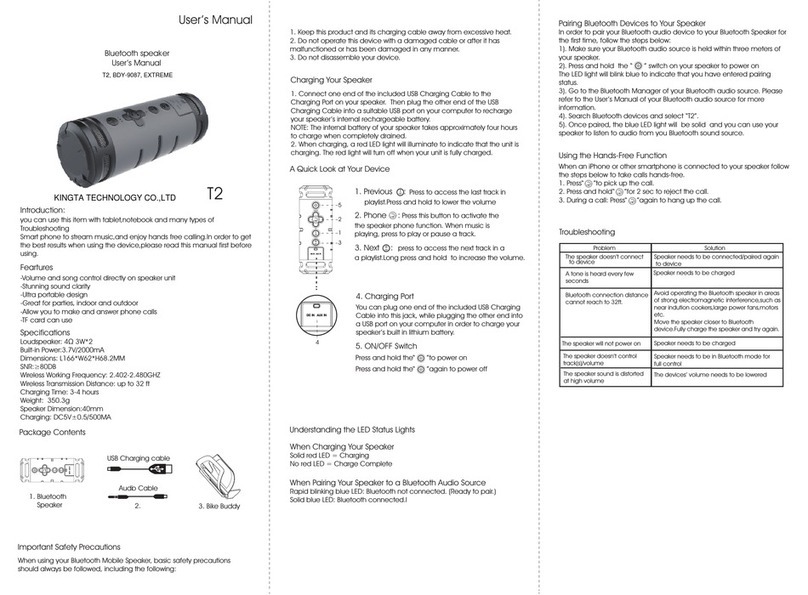
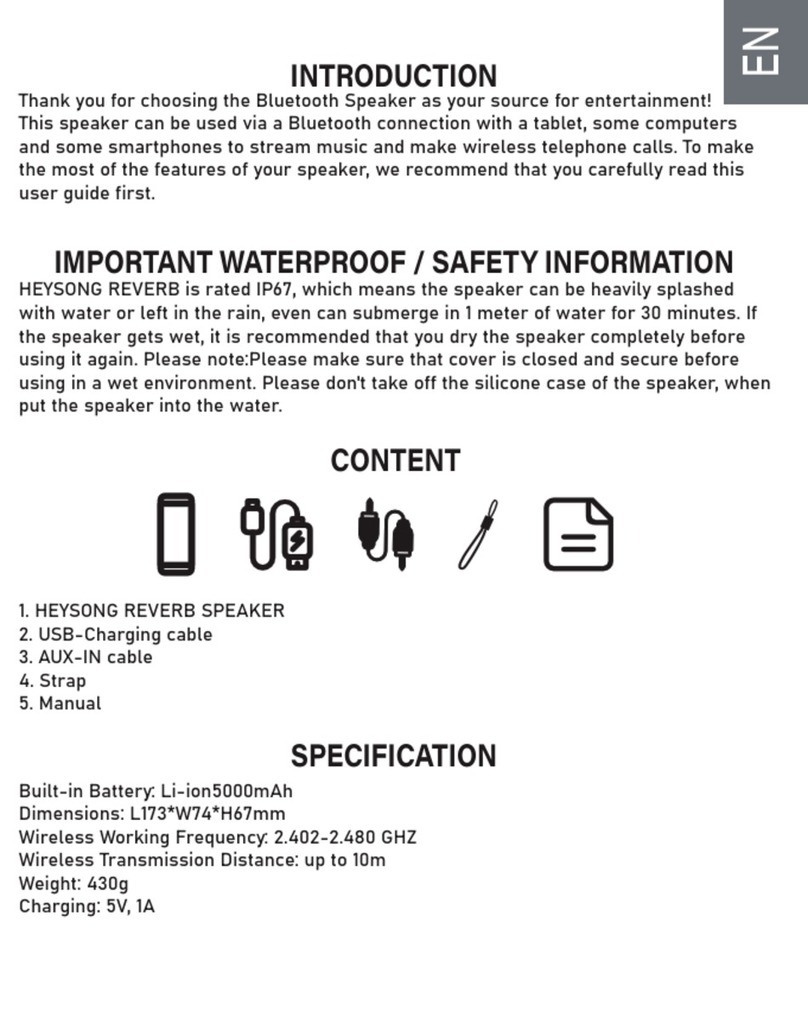
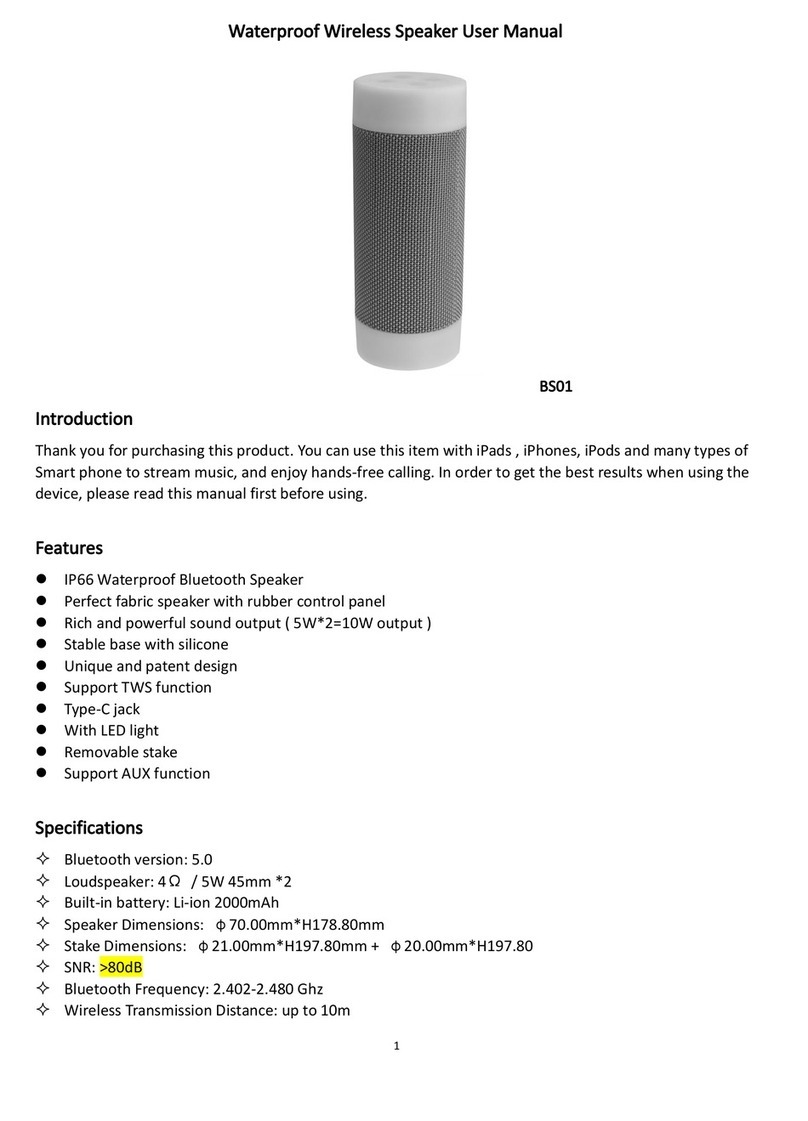
1.TWS Function“ ”:Short press to enter the TWS mode, and long press to
disconnect the TWS;
2.Previous Song / Vol -Button :
To go back the previous track, press and hold the “ ” Button;
To lower the volume, press the “ ” Button;
3. ON / OFF Button“ ”:
Press and hold the button for power on;
Press and hold the button again for power off;
4. Indicator light: work with radiator simultaneously;
5.Light button: short press to switch passive radiator light effect , Press
to switch 8 light effects:
1) 7 colors circular loop light;
2) 7 colors flash slowly circular light;
3) 7 colors breathing circular light flash;
4) 7 colors flash beats with music;
5) 7 colors slow flash clockwise;
6) 7 colors slow flash counter-clockwise;
7) Single color circular flash clockwise;
8) Single color circular flash counter-clockwise;
6.Next Song / Vol + Button:
To skip to the next track, press and hold the “ ” Button;
To increase the volume, press the “ ” Button;