manuals.online logo
Brands
  1. Home
  2. •
  3. Brands
  4. •
  5. Kodak
  6. •
  7. Baby Monitor
  8. •
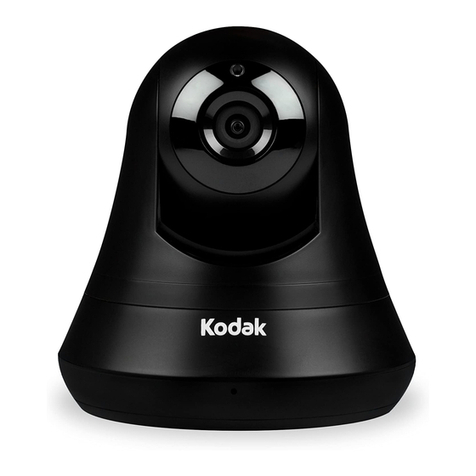
  9. Kodak CHERISH C120 User manual

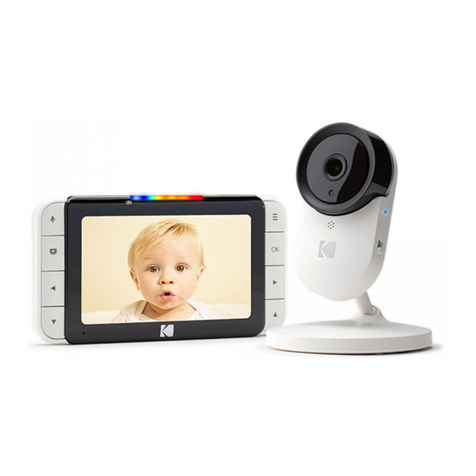
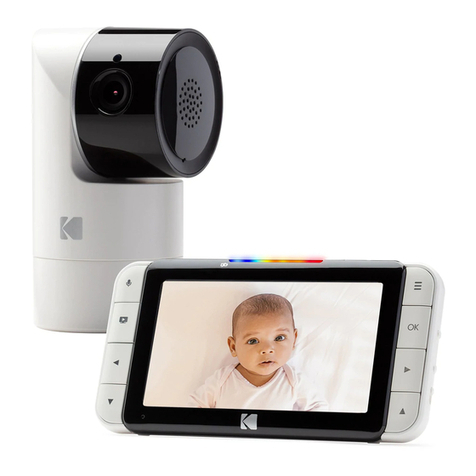
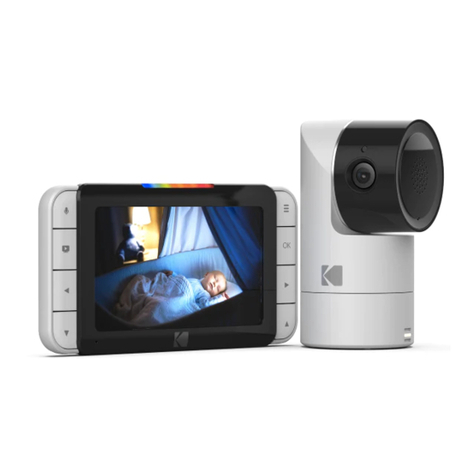
Kodak CHERISH C120 User manual

Other manuals for CHERISH C120

1

This manual suits for next models

1

Other Kodak Baby Monitor manuals

Kodak CHERISH C225 User manual

Kodak

Kodak CHERISH C225 User manual

Kodak CHERISH C220 User manual

Kodak

Kodak CHERISH C220 User manual

Kodak CHERISH C520 User manual

Kodak

Kodak CHERISH C520 User manual

Kodak CHERISH C120 User manual

Kodak

Kodak CHERISH C120 User manual

Kodak CFH-BVA10 User manual

Kodak

Kodak CFH-BVA10 User manual

Kodak C525P User manual

Kodak

Kodak C525P User manual

Kodak M240 User manual

Kodak

Kodak M240 User manual

Kodak CFH-V15 User manual

Kodak

Kodak CFH-V15 User manual

Kodak CHERISH C220 User manual

Kodak

Kodak CHERISH C220 User manual

Kodak CHERISH C525 User manual

Kodak

Kodak CHERISH C525 User manual

Kodak CHERISH C220 User manual

Kodak

Kodak CHERISH C220 User manual

Kodak CHERISH C525 User manual

Kodak

Kodak CHERISH C525 User manual

Kodak CHERISH C520 User manual

Kodak

Kodak CHERISH C520 User manual

Popular Baby Monitor manuals by other brands

Beurer JBY 96 Instructions for use

Beurer

Beurer JBY 96 Instructions for use

Alecto CYHA050100VWEU quick start guide

Alecto

Alecto CYHA050100VWEU quick start guide

Safety 1st Two -Way Intercom Monitor owner's guide

Safety 1st

Safety 1st Two -Way Intercom Monitor owner's guide

Cheego CCA3 Series manual

Cheego

Cheego CCA3 Series manual

Philips SCD 469 manual

Philips

Philips SCD 469 manual

Philips AVENT SCD841 manual

Philips

Philips AVENT SCD841 manual

NUK Eco Control Video Display 550VD operating instructions

NUK

NUK Eco Control Video Display 550VD operating instructions

Lorex sweet peek mini user guide

Lorex

Lorex sweet peek mini user guide

Mondevices MonBaby 2 quick start guide

Mondevices

Mondevices MonBaby 2 quick start guide

Graco iMonitor 2797 owner's manual

Graco

Graco iMonitor 2797 owner's manual

Ramili RV1000 user manual

Ramili

Ramili RV1000 user manual

babymoov High Care A014001 Instructions for use

babymoov

babymoov High Care A014001 Instructions for use

Swann SW231-FLO Specifications

Swann

Swann SW231-FLO Specifications

Badabulle Baby Online 300 m+ instruction manual

Badabulle

Badabulle Baby Online 300 m+ instruction manual

Philips AVENT SCD526/00 quick start guide

Philips AVENT

Philips AVENT SCD526/00 quick start guide

Uniden Guardian UBR223 user guide

Uniden

Uniden Guardian UBR223 user guide

Ivation Wireless Monitoring System user guide

Ivation

Ivation Wireless Monitoring System user guide

Hisense Babysense user manual

Hisense

Hisense Babysense user manual

manuals.online logo
manuals.online logoBrands
  • About & Mission
  • Contact us
  • Privacy Policy
  • Terms and Conditions

Copyright 2025 Manuals.Online. All Rights Reserved.

Quick Start Guide
KODAK CHERISH C120/C125
SMART BABY UNITEN
For full explanation of all features and instructions,
please refer to the Setup & Installation Guide.
(I) Add As An Additional Camera (for C220,C225,C520,C525)
1. Press “ ” on the Parent Unit for the menu bar.
2. Press “ ” or “ ” button to select , then “ ”
to proceed to the next step.
3. Press “ ” to add camera, then “ ” to proceed.
4. Press the “ ” button or “ ” button to select the
desired camera number. (e.g: ) Press “ ” to add
a camera.
5. You will then see a sign “ ” to indicate you to
press and hold the pair button of the baby unit until
you hear the beep from the Baby Unit. After that,
video from the camera.
(II) Switch on the Baby Unit
Slide to the ON or OFF position to switch ON or OFF
the unit.
C120C125
STRANGULATION HAZARD-Children have STRANGLED in cords. Keep this
cord out of the reach of children (more than 3ft (1m) away) from the crib.
Do not use with an extension cord. Only use the AC Adapters provided.
WARNING:

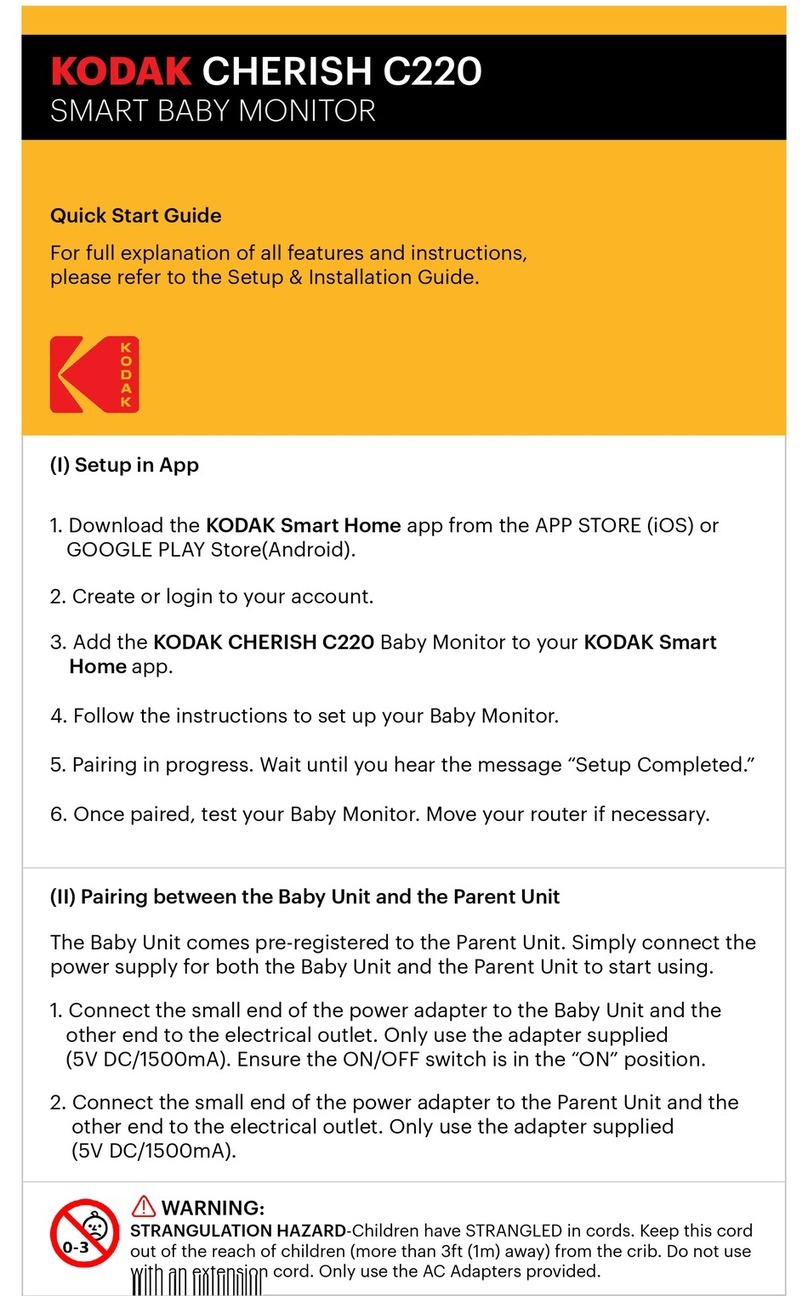
(III) Setup in App
1. Download the KODAK Smart Home app from the
APP STORE (iOS) or GOOGLE PLAY Store(Android).
2. Create or login to your account.
3. Add the KODAK CHERISH Baby Unit to your
KODAK Smart Home app.
4. Follow the instructions to set up your Baby Unit.
5. Pairing in progress. Wait until you hear the message
“Setup Completed.”
6. Once paired, test your Baby Unit. Move your router if
necessary.
(IV) Basic Operations
KODAK Smart Home App (Dashboard)
Dashboard
Tap here to view all
your connected devices
Hints
Tap here for instruction
of the app
Add New Device
Press this to add
a new device
Camera Settings
Press here for
camera settings
Video Gallery
Tap here to view your
recorded footages
Timeline
Press here check the
history of your devices
Side Menu
Tap this to navigate
more features
(V) General Information
If your product is not working properly...
1. Read this Quick Start Guide or the User’s Guide at:
https://kodaksmarthome.com/support/userguides
2. Contact customer service at: support@kodaksmarthome.com
Distributed and sold by © eBuyNow eCommerce Ltd.
All other trademarks are the property of their respective owners.
© 2018 eBuyNow eCommerce Ltd. All rights reserved.
The Kodak trademark, logo
and trade dress are used
under license from Kodak.