To set up
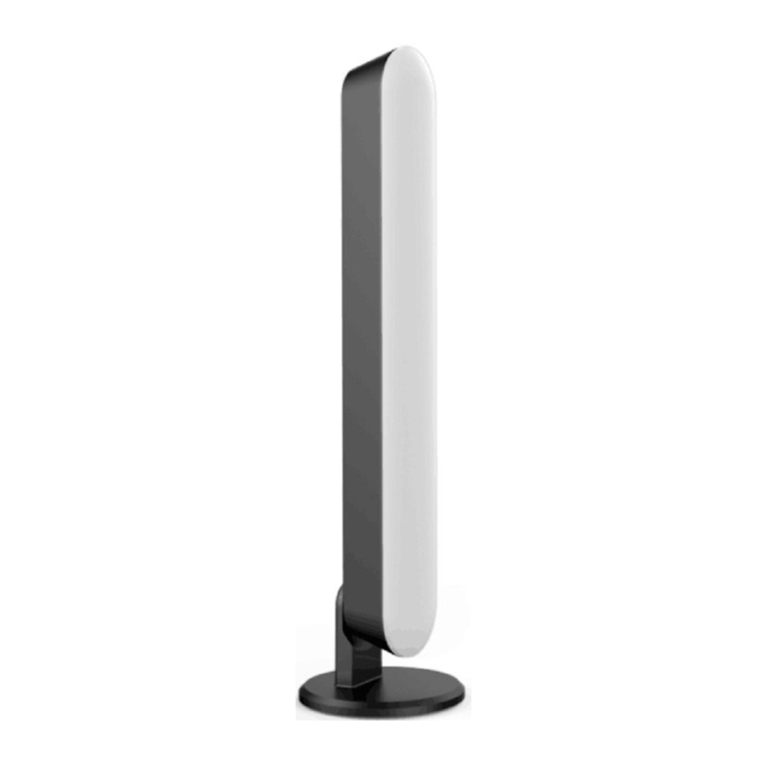
1. Hold the lamp pole and open the rotation cover at the bottom
2. Place the product on the computer screen stably
3. Connect one end of the USB cable to the power input interface of the product and
the other end to the power output or with USB 5V output device (not supplied) to
connect the power supply.
Using the light
1. Lamp ON/OFF button : Short touch – Lamp ON/OFF
2. Lamp switch button: Short touch to cycle through the three light modes
•Natural Light
•Bright White Light
•Warm White Light
3. Lamp slider button: Touch the slider icon to adjust the brightness.
•Slide to " + ", brightness will increase
•Slide to " – ", brightness will decrease
Pole angle adjustment
Hold the fixed holder, gently pinch the lamp pole and swing up and down to adjust the
required angle. The maximum angle is 35°.