C M Y CM MY CY CMY K
www.Kraun.it
Quick Guide
Before you begin
Keep this installation guide for future reference! It contains
Important Troubleshooting Information.
Keep your old PS/2 or USB mouse as back-up devices.
The product is ASER Class I qualified
DO NOT look at the ASER to avoid any physical damage.
General Feature
1. ow power high performance 850nm invisible ASER light
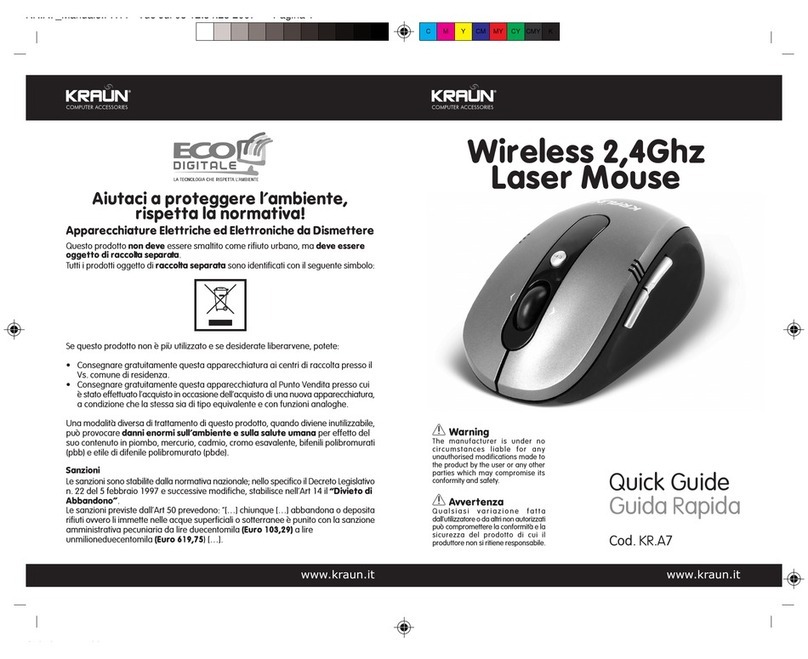
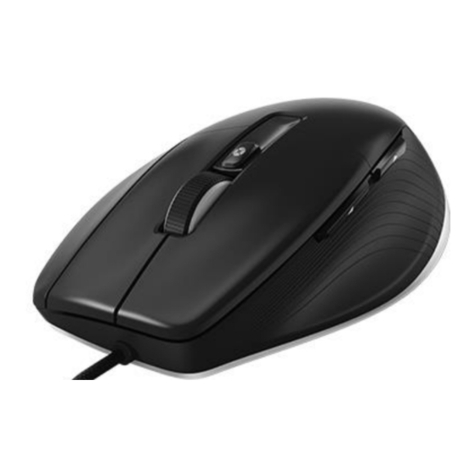
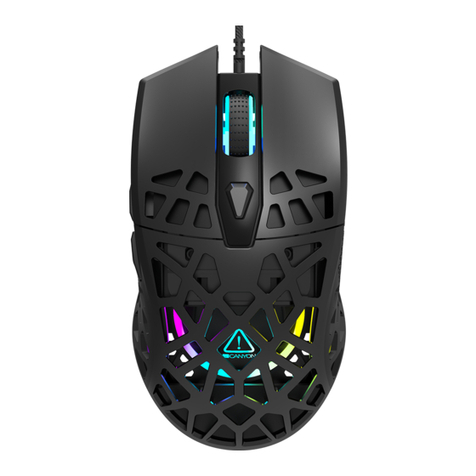
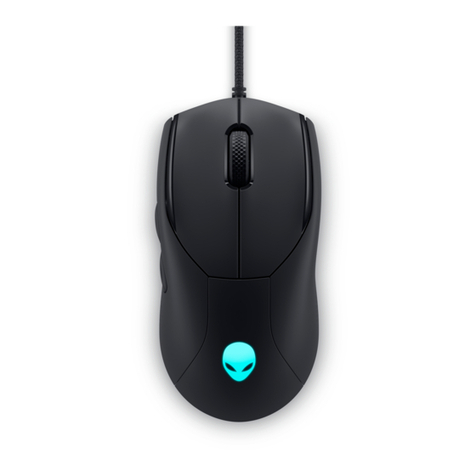
2. Wired 5 buttons with scrolling wheel ASER mouse
3. Selectable resolution: 1,000/ 2,000 DPI
4. 9,600 frames pre second frame rate
5. Special design ASER holder
6. Compatible with Windows 98SE/ ME/ 2000/ XP; MAC OS 8.9,
9.x; 10.x.
Hardware nstallation
Step 1. Plug the USB plug to Computer
1.1 USB is a PnP device; you can plug the device no matter
the computer is on or off. Of course, you can remove
USB device in the same way.
2.1 If the device is HDD or pen drive or any device which
can store files, stop the device than remove is the
best way to protect the files.