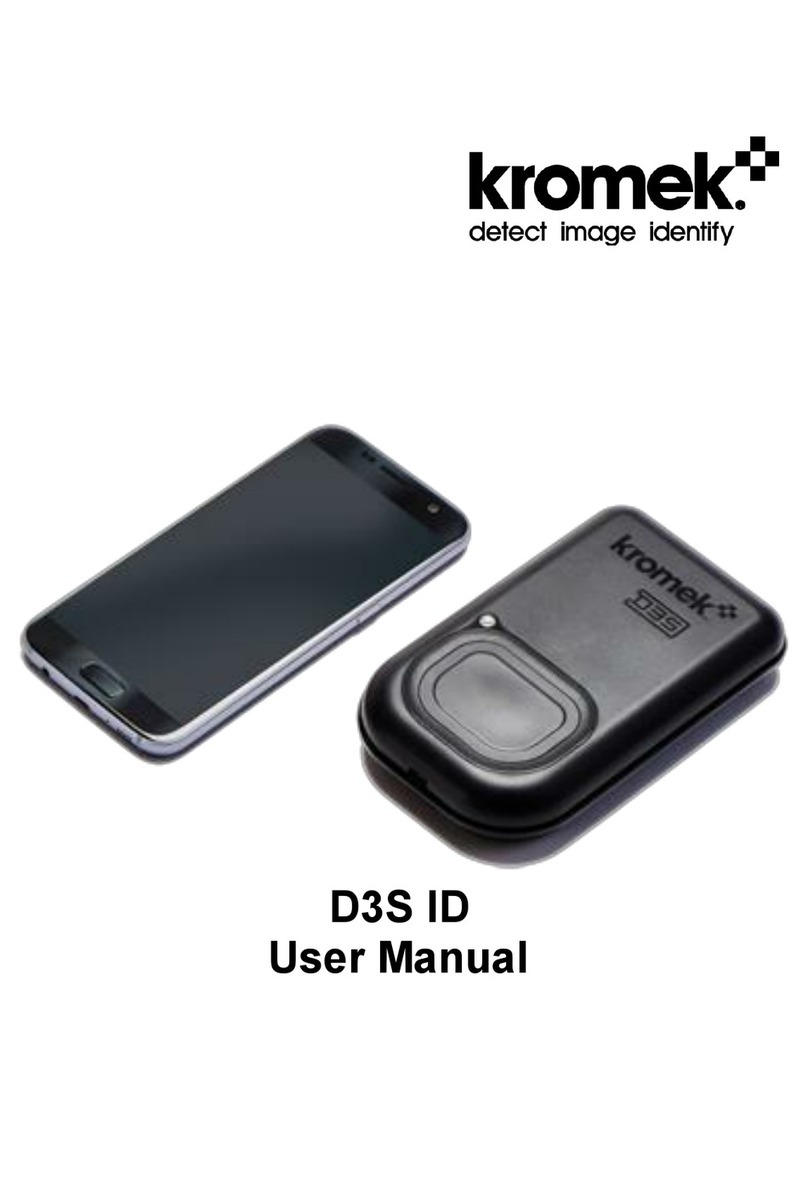
Kromek D3S Static Node User manual

1
D3S
User Manual
For hardware revision December 2015

2
The Kromek logo, D3S, KSpect and MultiSpect Analysis are
registered trademarks of Kromek Limited.
The information in this manual describes the products at the
time of writing and is subject to change without notice. Kromek
frequently releases new software and hardware revisions and
this manual may differ from what is seen.
© Kromek Limited. All rights reserved.
Windows is a registered trademark of Microsoft Corporation in
the US and other countries.

3
Contents
Introduction ..........................................................4
Powering on and off..............................................5
Data connection ...................................................6
USB cable connection............................................6
Bluetooth connection..............................................6
Low battery warning .............................................7
Charging the device..............................................7
USB charging .........................................................7
Qi inductive charging..............................................7
Indicator light........................................................8
Device Firmware Upgrade (DFU) .........................9
Software installation ...............................................9
Upgrading the firmware........................................10
Troubleshooting..................................................11

4
Introduction
The D3S is a combination of two of Kromek’s leading
technologies: a non-He3 compact thermal neutron scintillator
detector and a CsI(Tl)/silicon photo-multiplier-based gamma
detector.
The D3S hybrid gamma/neutron platform neatly combines high
sensitivity with small form factor together with a long-life battery
power source making it ideal as a portable instrument.
USB connection allow communications with Kromek’s own
KSpect and MultiSpect Analysis acquisition and analysis
software. Bluetooth connections are available for data
connections to other portable devices.
Communications protocols are available for users to interface
to their own software infrastructure, such as mobile phone
apps.
Power Button
USB Connector
USB Connector
Indicator Light
USB Connector

5
Powering on and off
To switch the unit on press the large power button on the D3S
for 1 second. A yellow light shows it is ready to establish a data
connection.
To turn the D3S off press and hold the power button for 5
seconds. The light will turn off or if the device is still connected
to power it will turn white.

6
Data connection
Turn the D3S on. If no data connection exists the indicator light
will be yellow.
USB cable connection
To establish a connection between a PC and a D3S virtual
COM port drivers must have been installed on the PC. These
are installed as part of the ‘Kromek D3S DFU Manager’
software described on page 9.
Connect a USB cable between the socket on the base of the
detector and the PC or Smartphone. When the software on the
PC or Smartphone establishes a USB data connection the light
on the D3S will turn from yellow to green. Note that when the
USB connection has been made the device cannot be used
simultaneously with Bluetooth.
Bluetooth connection
Ensure the light on the front of the D3S is yellow showing no
connection exists. It can then be paired over Bluetooth using
the Bluetooth settings on the PC or Smartphone. The D3S
detector will appear in the list of available devices on the PC or
Smartphone identified by its serial number. When the Bluetooth
data connection is successfully established the D3S’s light will
turn blue.

7
Low battery warning
If the battery level is running low there will be a fast pulse on
the light to warn the user to recharge the device.
Charging the device
The D3S can be charged either via connecting a USB cable or
by placing the D3S on a Qi induction charging station.
USB charging
Connecting power via a USB cable will start charging the
device and the light on the front will pulse. When fully charged
the light will turn solid. If the device is charging while off the
D3S’s light will be white.
Qi inductive charging
The induction charging coils are on the rear of the device as
shown below. Place the unit face up on a Qi compatible
charging station and the charging cycle will run automatically.
Induction charging
coil location
USB Connector

8
Indicator light
The indicator light on the front of the D3S shows the state of
the unit.
During normal battery operation the light will flash once every
five seconds. A fast flash will show when battery power is low.
When connected to power the light will ‘wave’ while charging
and be solid when fully charged.
The connection status is shown by the indicator colour:
Yellow
Waiting for a data connection
Blue
Connected for data transfer over Bluetooth
Green
Connected for data transfer over USB
White
Off and charging
Red
Ready for a firmware upgrade over USB
At any point the power switch can be pressed to force the
indicator to show the connection status. Please note that
holding the switch for 5s or more will turn the device off.

9
Device Firmware Upgrade (DFU)
The firmware on the D3S can be upgraded from a PC over USB
using the D3S DFU manager software
Software installation
To install the software double click the supplied setup.exe file
and follow the onscreen instructions. Check the ‘install device
drivers’ checkbox to install all necessary drivers to
communicate with the D3S if they have not previously been
installed on the PC.

10
Upgrading the firmware
Break any Bluetooth connection to the D3S, the D3S’s indicator
light should be yellow,and connect it to the PC with a USB
cable. Only one D3S can be connected and programmed at a
time.
From the D3S DFU Manager software click “Enter DFU mode”.
The indicator light on the front of the D3S will turn from yellow
to red. Select ‘Device Firmware Upgrade’ from the drop down
list.
Next select the new firmware to be written to the D3S in the
‘download’ section and then press ‘Download Firmware’ to
write the firmware to the D3S.
After the firmware has been upgraded the D3S will restart and
show a white light.
Other manuals for D3S Static Node
1
Table of contents
Other Kromek Security Sensor manuals