Press to turn on call forwarding
Press to allow presence signaling
Press to retrie e messages from mailbox
Press to open main menu
Shows the IP address of the phone and snom’s web and Support
addresses on the display
2. Context-sensiti e symbols.
Press to confirm a selection or an action
Press to terminate/cancel an action and returns to pre ious
screen display
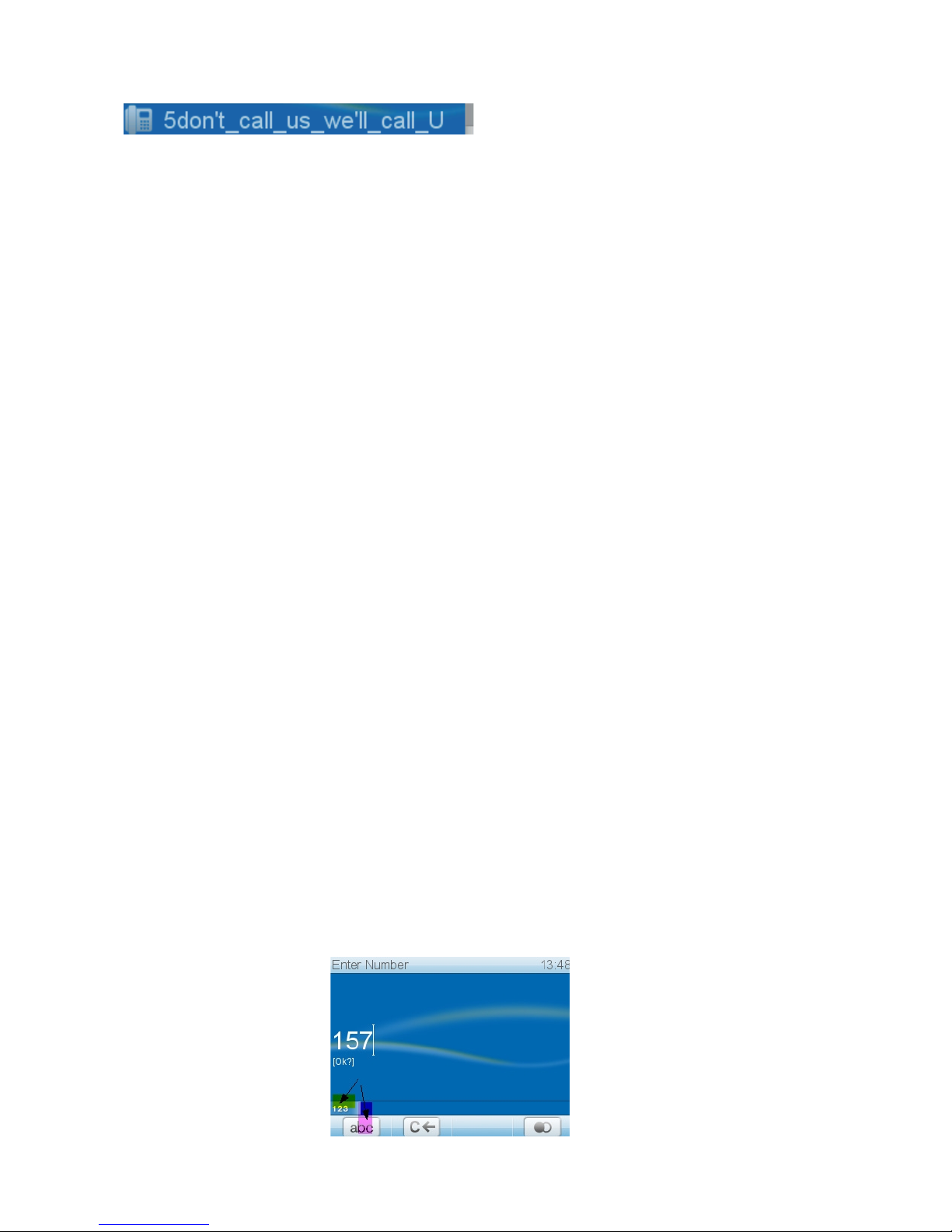
Press to switch input mode to small letters
Press to switch input mode to capital letters
Press to switch input mode to numerals
Press to delete character to the left of the cursor
Press to mo e down lists in arious contexts
Press to mo e up lists in arious contexts
Press to start edit mode in Directory
Press to mo e cursor to the left when entering/editing
directory entries
Press to mo e cursor to the right when entering/editing
directory entries
Press to add current caller’s number to Directory
Press to show details of missed calls (to, from, date/time,
total number) and of recei ed and dialled calls (to, from,
date/time, duration)
Press to return to call list
Press to mo e to beginning of next time zone
Press to show the list of dialled numbers
Press to establish conference between 2 held calls and
yourself
Press to end conference and put calls back on hold
Press to expand lists of time zones to show all
Press to collapse lists of time zones to selected zones rele ant
to language setting
Press to delete currently selected phone book or call list
entry
Press to turn off call forwarding
Press to turn casing speaker on
10