12 13
KTE3513
2.2. Product usage
Operation modes
There are 3 operation modes:
Free use/manual mode , Daily program ~and weekly
mode .
1. Free use mode ( ): Includes normal mode and timer mode ;
2. Daily mode ( ~ ): There are a total of 9 daily programs.
Every program is a combination of the 3 working modes:
Comfort is represented by ( AND ),
Economy is represented by ( AND ),
Anti-frost is represented by ( and empty).
Every day (24 hours) is evenly divided into 24 segments. Each
segment will be lled in with one block of either comfort, economy
or anti frost temperature mode to combine and form a daily program.
All the settings for the daily program will be kept in memory. If a daily
program is selected, the unit will repeat this program every day.
3. Weekly mode:
Selecting one daily program (from the daily programs P1-P9) for
every day in a week to combine and form a weekly program.
Operation
1 Powering on
Plug in and switch on the unit. On rst use, the screen will show the
following:
Press ,then the symbol will disappear, and the unit enters free
use mode (Note: units always go into free use mode from the stand-
by mode).
2-1 Free Use Program
For rst time use, the screen will show the following:
2-1-1 Time setting
Press the button and the hours will start to blink. Use or
to select the required hour (0 ~ 23).
Press again, and the minutes will start to blink.
Use or to select the minute (0 to 59);
Pressing again, will make the date start to blink. Use or
to select the date
(1 - Monday, 2 - Tuesday, 3 - Wednesday, 4 - Thursday, 5 - Friday,
6 - Saturday, 7 - Sunday);
Finally, press to conrm and nish the setting.
If no buttons are pressed, the blinking will stop after 5 seconds and
the setting will be nished automatically.
2-1-2 Setting the Temperature
Press or to set the target temperature directly, at which point
the temperature starts to blink.
Press or to set the target temperature.
The temperature is adjustable ranging from 10°C to 35°C.
If no buttons are pressed, the blinking will stop after 5 seconds and
the setting will be nished automatically.
2-1-3 Setting the Timer (timer mode)
Hold for 3 seconds until the symbol is shown.
At the same time the clock will turn to 00:00 and start to blink.
To set the timer, do the following:
Press or to set the duration of the timer. Every button press
will change the duration by half an hour (30 minutes).
The maximum timer duration is 24 hours.
When the timer is over, the unit will enter standby mode .
You can also set time and temperature as in 2-1-1 and 2-1-2.
To quit timer mode: hold the button for 3 seconds until the
symbol has disappeared.
The unit will automatically return back to free use mode.
(Note: When the unit exits the free use program (enters the daily,
weekly, or standby mode it always enters into the free use mode rst.
The original timing mode will be automatically cancelled).
EN
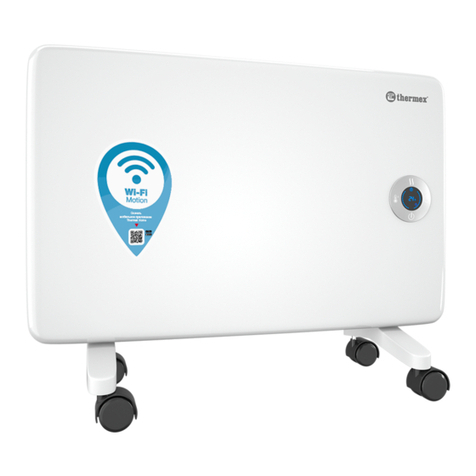
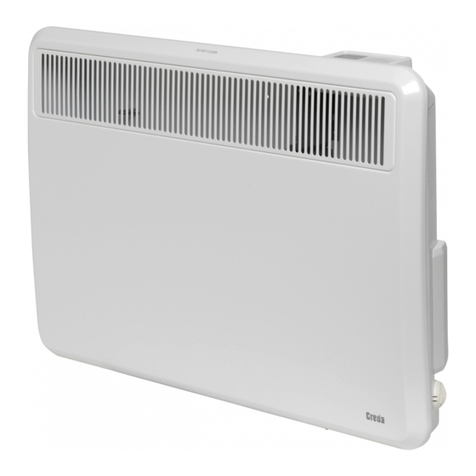
electric radiator 600W