PAGE 7
SETUP
Icom included two menu items in the setup menu system of the IC-7600 transceiver, to allow
configuring an external meter such as the M-7600.
Initial Calibration
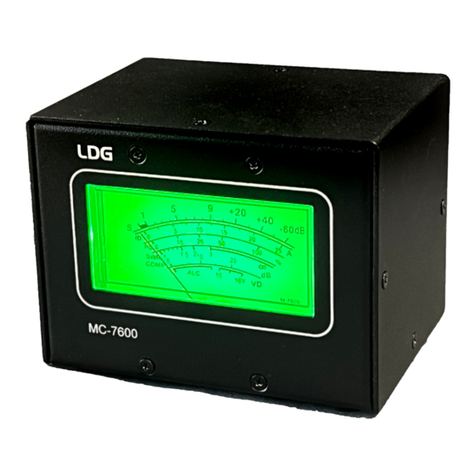
As shipped from the factory, the M-7600 is calibrated, but may require some adjustment due
to shipping or other factors. When the radio is off, the needle on the M-7600 should rest at the
“1:1” line on the SWR scale. If it does not, insert a flat blade screwdriver into the plastic screw
under the meter face on the front panel of the M-7600. Gently turn the screw in either direction
until the needle rests on 1:1.
With the radio on, press the EXIT/SET button on the front of the transceiver several times to
get to the top of the menu system. Next, press the F6 (SET) soft button at the bottom of the
screen. The main settings screen should now be visible.
Next, press the F2 (ACC) soft button. Using the F1 (down) and F2 (up) soft buttons, scroll
down until the External Meter Output item is selected. The user has selections of Auto, S, Po,
SWR, ALC, COMP, Vd, Id. For the setup, select Auto.
Press the F1 (down) button one more time to select External Meter Level, and rotate the
main dial knob clockwise until
the level is at 50 percent.
When the External Meter
Output menu selection is set
to Auto, adjust the RF/SQL
knob clockwise until the
internal meter reads +60 on the
S- meter. At this time, the M-
7600 meter should also read
+60 on the S-meter. If not,
insert a flat blade screwdriver
into the hole in the rear of the
M-7600 marked FS, and gently
rotate the potentiometer until
the S-meter scale on the M-
7600 reads +60.
The meter is now calibrated, and further calibration should not be necessary.