LC Easyjet-16W/18S User Manual V13GZ.1
3
Content
Important Notice..................................................................................................................................................................2
1. Foreword......................................................................................................................................................................5
1.1 Power Safety................................................................................................................................................5
1.2 Operation Notes...........................................................................................................................................6
1.3 Installation location and Using Environment Note......................................................................................6
1.4 Disposal of Cartridge and Cautions............................................................................................................6
2 Installation...................................................................................................................................................................7
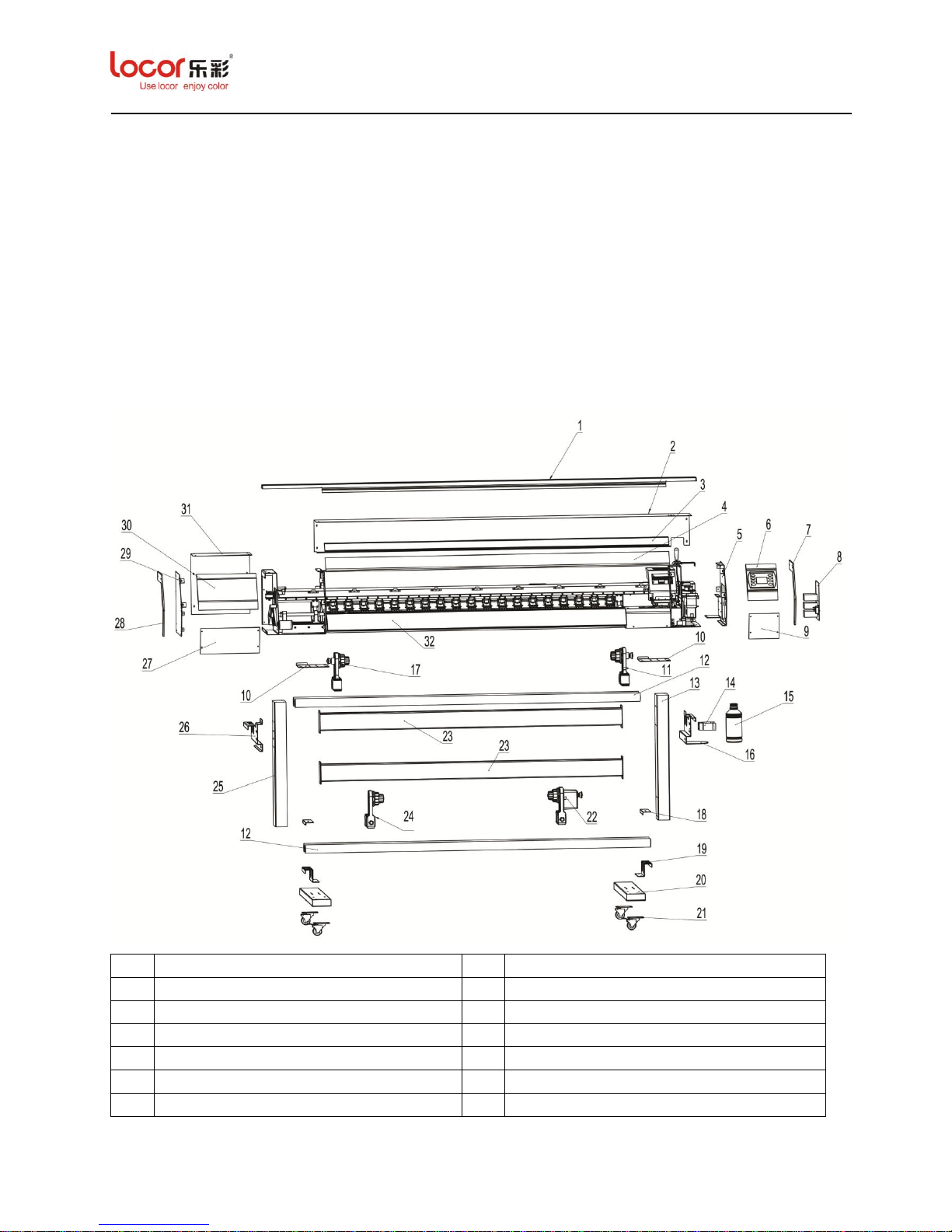
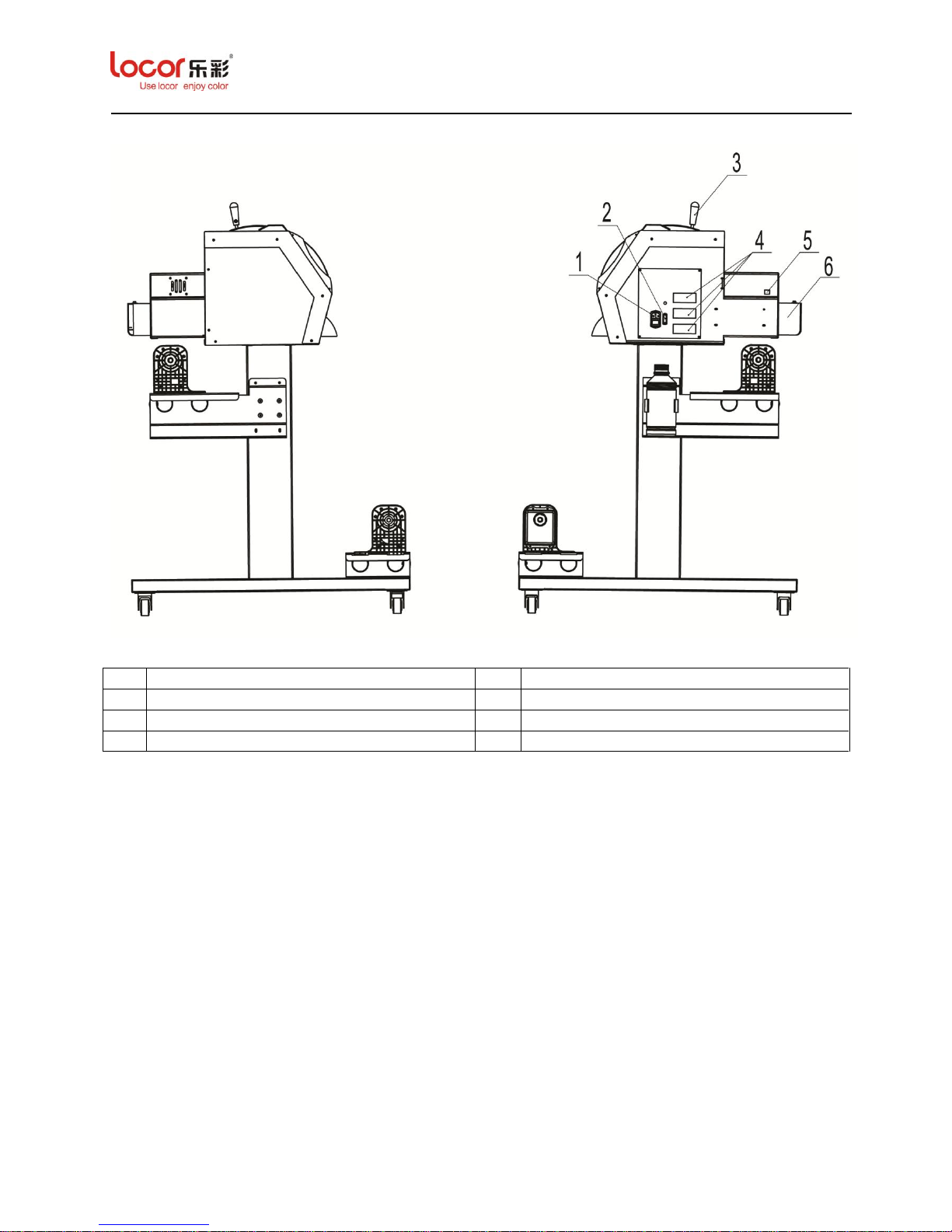
2.1 Overview......................................................................................................................................................7
2.2 Installation...................................................................................................................................................9
2.2.1 Unpack the Package.............................................................................................................................9
2.2.2 Assemble the Stand.............................................................................................................................12
2.2.3 Assemble the Printer..........................................................................................................................12
2.2.4 Load the Cartridge.............................................................................................................................13
2.2.5 Install the Carriage............................................................................................................................14
2.2.5.1 Structure of Carriage.................................................................................................................14
2.2.5.2 Load the Print Head ..................................................................................................................15
2.2.5.3 Fix the Damper..........................................................................................................................16
2.2.6 Maintenance Station...........................................................................................................................18
2.2.7 Media Loading...................................................................................................................................19
2.2.8 Fill Ink ( 3.1.7.2.1)......................................................................................................................19
3 Operation Panel.........................................................................................................................................................19
3.1 Panel Menu Set up.....................................................................................................................................20
3.1.1 Main Menu Overview.........................................................................................................................20
3.1.2 Start POS Menu .................................................................................................................................20
3.1.3 Media Menu.......................................................................................................................................21
3.1.4 Print Menu.........................................................................................................................................22
3.1.5 Option Menu......................................................................................................................................22
3.1.5.1 Dir Menu....................................................................................................................................23
3.1.5.2 Start POS Mune ( 3.1.2).....................................................................................................24
3.1.5.3 Fant Mune..................................................................................................................................24
3.1.5.4 Fant Menu (Default)..................................................................................................................24
3.1.5.5 Spurt Menu.................................................................................................................................24
3.1.6 Clean Menu........................................................................................................................................25
3.1.7 Function Menu...................................................................................................................................26
3.1.7.1 Print Menu ( 3.1.4).............................................................................................................26
3.1.7.2 Clean Menu................................................................................................................................26
3.1.7.3 About Menu................................................................................................................................29