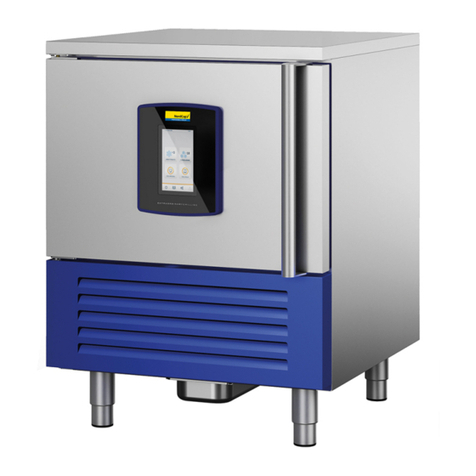
Control Panel Quick Start Guide
The Leisurecraft Chiller can operate as a stand-alone heater/chiller unit or can be
connected to a wi-fi connection to be controlled by the Smart Life app.
( See page 4 on how to download the app for Android or IOS)
( If test button doesn’t shut off the chiller, DO NOT USE!.
To reset the (GFI), flip the switch (Blue) back to the on/up position.
Repeat this test once per week.
Before using the ice bath chiller for the first time, test the GFI
(Ground Fault Interrupter) on the back of the machine. To test,
click on the test button on the back of the chiller (Orange), switch
should “trip” and machine should shut off.
Plug the chiller into an AC outlet, Turn on the master switch at the back of the machine.
1. Power :
Press the power button on the control panel.
Press for 1 second to power on/off.
2. Mode :
Press for 3 seconds to convert temperature between Celsius and
Fahrenheit
3. Setting :
Press for 1 second to set desired temperature, the set temperature value will flash.
Press the up and/or down keys (5 and 6 keys) to adjust the temperature.
Click save and exit. (5 & 6 keys together)
When water is at desired temperature, (Hot or Cold), Turn off unit and
unplug from the electrical outlet. Enjoy your Soak!