manuals.online logo
Brands
  1. Home
  2. •
  3. Brands
  4. •
  5. Lenoxx Sound
  6. •
  7. CD Player
  8. •
  9. Lenoxx Sound CD-110 User manual

Lenoxx Sound CD-110 User manual

Other manuals for CD-110

1

Other Lenoxx Sound CD Player manuals

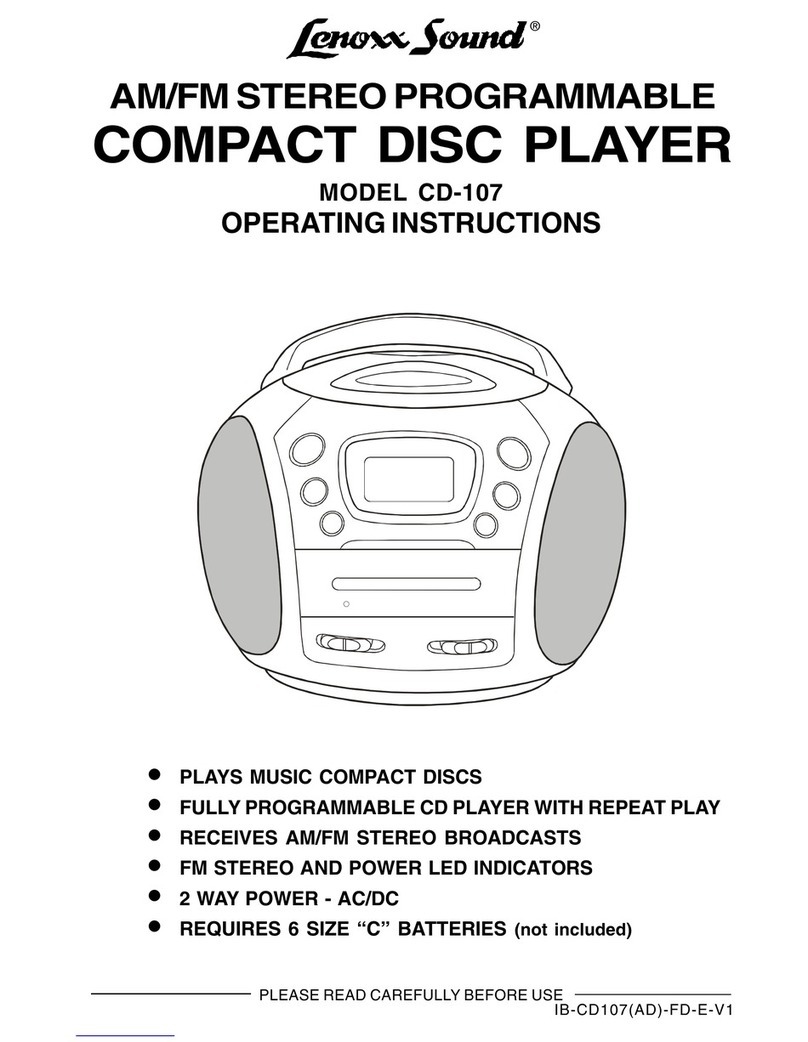
Lenoxx Sound CD-107 User manual

Lenoxx Sound

Lenoxx Sound CD-107 User manual

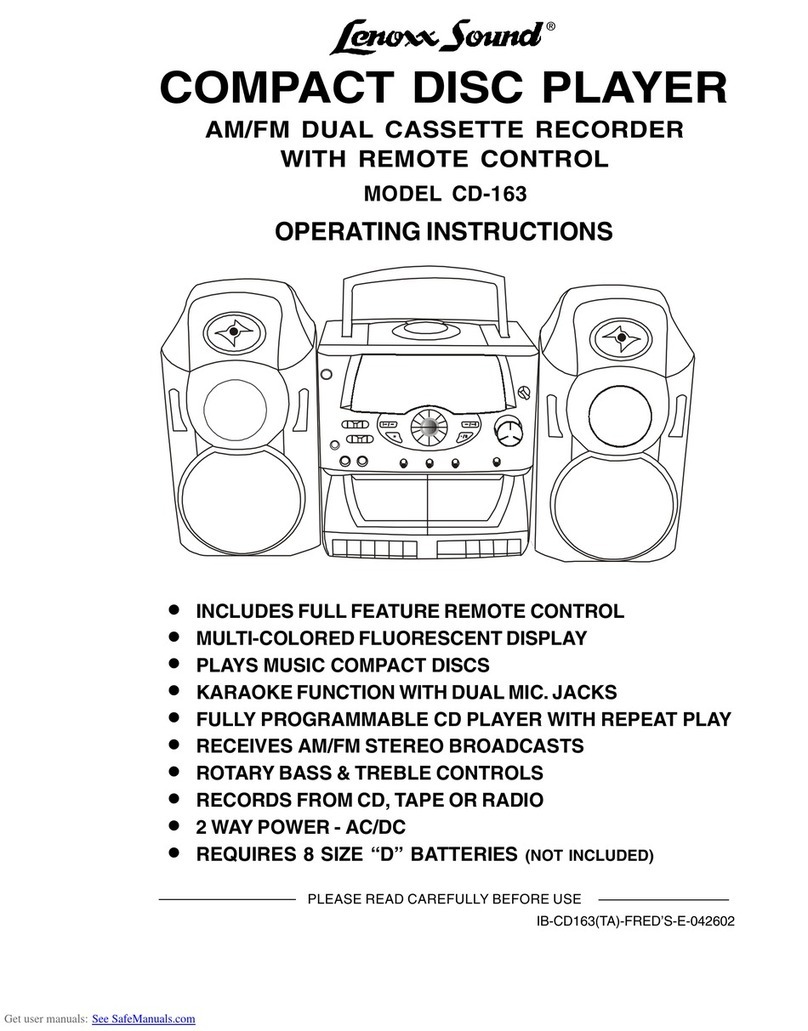
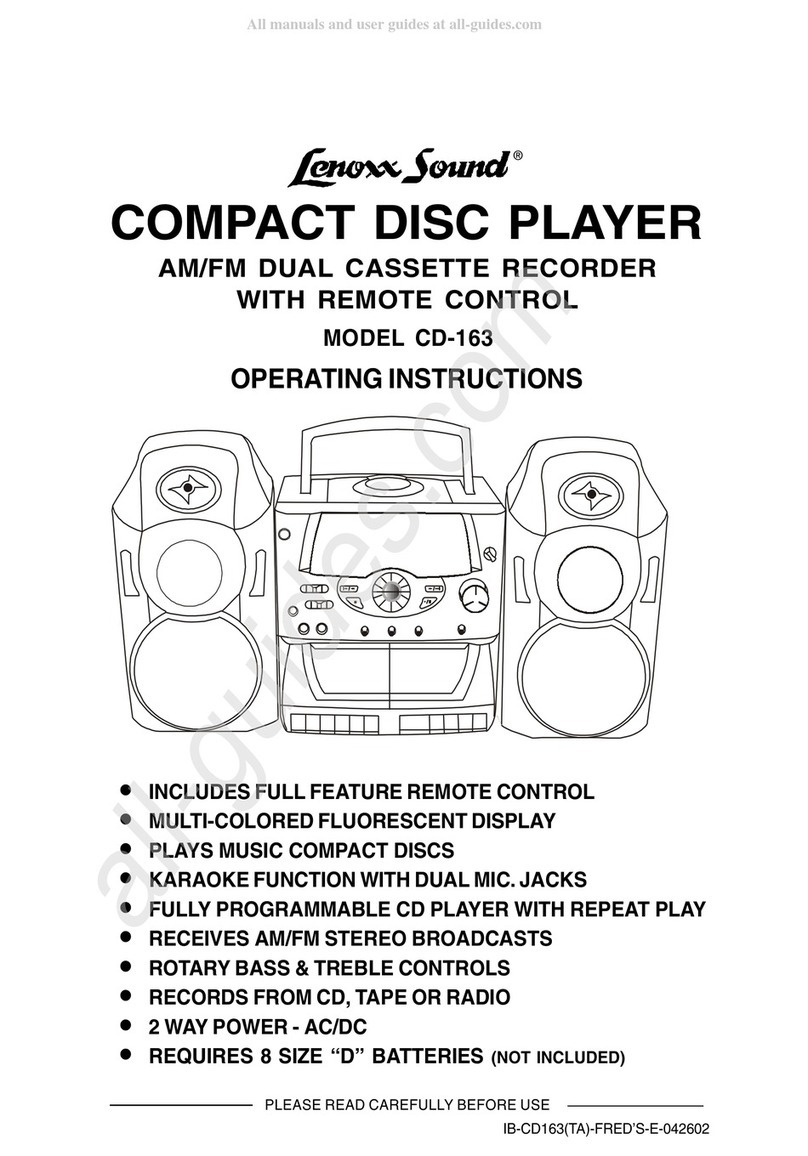
Lenoxx Sound CD-163 User manual

Lenoxx Sound

Lenoxx Sound CD-163 User manual

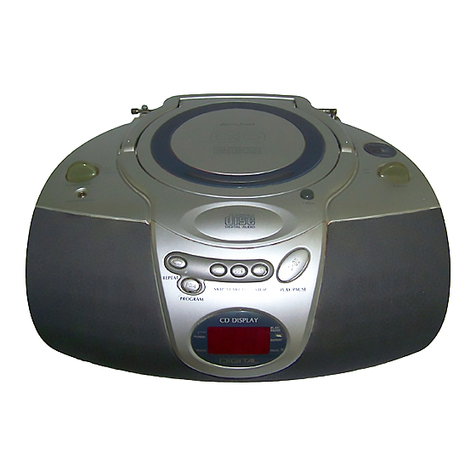
Lenoxx Sound CD-110 User manual

Lenoxx Sound

Lenoxx Sound CD-110 User manual

Lenoxx Sound CD-50 User manual

Lenoxx Sound

Lenoxx Sound CD-50 User manual

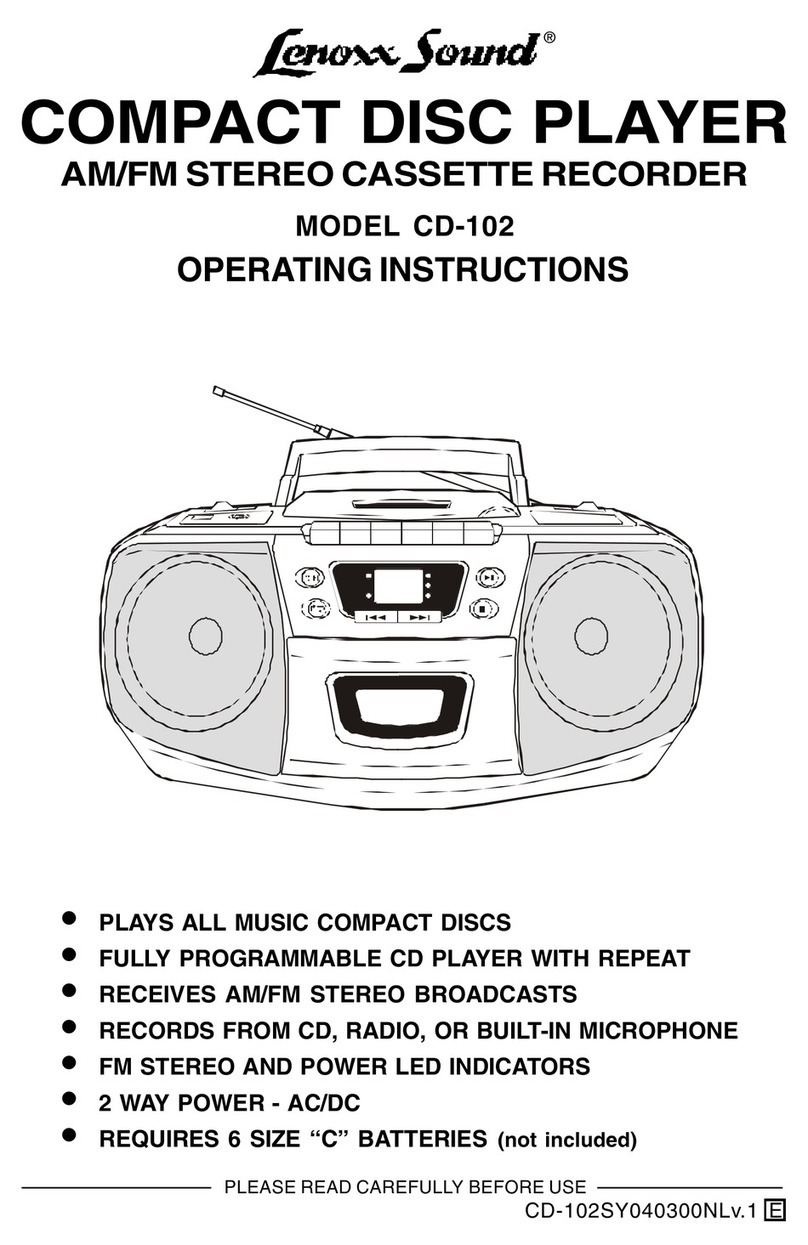
Lenoxx Sound CD-102 User manual

Lenoxx Sound

Lenoxx Sound CD-102 User manual

Lenoxx Sound CD-163 User manual

Lenoxx Sound

Lenoxx Sound CD-163 User manual

Lenoxx Sound BP-103 User manual

Lenoxx Sound

Lenoxx Sound BP-103 User manual

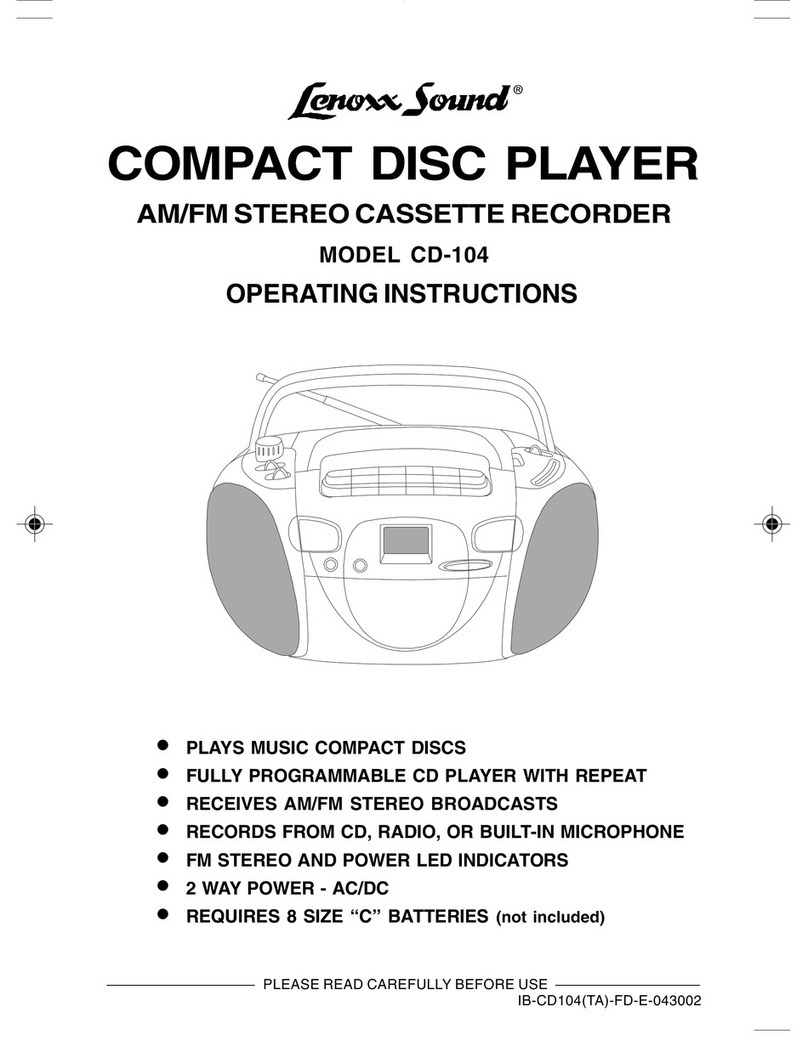
Lenoxx Sound CD-104 User manual

Lenoxx Sound

Lenoxx Sound CD-104 User manual

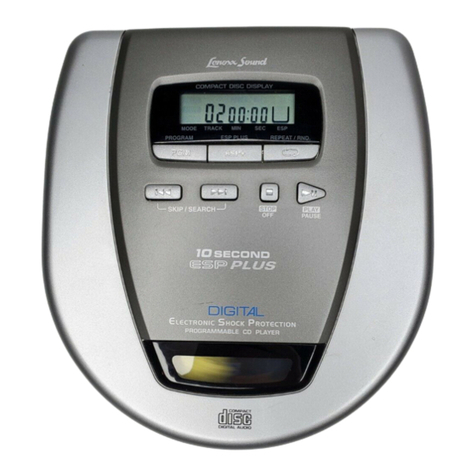
Lenoxx Sound 10 Second ESP Plus CD-79 User manual

Lenoxx Sound

Lenoxx Sound 10 Second ESP Plus CD-79 User manual

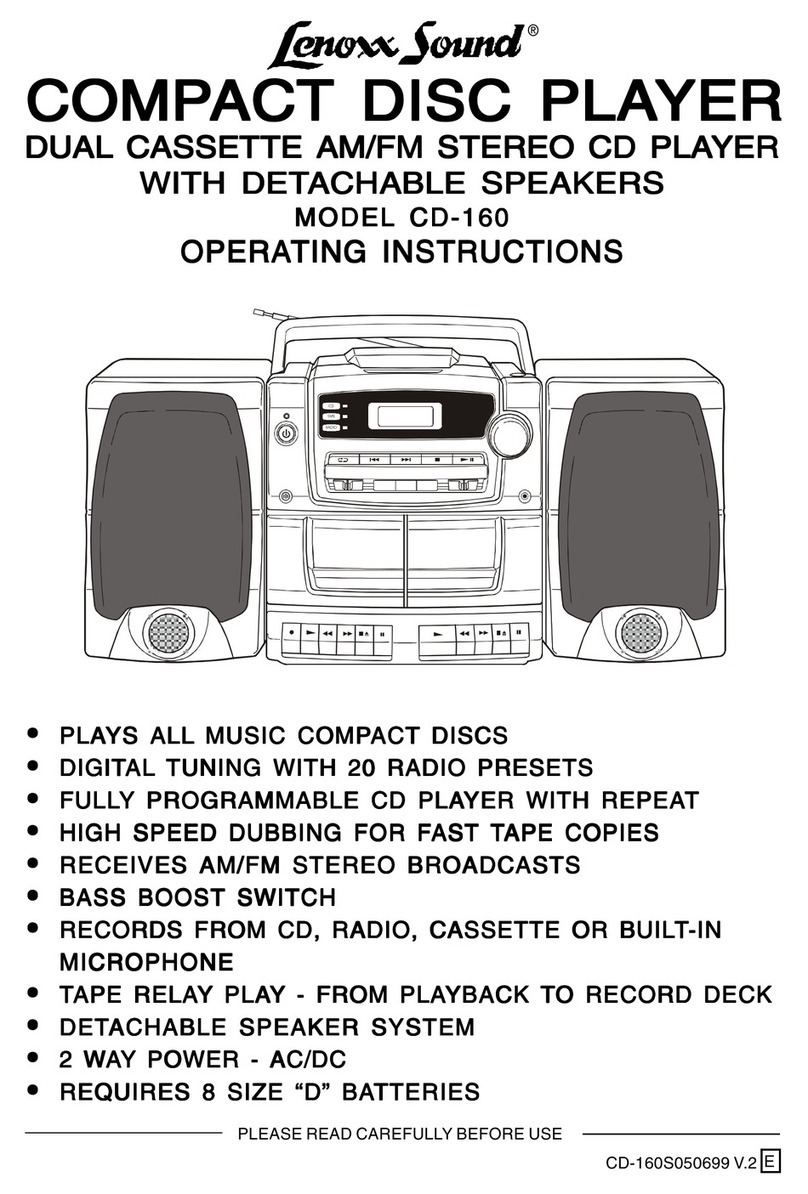
Lenoxx Sound CD-160 User manual

Lenoxx Sound

Lenoxx Sound CD-160 User manual

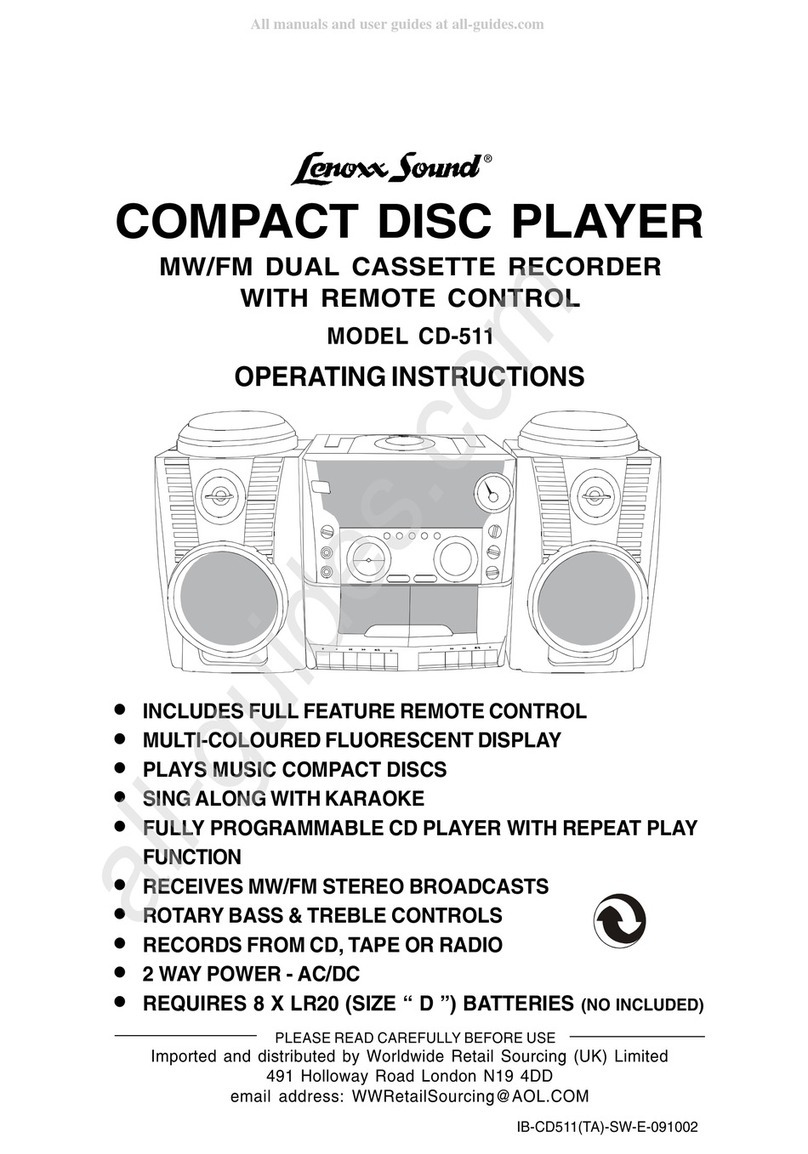
Lenoxx Sound CD-511 User manual

Lenoxx Sound

Lenoxx Sound CD-511 User manual

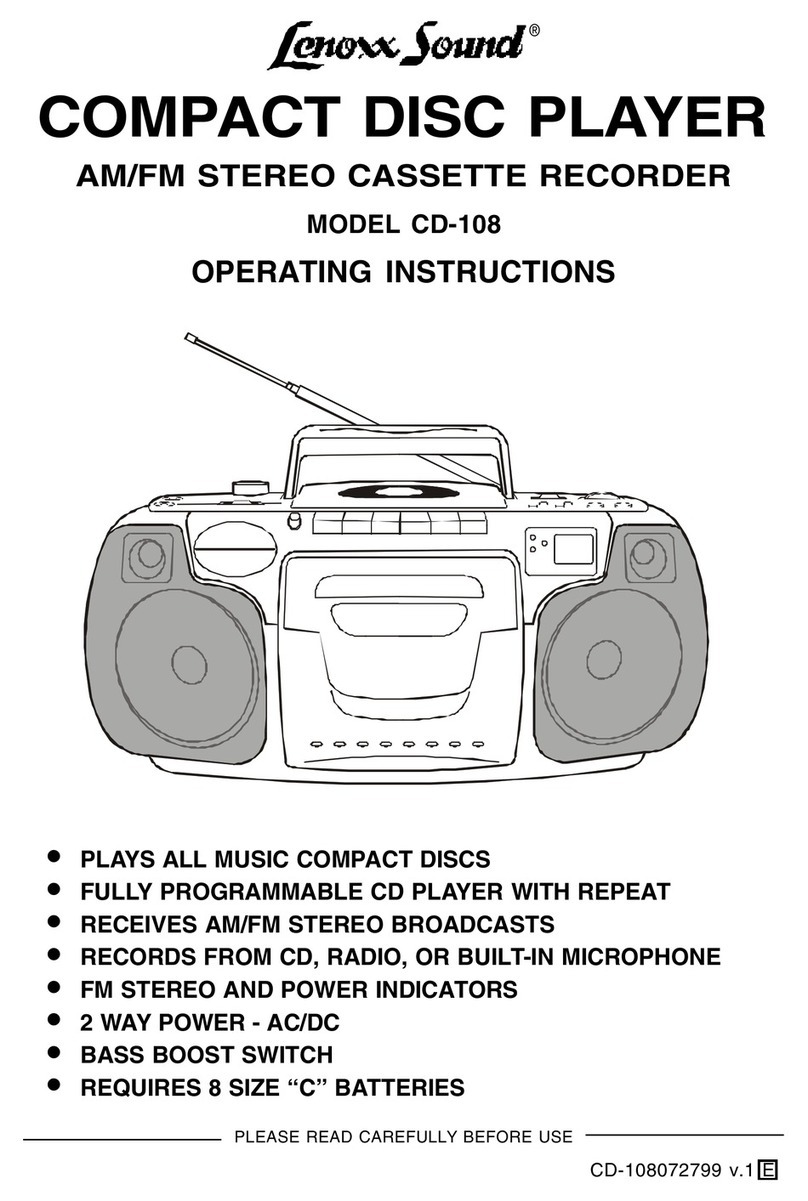
Lenoxx Sound CD-108 User manual

Lenoxx Sound

Lenoxx Sound CD-108 User manual

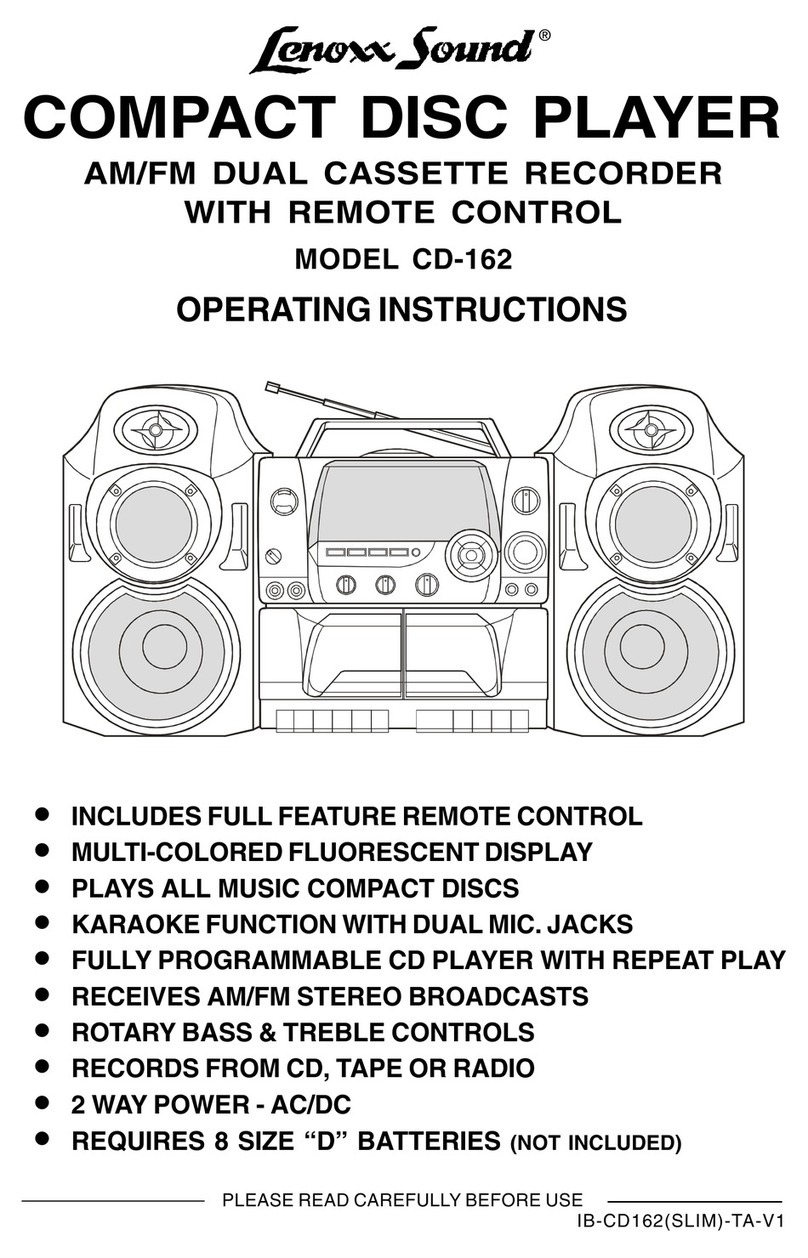
Lenoxx Sound CD-162 User manual

Lenoxx Sound

Lenoxx Sound CD-162 User manual

Lenoxx Sound 10 SECOND ESP PLUS User manual

Lenoxx Sound

Lenoxx Sound 10 SECOND ESP PLUS User manual

Lenoxx Sound CD-90 User manual

Lenoxx Sound

Lenoxx Sound CD-90 User manual

Lenoxx Sound CD-149 User manual

Lenoxx Sound

Lenoxx Sound CD-149 User manual

Lenoxx Sound CD-106 User manual

Lenoxx Sound

Lenoxx Sound CD-106 User manual

Lenoxx Sound CD-210 User manual

Lenoxx Sound

Lenoxx Sound CD-210 User manual

Lenoxx Sound CD-106 User manual

Lenoxx Sound

Lenoxx Sound CD-106 User manual

Lenoxx Sound CDR-1902 User manual

Lenoxx Sound

Lenoxx Sound CDR-1902 User manual

Lenoxx Sound CD-210 User manual

Lenoxx Sound

Lenoxx Sound CD-210 User manual

Lenoxx Sound CD-1492 User manual

Lenoxx Sound

Lenoxx Sound CD-1492 User manual

Lenoxx Sound CD-149 User manual

Lenoxx Sound

Lenoxx Sound CD-149 User manual

Lenoxx Sound CD-1492 User manual

Lenoxx Sound

Lenoxx Sound CD-1492 User manual

Popular CD Player manuals by other brands

Arcam CD23 Handbook

Arcam

Arcam CD23 Handbook

Sanyo MCD-Z1F Service manual

Sanyo

Sanyo MCD-Z1F Service manual

JVC RC-ST3SL instructions

JVC

JVC RC-ST3SL instructions

Technics SL-P9066 operating instructions

Technics

Technics SL-P9066 operating instructions

Marantz HD-CD1 quick start guide

Marantz

Marantz HD-CD1 quick start guide

Sony DVP-FX850 Service manual

Sony

Sony DVP-FX850 Service manual

Philips AZ1140 Instrukcja obs?ugi

Philips

Philips AZ1140 Instrukcja obs?ugi

Alpine 7909 owner's manual

Alpine

Alpine 7909 owner's manual

JVC CH-X350 instructions

JVC

JVC CH-X350 instructions

RCA RP-7923 instruction manual

RCA

RCA RP-7923 instruction manual

Pioneer DEH-P3550MP XM Operation manual

Pioneer

Pioneer DEH-P3550MP XM Operation manual

Philips Shockproof AX2102 brochure

Philips

Philips Shockproof AX2102 brochure

Philips CD582 user manual

Philips

Philips CD582 user manual

Philips AZ 6821 operating manual

Philips

Philips AZ 6821 operating manual

Lasonic MSU-2020 user manual

Lasonic

Lasonic MSU-2020 user manual

Denon DCD-1420 Service manual

Denon

Denon DCD-1420 Service manual

Panasonic SJ-MR100 operating instructions

Panasonic

Panasonic SJ-MR100 operating instructions

Onkyo DX-7210 instruction manual

Onkyo

Onkyo DX-7210 instruction manual

manuals.online logo
manuals.online logoBrands
  • About & Mission
  • Contact us
  • Privacy Policy
  • Terms and Conditions

Copyright 2025 Manuals.Online. All Rights Reserved.

®
PORTABLE CD PLAYER
WITH AM/FM RADIO RECEIVER
PLAYS MUSIC COMPACT DISCS
FULLY PROGRAMMABLE CD PLAYER WITH REPEAT PLAY
RECEIVES AM/FM BROADCASTS
POWER LED INDICATOR
2 WAY POWER - AC/DC
REQUIRES 6 SIZE D BATTERIES not included)
MODEL CD-110
OPERATING INSTRUCTIONS
PLEASE READ CAREFULLY BEFORE USE
IB-CD110(SY)-WM-E-V1
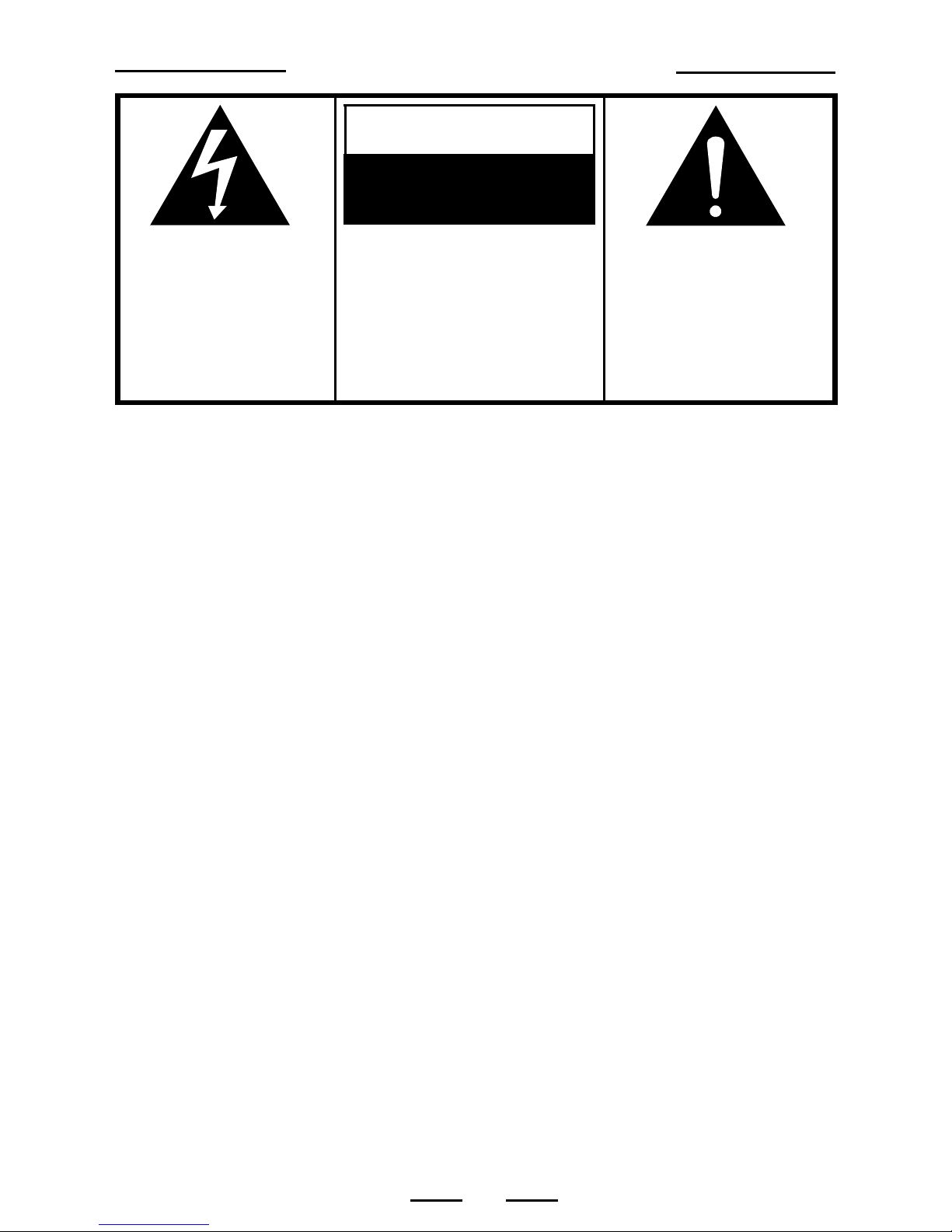
SAFETY INSTRUCTIONS
The lightning lash
and arrow head
within the triangle is
a warning sign
alerting you o
dangerous voltage
inside the product.
CAUTION
RISK OF ELECTRIC
SHOCK
DO NOT OPEN
CAUTION: TO REDUCE THE
RISK OF ELECTRIC SHOCK,
DO NOT REMOVE COVER (OR
BACK). NO USER SERVICEABLE
PARTS INSIDE. REFER
SERVICING TO QUALIFIED
SERVICE PERSONNEL.
The exclamation point
within the triangle is a
warning sign alerting
you o important
instructions
accompanying the
product.
WARNING: TO REDUCE THE RISK OF FIRE OR ELECTRIC SHOCK, DO NOT
EXPOSE THIS APPLIANCE TO RAIN OR MOISTURE.
THESE IMPORTANT SAFETY INSTRUCTIONS ARE INCLUDED, AS APPLICABLE TO THE
APPLIANCE, CONVEYING TO THE USER THE INFORMATION ITEMIZED BELOW:
1. Read Instructions - All the sa ety and operating instructions should be read be ore
the appliance is operated.
2. Retain Instructions - The sa ety and operating instructions should be retained or
uture re erence.
3. Heed Warnings - All warnings on the appliance and in the operating instructions
should be adhered to.
4. Follow Instructions - All operating and use instructions should be ollowed.
5. Water and Moisture - The appliance should not be used near water - or example near a
bathtub, washbowl, kitchen sink, laundry tub, in a wet basement, or near a swimming pool,
and the like.
6. Wall or Ceiling Mounting - The appliance should not be mounted to a wall or ceiling.
7. Ventilation - The appliance should be situated so that its location or position does not
inter ere with its proper ventilation. For example, the appliance should not be situated on a
bed, so a, rug, or similar sur ace that may block the ventilation openings; or,
placed in a built-in installation, such as a bookcase or cabinet that impede the low o air
through the ventilation openings.
8. Heat - The appliance should be situated away rom heat sources such as radiators,
heat registers, stoves, or other appliances (including ampli iers) that produce heat.
9. Power Sources - The appliance should be connected to a power supply only o the
type described in the operating instructions or as marked on the appliance.
10. Grounding or Polarization - Precautions should be taken so that the grounding or
polarization means o an appliance is not de eated.
11. Power Cord Protection - Power supply cords should be routed so that they are not
likely to be walked on or pinched by items placed upon or against them, paying particular
attention to cords at plugs, convenient receptacles, and the point where they exit
rom the appliance.
12. Cleaning - The appliance should be cleaned only as recommended by the manu acturer.
13. Nonuse periods - The power cord o the appliance should be unplugged rom the
outlet when le t unused or a long period o time.
1
SEE BOTTOM OF THE SET
IB-CD110(SY)-WM-E-V1
EXAMPLE OF ANTENNA GROUNDING AS PER
NEC - NATIONAL ELECTRICAL CODE
Do not apply oil or petroleum products or solvents to any part o this set.
CAUTION
Use o controls or adjustments or per ormance o procedures other than those
speci ied herein may result in hazardous radiation exposure.
This compact disc player is classi ied as CLASS 1 LASER PRODUCT as stated
on the bottom o the set.
14. Object and Liquid Entry - Care should be taken so that objects do not all and liquids
are not spilled into the enclosure through openings.
15. Damage Requiring Service - The appliance should be serviced by quali ied service
personnel when:
A. The power supply cord or the plug has been damaged; or
B. Objects have allen, or liquid has been spilled into the appliance; or
C. The appliance has been exposed to rain; or
D. The appliance does not appear to operate normally or exhibits a marked change in
per ormance; or
E. The appliance has been dropped, or the enclosure damaged.
16. Servicing - The user should not attempt to service the appliance beyond that described in the
operating instructions. All other servicing should be re erred to quali ied service personnel.
17. Power lines - An outdoor antenna should be located away rom power lines.
18. Outdoor Antenna Grounding - I an outside antenna is connected to the receiver, be sure the
antenna system is grounded so as to provide some protection against voltage surges and
built up static charges. Section 810 o the National Electrical Code, ANSI/NFPA 70 provides
in ormation with respect to proper grounding o the mast and supporting structure, grounding
o the lead-in wire to an antenna discharge unit, size o grounding conductors, location o
antenna-discharge unit, connection to grounding electrodes, and requirements or the
grounding electrode. See Figure.
ANTENNA
LEAD IN WIRE
ANTENNA DISCHARGE UNIT
(NEC SECTION 810-20)
GROUNDING CONDUCTORS
(NEC SECTION 810-21)
POWER SERVICE GROUNDING
ELECTRODE SYSTEM
(NEC ART 250, PART H)
ELECTRIC
SERVICE
EQUIPMENT
GROUND
CLAMP
GROUND CLAMPS
SAFETY INSTRUCTIONS
2IB-CD110(SY)-WM-E-V1
1. Use only the type and size o batteries mentioned in the operating instructions
booklet (batteries are not included with this set, please buy the proper batteries).
2. Do not dispose the batteries into a ire. The cells may explode. Check with local
codes or possible special disposal instructions.
3. Do not open or mutilate the batteries. Released electrolyte is corrosive and may
cause damage to the eyes or skin. It may be toxic i swallowed.
4. Be care ul when handling batteries in order not to short the battery with conducting
materials such as rings, bracelets and keys. The battery or conductor may over
heat and cause burns.
5. Do not attempt to recharge non-rechargeable batteries. The batteries may leak
corrosive electrolyte or explode.
6. Do not attempt to rejuvenate the batteries identi ied or use with this product by
heating them. Sudden release o the battery electrolyte may cause burns or
irritation to eyes or skin.
7. All batteries should be replaced at the same time. Mixing resh and discharged
batteries could increase internal cell pressure and rupture the batteries.
8. When inserting batteries into this product, the proper polarity ( and ) or
direction must be observed. Reverse insertion o some or all o the batteries may
result in battery electrolyte leakage or explosion.
9. Remove the batteries rom this product i the product will not be used or a long
period o time (several months or more) since during the period the batteries could
leak, damaging the product.
10. Discard weak or dead batteries as soon as possible since they are more likely to
leak in the product. Batteries should be replaced (depending on the product) when
the display gets dim or i the Low Battery Indicator shows or i the sound gets
distorted.
11. Do not store this product in high temperature areas. Batteries that are stored in a
reezer or re rigerator or the purpose o extending shel li e should be protected
rom condensation during storage and de rosting. Batteries should be stabilized at
room temperature prior to use a ter cold storage.
12. I this product does not operate normally, see TROUBLE SHOOTING in this
instruction manual. I you cant resolve the problem, or i the product is damaged, re er to the
LENOXX WARRANTY INFORMATION. Opening or removing covers may expose you to
dangerous voltages or other risks. Incorrect reassembly can cause electric shock when
the appliance is subsequently used.
13. I liquid leaks rom the batteries, care ully wipe this liquid. Do not allow it to touch your skin,
and discard the leaking batteries.
14. Do not mix batteries (OLD and NEW or CARBON and ALKALINE, etc.).
15. The use o rechargeable batteries is not recommended or this set because their
voltage and li e is lower than standard batteries.
16. Installation o batteries should be done by an adult only.
SAVE THESE INSTRUCTIONS
CAUTION: TO REDUCE THE RISK OF FIRE OR PERSONAL INJURY OR DAMAGE TO YOUR
SET, READ AND FOLLOW THESE INSTRUCTIONS.
3
BATTERY SAFETY INSTRUCTIONS
IB-CD110(SY)-WM-E-V1

CHOOSING THE POWER SOURCES
You can use the AC power or batteries as a power source.
TIP
I the plug o the AC power
cord does not match your
outlet, do not orce it.
Reverse it and try again.
The plugs are polarized
and only its one way into
the wall outlet and back o
the set.
TIP
Replace the batteries
when the POWER lamp
dims or when the player
stops operating. Replace
all the batteries with new
ones. Be ore you replace
the batteries, be sure to
take out the CD rom the
player and remember to
check the Battery Sa ety
Instructions on Page 3.
1. Connecting the AC power
cord
Insert one end o the supplied AC power cord
(located in the battery compartment) into the socket
located at the rear o the player, and the other end
to the wall outlet.
2. Using the player on batteries
Insert 6 size D batteries (not supplied) into the
battery compartment.
To use the player on batteries, disconnect the AC
power cord rom the player.
4
AC SOCKET
Battery compartment
(on the bottom o the set)
To a wall outlet
NOTE: One blade o plug
and outlet is wider.
+
+
+
+
+
+
REMOVE
BATTERY
DOOR
IB-CD110(SY)-WM-E-V1
1Rotate the FUNCTION
switch to the CD position.
The POWER lamp will turn
on.
3Close the CD DOOR by
pushing it down. The display
will show the total tracks on
that CD.
4
1
3
Press the OPEN button to
open the CD door and place
the CD in the CD
compartment. The label side
o the CD should ace
upward.
2
Press the CD PLAY button.
The PLAY/PAUSE lamp will
be steady on, the player
plays all the tracks once.
4
Connect the supplied AC power cord or batteries (see page 4).
Track
number PLAY/PAUSE
lamp
PLAYING A CD
5
POWER lamp
TRACK
TRACK
2
OPEN
IB-CD110(SY)-WM-E-V1
NOTE: Make sure the handle
is olded in its position,
otherwise the CD door will be
barred by the erected handle.
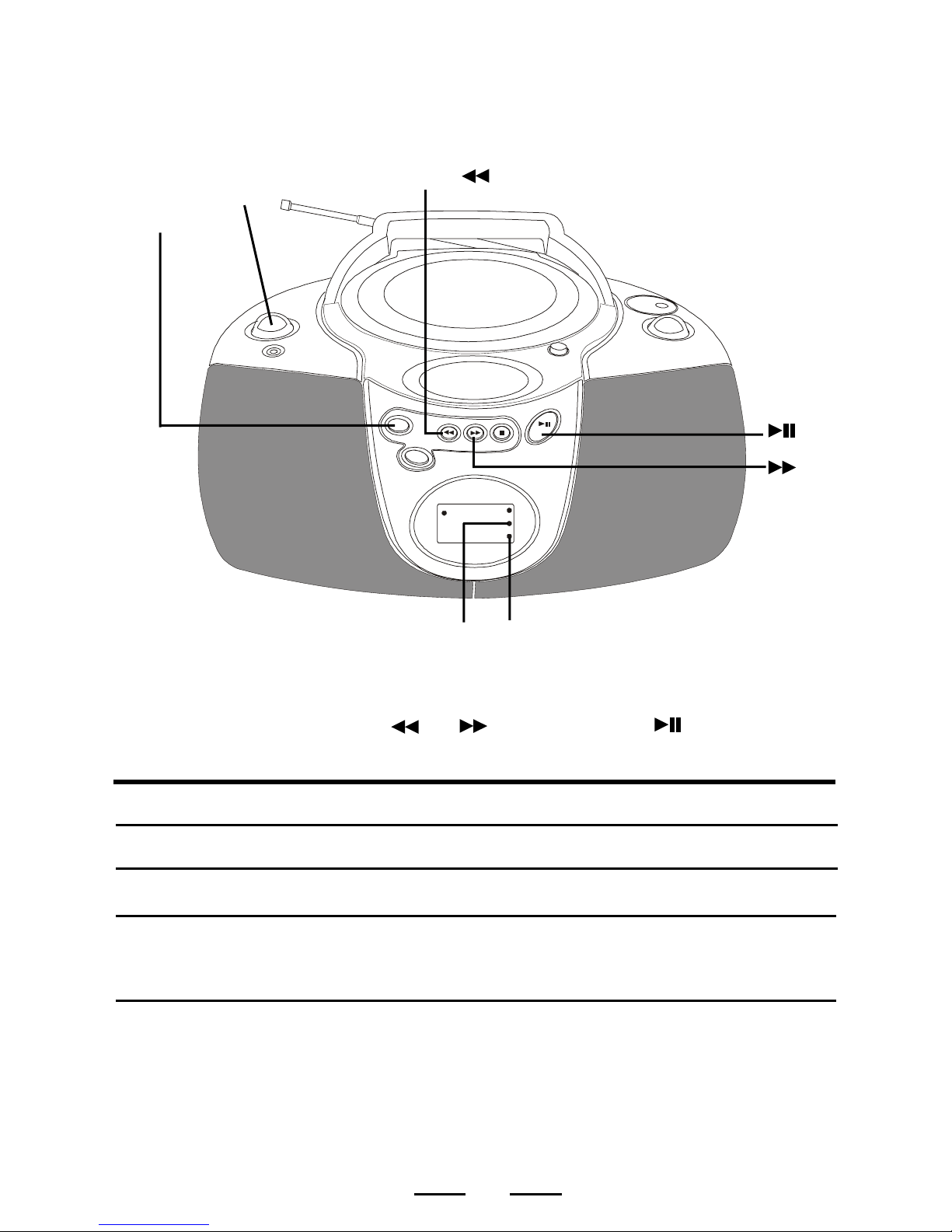
USE THESE BUTTONS FOR
ADDITIONAL OPERATIONS
To Press or Adjust
Adjust the volume VOLUME control (on le t side)
Stop playback
Pause playback The PLAY/PAUSE lamp will
lash during pause. Press
again to resume play a ter
pause.
Go to the next track
Go back to the previous
track
Locate a point in a song
or
Press and hold down while
playing until you ind the
point you like.
TIP
When CD play is
paused, the PLAY/
PAUSE lamp will
lash and no music
will play.
Remove the CD Press the OPEN button
(press STOP irst).
VOLUME CONTROL
(at the le t side o the set)
FUNCTION SWITCH
Turn o the power Rotate the FUNCTION switch
to OFF position.
To resume play,
press the PAUSE
button again, the
PLAY/PAUSE lamp
will stop lashing
and music will play.
OPEN BUTTON
6
I you bump the set
during CD play, the
music will stop or
skip or a ew
seconds. This is
normal or this type
o player.
TIP FORWARDS
BACKWARDS
To enjoy the music
without disturbing others
Insert your headphone plug
into the HEADPHONES jack
(Headphones is not included).
HEADPHONES
JACK
PLAY
STOP
SKIP/SEARCH
STOP
PLAY/PAUSE
IB-CD110(SY)-WM-E-V1
PLAYING CD TRACKS REPEATEDLY
REPEAT PLAY)
1. Rotate the FUNCTION switch to CD position.
2. Select the track by pressing or , and then press .
3. Press the CD REPEAT button.
To repeat Press
a single track (song) Press the REPEAT button once
all the tracks (all songs)
You can play CD tracks over and over in normal or program play modes (see page 8).
Press the REPEAT button twice
programmed tracks During programmed play, press
the REPEAT button twice
FUNCTION
SWITCH
Repeat Lamp
Flashing
Steady on
Steady on
(the PROGRAM
lamp also on)
PROGRAM
LAMP
REPEAT
LAMP
To cancel Repeat Play
Press the REPEAT button until the REPEAT lamp goes o .
7
REPEAT
BUTTON
BACKWARD
FORWARD
PLAY/PAUSE
IB-CD110(SY)-WM-E-V1
You can make a program o up to 16 tracks in the order you want them to be
played.
1. Rotate the FUNCTION switch to CD position.
2. Press the PROGRAM button. The letters Pr and
the PROGRAM lamp will lash.
3. Press or to select the tracks you want to
program in the order you want.
4. Press the PROGRAM button to con irm. The letters
Pr and the PROGRAM lamp will lash.
5. Repeat steps 3 and 4. You can program up to 16
tracks.
6. Press to start your programmed play. The
PROGRAM lamp will be steady on.
To check the order of tracks before play
Press the PROGRAM button, the programmed track number appears in the display
automatically.
To change the current program
Just create a new program ollowing the programming procedure.
PROGRAM LAMP
To cancel Program Play
Press the STOP button twice and the PROGRAM lamp goes o .
PROG.
8
SELECTING YOUR OWN MUSIC PLAYING ORDER
Programmed Play)
NOTE: Programming is only done during stop mode.
PROGRAM
BUTTON
STOP
PROG.
PLAY/
PAUSE
TRACK
PROGRAM
PROGRAM
PROG.
PROG.
PLAY/
PAUSE
TRACK
IB-CD110(SY)-WM-E-V1
LISTENING TO THE RADIO
Connect the supplied AC power cord or batteries (see page 4).
Rotate the FUNCTION switch to
RADIO position, the POWER
lamp will be on.
12
3
1

2
3
Rotate the BAND switch to the
proper band position (AM or FM)
that you want.
Tune into the station you pre er
using the TUNING control (at the
right side o the set). Adjust or
the clearest sound.
4The station you are listening will
show in the window o the AM/
FM dial lens.
9
4
IB-CD110(SY)-WM-E-V1