manuals.online logo
Brands
  1. Home
  2. •
  3. Brands
  4. •
  5. Lenoxx Sound
  6. •
  7. CD Player
  8. •
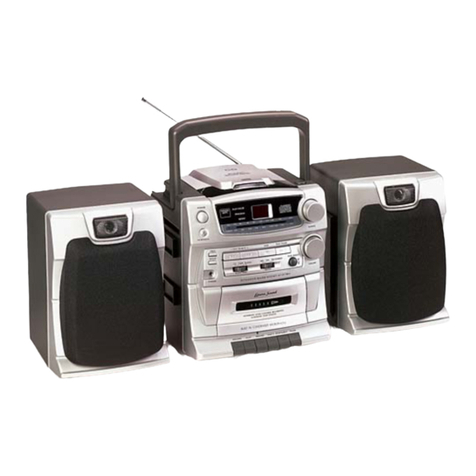
  9. Lenoxx Sound CD-1492 User manual

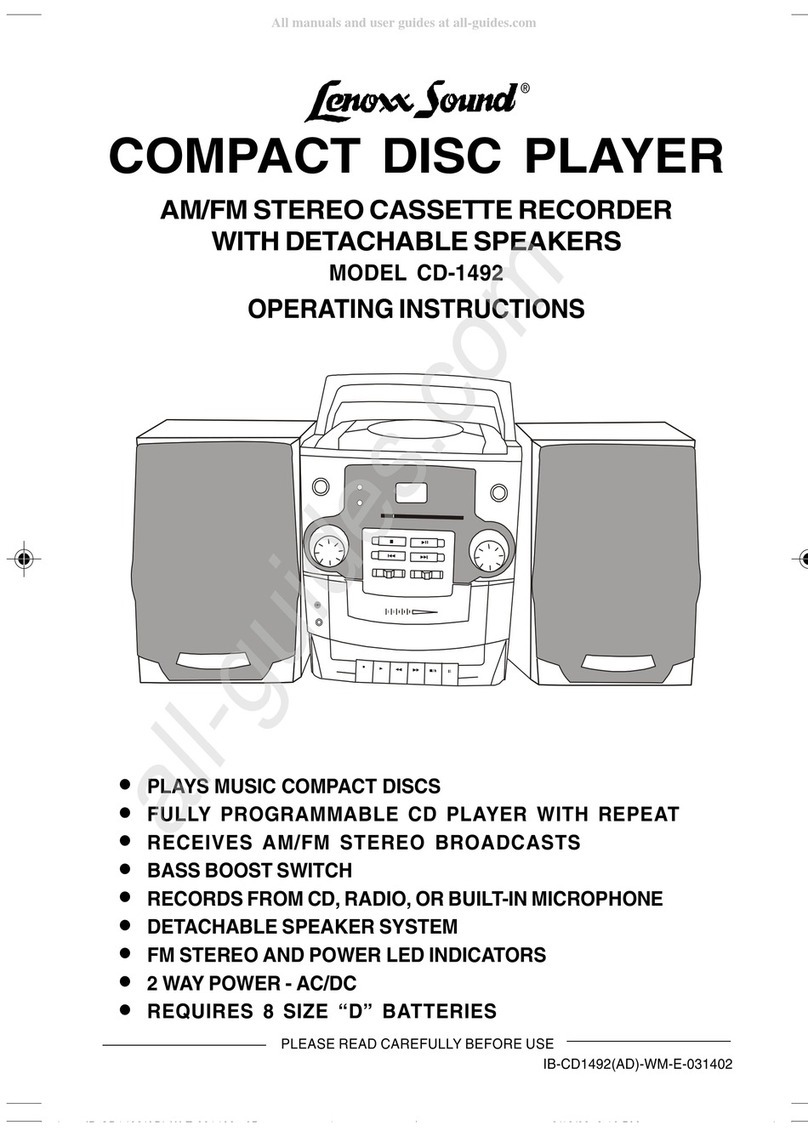
Lenoxx Sound CD-1492 User manual

Other manuals for CD-1492

1

Other Lenoxx Sound CD Player manuals

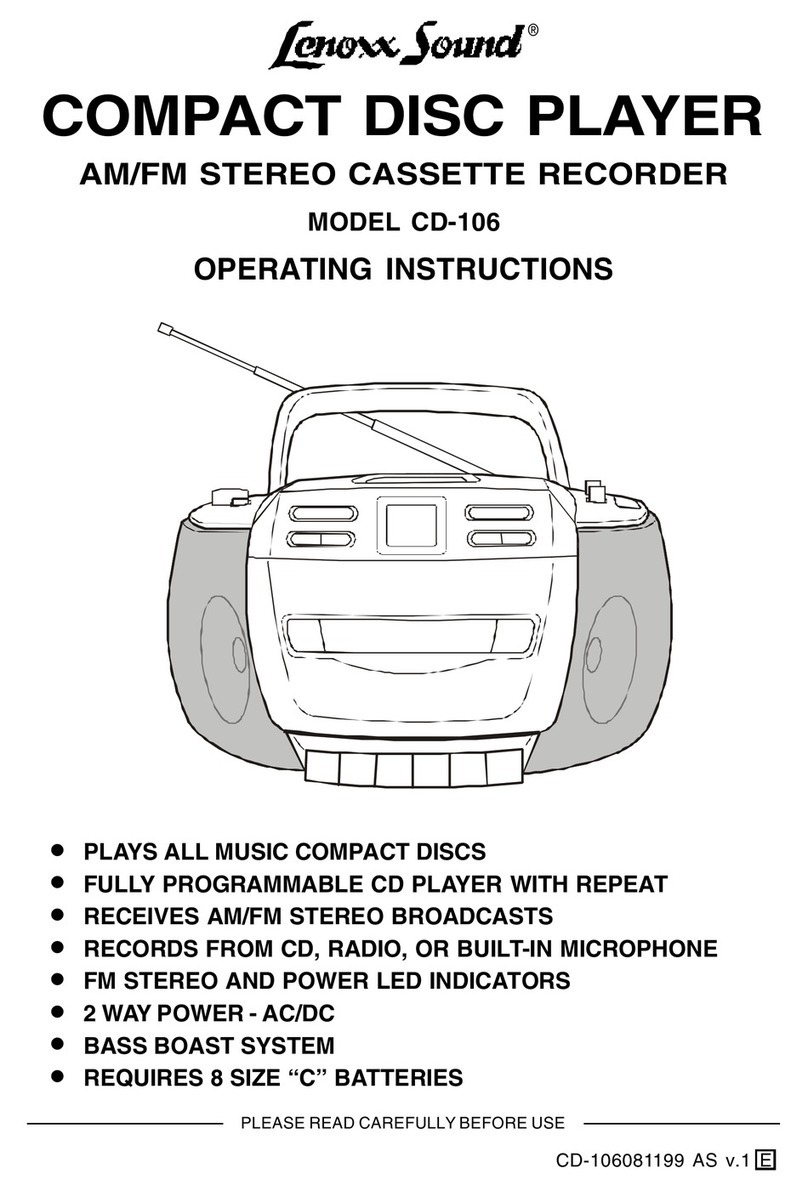
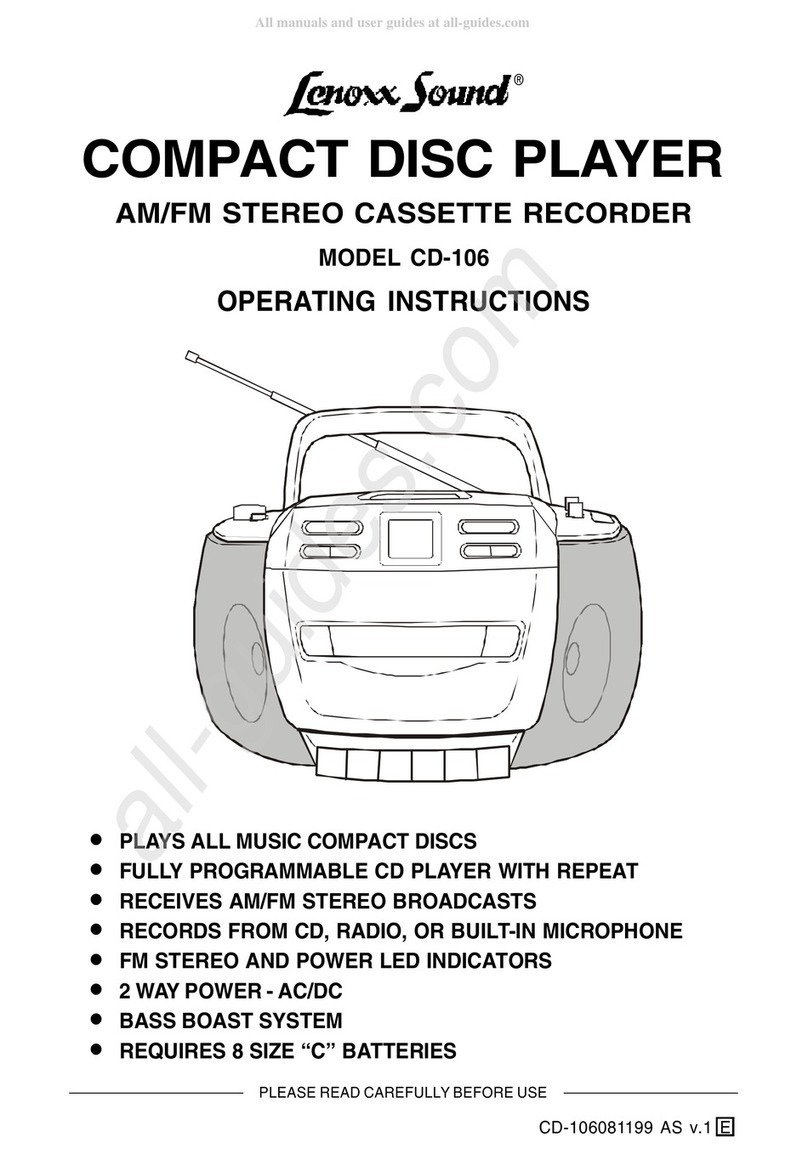
Lenoxx Sound CD-106 User manual

Lenoxx Sound

Lenoxx Sound CD-106 User manual

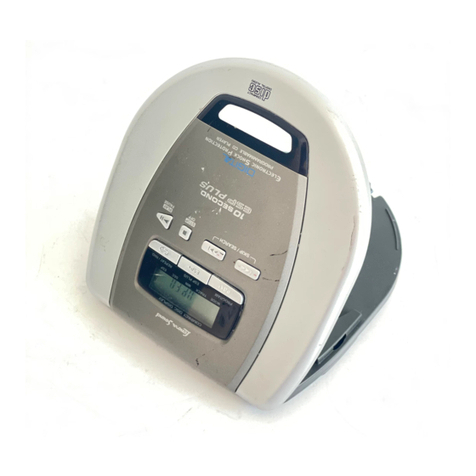
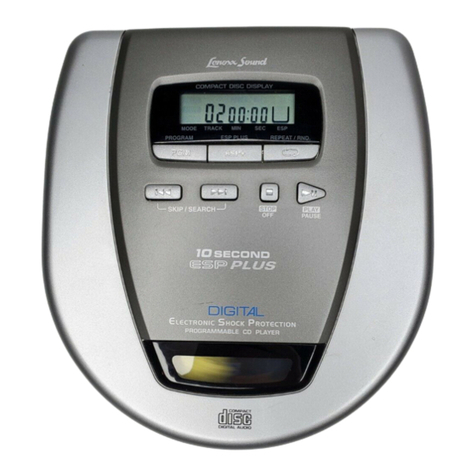
Lenoxx Sound 10 SECOND ESP PLUS User manual

Lenoxx Sound

Lenoxx Sound 10 SECOND ESP PLUS User manual

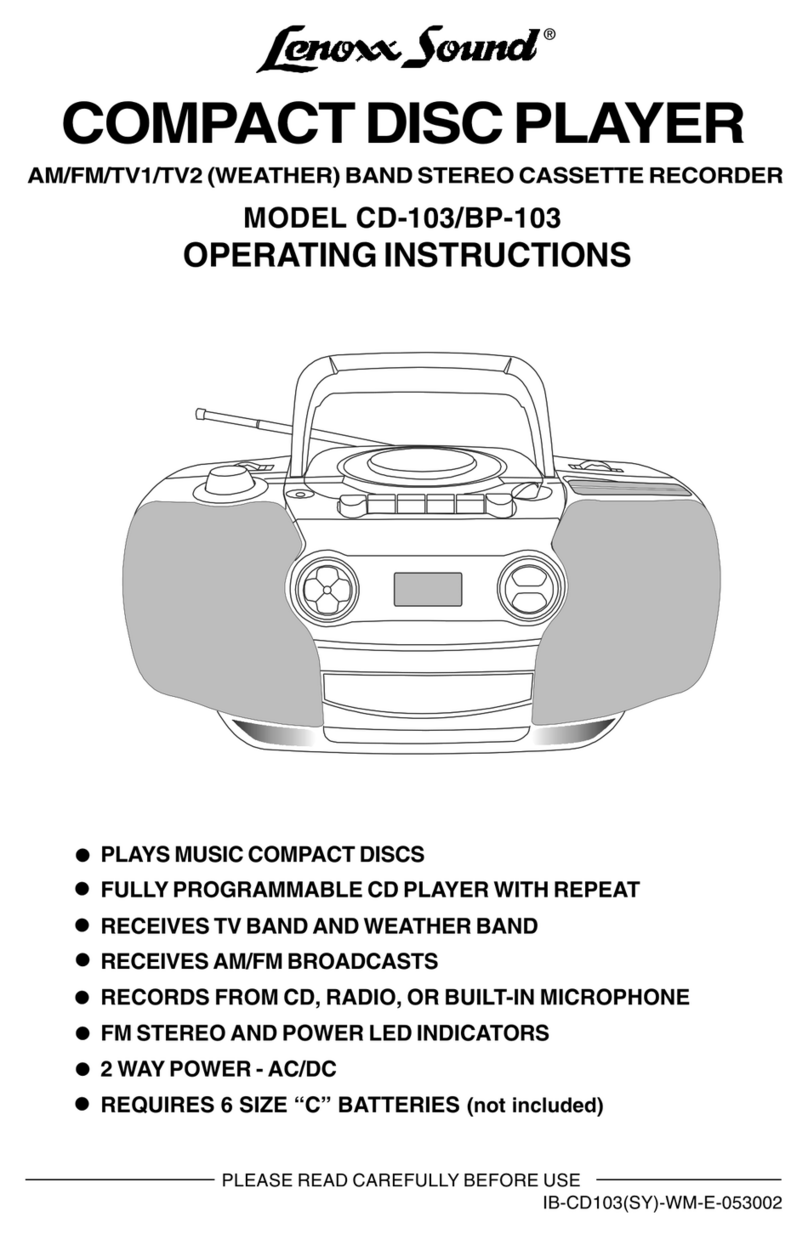
Lenoxx Sound BP-103 User manual

Lenoxx Sound

Lenoxx Sound BP-103 User manual

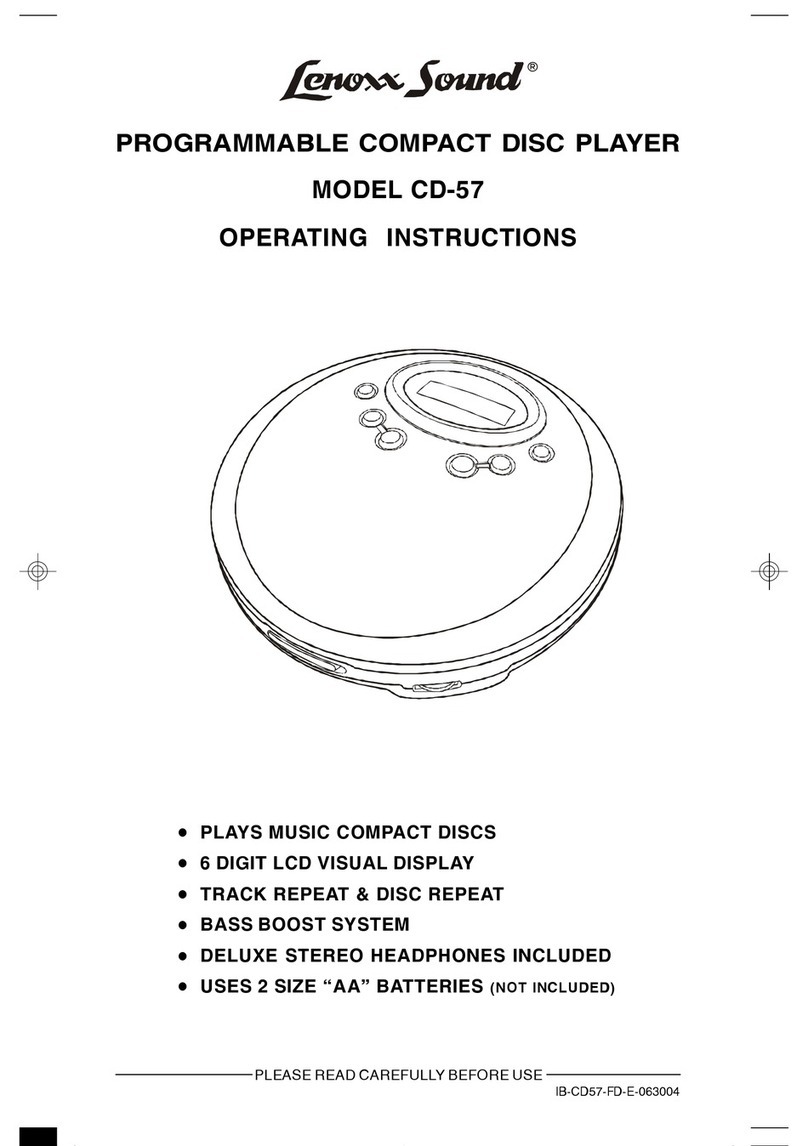
Lenoxx Sound CD-57 User manual

Lenoxx Sound

Lenoxx Sound CD-57 User manual

Lenoxx Sound 10 Second ESP Plus CD-79 User manual

Lenoxx Sound

Lenoxx Sound 10 Second ESP Plus CD-79 User manual

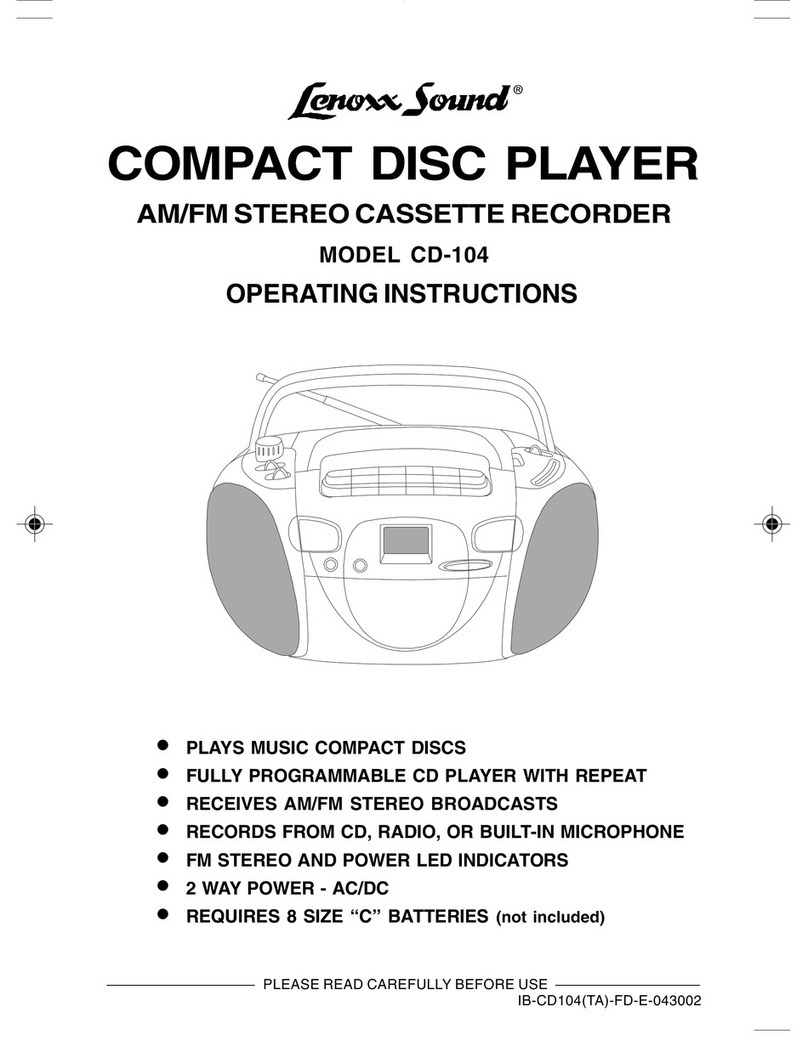
Lenoxx Sound CD-104 User manual

Lenoxx Sound

Lenoxx Sound CD-104 User manual

Lenoxx Sound CD-50 User manual

Lenoxx Sound

Lenoxx Sound CD-50 User manual

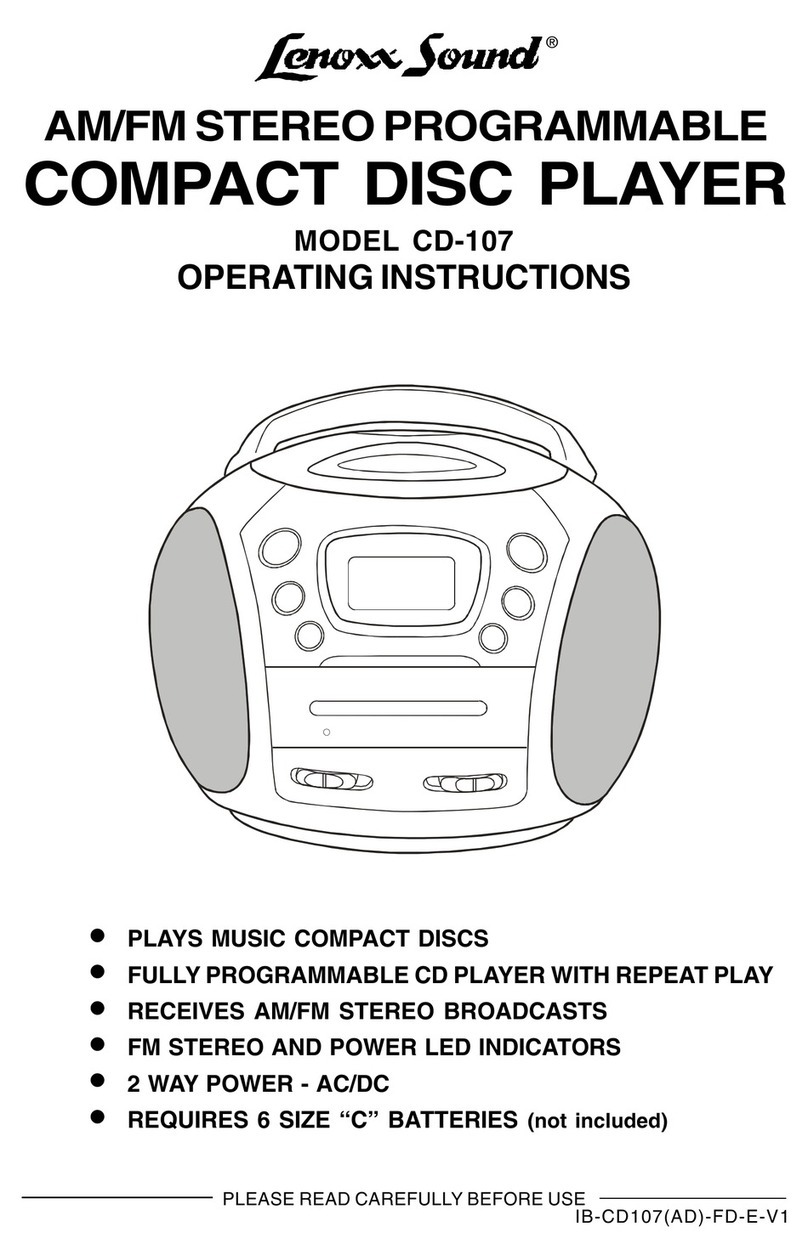
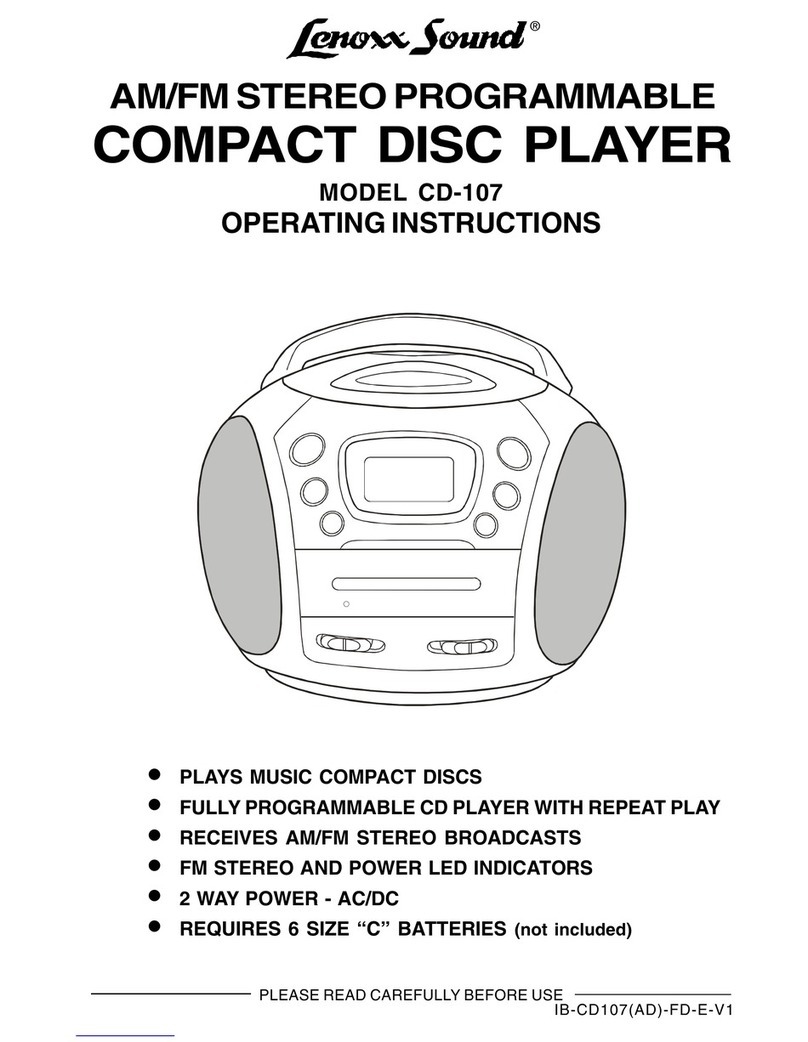
Lenoxx Sound CD-107 User manual

Lenoxx Sound

Lenoxx Sound CD-107 User manual

Lenoxx Sound CD-149 User manual

Lenoxx Sound

Lenoxx Sound CD-149 User manual

Lenoxx Sound CD-210 User manual

Lenoxx Sound

Lenoxx Sound CD-210 User manual

Lenoxx Sound CD-107 User manual

Lenoxx Sound

Lenoxx Sound CD-107 User manual

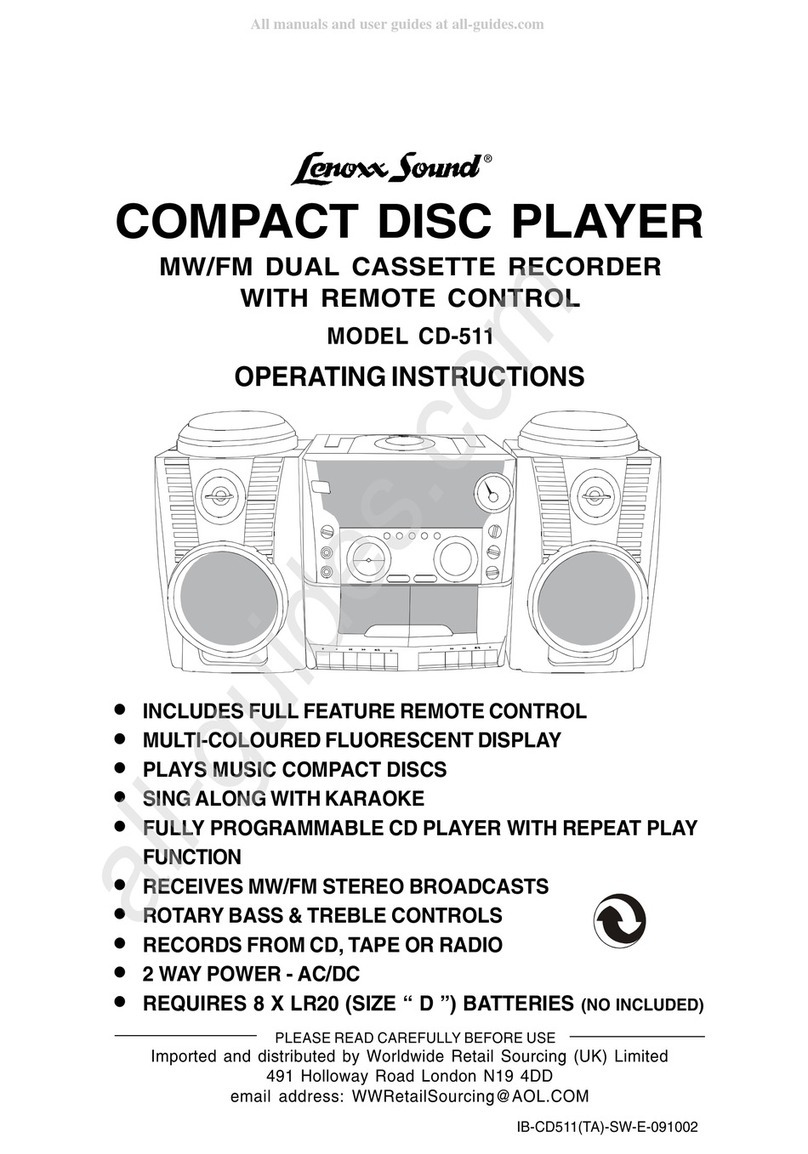
Lenoxx Sound CD-511 User manual

Lenoxx Sound

Lenoxx Sound CD-511 User manual

Lenoxx Sound CD-110 User manual

Lenoxx Sound

Lenoxx Sound CD-110 User manual

Lenoxx Sound CD-105 User manual

Lenoxx Sound

Lenoxx Sound CD-105 User manual

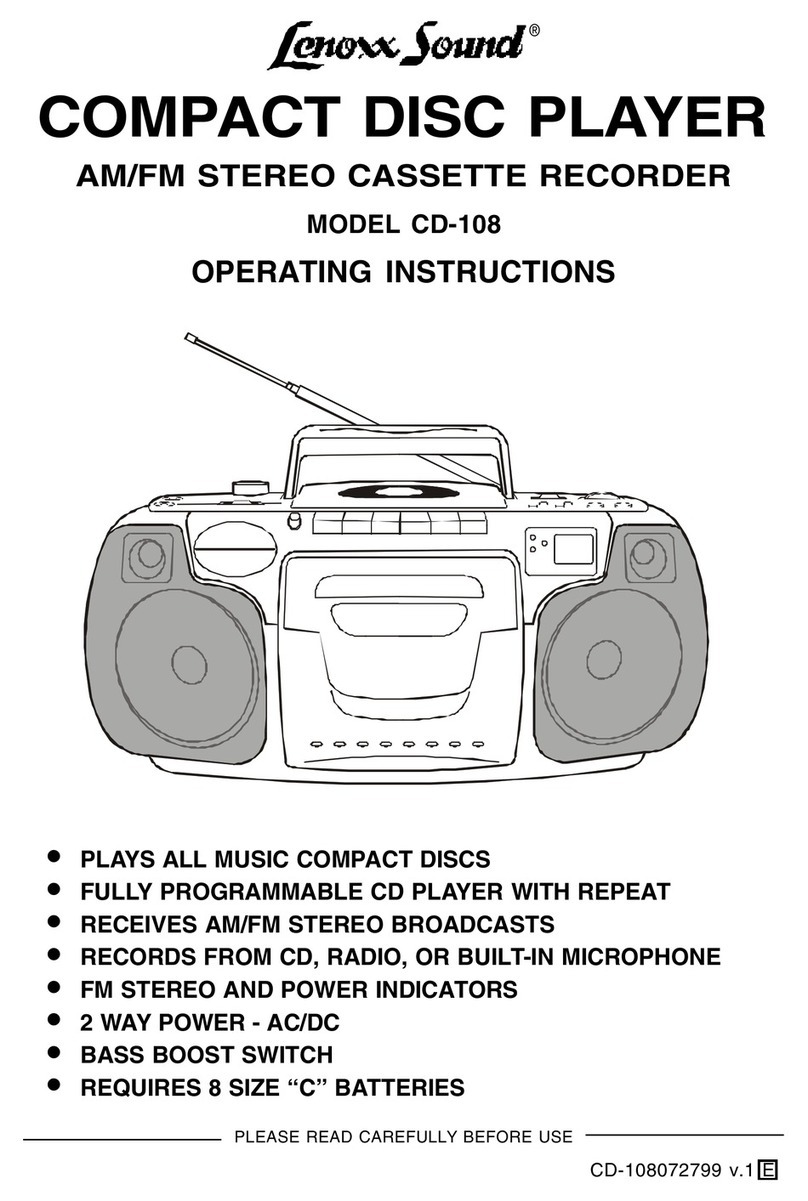
Lenoxx Sound CD-108 User manual

Lenoxx Sound

Lenoxx Sound CD-108 User manual

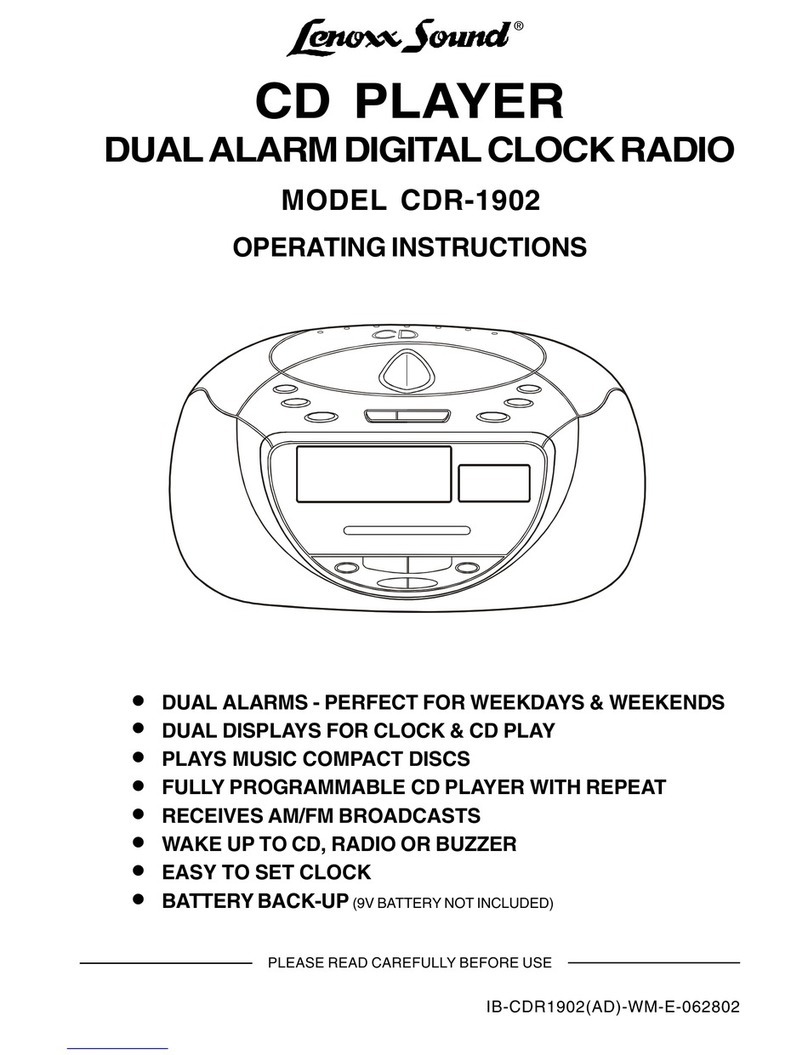
Lenoxx Sound CDR-1902 User manual

Lenoxx Sound

Lenoxx Sound CDR-1902 User manual

Lenoxx Sound CD-1492 User manual

Lenoxx Sound

Lenoxx Sound CD-1492 User manual

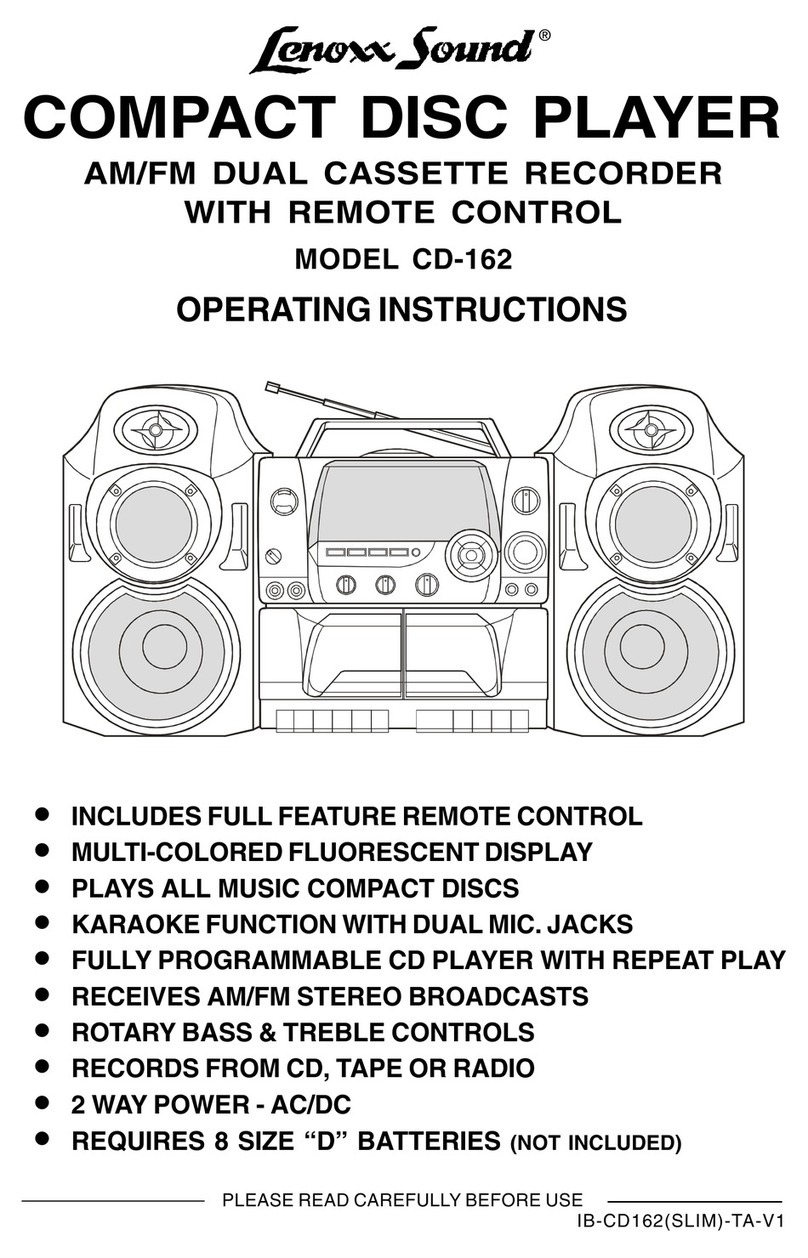
Lenoxx Sound CD-162 User manual

Lenoxx Sound

Lenoxx Sound CD-162 User manual

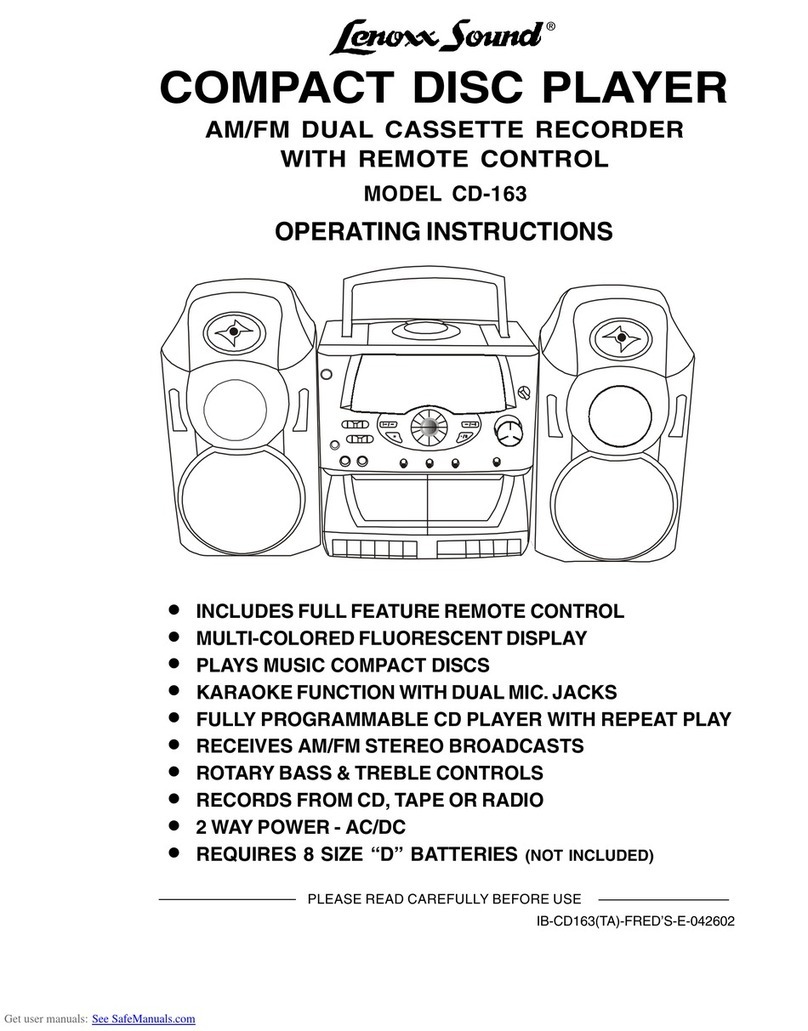
Lenoxx Sound CD-163 User manual

Lenoxx Sound

Lenoxx Sound CD-163 User manual

Lenoxx Sound CD-149 User manual

Lenoxx Sound

Lenoxx Sound CD-149 User manual

Lenoxx Sound CD-90 User manual

Lenoxx Sound

Lenoxx Sound CD-90 User manual

Lenoxx Sound CD-106 User manual

Lenoxx Sound

Lenoxx Sound CD-106 User manual

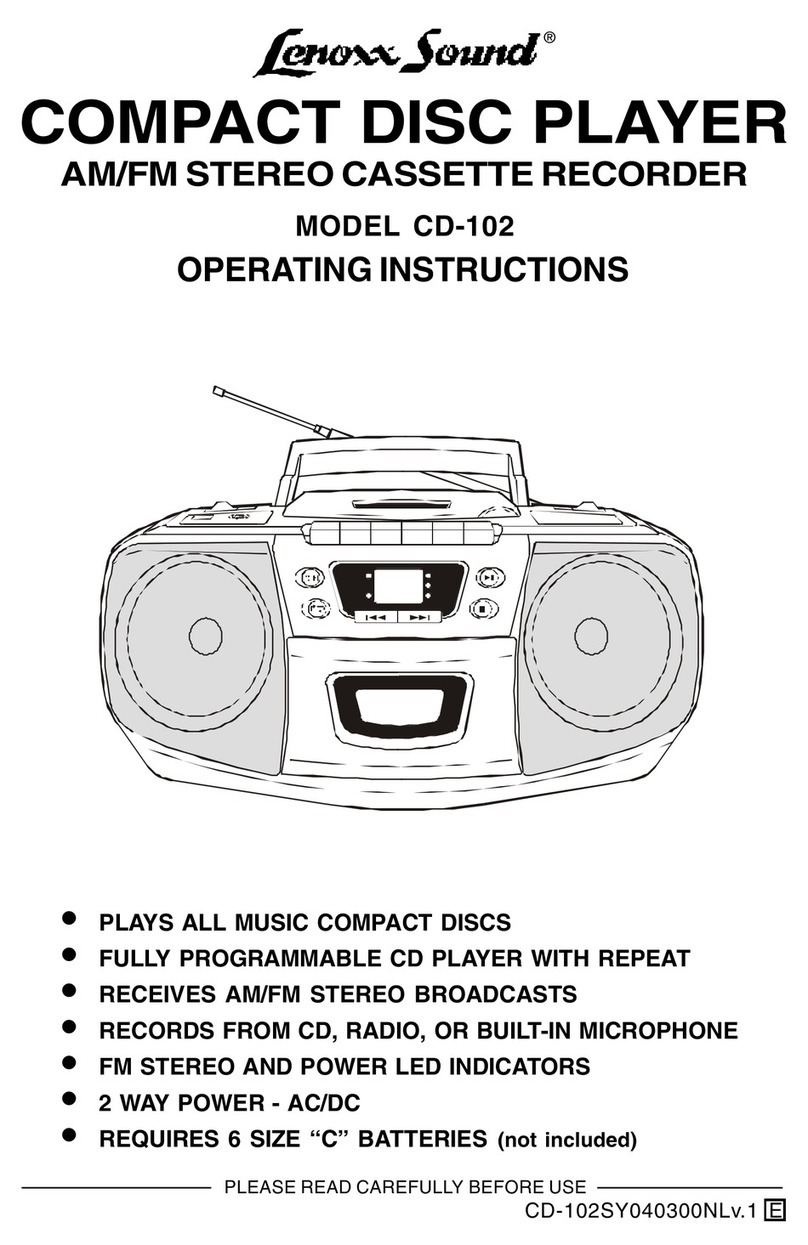
Lenoxx Sound CD-102 User manual

Lenoxx Sound

Lenoxx Sound CD-102 User manual

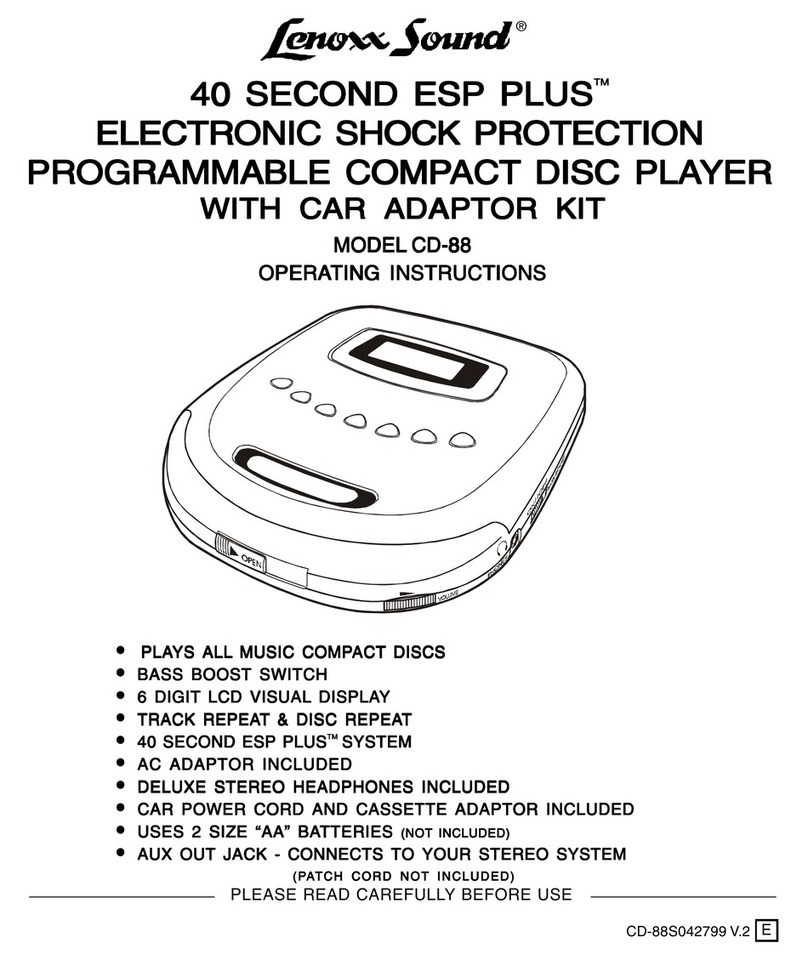
Lenoxx Sound CD-88 User manual

Lenoxx Sound

Lenoxx Sound CD-88 User manual

Popular CD Player manuals by other brands

Arcam CD23 Handbook

Arcam

Arcam CD23 Handbook

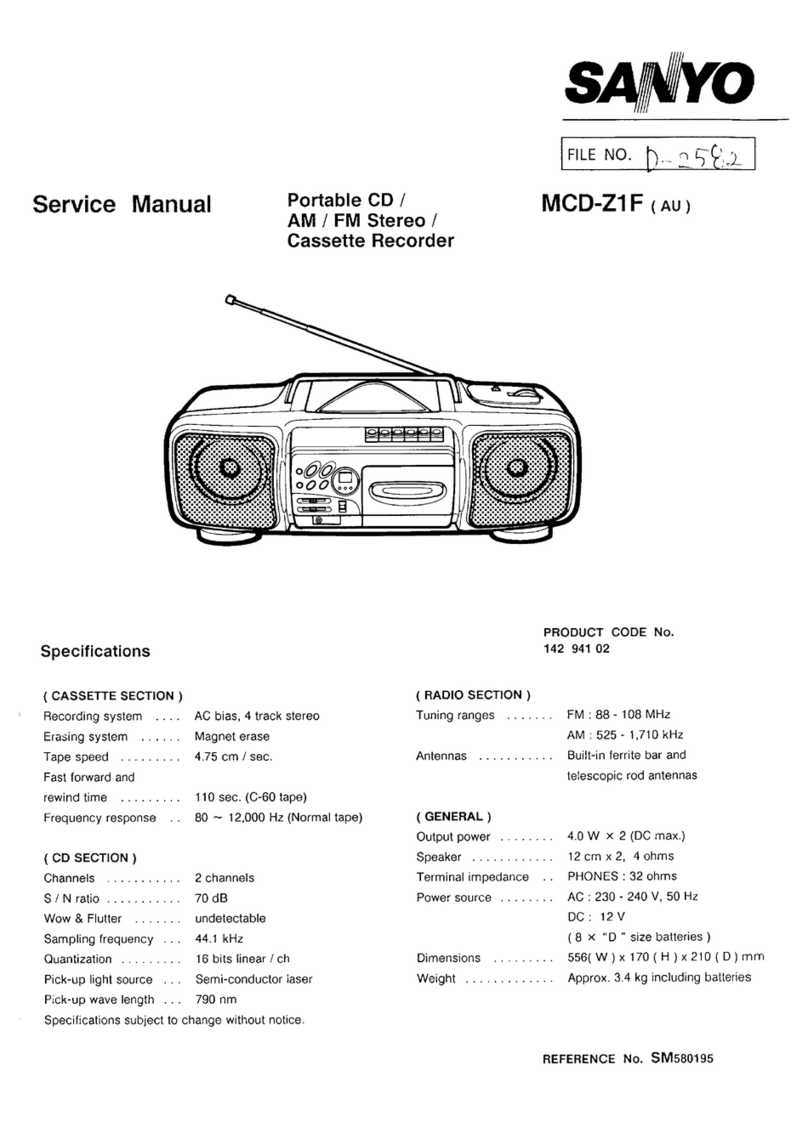
Sanyo MCD-Z1F Service manual

Sanyo

Sanyo MCD-Z1F Service manual

JVC RC-ST3SL instructions

JVC

JVC RC-ST3SL instructions

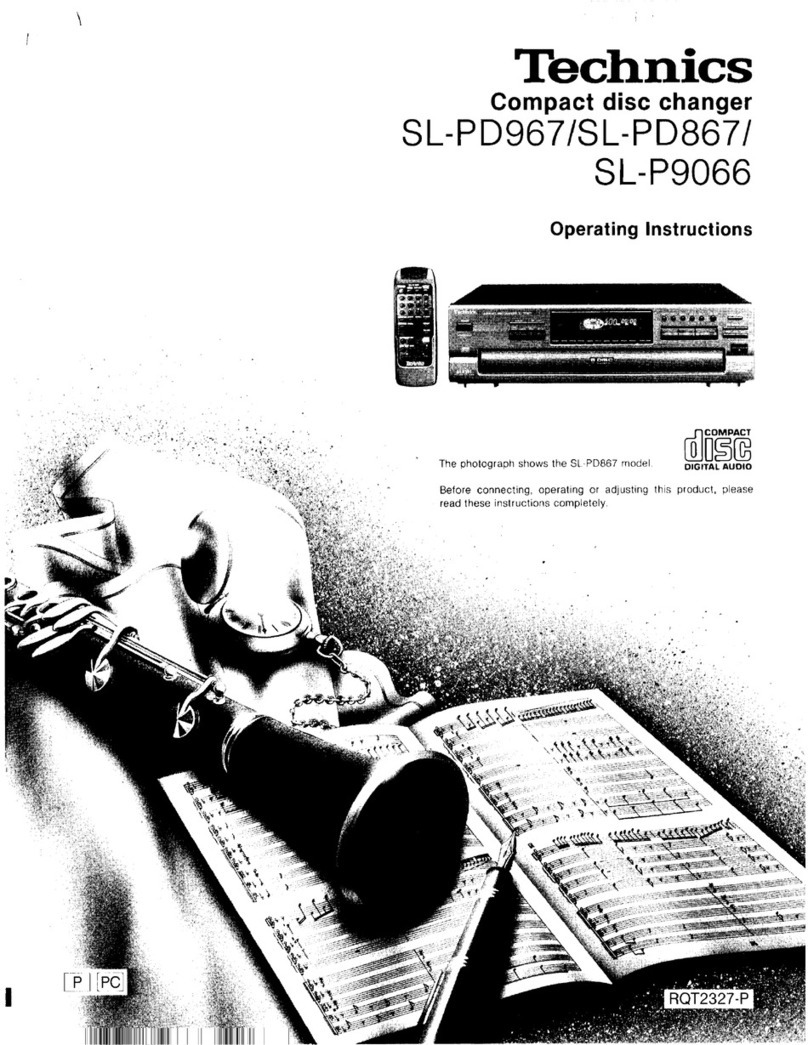
Technics SL-P9066 operating instructions

Technics

Technics SL-P9066 operating instructions

Marantz HD-CD1 quick start guide

Marantz

Marantz HD-CD1 quick start guide

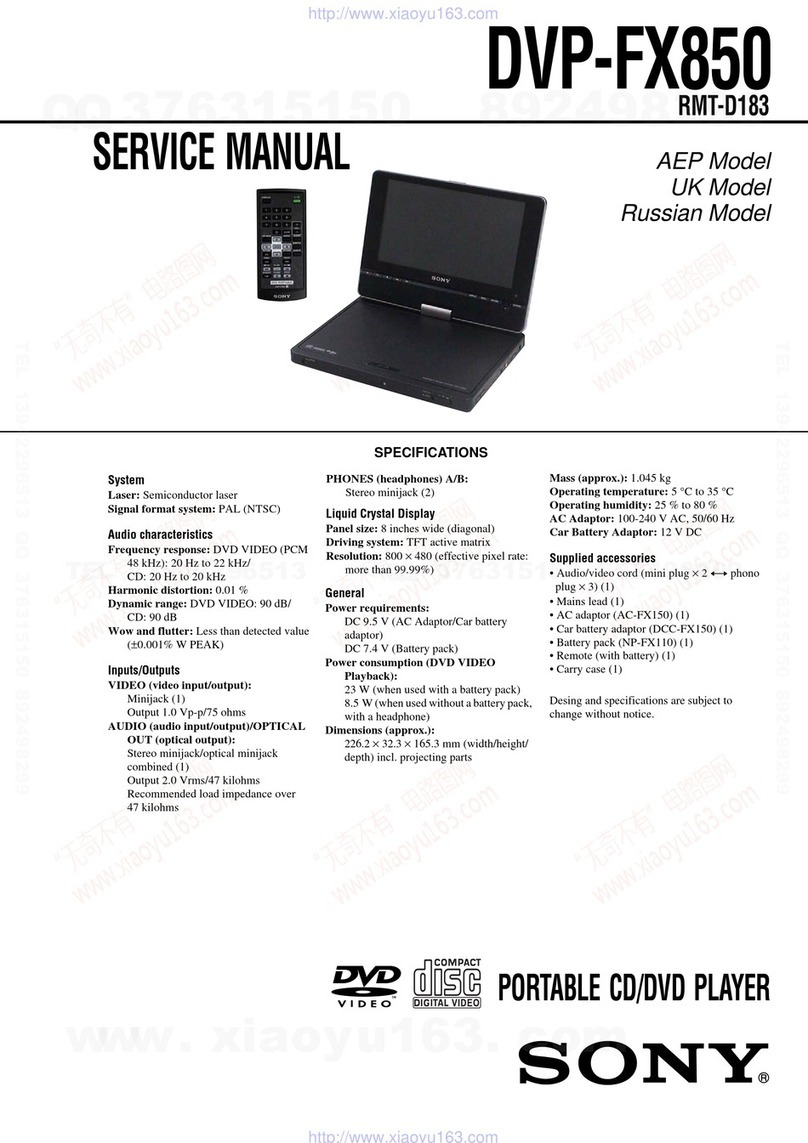
Sony DVP-FX850 Service manual

Sony

Sony DVP-FX850 Service manual

Philips AZ1140 Instrukcja obs?ugi

Philips

Philips AZ1140 Instrukcja obs?ugi

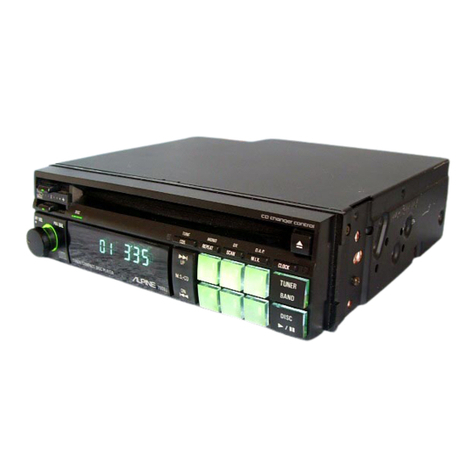
Alpine 7909 owner's manual

Alpine

Alpine 7909 owner's manual

JVC CH-X350 instructions

JVC

JVC CH-X350 instructions

RCA RP-7923 instruction manual

RCA

RCA RP-7923 instruction manual

Pioneer DEH-P3550MP XM Operation manual

Pioneer

Pioneer DEH-P3550MP XM Operation manual

Philips Shockproof AX2102 brochure

Philips

Philips Shockproof AX2102 brochure

Philips CD582 user manual

Philips

Philips CD582 user manual

Philips AZ 6821 operating manual

Philips

Philips AZ 6821 operating manual

Lasonic MSU-2020 user manual

Lasonic

Lasonic MSU-2020 user manual

Denon DCD-1420 Service manual

Denon

Denon DCD-1420 Service manual

Panasonic SJ-MR100 operating instructions

Panasonic

Panasonic SJ-MR100 operating instructions

Onkyo DX-7210 instruction manual

Onkyo

Onkyo DX-7210 instruction manual

manuals.online logo
manuals.online logoBrands
  • About & Mission
  • Contact us
  • Privacy Policy
  • Terms and Conditions

Copyright 2025 Manuals.Online. All Rights Reserved.

®
COMPACT DISC PLAYER
AM/FM STEREO CASSETTE RECORDER
WITH DETACHABLE SPEAKERS
MODEL CD-1492
PLAYS MUSIC COMPACT DISCS
FULLY PROGRAMMABLE CD PLAYER WITH REPEAT
RECEIVES AM/FM STEREO BROADCASTS
BASS BOOST SWITCH
RECORDS FROM CD, RADIO, OR BUILT-IN MICROPHONE
DETACHABLE SPEAKER SYSTEM
FM STEREO AND POWER LED INDICATORS
2 WAY POWER - AC/DC
REQUIRES 8 SIZE D BATTERIES
OPERATING INSTRUCTIONS
PLEASE READ CAREFULLY BEFORE USE
IB-CD1492(AD)-WM-E-031402
IB-CD1492(AD)-W-E-031402.p65 3/19/02, 2:16 PM1
TO PREVENT FIRE OR SHOCK HAZARD, DO NOT USE THE PLUG WITH AN EXTENSION CORD,
RECEPTACLE OR OTHER OUTLET UNLESS THE BLADES CAN BE FULLY INSERTED TO PREVENT
BLADE EXPOSURE. TO PREVENT FIRE OR SHOCK HAZARD, DO NOT EXPOSE THIS APPLIANCE
TO RAIN OR MOISTURE.
1. Read these instructions.
2. Keep these instructions.
3. Heed all warnings.
4. Follow all instructions.
5. Do not use this apparatus near water.
6. Clean only with dry cloth.
7. Do not block any ventilation openings, install in accordance with the manufacturers
instructions.
8. Do not install near any heat sources such as radiators, heat registers, stoves, or other
apparatus (including amplifiers) that produce heat.
9. Do not defeat the safety purpose of the polarized or grounding-type plug. A polarized plug
has two blades with one wider than the other. A grounding type plug has two blades and a
third grounding prong. The wide blade or the third prong are provided for your safety. If the
provided plug does not fit into your outlet, consult an electrician for replacement of the obsolete
outlet.
10. Protect the power cord from being walked on or pinched particularly at plugs, convenience
receptacles, and the point where they exit from the apparatus.
11. Only use attachments/accessories specified by the manufacturer.
12. Unplug this apparatus during lightening storms or when unused for long periods of time.
13. Refer all servicing to qualified service personnel. Servicing is required when the apparatus has been
damaged in any way, such as power-supply cord or plug is damaged, liquid has been spilled or objects
have fallen into the apparatus, the apparatus has been exposed to rain or moisture, does not operate
normally or has been dropped.
14. This appliance shall not be exposed to dripping or splashing water and that no
object filled with liquid such as vases shall be placed on the apparatus.
1
WARNING
IMPORTANT SAFETY INSTRUCTIONS
The lightning flash with
arrowhead symbol, within an
equilateral triangle, is intended
to alert the user to the presence
of uninsulated dangerous
voltage within the products
enclosure that may be of
sufficient magnitude to
constitute a risk of electric shock
to persons.
WARNING
RISK OF ELECTRIC SHOCK
DO NOT OPEN
WARNING: TO REDUCE THE
RISK OF ELECTRIC SHOCK,
DO NOT REMOVE COVER (OR
BACK). NO USER SERVICEABLE
PARTS INSIDE. REFER
SERVICING TO QUALIFIED
SERVICE PERSONNEL.
The exclamation point within an
equilateral triangle is intended
to alert the user to the presence
of important operating and
maintenance (servicing)
instructions in the literature
accompanying the appliance.
IB-CD1492(AD)-WM-E-031402
SEE BOTTOM OF SET
IB-CD1492(AD)-W-E-031402.p65 3/19/02, 2:16 PM2
ADDITIONAL SAFETY INSTRUCTIONS
1. Power Sources - The appliance should be connected to a power supply only of the type
described in the operating instructions or as marked on the appliance.
2. Wall or Ceiling Mounting - The appliance should not be mounted to a wall or ceiling.
3. Object and Liquid Entry - Care should be taken so that objects do not fall and liquids
are not spilled into the enclosure through openings.
4. Servicing - The user should not attempt to service the appliance beyond that described in
the operating instructions. All other servicing should be referred to qualified service personnel.
CAUTION
Use of controls or adjustments or performance of procedures other than those
specified herein may result in hazardous radiation exposure.
This compact disc player is classified as CLASS 1 LASER PRODUCT as stated
on the bottom of the set.
Do not apply oil or petroleum products or solvents to any part of this set.
It is the intent of Lenoxx that this product be used in full compliance with the
copyright laws of the United States and that prior permission be obtained from
copyright owners whenever recording songs from the RADIO or CDs.
2IB-CD1492(AD)-WM-E-031402
IB-CD1492(AD)-W-E-031402.p65 3/19/02, 2:16 PM3
LOCATION OF CONTROLS
FRONT VIEW
REAR VIEW
1. CD STOP BUTTON
2. CD BACKWARD SKIP/SEARCH BUTTON
3. FUNCTION SWITCH
4. CD PLAY/PAUSE BUTTON
5. CD FORWARD SKIP/SEARCH BUTTON
6. BAND SWITCH
7. VOLUME CONTROL
8. FM STEREO INDICATOR
9. POWER SWITCH
10. POWER/BATT. LAMP
11. CD RANDOM BUTTON
12. CD PROGRAM/REPEAT BUTTON
13. CD REPEAT LAMP
14. FOLDING HANDLE
15. CD DOOR
16. CD DOOR OPEN/CLOSE AREA
17. COMPACT DISC DISPLAY
18. AM/FM DIAL SCALE
19.BASS BOOST SWITCH
20.CD PLAY/PROGRAM LAMP
21. TUNING CONTROL
22. DETACHABLE SPEAKERS
23.CASSETTE DOOR
24.CASSETTE PAUSE BUTTON
25.CASSETTE STOP/EJECT BUTTON
26.CASSETTE FAST FORWARD BUTTON
27.CASSETTE REWIND BUTTON
28.CASSETTE PLAY BUTTON
3
29.CASSETTE RECORD BUTTON
30.STEREO PHONES JACK
(headphones not included)
31.BUILT-IN CONDENSER MICROPHONE
32.SPEAKER PLUGS
33.DETACHABLE SPEAKER LOCKS
34.AC SOCKET
35.FM TELESCOPING ANTENNA
36.SPEAKER JACKS
37.BATTERY COMPARTMENT DOOR
9
10 11 12 13 14 15 16 17
23
252627
28
1
33
343536
29
32
8
37
19
CONTROL PANEL
18
4
25
36
7
20
21
22
22
30
31
24
32 33
IB-CD1492(AD)-WM-E-031402
IB-CD1492(AD)-W-E-031402.p65 3/19/02, 2:16 PM4
INTRODUCTION
Your new COMPACT DISC PLAYER WITH AM/FM STEREO CASSETTE RECORDER
is a specially designed all solid state set which, with proper care, will give you years of
trouble-free service. Please read these operating instructions carefully as they will
help you obtain maximum performance from this set. Unpack the set carefully and
place it on a level surface, away from sources of excessive heat, such as radiators.
POWER SUPPLY- 2 WAY SYSTEM
This set is designed to be operated from two different power sources as
listed below:
A. DC OPERATION
This set runs on 8 size D batteries. For best performance, always use heavy duty
alkaline batteries.
TO INSTALL BATTERIES
1.Remove the BATTERY DOOR by gently pushing tabs downward and outward.
NOTE: To use your set on battery power, you MUST remove the AC power cord
from BOTH the wall outlet AND the back of the set.
NOTE: Do not mix old and new batteries. Do not mix rechargeable (nickel cadmium)
and regular carbon zinc or alkaline batteries. Installation of batteries should
be done by an adult (for safety).
NOTE: The negative polarity
(side) of battery
touches the spring.
B. AC OPERATION
Plug the AC power cord into the back of the set and insert the AC PLUG into 120 Volts
AC 60Hz standard household outlet.
4
POLARIZED AC PLUG
BATTERY INDICATOR
The POWER lamp also shows you if your batteries are fresh. When this lamp
gets dim, it is time to replace the batteries.
NOTE: This cord is polarized. This means either
end of the cord will only fit ONE way into
the socket or wall outlet. If it does not fit, do
not force it, just reverse it and try again.
NOTE: If the AC power cord is plugged into the
back of the set, the set will not work on
batteries. To operate the set on batteries,
remove the AC PLUG from the back of the
set. IB-CD1492(AD)-WM-E-031402
2.Install 8 size D batteries.
NOTE: The battery compartment has 2 levels,
upper and lower. Be sure to install the
batteries as per the sketch shown
and the indication on the back of the set.
3.Replace the BATTERY DOOR.
NOTE: Old batteries may swell and leak. To
avoid damage to your set, remove the
batteries when the set is to be stored for
long periods of time or if the batteries
become exhausted (when the batteries
become weak, the POWER/BATT. lamp will
be dim; when the batteries are completely
dead, the POWER/BATT. lamp will be off).
IB-CD1492(AD)-W-E-031402.p65 3/19/02, 2:16 PM5
ATTACHING THE SPEAKERS
NOTE: The right and left speakers are NOT
interchangeable. The right speaker
fits only on the right side (as shown
in FIG. 1). The left speaker fits only
on the left side.
1.Bring the right speaker to the right side
of the set.
2.Raise the right speaker box about 4
inches above the set. Align the
tracks (rails).
3.Fit speaker over the side rails.
4.When speaker fits over the rails, lower
the speaker as shown in FIG. 2, and make
sure the tabs snap into the speaker
box (locks in the back).
5.Repeat above steps 1 to 4 for the left
speaker box.
6.Carefully unwind the speaker wire from behind each speaker box and plug the right
plug into SPEAKER JACK R, also plug the left plug into SPEAKER JACK L (as shown in
FIG. 3). Wrap the remaining wire behind each speaker box.
NOTE: This set can be used with speaker boxes attached to the main set or
separated, just make sure both speaker plugs are plugged into the jacks.
5
FIG.1
FIG.2
FIG.3
To remove the speakers, press the lock tab and raise the speakers.
LOCK TAB
IB-CD1492(AD)-WM-E-031402
IB-CD1492(AD)-W-E-031402.p65 3/19/02, 2:16 PM6
BASS BOOST SWITCH
This set has a BASS BOOST switch which allows you to hear more bass (low frequency)
sounds. You may press it ON or OFF to your taste (Bass means low frequency
sounds like a bass drum).
STEREO HEADPHONE JACK
A STEREO PHONES jack has been provided on the front of the set so that you can
listen to the set without disturbing others. To use this jack, plug in low impedance
stereo headphones (not included) and adjust the VOLUME CONTROL to your taste.
Special internal switches will turn off the sets speakers when you plug in the stereo
headphones.
6
TO PLAY THE RADIO
Make sure the speakers are connected (plugged into the jacks in the back of the set).
1. Press the POWER switch (the POWER/BATT. lamp will light).
2. Slide the FUNCTION switch to the RADIO position.
3. Select desired wave band (AM, FM or FM STEREO) with the BAND switch.
4. Tune to desired station with the TUNING CONTROL.
5. Gently turn this control back and forth until you get the strongest, clearest sound.
6. The built-in AM antenna and the FM Telescoping Antenna are directional. When
receiving FM broadcasts, carefully extend the FM Telescoping Antenna to its full
length. The strongest reception can be achieved by rotating the set or the FM
Antenna.
7. Adjust the VOLUME CONTROL to your listening preference.
8. If you prefer more bass, press the BASS BOOST switch.
9. To turn off the radio, slide the FUNCTION switch to TAPE position. To shut the
power off, press the POWER switch again, the POWER/BATT. lamp will go off.
NOTE: FM Stereo is weaker than FM (mono). If your FM stereo station is weak or
you hear too much noise or hissing, try to adjust the FM Telescoping Antenna
or slide the BAND switch from FM STEREO to FM.
IB-CD1492(AD)-WM-E-031402
IB-CD1492(AD)-W-E-031402.p65 3/19/02, 2:16 PM7
5. The DISPLAY will show 2 zeros   and then the total number of
tracks (songs) on the CD.
6. To start the music, press the CD PLAY/PAUSE button (wait a few seconds for music
to start). The first track number   will appear in the Display, the PLAY/PROGRAM
lamp will light and the disc will start playing.
7. Adjust the VOLUME CONTROL to your taste. For extra bass sound, press the BASS
BOOST switch down.
CD OPERATION
Since any dirt, scratches or warping of the disc can cause
skipping or intermittent sound or noise, bear in mind the
following points:
When holding the discs, take care not to touch the playing
surface.
Store the discs in their cases. Return them to their cases
with the label surface facing up and push down lightly on
the label surface.
Do not place discs near a heating device or a place where
the temperature is high or in dusty areas.
Do not write on the label surface using a ballpoint pen and
do no stick labels on the CD.
Wipe away any fingerprints or dust on the playing surface
of a disc using a soft cloth.
Bear in mind the following points when cleaning your discs:
- Always wipe from the inside toward the outside of the disc.
- Never in a circular motion.
- Do not use conventional record cleaners, anti-static agents,
benzene, thinner or other solvents.
PLAYING A CD (COMPACT DISC)
1. Press the POWER switch on and slide the FUNCTION switch to the CD position, the
POWER/BATT. lamp will light and the DISPLAY will show 2 zeros  .
2. Press the CD door OPEN/CLOSE area to open the CD door.
3. Insert a CD with the LABEL side facing UP (if the disc is upside down or
damaged, the DISPLAY will show 2 zeros   and then  ).
4. Close the CD door by gently pushing the door down.
7
HANDLE DISC AS SHOWN
CLEAN FROM CENTER TO EDGE
HANDLING A DISC
Although built to withstand a certain amount of the effects from dust, soil and scratches,
discs should be treated with the care normally according to conventional analog discs
(records). Always protect a disc against scratches, soil and dust etc. We recommend
that during non-use periods, the discs should be stored in their original cases.
8. To pause the music - if the phone rings or other reasons, press
the PLAY/PAUSE button, the track number will flash to remind
you that you are in pause mode.
9. To resume the music from pause, press the PLAY/PAUSE button again. The track
number will be steady on (not flashing).
10. To stop playing music, press the CD STOP button.
11. To turn off the CD, slide the FUNCTION switch to TAPE position. To shut the power
off, press the POWER switch again, and the POWER/BATT. lamp will go off.
Total tracks
IB-CD1492(AD)-WM-E-031402
IB-CD1492(AD)-W-E-031402.p65 3/19/02, 2:16 PM8

CD OPERATION
REMOVING A DISC
1. Make sure the CD is not playing before removing the disc. If it is, press the CD
STOP button.
2. Press the CD door OPEN/CLOSE area to open the CD door.
3. Gently remove the disc.
4. Close the CD door by gently pushing the door down.
5. Replace the disc in its original case.
NOTE:Never press the CD door down during play, this may cause malfunction or
damage to the disc. Always stop the CD player by pressing the CD STOP
button before you take the disc out of the compartment.
SKIPPING TRACKS (SEARCH)
1. This function enables you to find the beginning of any desired track during play. If the
CD FORWARD SKIP/SEARCH ( ) button is pressed once or repeatedly, the NEXT
TRACK or one of the following tracks will be selected. The DISPLAY will show the
track or song number.
2. If the CD BACKWARD SKIP/SEARCH ( ) button is pressed twice or more in rapid
succession, play will go BACK one track per press.
3. When the set is in the pause mode, it is also possible to select the beginning of a
certain track by using the CD FORWARD SKIP/SEARCH( ) button and CD BACK
SKIP/SEARCH( ) button to reach the desired track. After selection, press PLAY.
4. During play, press and HOLD the CD FORWARD SKIP/SEARCH( ) button to search
forward at a high speed for a particular point of a song. Press and HOLD the CD
BACK SKIP/SEARCH( ) button to search backward. Release the button to resume
normal play when the point is found.
REPEAT PLAY - SINGLE SONG
To repeat the SAME song over and over again, do the following:
REPEAT PLAY - ALL SONGS
To repeat play ALL SONGS on a disc and then play them again and again, do the
following for non stop music.
1. When the CD is playing, press REPEAT/PROGRAM
button twice.
2. The REPEAT lamp will be flashing. All the songs
on the CD will play in order and then start all
over again.
3. To stop the repeat function, press the REPEAT/
PROGRAM button once.
8

1. When the CD is playing, press the REPEAT/PROGRAM button once.
2. The REPEAT lamp will be steady on. The song
currently playing will play over and over, till you press
Stop.
3. To stop the repeat function, press the REPEAT/PROGRAM
button twice.
NOTE: If you hit or move the set during play, the music will stop for a
second or two and then start again. This is normal operation
for all portable CD players.
IB-CD1492(AD)-WM-E-031402
REPEAT LAMP ON
REPEAT LAMP FLASHING
IB-CD1492(AD)-W-E-031402.p65 3/19/02, 2:16 PM9
RANDOM PLAY
1. Press RANDOM button either in stop mode or normal play mode, the set will play all
of the songs in random order. The DISPLAY will show some moving symbols like
 ... ...  every 5 seconds.
2. Press the FORWARD SKIP/SEARCH button to skip to the next random song.
3. To resume normal play, press RANDOM button again.
CD OPERATION
PROGRAMMED MEMORY PLAY
Up to 16 tracks can be programmed for disc play in the order you like.
Programming can only be done during STOP mode.
NOTE: Under some conditions you may be able to program more than 16 tracks.
PROGRAMMED (MEMORY) PLAYBACK
1. During STOP mode, press REPEAT/PROGRAM button.
2. The Display will show  .
3. Press the SKIP/SEARCH buttons either or
until the desired track shows on the DISPLAY. The
PLAY/PROGRAM lamp will flash.
4. Press the REPEAT/PROGRAM button. The Display will
show   and the PLAY/PROGRAM lamp will flash.
5. Repeat steps 3 and 4 until all the desired tracks are
programmed.
NOTE: Programming can only be done when the CD is in the STOP mode. (CD is in
the set, FUNCTION switch is in the CD position and DISPLAY shows the total
CD tracks.)
EXAMPLE: To program track 4 to play first.
When CD has stopped,
Press REPEAT/PROGRAM button,   will show and PLAY/PROGRAM lamp will flash.
Press the FORWARD SKIP/SEARCH button till track 4 appears.
The DISPLAY will show   and PLAY/PROGRAM lamp will flash.
Press REPEAT/PROGRAM button,   will show and PLAY/PROGRAM lamp will flash.
Press PLAY BUTTON.
Track 4 will play first.
9
6. When you finished programming, press the CD PLAY/PAUSE button.
7. All songs will play in the order you programmed.
8. The DISPLAY will show the track number being played, and the PLAY/PROGRAM lamp will
remain flashing during programmed play.
9. If in middle of play, you want to hear the next programmed song, press
the FORWARD SKIP/SEARCH .
10. When all the songs have finished playing, the set will stop. The PLAY/PROGRAM lamp
turns off.
11. To turn off the power, remember to press POWER switch again, the POWER/BATT.
lamp will go off.
NOTE: For programmed tracks from 11th to 16th, the
display will separately show  ,
 ,  ,  ,   and   .
NOTE: The programmed memory will be cleared if CD door is opened or power is
turned off. IB-CD1492(AD)-WM-E-031402
PLAY/PROGRAM
LAMP FLASHING
IB-CD1492(AD)-W-E-031402.p65 3/19/02, 2:16 PM10