manuals.online logo
Brands
  1. Home
  2. •
  3. Brands
  4. •
  5. Lenoxx Sound
  6. •
  7. CD Player
  8. •
  9. Lenoxx Sound CD-50 User manual

Lenoxx Sound CD-50 User manual

Other Lenoxx Sound CD Player manuals

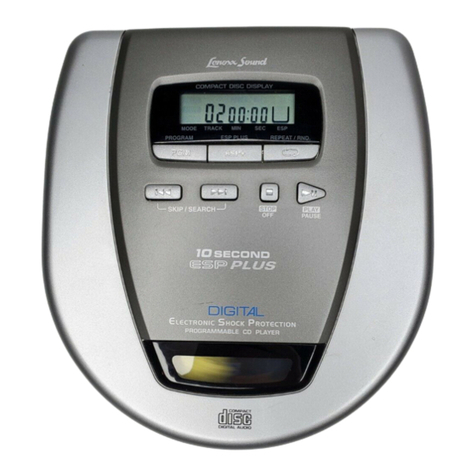
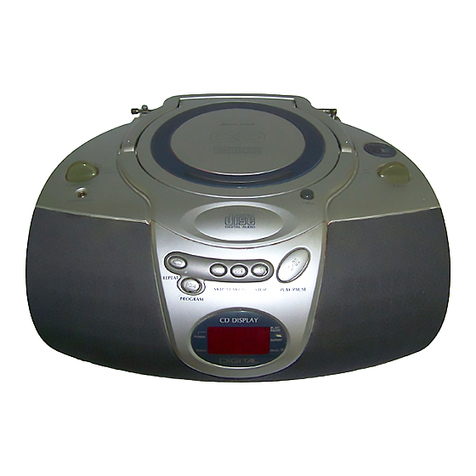
Lenoxx Sound 10 Second ESP Plus CD-79 User manual

Lenoxx Sound

Lenoxx Sound 10 Second ESP Plus CD-79 User manual

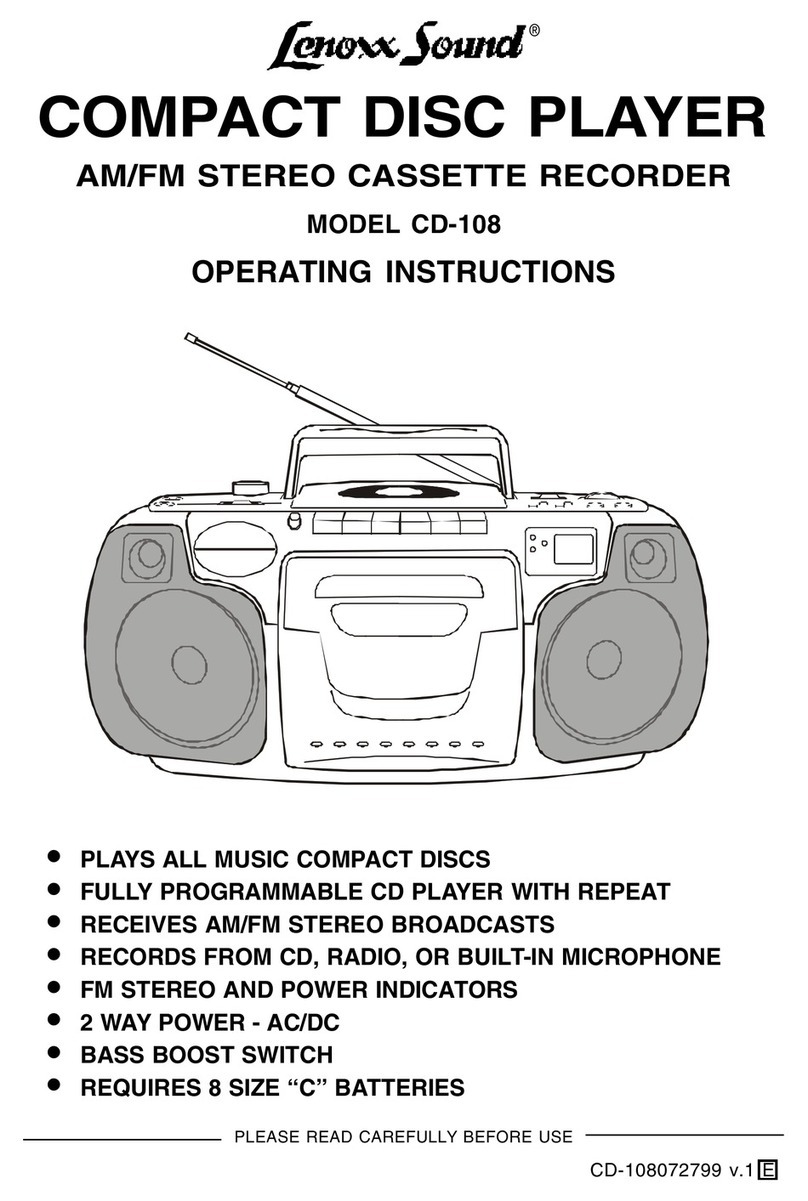
Lenoxx Sound CD-108 User manual

Lenoxx Sound

Lenoxx Sound CD-108 User manual

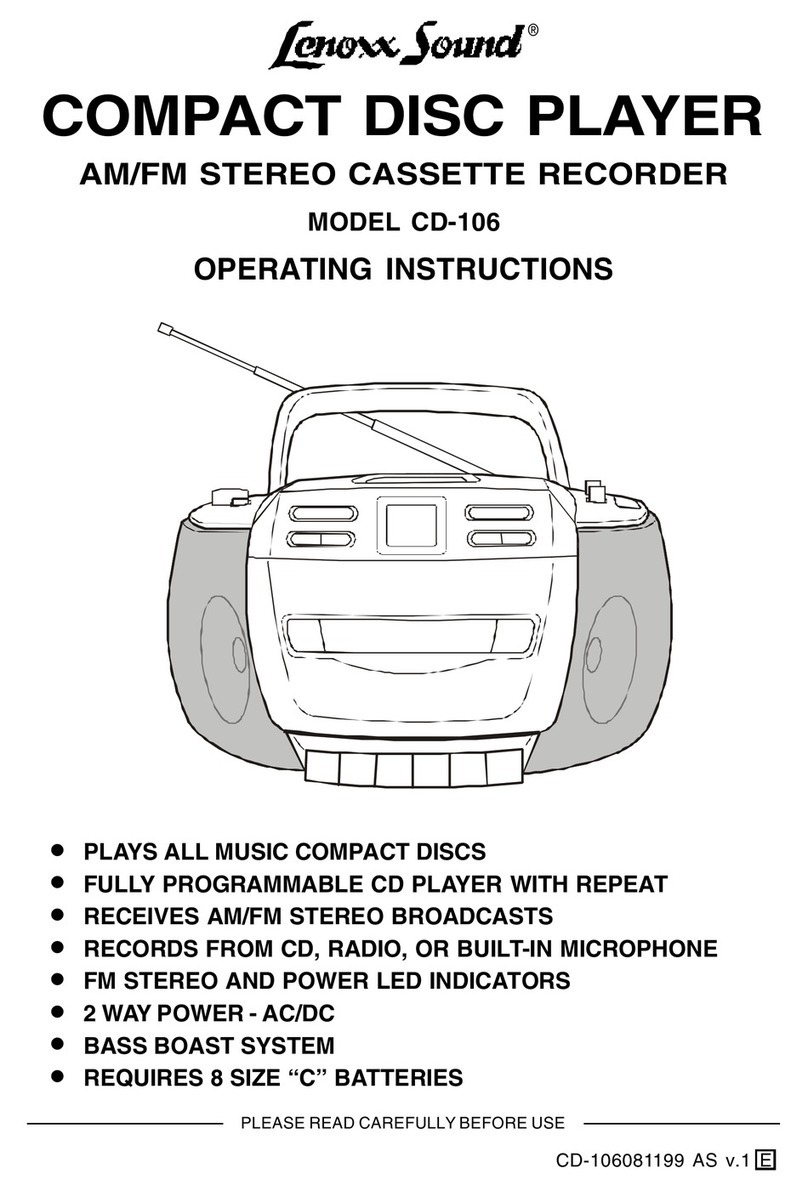
Lenoxx Sound CD-106 User manual

Lenoxx Sound

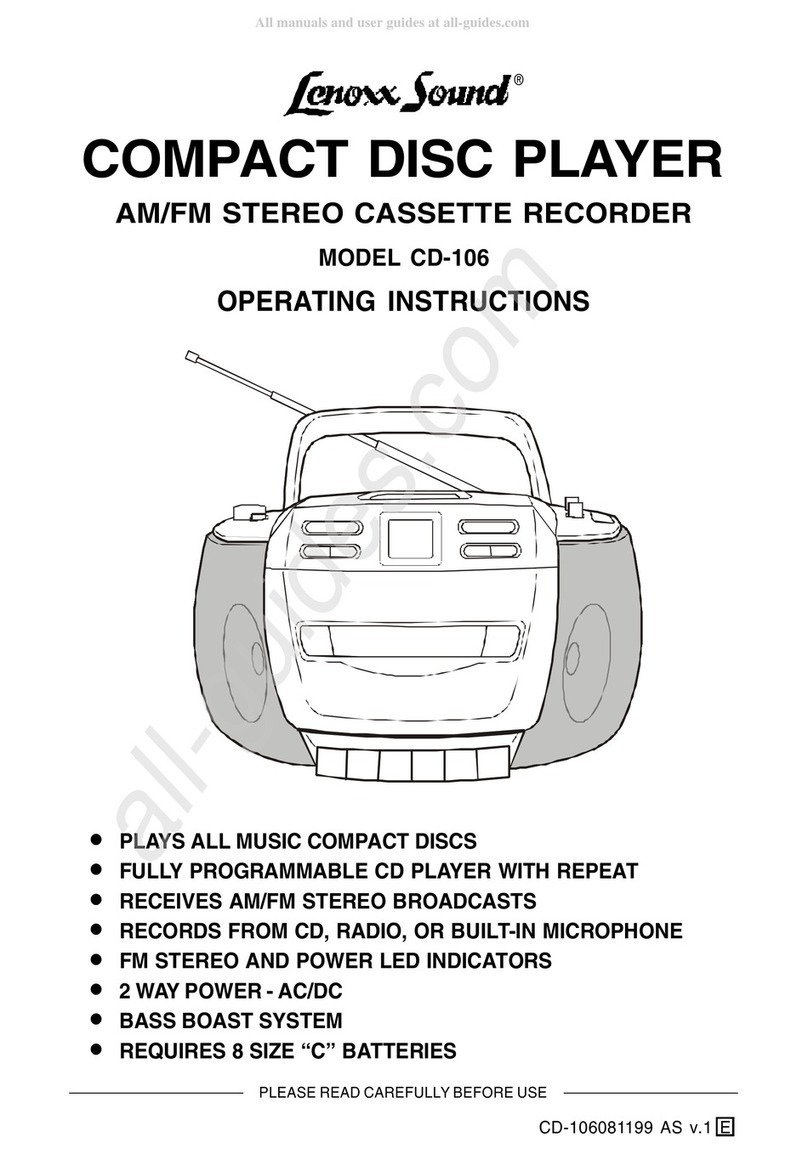
Lenoxx Sound CD-106 User manual

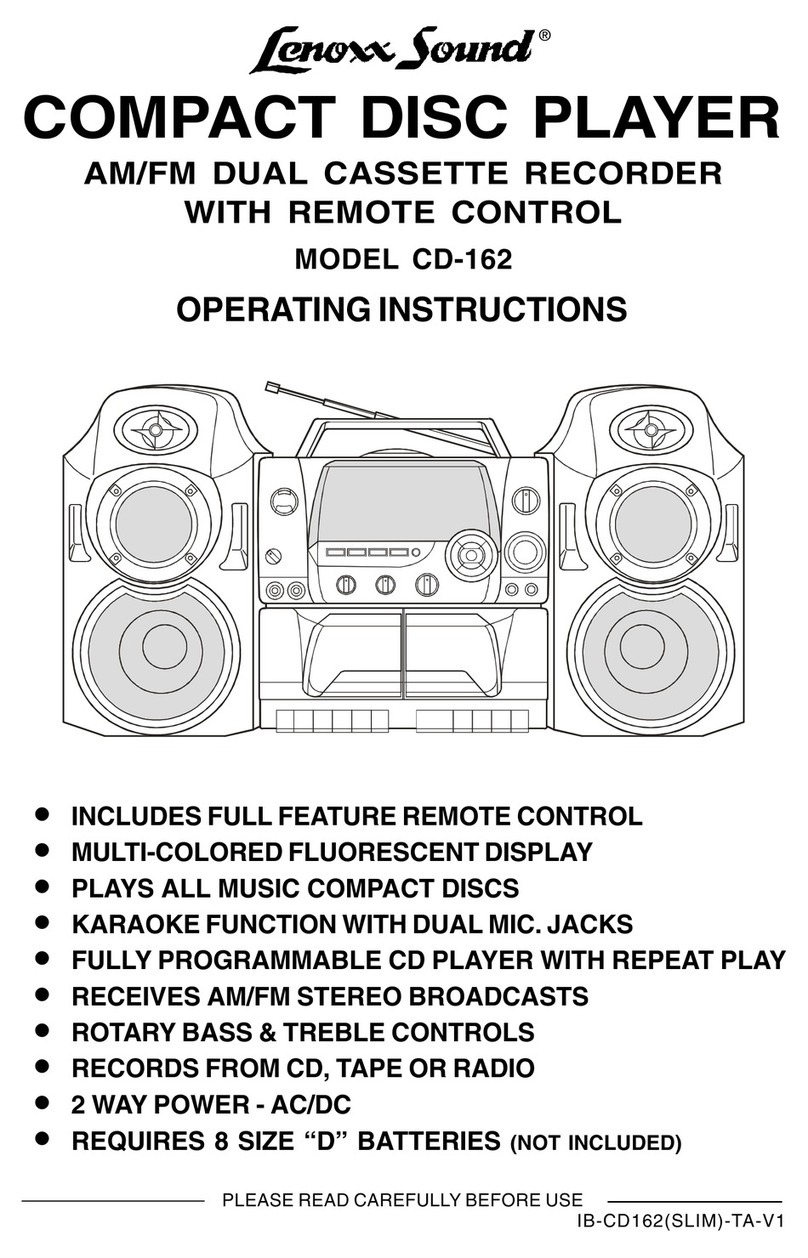
Lenoxx Sound CD-162 User manual

Lenoxx Sound

Lenoxx Sound CD-162 User manual

Lenoxx Sound CD-210 User manual

Lenoxx Sound

Lenoxx Sound CD-210 User manual

Lenoxx Sound CD-110 User manual

Lenoxx Sound

Lenoxx Sound CD-110 User manual

Lenoxx Sound CD-104 User manual

Lenoxx Sound

Lenoxx Sound CD-104 User manual

Lenoxx Sound CD-107 User manual

Lenoxx Sound

Lenoxx Sound CD-107 User manual

Lenoxx Sound CD-105 User manual

Lenoxx Sound

Lenoxx Sound CD-105 User manual

Lenoxx Sound CD-88 User manual

Lenoxx Sound

Lenoxx Sound CD-88 User manual

Lenoxx Sound CD-106 User manual

Lenoxx Sound

Lenoxx Sound CD-106 User manual

Lenoxx Sound CD-90 User manual

Lenoxx Sound

Lenoxx Sound CD-90 User manual

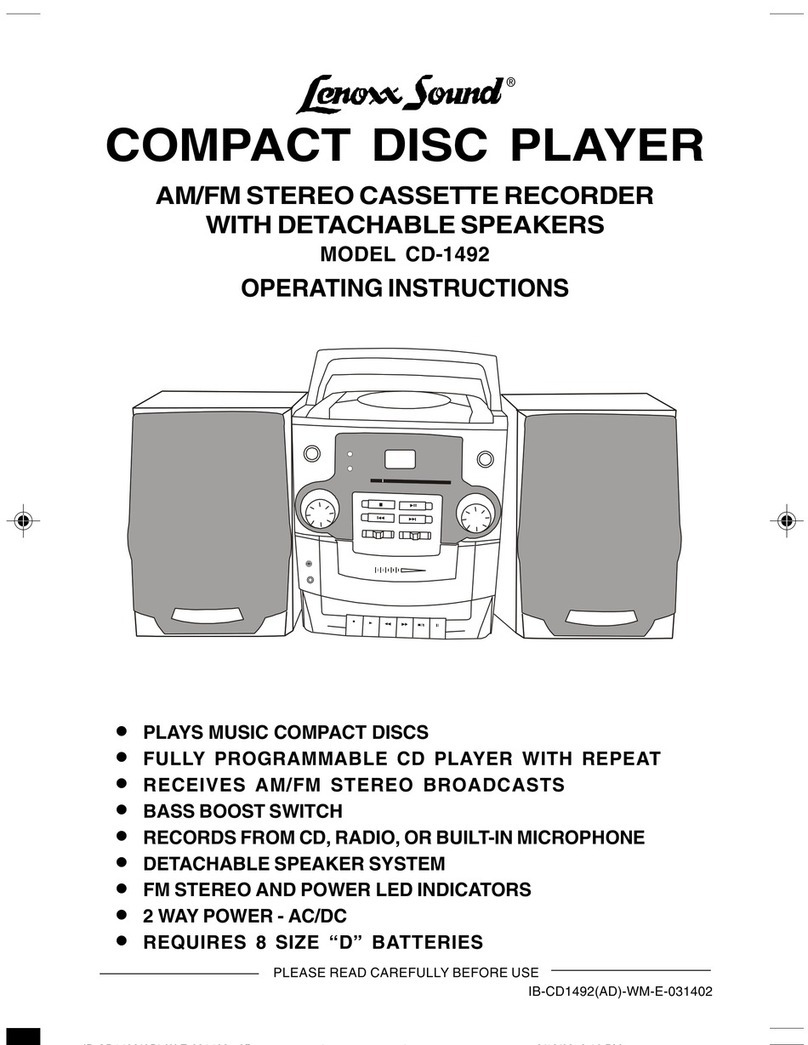
Lenoxx Sound CD-1492 User manual

Lenoxx Sound

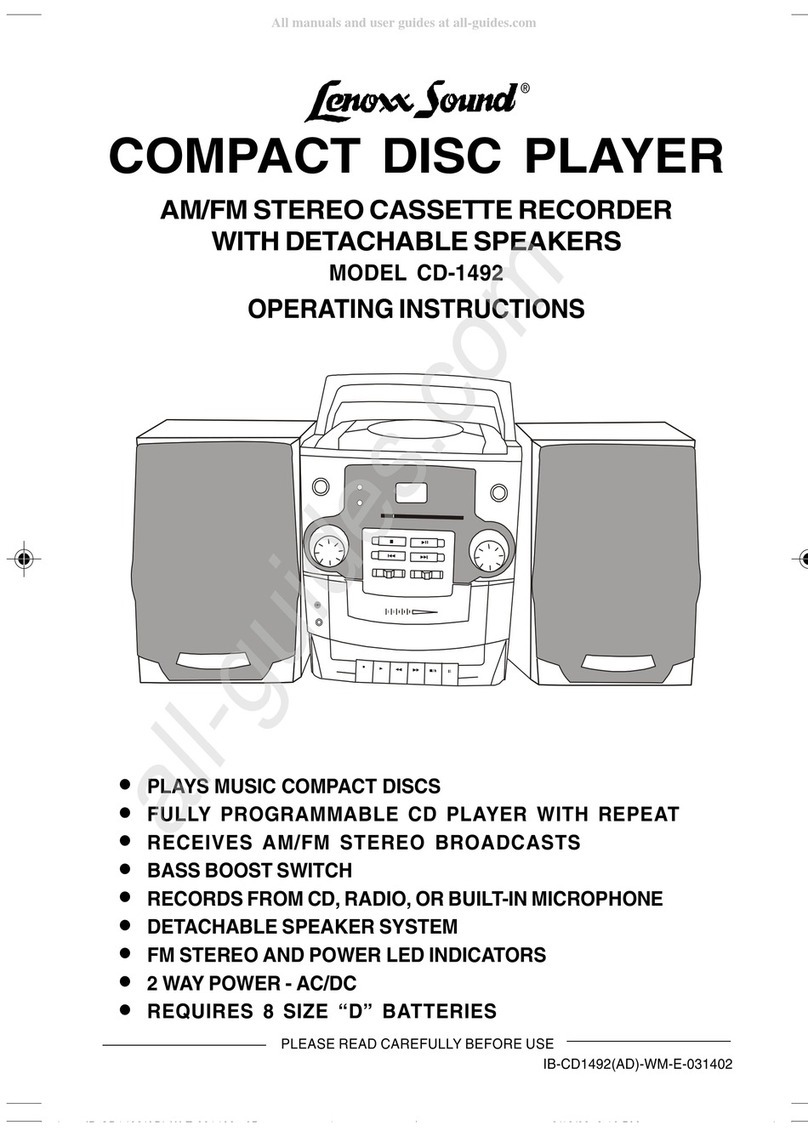
Lenoxx Sound CD-1492 User manual

Lenoxx Sound CD-511 User manual

Lenoxx Sound

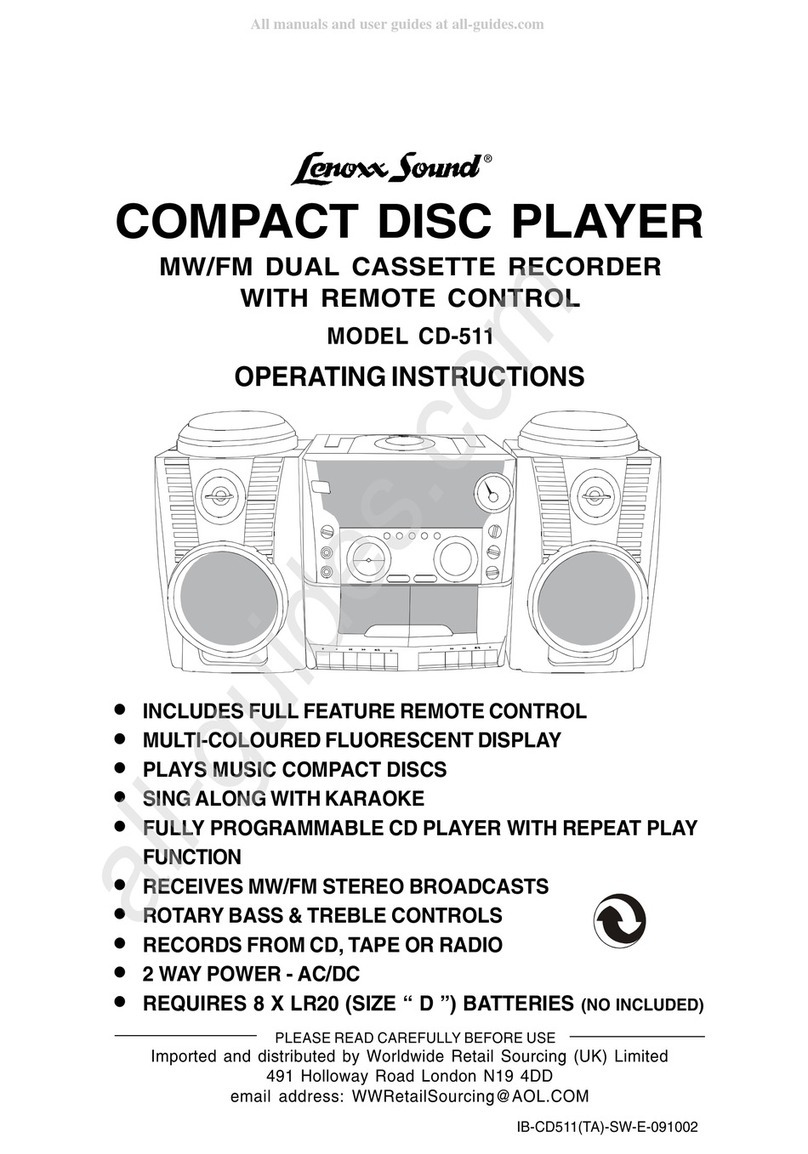
Lenoxx Sound CD-511 User manual

Lenoxx Sound CD-107 User manual

Lenoxx Sound

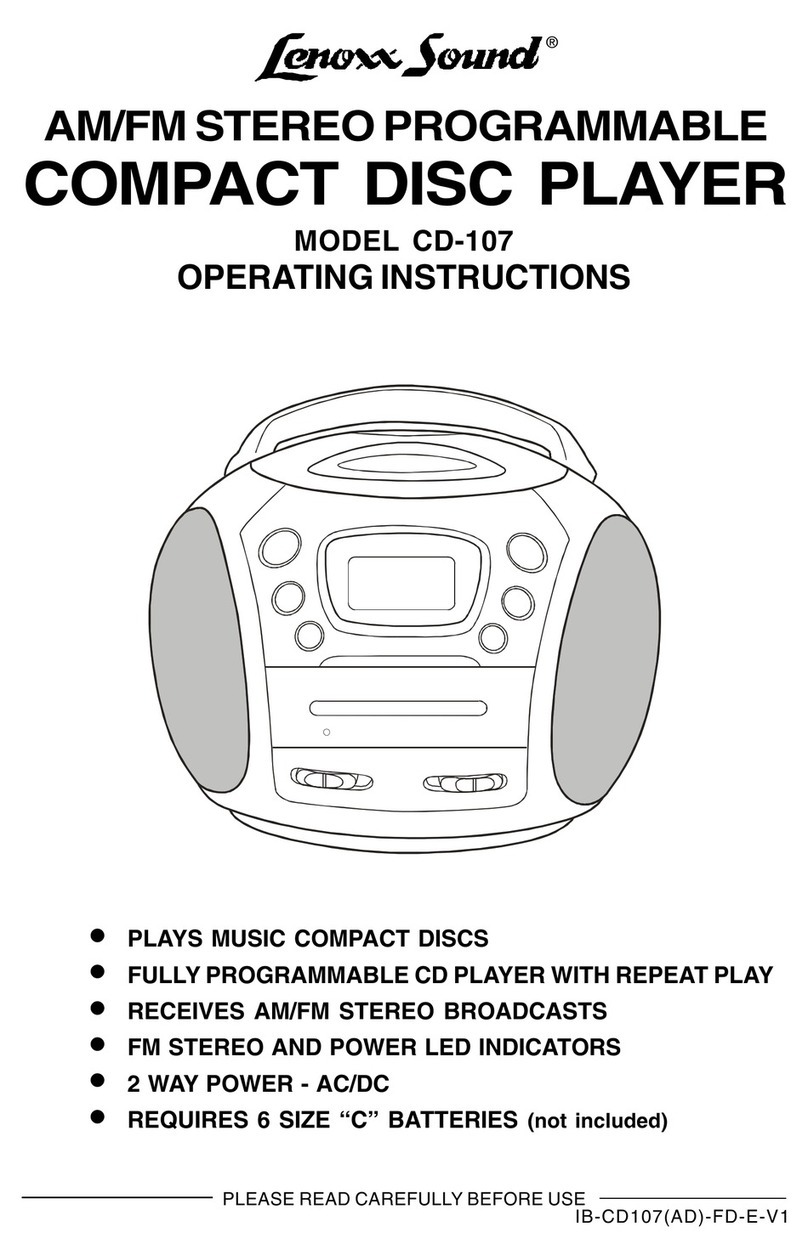
Lenoxx Sound CD-107 User manual

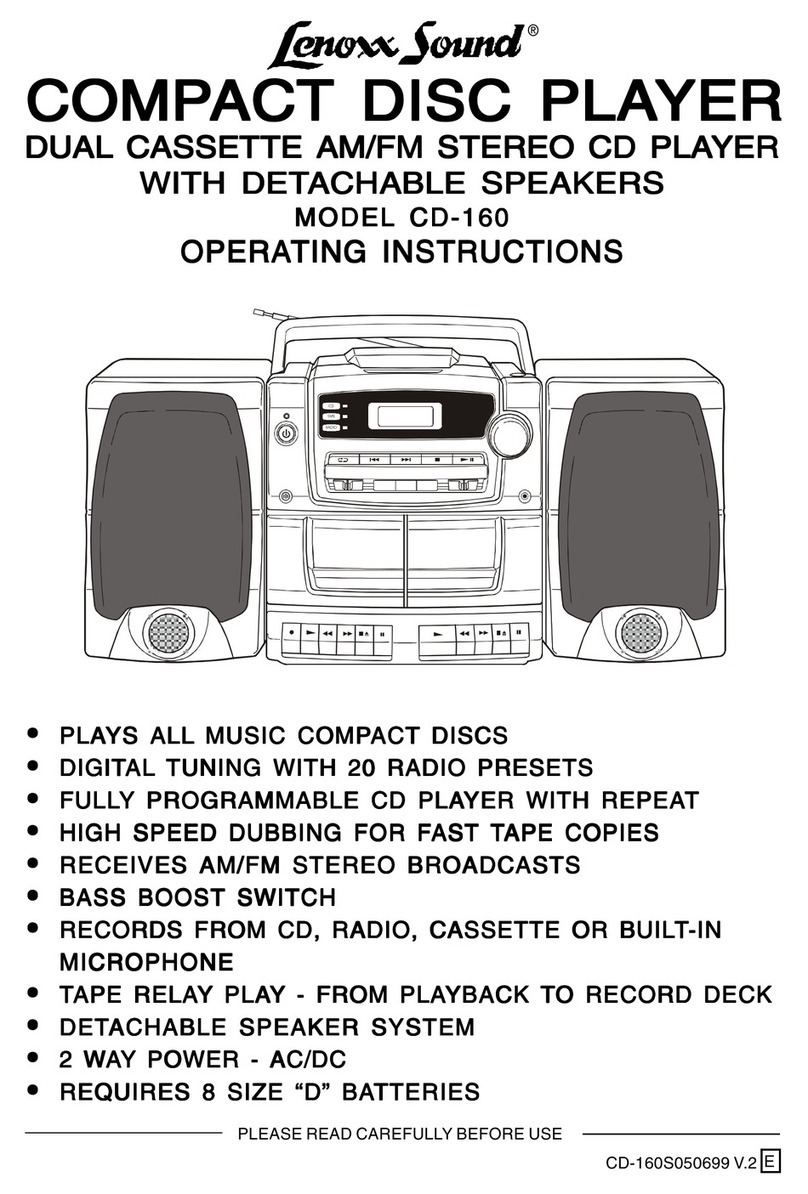
Lenoxx Sound CD-160 User manual

Lenoxx Sound

Lenoxx Sound CD-160 User manual

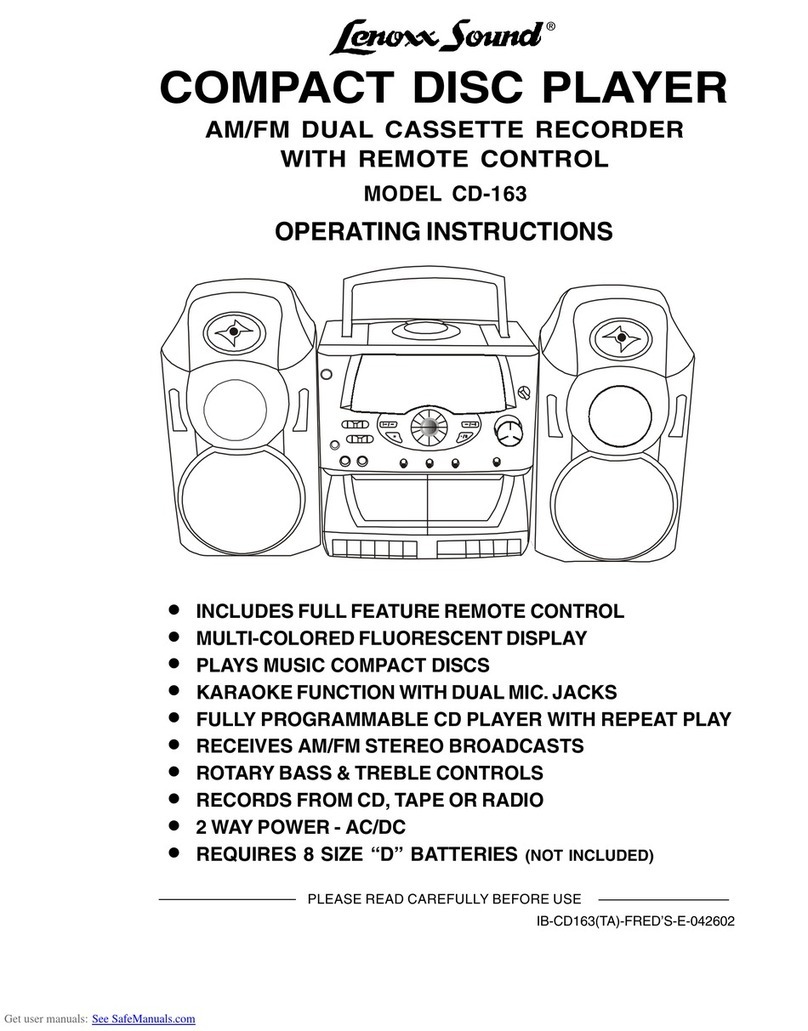
Lenoxx Sound CD-163 User manual

Lenoxx Sound

Lenoxx Sound CD-163 User manual

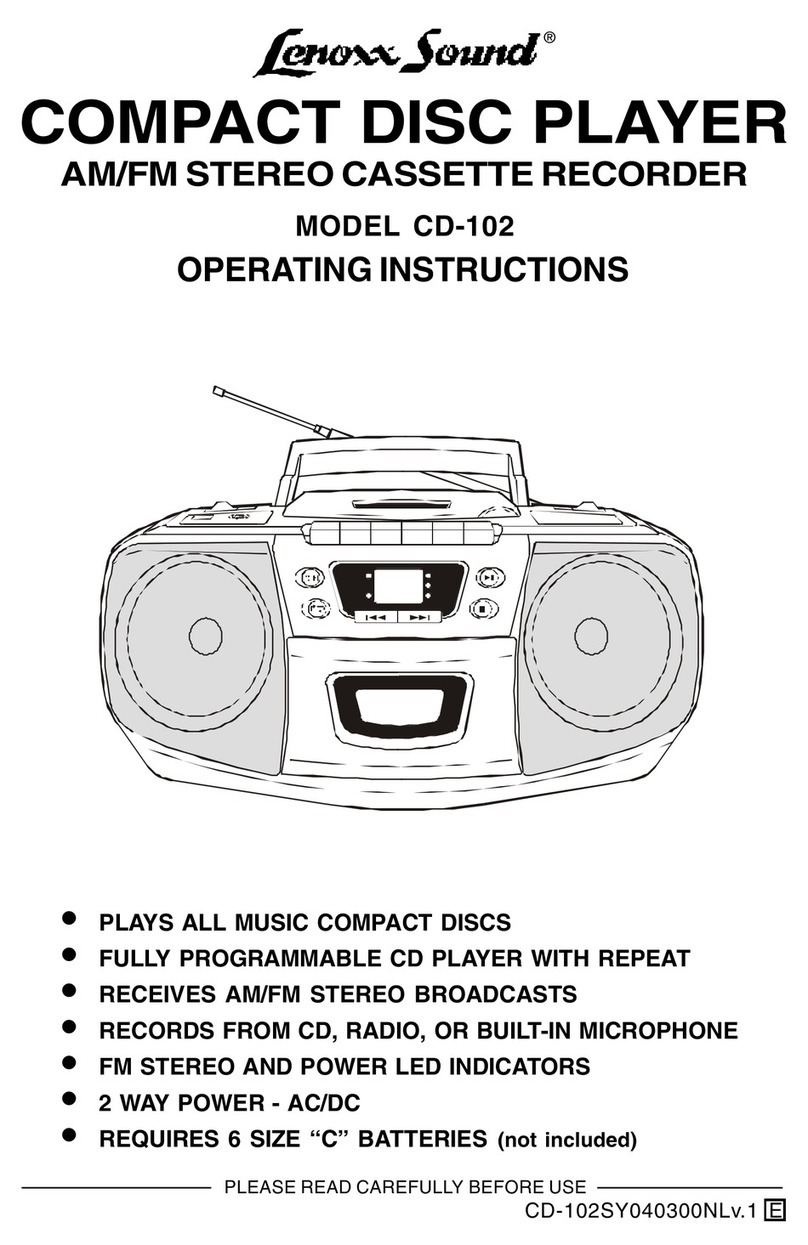
Lenoxx Sound CD-102 User manual

Lenoxx Sound

Lenoxx Sound CD-102 User manual

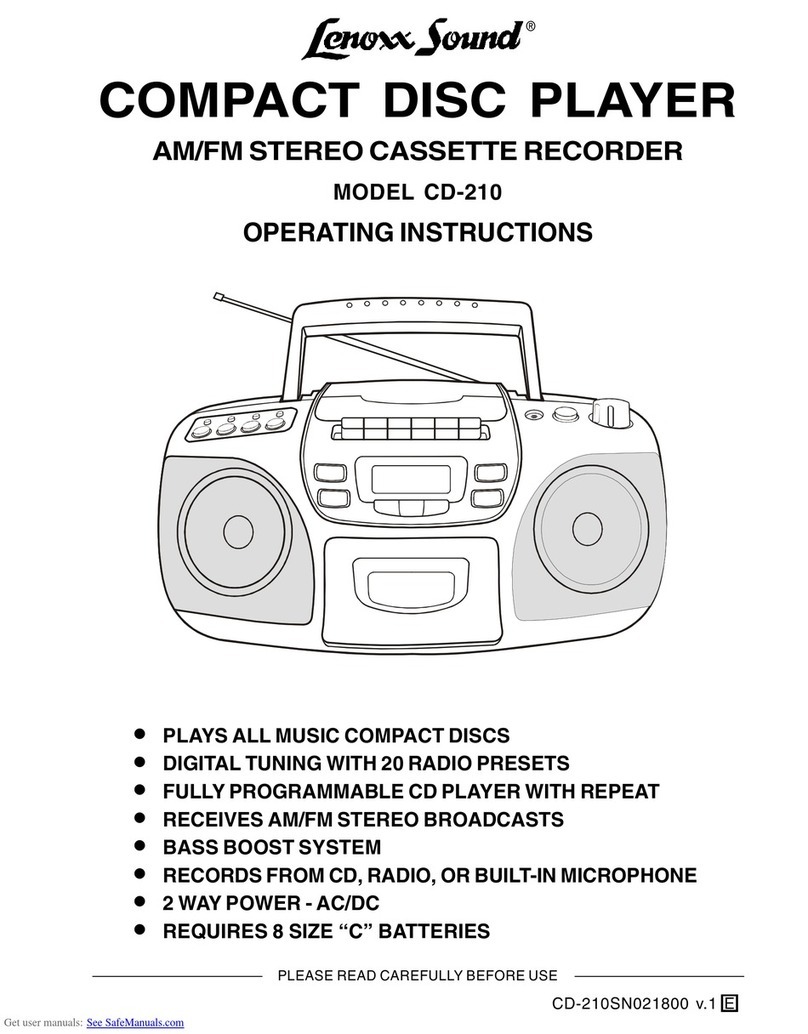
Lenoxx Sound CD-210 User manual

Lenoxx Sound

Lenoxx Sound CD-210 User manual

Lenoxx Sound CD-110 User manual

Lenoxx Sound

Lenoxx Sound CD-110 User manual

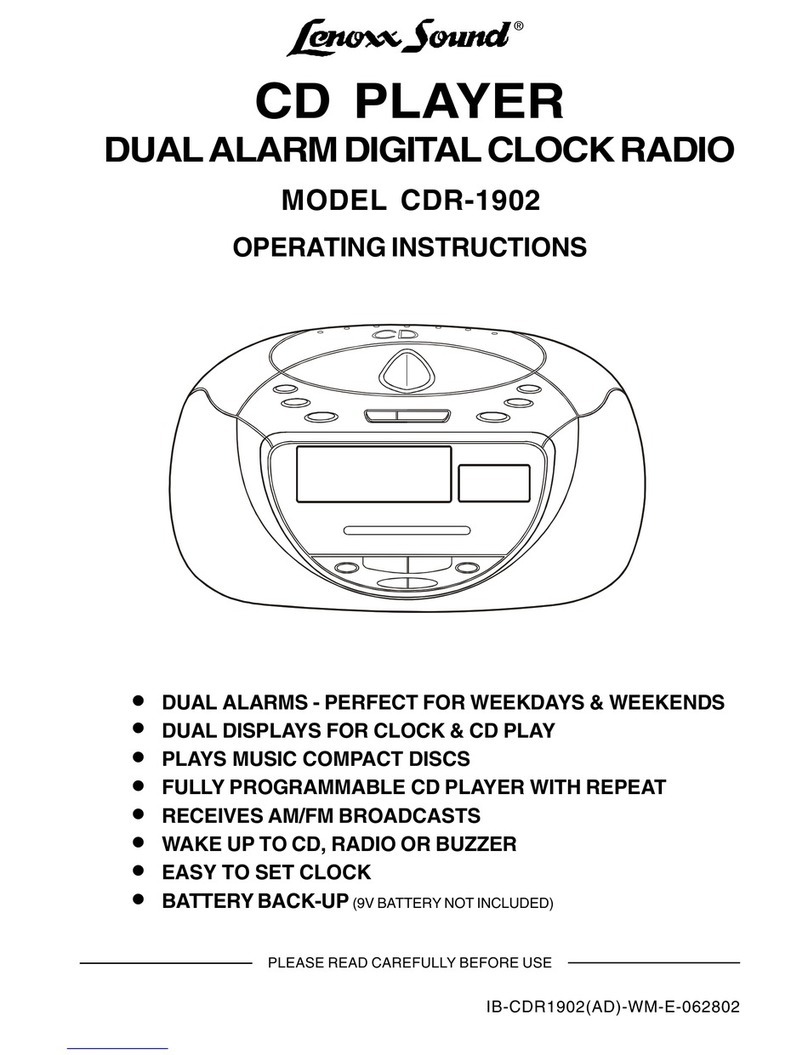
Lenoxx Sound CDR-1902 User manual

Lenoxx Sound

Lenoxx Sound CDR-1902 User manual

Lenoxx Sound CD-149 User manual

Lenoxx Sound

Lenoxx Sound CD-149 User manual

Lenoxx Sound CD-1492 User manual

Lenoxx Sound

Lenoxx Sound CD-1492 User manual

Lenoxx Sound BP-103 User manual

Lenoxx Sound

Lenoxx Sound BP-103 User manual

Popular CD Player manuals by other brands

Arcam CD23 Handbook

Arcam

Arcam CD23 Handbook

Sanyo MCD-Z1F Service manual

Sanyo

Sanyo MCD-Z1F Service manual

JVC RC-ST3SL instructions

JVC

JVC RC-ST3SL instructions

Technics SL-P9066 operating instructions

Technics

Technics SL-P9066 operating instructions

Marantz HD-CD1 quick start guide

Marantz

Marantz HD-CD1 quick start guide

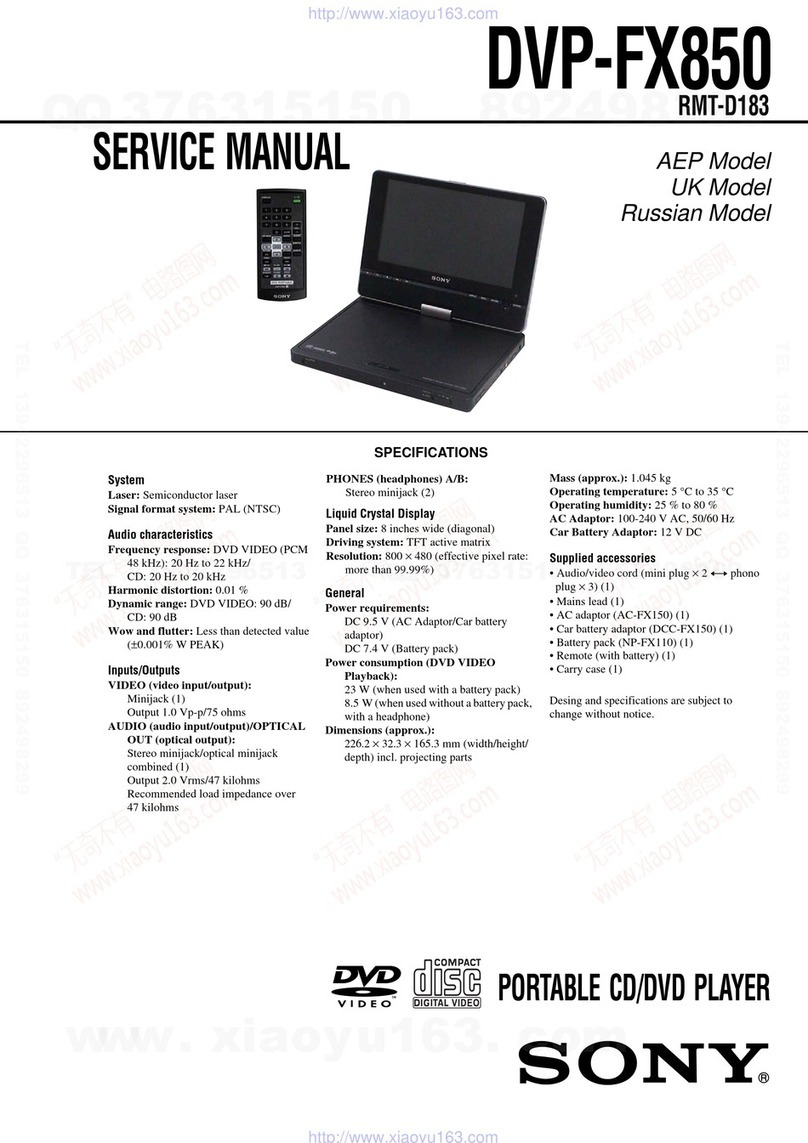
Sony DVP-FX850 Service manual

Sony

Sony DVP-FX850 Service manual

Philips AZ1140 Instrukcja obs?ugi

Philips

Philips AZ1140 Instrukcja obs?ugi

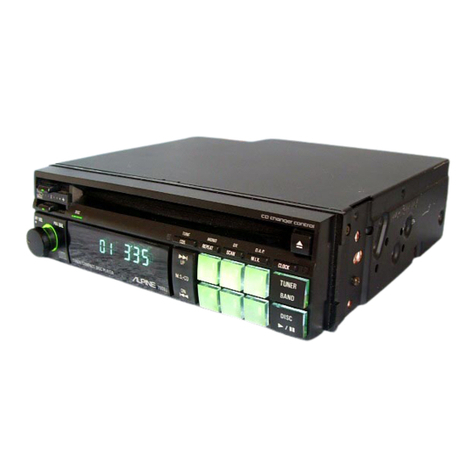
Alpine 7909 owner's manual

Alpine

Alpine 7909 owner's manual

JVC CH-X350 instructions

JVC

JVC CH-X350 instructions

RCA RP-7923 instruction manual

RCA

RCA RP-7923 instruction manual

Pioneer DEH-P3550MP XM Operation manual

Pioneer

Pioneer DEH-P3550MP XM Operation manual

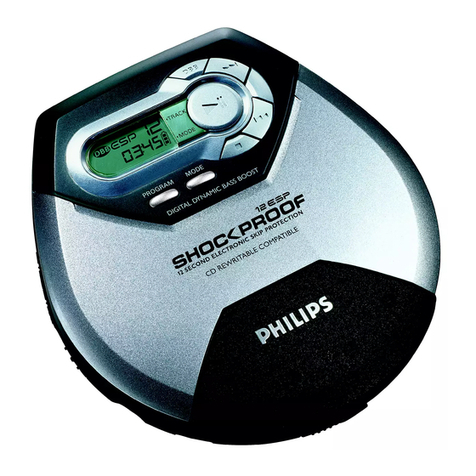
Philips Shockproof AX2102 brochure

Philips

Philips Shockproof AX2102 brochure

Philips CD582 user manual

Philips

Philips CD582 user manual

Philips AZ 6821 operating manual

Philips

Philips AZ 6821 operating manual

Lasonic MSU-2020 user manual

Lasonic

Lasonic MSU-2020 user manual

Denon DCD-1420 Service manual

Denon

Denon DCD-1420 Service manual

Panasonic SJ-MR100 operating instructions

Panasonic

Panasonic SJ-MR100 operating instructions

Onkyo DX-7210 instruction manual

Onkyo

Onkyo DX-7210 instruction manual

manuals.online logo
manuals.online logoBrands
  • About & Mission
  • Contact us
  • Privacy Policy
  • Terms and Conditions

Copyright 2025 Manuals.Online. All Rights Reserved.

PROGRAMMABLE
COMPACT DISC PLAYER
®
MODEL CD-50
OPERATING INSTRUCTIONS
PLEASE READ CAREFULLY BEFORE USE
PLAYS ALL MUSIC COMPACT DISCS
6 DIGIT LCD VISUAL DISPLAY
TRACK REPEAT & DISC REPEAT
DELUXE STEREO HEADPHONES INCLUDED
USES 4 SIZE AA BATTERIES (NOT INCLUDED)
CD-50(70A-0A9)121000 NL v.1 E
LOCATION OF CONTROLS
1. PHONES JACK (headphone jack)
2. CD DOOR CLOSE AREA
3. VOLUME CONTROL
4. CD DOOR OPEN BUTTON
5. REPEAT BUTTON
6. BACKWARD SKIP/SEARCH BUTTON ( )
7. FORWARD SKIP/SEARCH BUTTON ( )
8. LCD VISUAL DISPLAY
9. PLAY/PAUSE AND POWER ON BUTTON
10. STOP AND POWER OFF BUTTON (POWER OFF IS AUTOMATIC AFTER 30 SECONDS)
11. PROGRAM BUTTON
12. CD DOOR
13. BATTERY DOOR
14. AC ADAPTOR JACK (AC ADAPTOR not included)
1
2
12
11
10
9
8
13
1
14
3
4
5
67
POWER SOURCES
Using with batteries
Tips on battery use
Reversing polarities will damage the batteries and possibly your set. Be sure to
follow polarity ( + and - ) as indicated.
Do not mix different types together (Alkaline, Carbon-Zinc, Nickel-Cadmium etc.),
or old batteries with new ones.
When not in use for an extended period of time, or while internal batteries will not
be used, remove them to prevent possible acid leakage or corrosion resulting in
damage to your player.
When the batteries have become discharged, they must be disposed of in a safe
manner that complies with all applicable laws.
Installation of batteries should only be done by an adult (for safety).
When shows or flashes in the display
If the alkaline batteries are weak and discharged, this symbol   shows or
flashes in the display, then the power automatically turns off. If this occurs, replace
the alkaline batteries (also if display does not show anything, the batteries are
dead).
Alkaline battery life
Bear in mind that battery life expectancy is based upon volume listening levels.
Maximum battery power consumption happens at maximum settings. Typical life
for 4 size AA alkaline batteries is about 16 hours of continuous use.
2
Insert 4 size AA alkaline batteries
according to the + and - markings on
the back cabinet near the BATTERY
COMPARTMENT DOOR.
Power your CD player by connecting an optional AC ADAPTOR or by inserting 4 size
AA fresh alkaline batteries.
NOTE: The only AC ADAPTOR suitable for this player is DC 4.5V 600mA, with polarity
, others may damage your player. Please check voltage + current (mA)
before buying an AC ADAPTOR.
DISC PLAYING
4Adjust the volume.
1Load the disc.
2Connect the headphones.
3Press the PLAY/PAUSE button ( ).
1234
1234
1234
1234
Push
here
Disc
Label side up
Press to open
To PHONES
Stereo headphones
PLAY/PAUSE
Button
VOLUME CONTROL
TRACK NUMBER
CURRENTLY
PLAYING
ELAPSED PLAYING
TIME OF THE
CURRENT TRACK
3
MAXIMUM MINIMUM
Other operations
Operation Press Display window shows
To pause play
To release pause
and resume play
TRACK NUMBER
CURRENTLY
PLAYING
PLAYING TIME
FLASHES
TRACK NUMBER
CURRENTLY
PLAYING
PLAYING TIME
ADVANCES
To stop
or
To turn off the power
To skip to the next track(s)
To skip to the previous track(s)
once (or repeatedly)
To go ahead at high speed
(search)
Keep depressed and release when the
desired music section of the disc is found.
To go back at high speed
(search) Keep depressed and release when the
desired music section of the disc is found.
If you press and hold the SKIP button ( )
while the last track is playing, and the end of the
track is reached, the music stops and the display
will show the next track number, then power will
shut off after 30 seconds.
Auto power off function
The power turns off automatically 30 seconds after all tracks on the disc have been
played or after the STOP button is pressed to stop play.
4
Get into Stop Mode (for programming)
TOTAL TRACKS TOTAL PLAYING
TIME
TOTAL TRACKS TOTAL PLAYING
TIME
Press the PLAY/PAUSE button , the set
begins to play, then press the STOP (POWER
OFF) button , the display will show six digits
similar to the example show here.
SINGLE TRACK REPEAT
Plays one song over and over till you press STOP.
During play, select the song you want to repeat with
either of the SKIP buttons ( or ), then press the
REPEAT button once, the symbol
REPEAT 1
appears in
the display.
The song currently playing will repeat over and over,
until you press STOP.
To resume normal play, press the REPEAT button
another two times.
ALL TRACKS REPEAT
Repeats all songs in order, till you press STOP.
During play, press the REPEAT button twice, the symbol
REPEAT ALL
will show in the display.
All songs will keep playing in sequence 1, 2, 3, etc. and
when finished, will start all over again until you press the
STOP button.
REPEAT PLAY
To resume normal play, press the REPEAT button again.
REPEAT PROGRAMMED PLAY
After you have programmed your own sequence (as
instructed on page 6), you may play the songs repeatedly
in your programmed sequence.
1. Follow the instructions on page 6 and press the PLAY
button to start programmed play.
PGM
(program) will
show in the display.
2. During play, press the REPEAT button twice, the
symbol
REPEAT ALL
will show in the display.
REPEAT 1
REPEAT ALL
PGM REPEAT ALL
SKIP
REPEAT
x 1
The set will play the songs in the order you programmed, when finished, will start all
over again until you press the STOP button.
5
REPEAT
PROGRAM
REPEAT
PROGRAMMED PLAY
The tracks (songs) on the disc can be programmed (arranged in advance) to play in
any order you prefer (up to 21 tracks can be programmed).
Programming Example:
Program Number 12 3 4 5 6 7 8
Track Number (song number) 35 8 1 2 4 1 1
etc.
etc.
PROGRAMMING YOUR PLAYING SEQUENCE
During programming, the word
PGM
(program) flashes in the display. To program
songs to play in your preferred order, follow steps below:
1.Press the PROGRAM button once in
stop mode.
The word
PGM
will show in the DISPLAY.
X1
PGM
Program number
2.Press the SKIP button ( or ) to
select track number 3 (example).
PGM
will flash in the display.
PGM
Track number
3.Press the PROGRAM button. Track 3 is
now programmed.
Program # 2 will now show in the
display, ready for your next selection of
track.
X1
PGM
4.Repeat steps 2 and 3 to program other
tracks till you finish (up to 21 selections).
5.After programming is finished, press
PLAY to begin programmed play.
shows in the display together with
PGM
,
and music begins.
NOTE:
- The player will stop automatically after
all programmed tracks have been
played.
- To quit programmed play, press STOP
button once. Then you may press PLAY
button to re-start normal play.
Your programming will be lost:
When the alkaline batteries are
exhausted or removed, or the optional
AC ADAPTOR is disconnected.
When the power is shut off.
6
SKIP
PROGRAM PROGRAM
During CD play, the PROGRAM button functions the same as the REPEAT button.
The set must be in stop mode to program it.
Cleaning the cabinet
Wipe with a soft cloth. If the cabinet is
very dirty, dampen (not dripping wet) the
cloth with a weak solution of soapy water,
and then wipe clean.
Cleaning the lens
A dirty lens will cause sound skipping. If
the lens is very dirty, the player may not
work. We suggest using a special cleaning
disk (not included) available in most music
and Hi-Fi stores. However, if you do not
have one, you may use the instructions
below.
Use a cotton swab very slightly dampened
with alcohol to clean the lens.
MAINTENANCE
To remove the Disc
Open the CD DOOR by pressing the
DOOR OPEN button, hold the disc by the
edge while slightly pressing on the center
spindle as illustrated, then lift it from the
edge to release and remove.
Cleaning the Discs
Fingerprints should be carefully wiped
from the surface of disc with a soft cloth.
Unlike conventional records, compact
discs have no grooves to collect dust
and microscopic dirt, so gently wiping
them with a soft cloth should remove
most particles. Wipe in a straight
motion from the center to the edge.
Handling Compact Discs
Dirty, scratched or warped discs may
cause skipping or noise.
Handle the disc only by the edges. To
keep clean, do not touch its surface.
Never use thinner, benzine, record
cleaner or antistatic spray on a compact
disc. Such chemicals can damage its
plastic surface.
Discs should be stored in their cases
after use to avoid scratches.
Do not expose discs to direct sunlight,
high humidity, high temperatures, or
dust, etc. Prolonged exposure to
extreme temperatures can warp the disc
(such as leaving the discs in your car
during summertime).
Do not stick or write anything on either
side of disc. Sharp writing instruments,
or the inks used in some felt-tip pens, may
damage its surface.
NOTE
Always press STOP button and wait for
the disc to stop rotating before pressing
the DOOR OPEN button to remove the
disc.
7
SAFETY PRECAUTIONS
Do not take the set apart. The laser beam used in the set may harm your eyes. Refer
servicing to qualified service personnel only.
Do not insert pins or coins, clips, or any objects inside the set.
This set is equipped with a safety device which automatically turns the laser beam off
when the disc door is opened.
Do not drop the set or subject it to strong shocks. Doing so could result in damage.
Do not place the set in locations where the temperature is high, or in humid or dusty
locations, or locations with long heavy vibrations, or tilted surfaces.
The sets cabinet may warp or the set may otherwise be damaged if it is placed in direct
sunlight, near heaters (where the temperature is 1400F/600C or higher) or in cars with
the windows closed.
In the summer, the temperature may get as high as 2120F /1000C or more.
Use the set within a temperature range of 410F/ 50C to 950F / 350C.
Use ONLY the DC 4.5V 600mA AC Adaptor with polarity , others may damage
your set. Disconnect the Adaptor from the wall outlet when the set is not to be used for
an extended period of time (3 days or more).
When cleaning your set, use a soft dry cloth. Do not use solvents or commercially
available cleaners, as they may damage or discolor the finish.
Do not wear headphones while operating a motor vehicle. This could create a traffic
hazard and is illegal in many areas. Do not use this set when bicycling or running.
The headphones supplied with your set provide superb stereo listening while allowing
you to hear some outside sounds when listening at normally low volume levels. Listening
at extremely high volume levels minimizes the intrusion of outside noise/sounds. In the
interest of safety, it is strongly advised against the use while engaging in activities
where the exclusion of external sounds (whistles, horns, sirens, traffic, etc.) could be
hazardous. Also loud volume can hurt your ears. If you notice that the sound has
become weak or distorted or if tracks do not change, this is an indication that your
batteries are low. Replace both batteries at the same time (see BATTERY OPERATION).
Your CD-50 is identified by a serial number located in the Battery Compartment. Record
this number in the space provided below.
Model CD-50 Serial No. Date Purchased:
This booklet contains detailed information on its safety and use. Please read it carefully
so that you may take full advantage of its many features, and ensure a safe reliable
operation. Keep this booklet for future reference.
CONDENSATION
If cold water is poured into a glass, water droplets form on the outside of the glass.
This is called condensation. Condensation may occur on internal operating parts of the
lens.
Condensation occurs:
When the set is brought from the cold outdoors into a warm room, or if it is in a cold
room to a room which is heated, or in the summer, if the set is moved from an air-
conditioned room or car to a hot or humid location.
Should condensation occur, the set may not operate properly. Open the CD Door and
wait for about 20 minutes (to allow the internal parts to adjust to the surrounding
temperature) before using the set.
8

IMPORTANT INFORMATION REQUIRED BY THE FCC
Since the CD circuitry may cause interference to other radios nearby, switch this
set off when not in use or move it away from the affected radios.
This device complies with Part 15 of the FCC Rules. Operation is subject to the
following two conditions: (1) This device may not cause harmful interference, and
(2) This device must accept any interference received, including interference that
may cause undesirable operation.
NOTE: This equipment has been tested and found to comply with the limits for a
Class B digital device, pursuant to Part 15 of the FCC Rules. These limits
are designed to provide reasonable protection against harmful interference
in a residential installation. This equipment generates, uses and can radiate
radio frequency energy and, if not installed and used in accordance with
the instructions, may cause harmful interference to radio communications.
However, there is no guarantee that interference will not occur in a particular
installation. If this equipment does cause harmful interference to radio or
television reception, which can be determined by turning the equipment off
and on, the user is encouraged to try to correct the interference by one or
more of the following measures:
Reorient or relocate the receiving antenna.
Increase the separation between the equipment and receiver.
Connect the equipment into an outlet on a circuit different from that to
which the receiver is connected.
 Consult the dealer or an experienced radio/TV technician for help.
SAFETY CERTIFICATION
This Compact Disc Player is made and tested to meet safety standards of the FCC
requirements and compliance with safety performance of the U.S. Department of Health
and Human Services, and also with FDA Radiation Performance Standards 21 CFR
Subchapter J.
WARNING
To prevent fire or shock hazard, do not expose this appliance to rain or moisture.
Unauthorized recording of copyrighted material may violate laws. Do not copy songs
without permission of the copyright holder.
LASER SAFETY
THIS SET EMPLOYS AN OPTICAL LASER BEAM SYSTEM IN THE CD MECHANISM,
DESIGNED WITH BUILT-IN SAFEGUARDS. DO NOT ATTEMPT TO DISASSEMBLE.
EXPOSURE TO THIS INVISIBLE LASER LIGHT BEAM MAY BE HARMFUL TO HUMAN
EYES. THIS IS A CLASS-1 LASER PRODUCT. USE OF ADJUSTMENTS OTHER THAN
THOSE SPECIFIED HEREIN, MAY RESULT IN HAZARDOUS LASER LIGHT BEAM
EXPOSURE. THIS COMPACT DISC PLAYER SHOULD NOT BE ADJUSTED OR
REPAIRED BY ANYONE EXCEPT QUALIFIED SERVICE PERSONNEL. THE LASER
MECHANISM IN THE SET CORRESPONDS TO THE STYLUS (NEEDLE) OF A RECORD
PLAYER. ALTHOUGH THIS PRODUCT USES A LASER PICK-UP LENS, IT IS
COMPLETELY SAFE WHEN OPERATED ACCORDING TO DIRECTIONS.
9