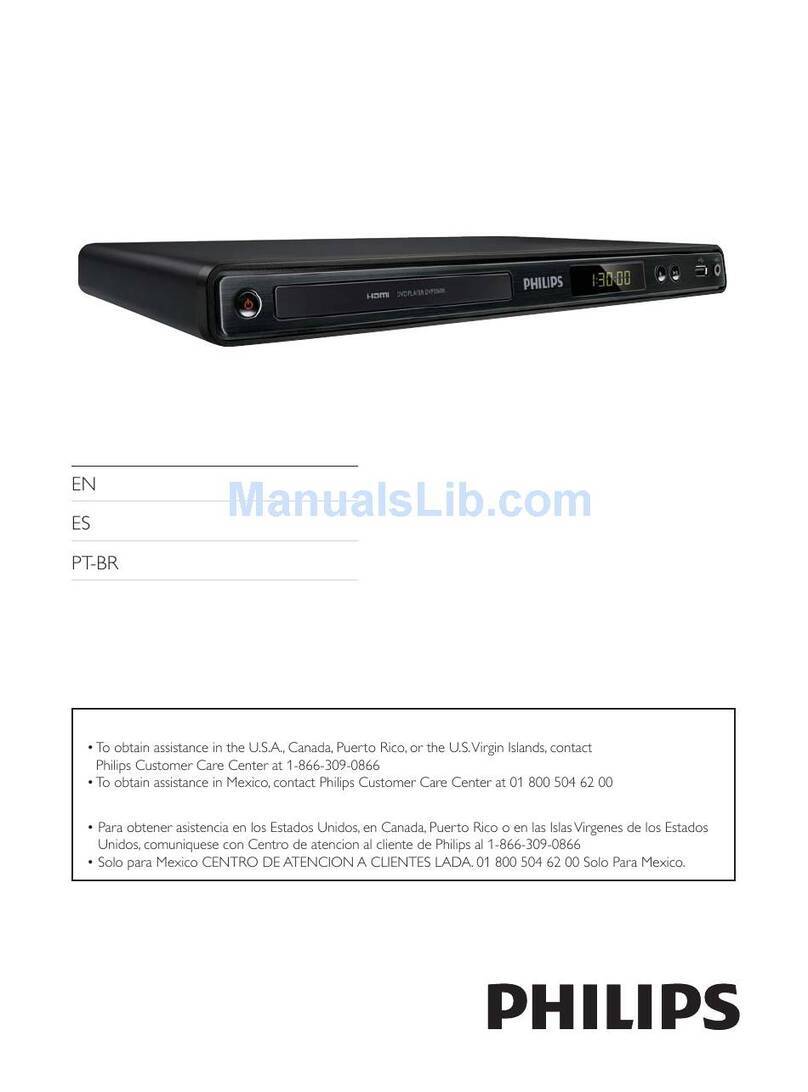
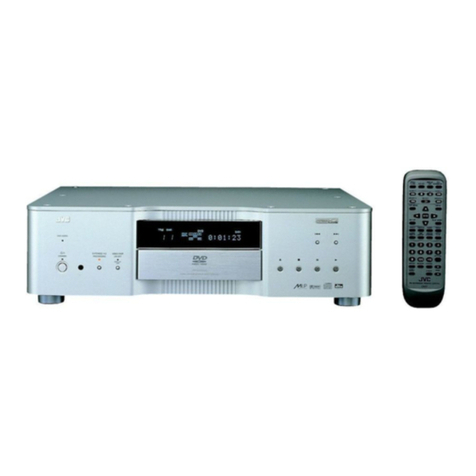
LG BP550 Specification sheet

To view the instructions of advanced features,
visit http://www.lg.com and then download Owner’s Manual.
Some of the content in this manual may differ from your unit.
BP550
SIMPLE MANUAL
Smart 3D
Blu-ray Disc™ /
DVD Player
www.lg.com
Printed in China
LG Customer Information Center
1-800-243-0000 USA, Consumer
1-888-865-3026 USA, Commercial
Register your product Online!
www.lg.com
*MFL68763962*

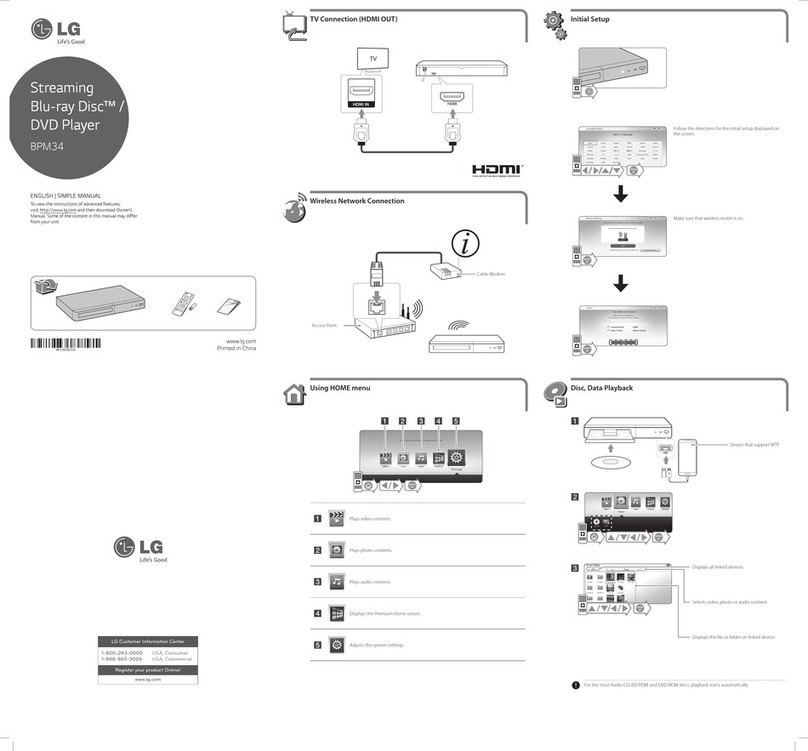
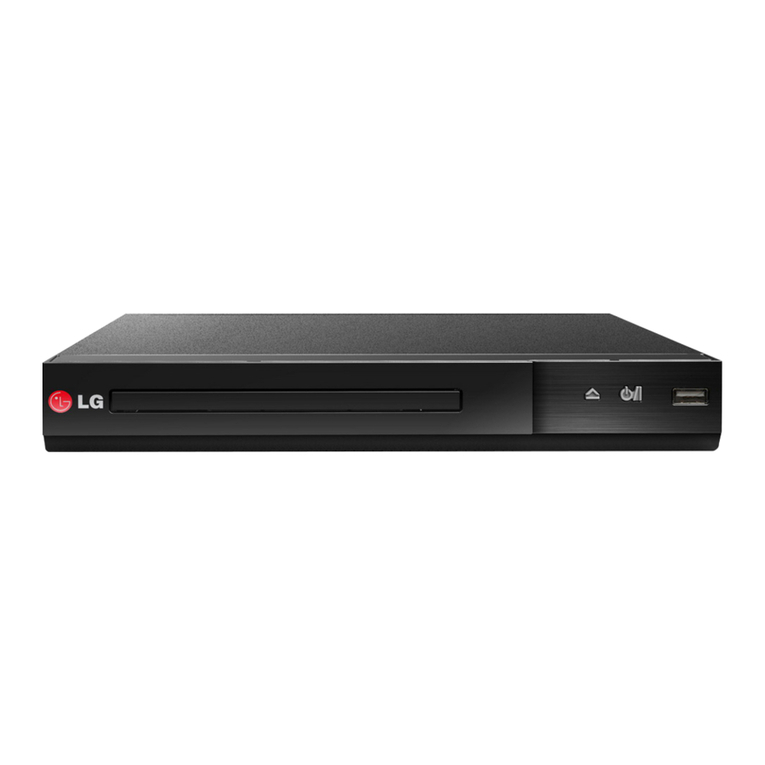
·······················Disc Tray Open / Close
······························Power On / O
USB Port ··················Connect a USB device.
DC IN 12 V 01 A ······· Connect to AC Adaptor.
LAN ·························Connect to Internet.
HDMI OUT (TO TV)················ Connect to TV.
COAXIAL OUT ··········· Connect to AV Receiver.
Front Panel Rear Panel
TV Connection
Private Sound Mode With
COAXIAL
HDMI IN
TV
bSet the input selector to HDMI on the TV.
cFollow the instructions on the TV screen using
remote control.
aConnect the HDMI jack on the player to the
HDMI jack on the TV using a HDMI cable.
After initial setup, Home menu appears on the TV
screen. Enjoy various functions on the player.
For more information, download the online owner’s
manual. http://www.lg.com
Controller App
1 Home Menu2
+
-
Download the LG AV Remote App to your device.
To enjoy online services, the player should
be connected to internet through wired or
wireless connection.
Specication
AC adapter
yModel : WA-12M12FU
yManufacturer :
Asian Power Devices Inc.
yInput : 100-120 V~,
50-60 Hz 0.5 A Max.
yOutput : 12 V 01 A
Dimensions
(W x H x D)
Approx.
270 mm x 43 mm x 195 mm
(10.62 inch x 1.69 inch x
7.68 inch)
Net Weight
(Approx.) 0.87 kg (1.92 lb)
Bus Power Supply
(USB) 5 V 0500 mA
Design and specications are subject to change
without notice.
Replacement of battery
Open source software notice
To obtain the source code under GPL, LGPL, MPL and
other open source licenses, that is contained in this
product, please visit http://opensource.lge.com.
In addition to the source code, all referred license terms,
warranty disclaimers and copyright notices are available
for download.
LG Electronics will also provide open source code to you
on CD-ROM for a charge covering the cost of performing
such distribution (such as the cost of media, shipping
and handling) upon email request to opensource@lge.
com. This oer is valid for three (3) years from the date on
which you purchased the product.
WARNING: This product contains chemicals known to the
State of California to cause cancer and birth defects or other
reproductive harm. Wash hands after handling.
FCC Compliance Statement
This device complies with part 15 of the FCC rules. Operation is
subject to the following two conditions:
(1) This device may not cause harmful interference, and
(2) This device must accept any interference received, including
interference that may cause undesired operation.
NOTE: This equipment has been tested and found to comply
with the limits for a Class B digital device, pursuant to Part
15 of the F CC Rules. These limits are designed to provide
reasonable protection against harmful interference in a
residential installation. This equipment generates, uses, and
can radiate radio frequency energy and, if not installed and
used in accordance with the instructions, may cause harmful
interference to radio communications. However, there is
no guarantee that interference will not occur in a particular
installation.
If this equipment does cause harmful interference to radio or
television reception, which can be determined by turning the
equipment off and on, the user is encouraged to try to correct the
interference by one or more of the following measures:
yReorient or relocate the receiving antenna.
yIncrease the separation between the equipment and receiver.
yConnect the equipment into an outlet on a circuit dierent from
that to which the receiver is connected.
yConsult the dealer or an experienced radio/TV technician for help.
CAUTION : Any changes or modications not expressly
approved by the party responsible for compliance could void
the user’s authority to operate this equipment.
FCC WARNING: This equipment may generate or use radio
frequency energy. changes or modications to this equipment
may cause harmful interference unless the modications
are expressly approved in the instruction manual. The user
could lose the authority to operate this equipment if an
unauthorized change or modication is made.
FCC RF Radiation Exposure Statement : This equipment
complies with FCC radiation exposure limits set forth for an
uncontrolled environment. This equipment should be installed
and operated with minimum distance 20 cm between the
radiator and your body. End users must follow the specic
operating instructions for satisfying RF exposure compliance.
This transmitter must not be co-located or operating in
conjunction with any other antenna or transmitter.
CAUTION: Regulations of the FCC and FAA prohibit airborne
operation of radio-frequency wireless devices because their signals
could interfere with critical aircraft instruments.
Responsible Party :
LG Electronics USA, Inc. 1000 Sylvan Avenue
Englewood Clis, NJ 07632
TEL. : +1-800-243-0000
Additional Information
Other manuals for BP550
6
Other LG DVD Player manuals