Using Your Zulu Headset
Turning ON and OFF
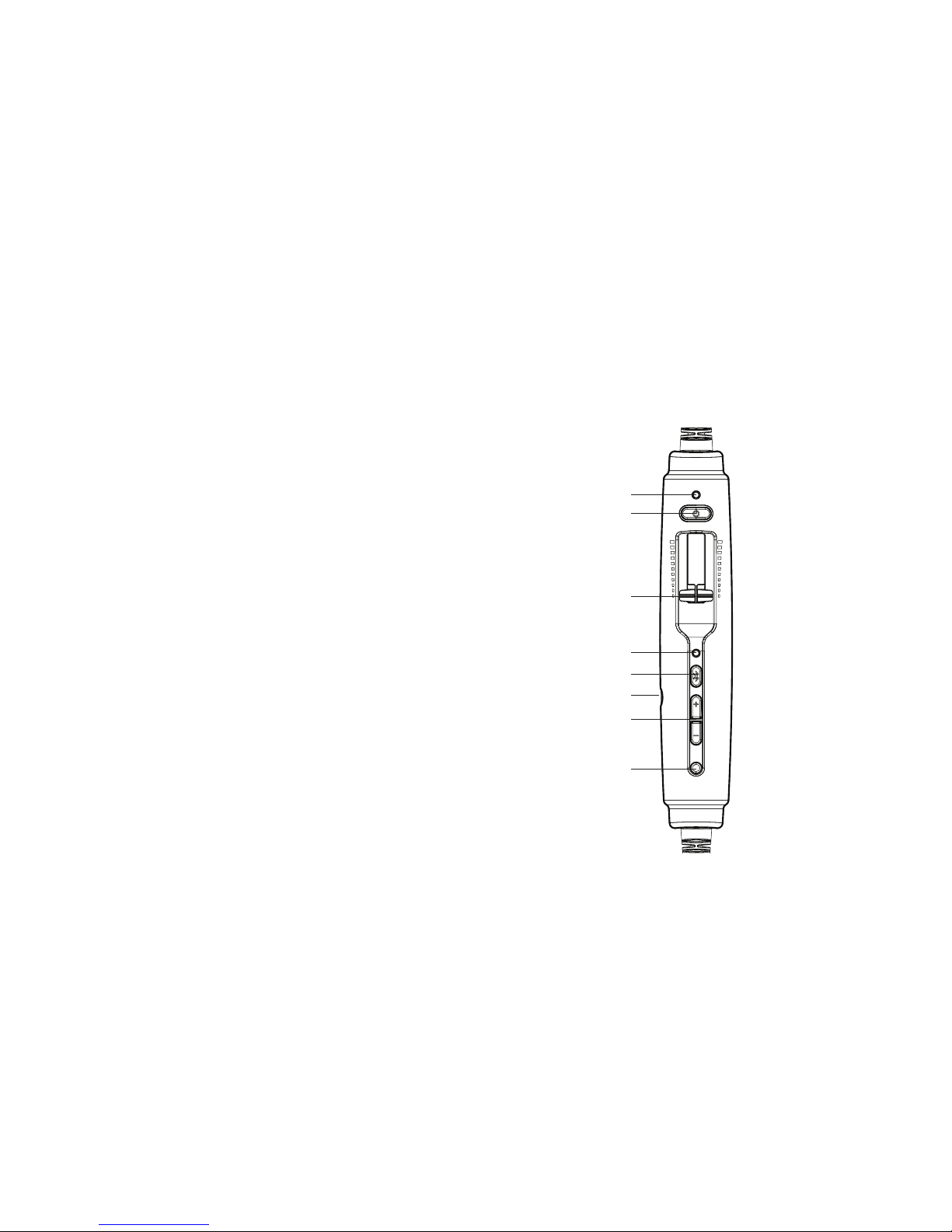
ON: Press the power button once to turn on the
headset.TheGREENpowerLEDasheswhen
power is supplied. Active Noise Reduction (ANR)
is engaged when you turn on the headset.
OFF: Press and hold the power button until the
GREENpowerLEDturnso.
Zulu will auto shut o approximately two
minutes after removing the headset and under
quiet conditions.
The power LED ashes RED when batteries are
low; see Battery Installation, on page 5.
Matching Stereo/Mono Setting to an Audio
Panel
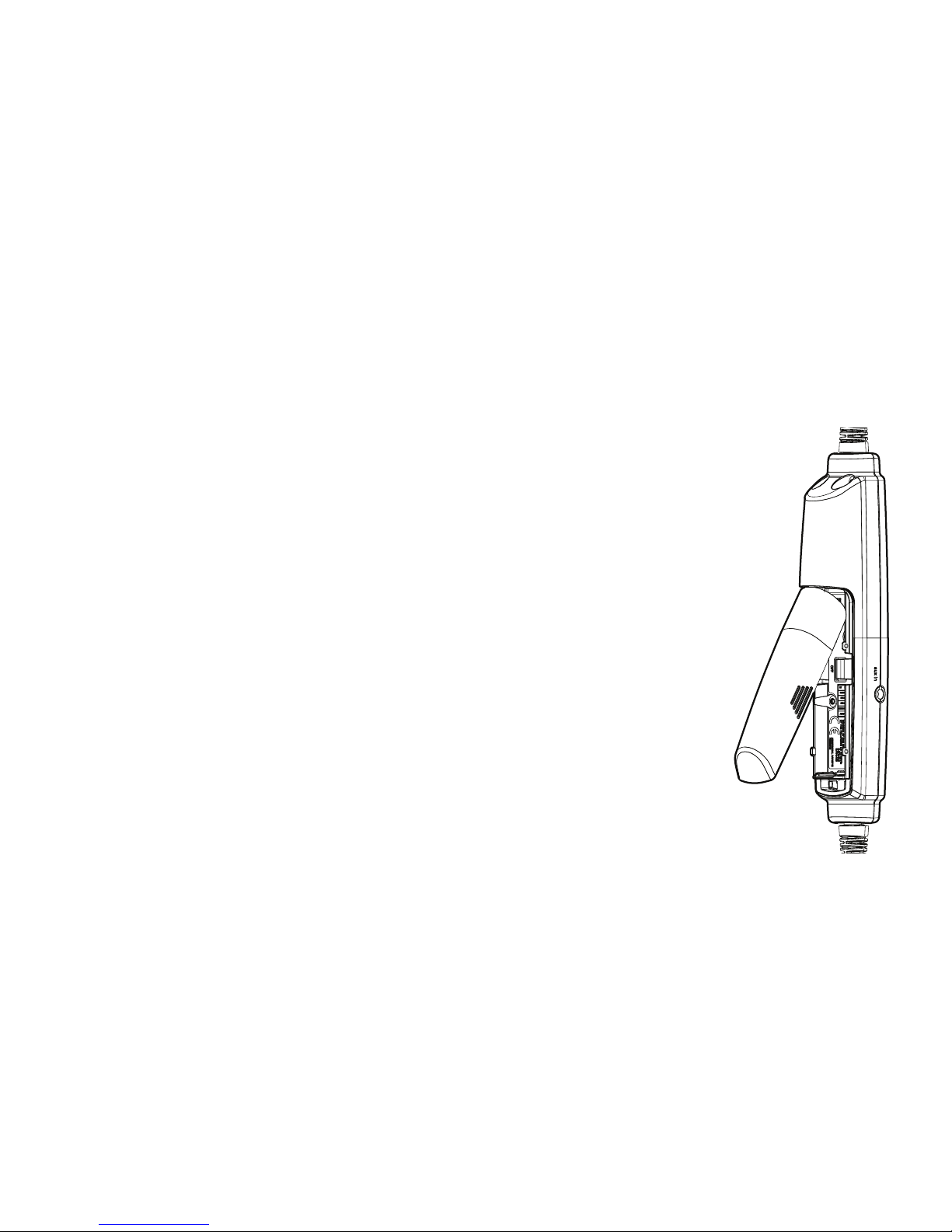
The Stereo/Mono DIP switch setting should match
the signal from your audio panel. For a stereo panel,
best performance is gained by setting the headset
for stereo. The same is also relevant to a mono
panel. Incorrect settings result in communications
being heard in only one ear. The Stereo/Mono DIP
switch does not aect auxiliary devices, so you can
enjoy auxiliary audio in stereo regardless of how the
Stereo/Mono DIP switch is set.
Front Row Center
FrontRowCenterisabuilt-infeaturethatgivesyou
atheater-likeexperience,enhancingstereosound
reproduction so that audio seems to come from all
around you, not just from your right and left.
8