Indexing is the way SYNC®
music, SYNC can play selections by track, artist, album or genre categories. SYNC automatically
indexes your music every time a media player with new music on it is connected to SYNC
of songs, indexing may take longer to complete.
Manually
on the touch screen (red area,
lower left)
touch Enter
hold one of the memory preset
buttons to save it. You will hear
a brief mute and the sound will
return when the station is saved
Automatically
on the touch screen (red area,
lower left)
have the system automatically
store the six strongest stations
in your current location
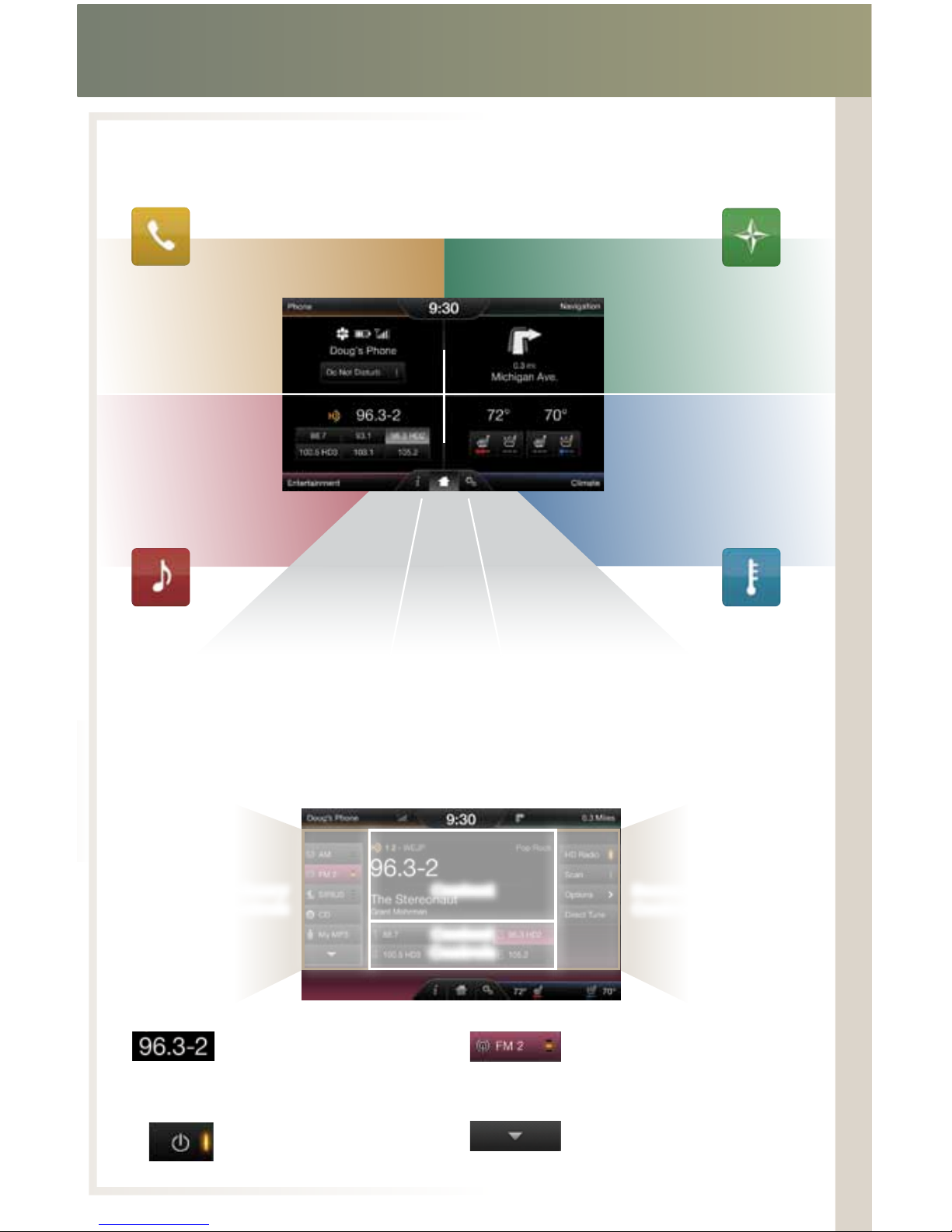
CD — select to access the CD menu to
settings, text display and compression settings
USB — select to access a music source
such as a digital media player or thumb drive
Note: If your digital music source has a name
on the screen.
Bluetooth®Streaming — select to access
audio streaming wirelessly from a paired,
Bluetooth-enabled mobile phone
SD Card — select to access media (audio/
pictures) available on an SD Card inserted
into the media hub
A/V In — select to access audio/video from
what’s plugged into the A/V jacks of the media
hub, such as a digital video camera or gaming
Gain access to any audio source by voice and even control how each operates,
like changing radio stations, CD tracks or music on your digital media player and more.
ENTERTAINMENT