manuals.online logo
Brands
  1. Home
  2. •
  3. Brands
  4. •
  5. Lindy
  6. •
  7. Storage
  8. •
  9. Lindy 21950 User manual

Lindy 21950 User manual

This manual suits for next models

2

Other Lindy Storage manuals

Lindy 20689 User manual

Lindy

Lindy 20689 User manual

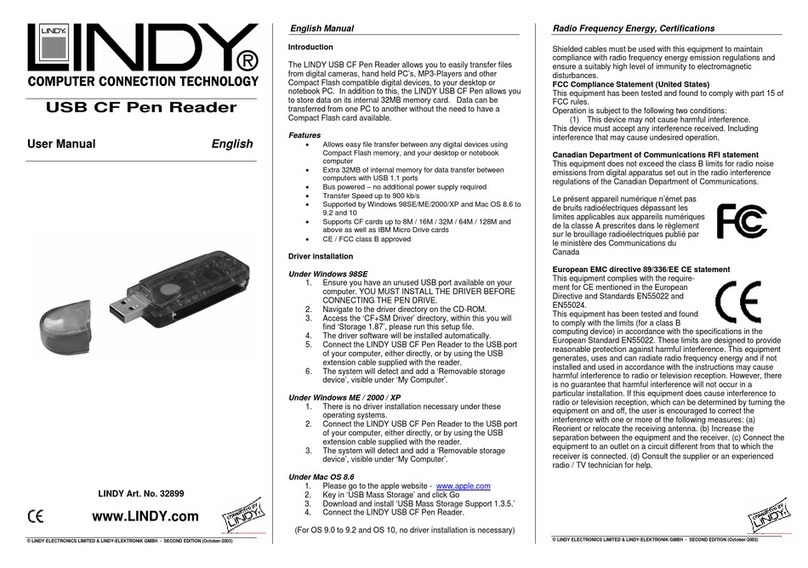
Lindy USB CF PEN READER 32899 User manual

Lindy

Lindy USB CF PEN READER 32899 User manual

Lindy Quad Drive User manual

Lindy

Lindy Quad Drive User manual

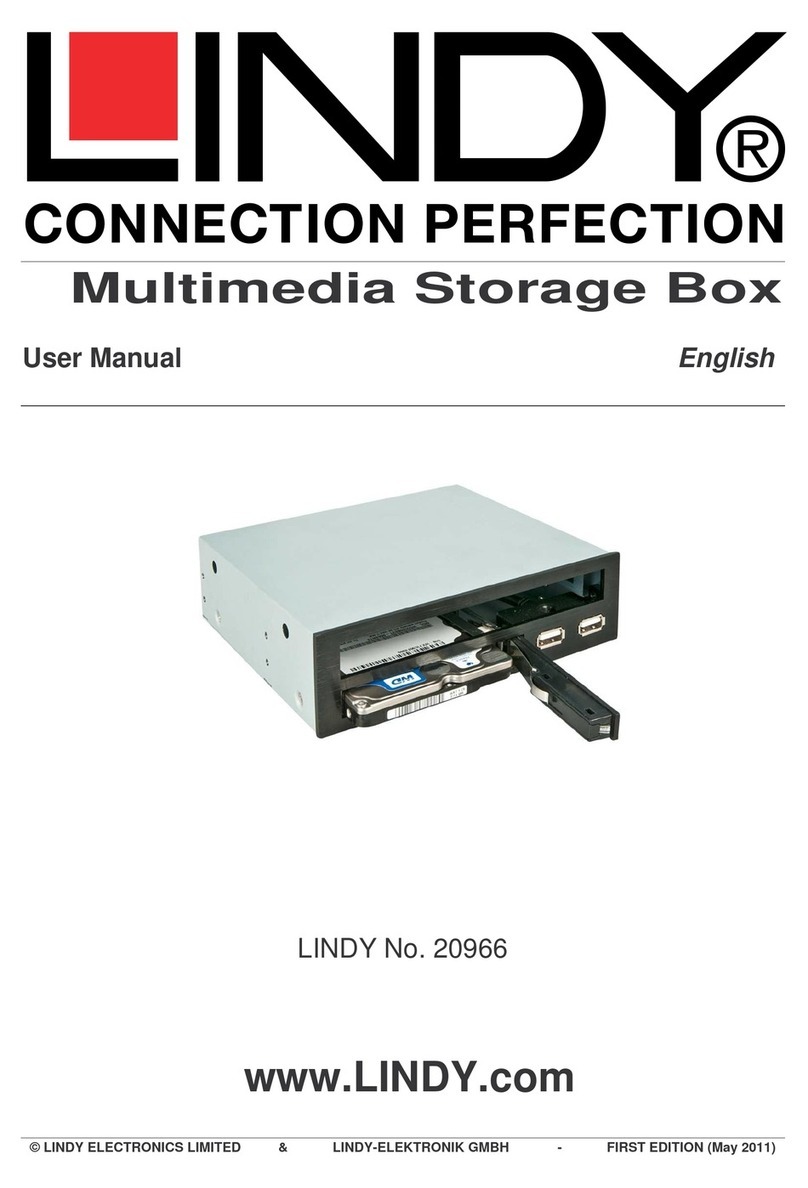
Lindy 20966 User manual

Lindy

Lindy 20966 User manual

Lindy Gigabit soho nas box User manual

Lindy

Lindy Gigabit soho nas box User manual

Popular Storage manuals by other brands

IBM 40/80 GB HH DLTVS user guide

IBM

IBM 40/80 GB HH DLTVS user guide

Synology DiskStation DS716+II Quick installation guide

Synology

Synology DiskStation DS716+II Quick installation guide

Vantec NexStar-HX4 user manual

Vantec

Vantec NexStar-HX4 user manual

LaCie Christofle Galet datasheet

LaCie

LaCie Christofle Galet datasheet

LaCie Rugged Thunderbolt user manual

LaCie

LaCie Rugged Thunderbolt user manual

OCZ IBIS datasheet

OCZ

OCZ IBIS datasheet

Transcend JetFlash 110 Brochure & specs

Transcend

Transcend JetFlash 110 Brochure & specs

QNAP TS 32PXU Series user guide

QNAP

QNAP TS 32PXU Series user guide

LaCie RUGGED RAID user manual

LaCie

LaCie RUGGED RAID user manual

Freecom CLS DOCK Quick install guide

Freecom

Freecom CLS DOCK Quick install guide

PNY Attache P-FD64MBATT3 install guide

PNY

PNY Attache P-FD64MBATT3 install guide

OWC Mercury Elite Pro Dual mini Assembly manual

OWC

OWC Mercury Elite Pro Dual mini Assembly manual

OLT 6x6 Maximizer Assembly manual

OLT

OLT 6x6 Maximizer Assembly manual

Transcend JetFlash 160 Specifications

Transcend

Transcend JetFlash 160 Specifications

Thunderbolt 600 user manual

Thunderbolt

Thunderbolt 600 user manual

Intel RAID High Availability user guide

Intel

Intel RAID High Availability user guide

LaCie 12big Thunderbolt 3 Quick install guide

LaCie

LaCie 12big Thunderbolt 3 Quick install guide

Spectra Logic T-Series Spectra T50e quick start guide

Spectra Logic

Spectra Logic T-Series Spectra T50e quick start guide

manuals.online logo
manuals.online logoBrands
  • About & Mission
  • Contact us
  • Privacy Policy
  • Terms and Conditions

Copyright 2025 Manuals.Online. All Rights Reserved.

SAS/SATA Storage System
Installation Guide English
LINDY No. 21950, 21951, 21953
www.lindy.com
© LINDY ELECTRONICS LIMITED & LINDY-ELEKTRONIK GMBH - FIRST EDITION (JULY 2009)
Overview
Direct Attached Storage (DAS) Systems like the LINDY
SAS/SATA 19” Storage Enclosures series provide the highest
performance and the easiest way to expand the storage capacity
of a server which has no remaining space for further internal
hard drives. Direct Attached Storage (DAS) does not require any
further operating systems or appliances to provide storage to a
server. Any Software can access files on this storage and there
are no restrictions such as those known for Network Attached
Storage (NAS) i.e. in connection with MS SQL databases.
The LINDY SAS/SATA Storage Systems connect to the server
via the most up to date, high bandwidth MiniSAS interface that
transmits data with the true speed of the hard disk drives without
introducing any bottlenecks. A single MiniSAS cable contains 4
channels and connects up to 4 hard disk drives. It connects
either to a SAS or SATA Multilane controller either on the
motherboard or an additional PCI/PCIe controller card installed in
the server. The controller configures the drives as a RAID array
with features depending on the properties and settings of the
controller.
The enclosures are available with either 4, 8 or 16 SAS/SATA
3.5” HDD lockable trays with corresponding 1x, 2x or 4x MiniSAS
SFF8088 interfaces. When used with SAS Expanders these
storage systems can be extended up to 80 or more hard disk
drives connected to a single controller.
The enclosures are equipped with a fan and overheating control
system. If a fan fails or if the temperature exceeds 55°C / 130°F
an acoustic alarm and front panel LED alarm will be raised to
highlight the problem. This alarm can be reset by a push button
on the front panel.
The enclosures are equipped with IPC-grade Power Supplies.
For redundant power versions please contact our support team.
Tested to Comply with FCC Standards
Assembled from FCC/UL compliant products
For Commercial Use Only!
19” 1U SAS/SATA Storage System 4 Bay, No. 21950
•19" 1U SAS/SATA backplane enclosure 4 bay
•4 x 3.5“ SAS/SATA HDD lockable tray with power and activity LED
•Interface: 1 x MiniSAS SFF8088 for 4 x SAS/SATA HDD
•1 x D9M connector for sideband function
•2 hot swap cross flow fans 7.5x7.5x2.8 cm, fixed on individual
modules with 2 knurled thumb screws each
•IPC grade Power Supply 100 - 240VAC, 50/60Hz, ~220W
•Dimensions approx. (WxDxH): 48.2 x 49 x 4.4cm
•Weight approx.: Enclosure: 7.5kg / Total (incl. pack.): 11.5kg
1: Mute Button – Reset for acoustic alarm
2: Fan Status LED: Normal – Green; Fail – Red (too slow or stopped)
3: Temperature LED: Normal – Green; Over 55°C – Red
4: HDD power LED
5: HDD Activity LED
MiniSAS SFF8088 D9 male for sideband / SGPIO
19” 2U SAS/SATA Storage System 8 Bay, No. 21951
•19" 2U SAS/SATA backplane enclosure 8 bay
•8 x 3.5“ SAS/SATA HDD lockable tray with power and activity LED
•Interface: 2 x MiniSAS SFF8088 for 8 x SAS/SATA HDD
•1 x D9M connector for sideband function
•2 hot swap fans 6x6x2.5 cm, fixed on individual modules with 2
knurled thumb screws each
•IPC grade Power Supply 100 - 240VAC, 50/60Hz, ~300W
•Dimensions approx. (WxDxH): 48.2 x 49 x 9 cm
•Weight approx.: Enclosure: 9.6kg / Total (incl. pack.): 13.6kg
1: Mute Button – Reset for acoustic alarm
2: Fan Status LED: Normal – Green; Fail – Red (too slow or stopped)
3: Temperature LED: Normal – Green; Over 55°C – Red
4: HDD power LED
5: HDD Activity LED
2 x MiniSAS SFF8088
D9 male for sideband / SGPIO
HDD 1
HDD 2
HDD 3
HDD 4
1 2 3
4
5
HDD 1
HDD
2
HDD
3
HDD
4
1 2 3
4
5
19” 3U SAS/SATA Storage System 16 Bay, No. 21953
•19" 3U SAS/SATA backplane enclosure 16 bay
•16 x 3.5“ SAS/SATA HDD lockable tray with power and activity LED
•Interface: 4 x MiniSAS SFF8088 for 16 x SAS/SATA HDD
•2 x D9M connector for sideband function
•3 hot swap fans 8x8x2.5 cm, fixed on individual modules with 2
knurled thumb screws each
•IPC grade Power Supply 100 - 240VAC, 50/60Hz, ~400W
•Dimensions approx. (WxDxH): 48.2 x50 x 13 cm
•Weight approx.: Enclosure: 13.6kg / Total (incl. pack.): 17.6kg
1: Mute Button – Reset for acoustic alarm
2: Fan Status LED: Normal – Green; Fail – Red (too slow or stopped)
3: Temperature LED: Normal – Green; Over 55°C – Red
4: HDD power LED
5: HDD Activity LED
4x MiniSAS SFF8088
2x D9 male for sideband / SGPIO
HDD 1
HDD 2
HDD 3
HDD 4
1 2 3
4
5
Package Contents
1x Enclosure with 4x/8x/16x HDD Tray
1x Power Cord
1x This Manual
1x Polybag with Hard Drive Mounting Screws
2x Key for HDD tray
D9 Male Sideband / SGPIO Remark
The D9M connector for sideband function is compliant with SGPIO signal
for enclosure management for Areca’s SAS and SATA controllers ARC-
1231ML, 1261ML and 1281ML and compatibles,
Technological Change Remark
The provided information is subject to technological development and
change. Therefore product features and design may be adapted and vary
slightly.
CE/FCC Statement
CE
This device complies with the European Regulations for Electromagnetic Compatibility
(EMC) of the European Union and it is equipped with the CE mark.
FCC
This device has been assembled from FCC and UL compliant components
It complies
with part 15 of the FCC Rules for a Class A product for Commercial Use only.
Operation is subject to the following two conditions:
1. This device may not cause harmful interference, and
2. This device must accept any interference received, including interference that may
cause undesired operation.
Recycling Information
WEEE (Waste of Electrical and Electronic Equipment),
Recycling of Electronic Products
United Kingdom
In 2006 the European Union introduced regulations (WEEE) for the collection and
recycling of all waste electrical and electronic equipment. It is no longer allowable to
simply throw away electrical and electronic equipment. Instead, these products must enter
the recycling process.
Each individual EU member state has implemented the WEEE regulations into national
law in slightly different ways. Please follow your national law when you want to dispose of
any electrical or electronic products.
More details can be obtained from your national WEEE recycling agency.
Germany
Die Europäische Union hat mit der WEEE Direktive umfassende Regelungen für die
Verschrottung und das Recycling von Elektro- und Elektronikprodukten geschaffen. Diese
wurden im Elektro- und Elektronikgerätegesetz – ElektroG in deutsches Recht umgesetzt.
Dieses Gesetz verbietet das Entsorgen von entsprechenden, auch alten, Elektro- und
Elektronikgeräten über die Hausmülltonne!
Dies ist ein B2B Gerät welches nicht den lokalen Sammelsystemen bzw. örtlichen
Sammelstellen zugeführt werden darf! Es muss auf eigene Kosten fachgerecht
recycelt oder an den Hersteller LINDY zurückgegeben werden.
France
En 2006, l'union Européenne a introduit la nouvelle réglementation (DEEE) pour le
recyclage de tout équipement électrique et électronique.
Chaque Etat membre de l’Union Européenne a mis en application la nouvelle
réglementation DEEE de manières légèrement différentes. Veuillez suivre le décret
d’application correspondant à l’élimination des déchets électriques ou électroniques de
votre pays.
Italy
Nel 2006 l’unione europea ha introdotto regolamentazioni (WEEE) per la raccolta e il
riciclo di apparecchi elettrici ed elettronici. Non è più consentito semplicemente gettare
queste apparecchiature, devono essere riciclate.
Ogni stato membro dell’ EU ha tramutato le direttive WEEE in leggi statali in varie misure.
Fare riferimento alle leggi del proprio Stato quando si dispone di un apparecchio elettrico
o elettronico.
Per ulteriori dettagli fare riferimento alla direttiva WEEE sul riciclaggio del proprio Stato.
LINDY No. 21950, 21951, 21953
www.lindy.com
1
st
Edition July 2009