USB CF Pen Reader
User Manual English
LINDY Art. No. 32899
www.LINDY.com
© LINDY ELECTRONICS LIMITED & LINDY-ELEKTRONIK GMBH - SECOND EDITION (October-2003)
English Manual
Radio Frequency Energy, Certifications
Shielded cables must be used with this equipment to maintain
compliance with radio frequency energy emission regulations and
ensure a suitably high level of immunity to electromagnetic
disturbances.
FCC Compliance Statement (United States)
This equipment has been tested and found to comply with part 15 of
FCC rules.
Operation is subject to the following two conditions:
(1) This device may not cause harmful interference.
This device must accept any interference received. Including
interference that may cause undesired operation.
Canadian Department of Communications RFI statement
This equipment does not exceed the class B limits for radio noise
emissions from digital apparatus set out in the radio interference
regulations of the Canadian Department of Communications.
Le présent appareil numérique n’émet pas
de bruits radioélectriques dépassant les
limites applicables aux appareils numériques
de la classe A prescrites dans le règlement
sur le brouillage radioélectriques publié par
le ministère des Communications du
Canada
European EMC directive 89/336/EE CE statement
This equipment complies with the require-
ment for CE mentioned in the European
Directive and Standards EN55022 and
EN55024.
This equipment has been tested and found
to comply with the limits (for a class B
computing device) in accordance with the specifications in the
European Standard EN55022. These limits are designed to provide
reasonable protection against harmful interference. This equipment
generates, uses and can radiate radio frequency energy and if not
installed and used in accordance with the instructions may cause
harmful interference to radio or television reception. However, there
is no guarantee that harmful interference will not occur in a
particular installation. If this equipment does cause interference to
radio or television reception, which can be determined by turning the
equipment on and off, the user is encouraged to correct the
interference with one or more of the following measures: (a)
Reorient or relocate the receiving antenna. (b) Increase the
separation between the equipment and the receiver. (c) Connect the
equipment to an outlet on a circuit different from that to which the
receiver is connected. (d) Consult the supplier or an experienced
radio / TV technician for help.
© LINDY ELECTRONICS LIMITED & LINDY-ELEKTRONIK GMBH - SECOND EDITION (October-2003)
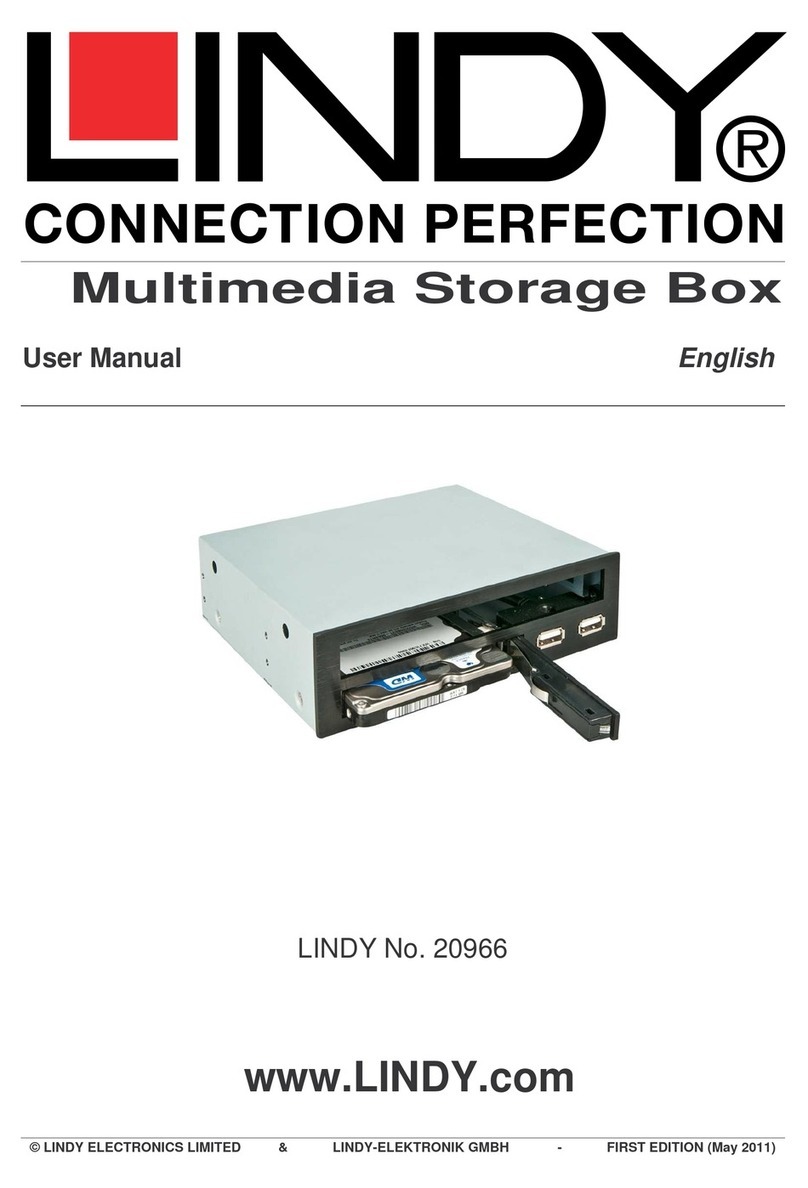
The LINDY USB CF Pen Reader allows you to easily transfer files
from digital cameras, hand held PC’s, MP3-Players and other
Compact Flash compatible digital devices, to your desktop or
notebook PC. In addition to this, the LINDY USB CF Pen allows you
to store data on its internal 32MB memory card. Data can be
transferred from one PC to another without the need to have a
Compact Flash card available.
Features
Allows easy file transfer between any digital devices using
Compact Flash memory, and your desktop or notebook
computer
Extra 32MB of internal memory for data transfer between
computers with USB 1.1 ports
Bus powered – no additional power supply required
Transfer Speed up to 900 kb/s
Supported by Windows 98SE/ME/2000/XP andMac OS 8.6 to
9.2 and 10
Supports CF cards up to 8M / 16M / 32M / 64M / 128M and
above as well as IBM Micro Drive cards
CE / FCC class B approved
Driver installation
Under Windows 98SE
1. Ensure you have an unused USB port available on your
computer. YOU MUST INSTALL THE DRIVER BEFORE
CONNECTING THE PEN DRIVE.
2. Navigate to the driver directory on the CD-ROM.
3. Access the ‘CF+SM Driver’ directory, within this you will
find ‘Storage 1.87’, please run this setup file.
4. The driver software will be installed automatically.
5. Connect the LINDY USB CF Pen Reader to the USB port
of your computer, either directly, or by using the USB
extension cable supplied with the reader.
6. The system will detect and add a ‘Removable storage
device’, visible under ‘My Computer’.
Under Windows ME / 2000 / XP
1. There is no driver installation necessary under these
operating systems.
2. Connect the LINDY USB CF Pen Reader to the USB port
of your computer, either directly, or by using the USB
extension cable supplied with the reader.
3. The system will detect and add a ‘Removable storage
device’, visible under ‘My Computer’.
Under Mac OS 8.6
1. Please go to the apple website - www.apple.com
2. Key in ‘USB Mass Storage’ and click Go
3. Download and install ‘USB Mass Storage Support 1.3.5.’
4. Connect the LINDY USB CF Pen Reader.
(For OS 9.0 to 9.2 and OS 10, no driver installation is necessary)