manuals.online logo
Brands
  1. Home
  2. •
  3. Brands
  4. •
  5. Littfinski Daten Technik
  6. •
  7. Power Supply
  8. •
  9. Littfinski Daten Technik SNG-10 User manual

Littfinski Daten Technik SNG-10 User manual

Popular Power Supply manuals by other brands

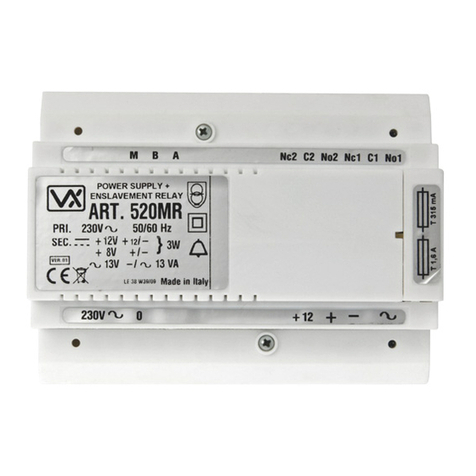
Videx 520MR Installation instruction

Videx

Videx 520MR Installation instruction

Poppstar 1008821 Instructions for use

Poppstar

Poppstar 1008821 Instructions for use

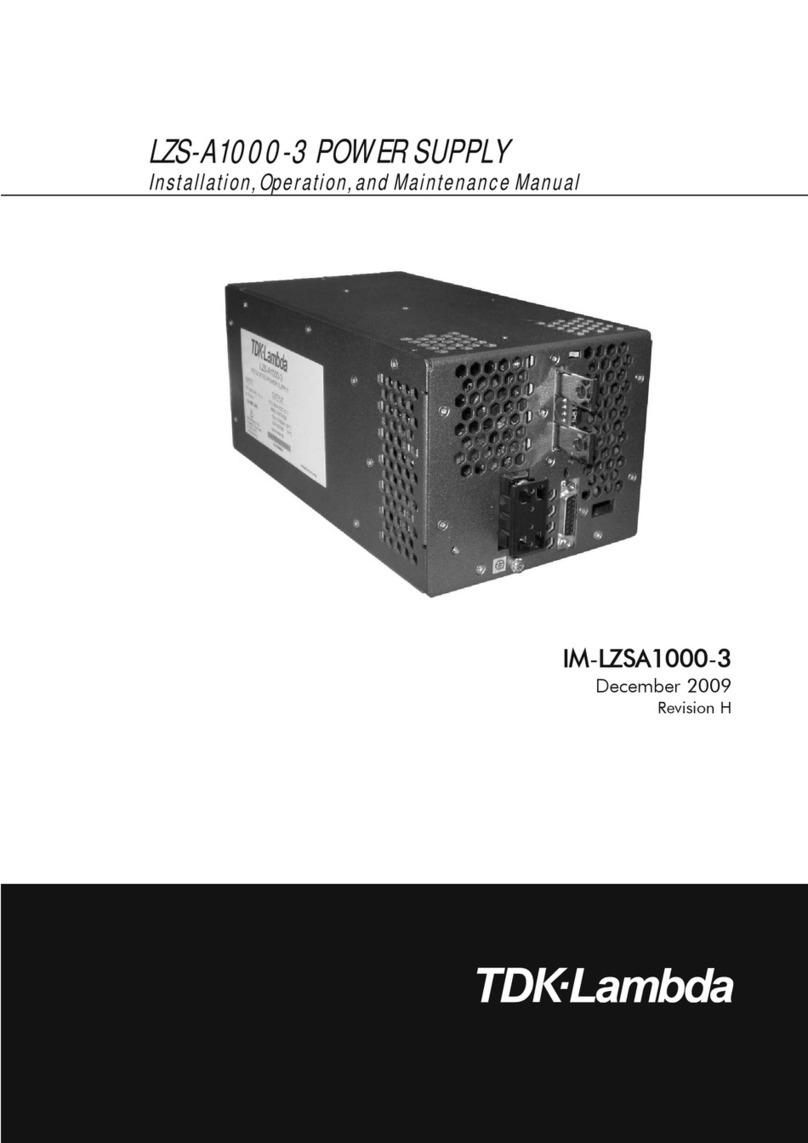
TDK-Lambda LZS-A1000-3 Installation, operation and maintenance manual

TDK-Lambda

TDK-Lambda LZS-A1000-3 Installation, operation and maintenance manual

TDK-Lambda 500A instruction manual

TDK-Lambda

TDK-Lambda 500A instruction manual

Calira EVS 17/07-DS/IU operating instructions

Calira

Calira EVS 17/07-DS/IU operating instructions

Monacor PS-12CCD instruction manual

Monacor

Monacor PS-12CCD instruction manual

VOLTIMA MagicBox 15 Installation and operating instructions

VOLTIMA

VOLTIMA MagicBox 15 Installation and operating instructions

Miller Auto Deltaweld 452 owner's manual

Miller

Miller Auto Deltaweld 452 owner's manual

BCP PUOUBK How to install

BCP

BCP PUOUBK How to install

HC 2210 manual

HC

HC 2210 manual

Agilent Technologies 6032A Service manual

Agilent Technologies

Agilent Technologies 6032A Service manual

Radial Engineering SB-48UB user guide

Radial Engineering

Radial Engineering SB-48UB user guide

Puls CT5.241 installation manual

Puls

Puls CT5.241 installation manual

OCZ ZX1250W Technical specifications

OCZ

OCZ ZX1250W Technical specifications

iseg ECH 238 manual

iseg

iseg ECH 238 manual

Agilent Technologies 6631B Service manual

Agilent Technologies

Agilent Technologies 6631B Service manual

Power XXL A Series instruction manual

Power

Power XXL A Series instruction manual

HP 6200B Operating and service manual

HP

HP 6200B Operating and service manual

manuals.online logo
manuals.online logoBrands
  • About & Mission
  • Contact us
  • Privacy Policy
  • Terms and Conditions

Copyright 2025 Manuals.Online. All Rights Reserved.

L
ittfinski
D
aten
T
echnik (
LDT
)
Operating Instruction
Components for the Transponder Technology (RFID)
Plug-In Power Supply Device
SNG-10
for Transponder-Readers COL-10
SNG-10
Part-No.:
000127
>> finished module <<
By supplying the Transponder-Reader COL-10
with a direct current of the Plug-In Power Supply
Device SNG-10 the reading distance will enlarge
by up to 50%.
It is possible to supply up to 10 Transponder-
Readers COL-10 with one Plug-In Power Supply
Device SNG-10.
This product is not a toy! Not suitable for children under 14 years of age!
The kit contains small parts, which should be kept away from children under 3!
Improper use will imply danger of injuring due to sharp edges and tips! Please store
this instruction carefully.
Introduction / Safety instruction:
You have purchased the Plug-In Power Supply Device SNG-
10 for the supply of Transponder-Readers COL-10 for your
transponder system. The SNG-10 is a high quality product that is
supplied within the assortment of Littfinski DatenTechnik (LDT).
We are wishing you having a good time using this product!
•Please read the following instructions carefully. Warranty will
expire due to damages caused by disregarding the operating
instructions. LDT will not be liable for any consequential
damages caused by improper use or installation.
•We designed our devices for indoor use only.
The Plug-In Power Supply Device SNG-10 comes with
24 month warranty.
Preparing the Plug-In Power Supply Device
SNG-10 for the connection to the
Transponder-Readers:
•Attention: Before starting any installation take care that all
components are voltage free. The Plug-In Power Supply
Device SNG-10 has to be separated from the main power
supply during installation-work.
At first cut off the low voltage socket at the end of the supply
cable by using a side cutter.
One of the two wires will be completely black. This will be the
negative wire of the plug-in device. The second wire has been
marked with a white stripe. This will be the positive
connection.
Connecting the Plug-In Power Supply Device
SNG-10 to the Transponder-Readers COL-
10:
Connect the negative wire (complete black wire) to the
connection “brown” of the clamp KL2 of the Transponder-
Readers COL-10.
The wire marked with the white stripe (positive polarity) has to
be connected to the port “yellow” of the clamp KL2.
The drafts at the rear side of this instruction are showing the
correct wiring.
On our web-site (www.ldt-infocenter.com) you can find
colored wiring-samples on the page "Downloads" and
"Sample Connections" for downloading.
Attention: During switching-on the transponder reading
system is it important that the Transponder-Readers COL-10
have to get the power supply simultaneously (e.g. by a power
distributor) or even better before the Interface TD-88 or the
INTER-10.
+
-
Steckernetzgerät SNG-10
zur Versorgung von maximal 10
Transponder-Lesegeräten C L-10
Littfinski DatenTechnik (LDT)
www.ldt-infocenter.com

Picture 1: Up to 31 transponder-reader devices can be connected to an s88-Interface TD-88. Each Plug-In Power Supply Device SNG-
10 can supply up to 10 Transponder-Readers COL-10.
Picture 2: Up to 99 transponder-reader devices can be connected to the PC-Interface INTER-10. Each Plug-In Power Supply Device
SNG-10 can supply 10 Transponder-Readers COL-10.
Made in Europe by
Littfinski DatenTechnik (LDT)
Bühler electronic GmbH
Ulmenstraße 43
15370 Fredersdorf / Germany
Phone: +49 (0) 33439 / 867-0
Internet: www.ldt-infocenter.com
Subject to technical changes and errors. 09/2022 by LDT
1231
RS485
USB
OUT
IN
+
-
IN
OUT
LED1
Fürbis zu 31
Transponder-
Lesegeräte
COL-10
rosapink
gelb yello
gruengre
braunbro
weiss whi
grau gray
ST1 ST2
A B
KL1
+
Littfinski DatenTechnik (LDT)
Interface s88
TD-88
Rev2.3
Interface s88
TD-88
Rev2.3
Für biszu 31
Transponder-
Lesegeräte
COL-10
Für bis zu 31 Transponder-Lesegeräte COL-10.
For up to 31 transponder-reader COL-10.
Interface s88
TD-88
Littfinski DatenTechnik (LDT)
www.ldt-infocenter.com
Digital-Profi werden!
DiCoStation
Rev. 1.0
RIGHT MIDDLE LEFT
s88 Rückmeldebus
s88 feedback bus
ST5 ST4 ST3
Softwareby
Falkner
everytime up-to-dat e
14..18V~
br. gelb
Littfinski DatenTechnik (LDT)
USB
ST1
LED1 LED2
STOPGO
++
ST6 EXT-PORT
BOOSTER
ST2
Schnelles Co puter-Interface für den s88 Rück-
eldebus. Er öglicht drei s88 Rück eldestränge.
High Speed Interface-88
HSI-88-USB
Digital-Profi werden!
Littfinski DatenTechnik (LDT)
www.ldt-infocenter.com
Littfinski DatenTechnik (LDT)
A B
Antenna
Antenne
GND A/E
braun
brown
KL1 KL2
gelb
yellow
KL3 KL4
Transponder Reader
Transponder Lesegerät
13...18V
LED1
+