MANUEL D’INSTALLATON RAPIDE
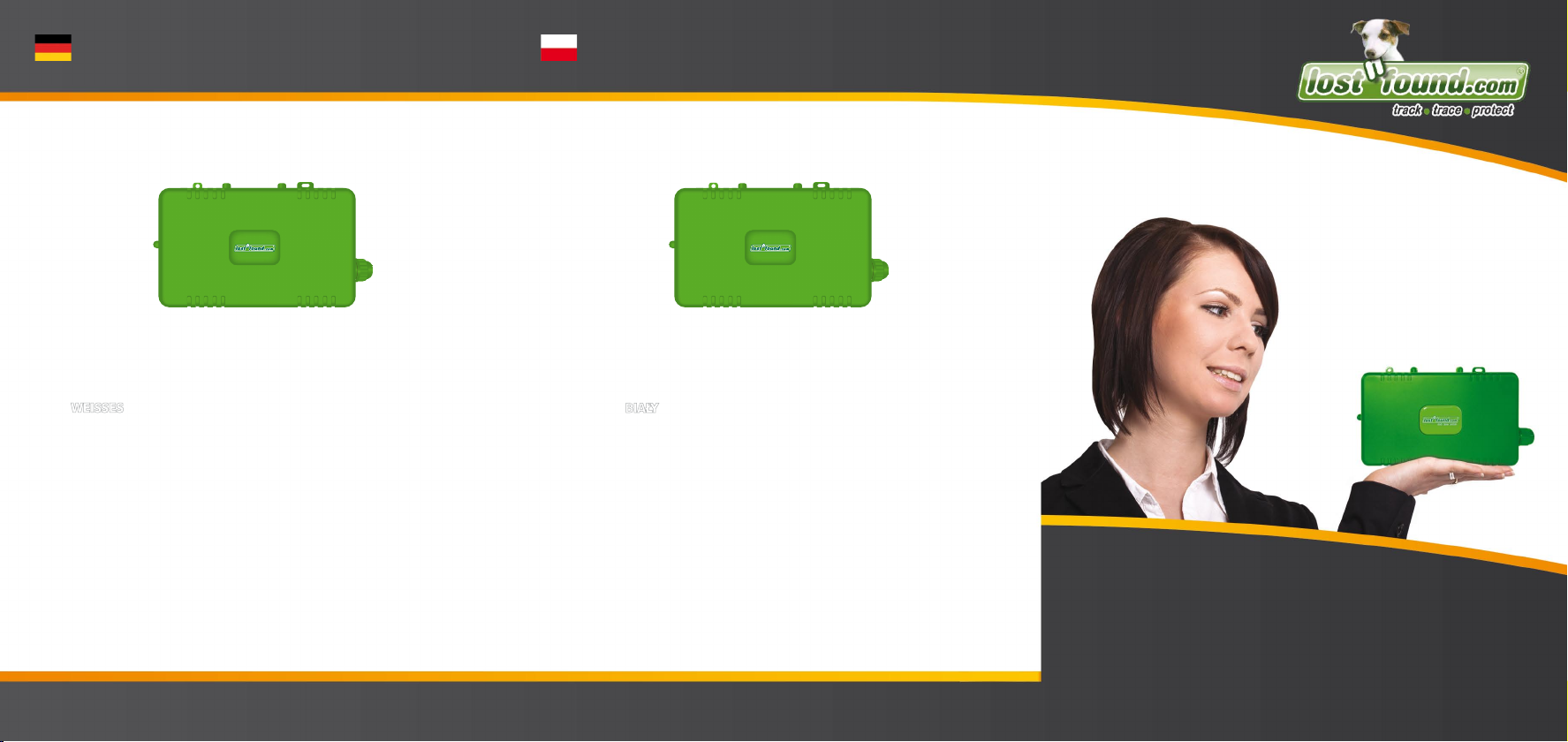
Le terminal LOSTnFOUND® OPACUS
Nous vous remercions d‘avoir retenu la solution LOSTnFOUND® OPACUS. Veuillez con-
sulter le guide d‘installation rapide afin que l‘installation du terminal OPACUS dans votre
véhicule se déroule sans difficultés.
Les composants suivants sont indispensables à l‘installation
Processus d‘installation
1. Le moteur et l‘allumage de la voiture concernée sont hors service.
2. Branchez le câble de réseau avec support de sécurité au terminal OPACUS.
Connectez alors les fils dans l‘ordre suivant:
a) Connectez le fil ROUGE au POLE POSITIF de la batterie de démarrage
b) Connectez le fil NOIR au POLE NEGATIF de la batterie de démarrage
c) Connectez le fil à l‘ALLUMAGE
d) Les autres fils peuvent être employés selon les besoins pour la surveillance
(input) ou la commande (output) d‘autres appareils. Veuillez consulter le tableau
de bord des connexions sur le site www.lostnfound.com.
3. Installez l‘antenne GPS à un endroit qui permet la réception sans perturbations.
4. Dès que l‘appareil est alimenté en courant ou bien avec la batterie présentant une
charge suffisante, l‘appareil commencera l‘émission en fonction des paramètres réglés.
Si la plate-forme électronique ne contient pas de données suite à l‘installation, il faut
éventuellement d‘abord bouger l‘appareil pendant quelque temps ou bien contrôler
l‘adéquation du site du véhicule. Si le véhicule se trouve dans un parking souterrain p.
ex., la réception du signal GPS ou GSM peut être perturbée.
Avez-vous des questions au sujet de l‘installation du terminal OPACUS ou d‘autres
questions techniques? Adressez alors un message à support@lostnfound.com.
QUICK START GUIDE
LOSTnFOUND® OPACUS terminal device
Thank you for deciding to use the LOSTnFOUND® OPACUS solution. In order to successful
install the OPACUS terminal in your vehicle, we ask that you observe the following short
installation instructions.
The following components are required for installation
Installation
1. Switch off the engine and ignition of the vehicle in which you are installing the device.
2. Connect the power cord to the fuse holder on the OPACUS device and then connect
the wires as follows:
a) connect the RED wire to the POSITIVE POLE of the starter battery
b) connect the BLACK wire to the NEGATIVE POLE of the starter battery
c) connect the wire to the ignition
d) If desired, the remaining wires can be used for monitoring (input) or controlling
(output) other devices. When doing so, please review the summary table for
connections that is provided at www.lostnfound.com.
3. Place the GPS antenna somewhere where it can get good reception.
4. As soon as the device is supplied with power or the built-in battery has sufficiently
charged, the device begins to transmit according to the settings.
In the event that no information appears on the web platform after installation, the device
may first need to be moved for a certain period of time or you must verify the location of
the vehicle: for example, if the vehicle is located in an underground parking garage, it may
be that GPS or GSM reception is not possible.
For questions about the installation of your OPACUS terminal device or any other technical
inquiries, please contact us at support@lostnfound.com.
The LOSTnFOUND Team
Votre équipe LOSTnFOUND
GUIDA RAPIDA
Terminale LOSTnFOUND® OPACUS
Vi ringrazio per la vostra decisione di utilizzare la soluzione LOSTnFOUND OPACUS ®.
Per poter installare correttamente il terminale OPACUS nel vostro veicolo, attenersi alla
seguente guida rapida per l‘installazione.
I seguenti componenti sono necessari per l‘installazione
Procedura d‘installazione
1. Motore e accensione spenti sul veicolo dove si desidera installare il terminale.
2. Collegare il cavo di rete con porta-fusibile al terminale OPACUS e poi collegare
i fili come segue:
a) collegare il cavo ROSSO al polo positivo della batteria di avviamento
b) collegare il cavo NERO al polo negativo della batteria di avviamento
c) collegare il cavo all‘ACCENSIONE
d) i cavi rimanenti si possono utilizzare, se necessario, per il monitoraggio (input)
o per controllare altri dispositivi (output). Seguire la tabella riassuntiva delle
connessioni sul sito web all‘indirizzo www.lostnfound.com.
3. Posizionare l‘antenna GPS in un luogo dove c‘è una buona ricezione.
4. Non appena l‘unità viene alimentata o la batteria integrata è sufficientemente
carica, il dispositivo inizia a trasmettere le impostazioni.
Se al termine dell‘installazione non sono visibili i dati sulla piattaforma, si dovrà innanzi
tutto spostare il dispositivo per un certo periodo di tempo o avrete bisogno di controlla-
re dove si trova il veicolo: ad esempio se Il veicolo si trova in un parcheggio sotterraneo,
potrà non essere possibile ricevere il segnale GPS o GSM.
Se avete delle domande sull‘installazione del terminale OPACUS o riguardo ad altri
aspetti tecnici, potete contattarci all‘indirizzo support@lostnfound.com.
Il team LOSTnFOUND