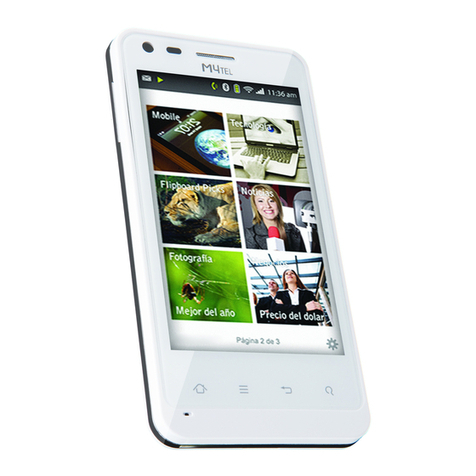
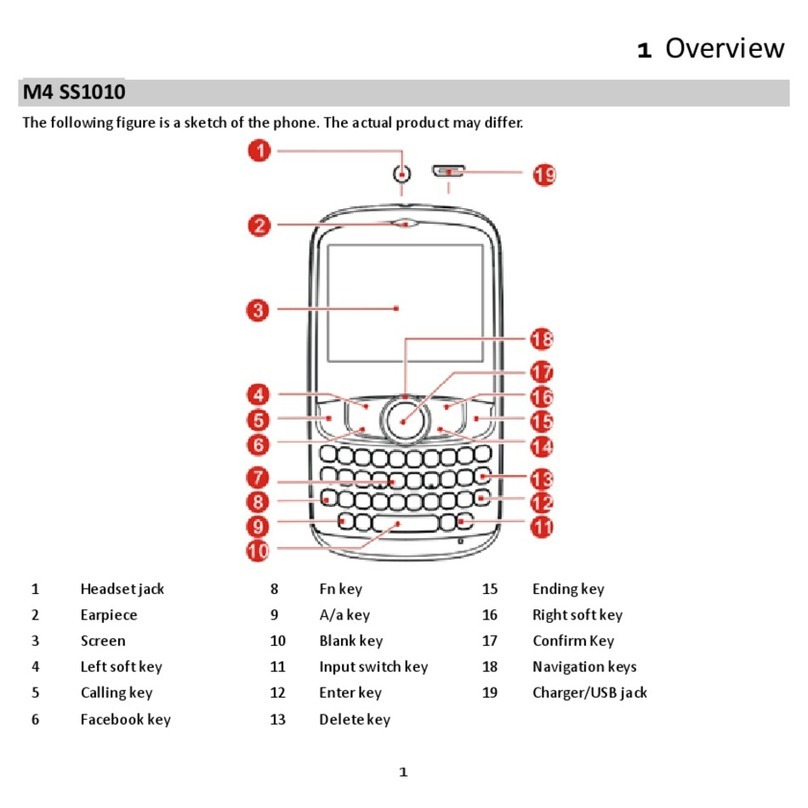
Buttons
Power key ( ): To reboot or power off M4tel SS330,
press and hold power key for a few seconds, then tap
the options to confirm. When M4tel SS330 is on, press
the power key once to activate or deactivate the
screen. Press the key to end a call.
Dial key ( ): Press dial key to make a call or answer
an incoming call. In standby mode, open dial pad
screen.
Navigation keys ( ): Press to select an item.
Ok Key ( ): Press to confirm the selection.
Home key ( ): Touch the key to return to the home
screen. In idle screen, touch and hold the key to view
recently accessed features.
Menu key ( ):In standby mode, touch the key to
set wallpaper, view settings, manage apps, view
notifications, add shortcuts, widgets, folders &
wallpapers to the desktop. Touch it to view menu
options.
Back key ( ): Touch to go back to the previous
menu.